
Most people get annoyed when an app promises smart answers but ends up buried under settings and vague responses. AI Chat: Ask AI Chat Anything tries to cut through that noise by delivering a straightforward conversational assistant that handles text and images, supports many languages, and can be used for everyday tasks as well as creative work. This overview explains where the app fits, what it can actually do, and how to get the most value from it whether you need a quick translation, help with a tricky problem, or a draft for a message.
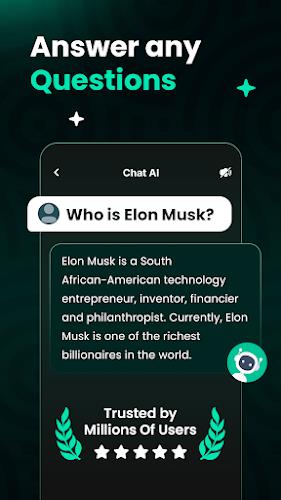
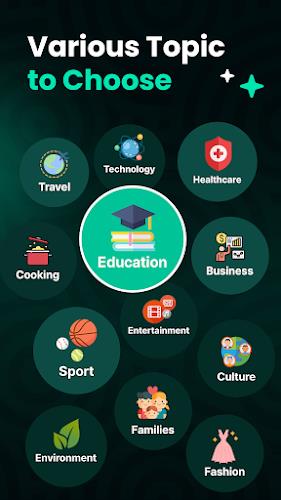
General Q&A: AI Chat: Ask AI Chat Anything acts as a general knowledge assistant for short factual questions, quick explanations, and step-by-step guidance on routine tasks.
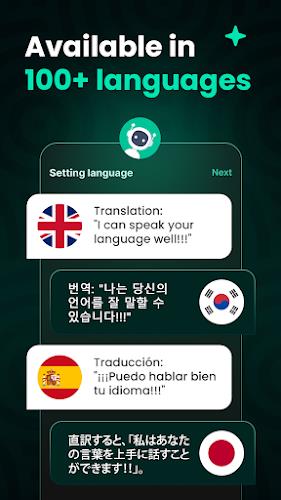
Language and Translation: The app is positioned as a practical tool for practicing phrases, translating snippets of text, and comparing wording across different languages to refine tone.
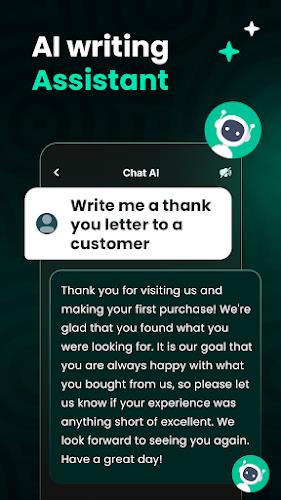
Content Creation: Use it for creative projects like brainstorming story ideas, drafting lyrics, writing short scripts, or producing draft emails and social posts.
Fast text responses: The core experience centers on rapid replies to natural-language prompts, so you can get concise answers or longer explanations depending on what you ask.
Multi-language support: AI Chat: Ask AI Chat Anything supports a wide range of languages, letting you interact in the language you prefer and receive output without the extra step of manual translation.
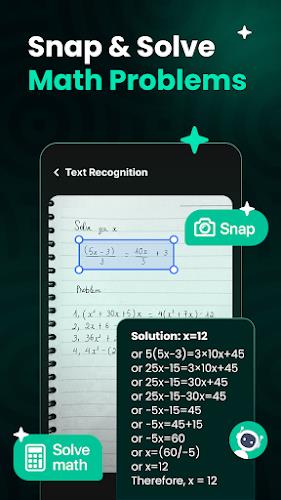
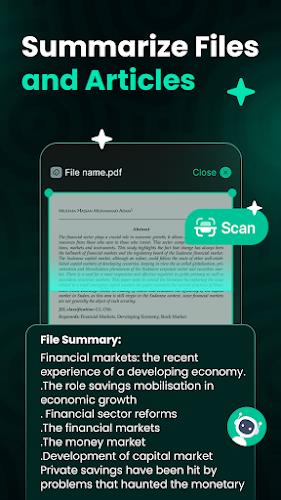
Image recognition and OCR: You can upload photos or screenshots and have the app extract readable text, summarize the content, or describe what appears in the image — useful for digitizing notes or turning a photographed page into editable text.
Task and code assistance: Beyond casual questions, the app can help outline programming ideas, explain debugging concepts, or lay out workflows for simple projects and reports.
Be specific in prompts: Short, clear questions get the best replies. If you need a step-by-step solution, ask for numbered steps or for an explanation aimed at a particular skill level.
Use images strategically: Photos of handwritten notes, whiteboard snapshots, or printed diagrams can be fed into AI Chat: Ask AI Chat Anything to extract text and turn messy notes into a cleaner summary or set of tasks.
Practical scenarios: Try the app to generate a polite reply to an email while you finish another task, or ask it to suggest meal ideas based on a list of ingredients you have on hand. Another handy use is snapping a photo of meeting notes and asking the app to create a short action-item list.
Can the app read text from photos?
Yes. AI Chat: Ask AI Chat Anything includes OCR-style functionality so it can recognize printed or legible handwritten text and convert it into editable content or summaries.
How many languages does it support?
The app supports a large number of languages, allowing you to ask questions and receive answers directly in the language you choose. Exact language availability can vary with updates.
Is it reliable for study or work tasks?
It is a useful assistant for drafting ideas, explaining concepts, and breaking down problems, but you should verify any critical facts or calculations before relying on them for professional or academic submissions.
AI Chat: Ask AI Chat Anything is a flexible assistant for everyday information, creative drafting, and practical workflows; give it a try to see how it streamlines small tasks and helps you explore ideas. Download and test a few real prompts to judge its fit with your routine, then use it as a quick reference, a writing partner, or a way to turn photos and scattered notes into useful results.