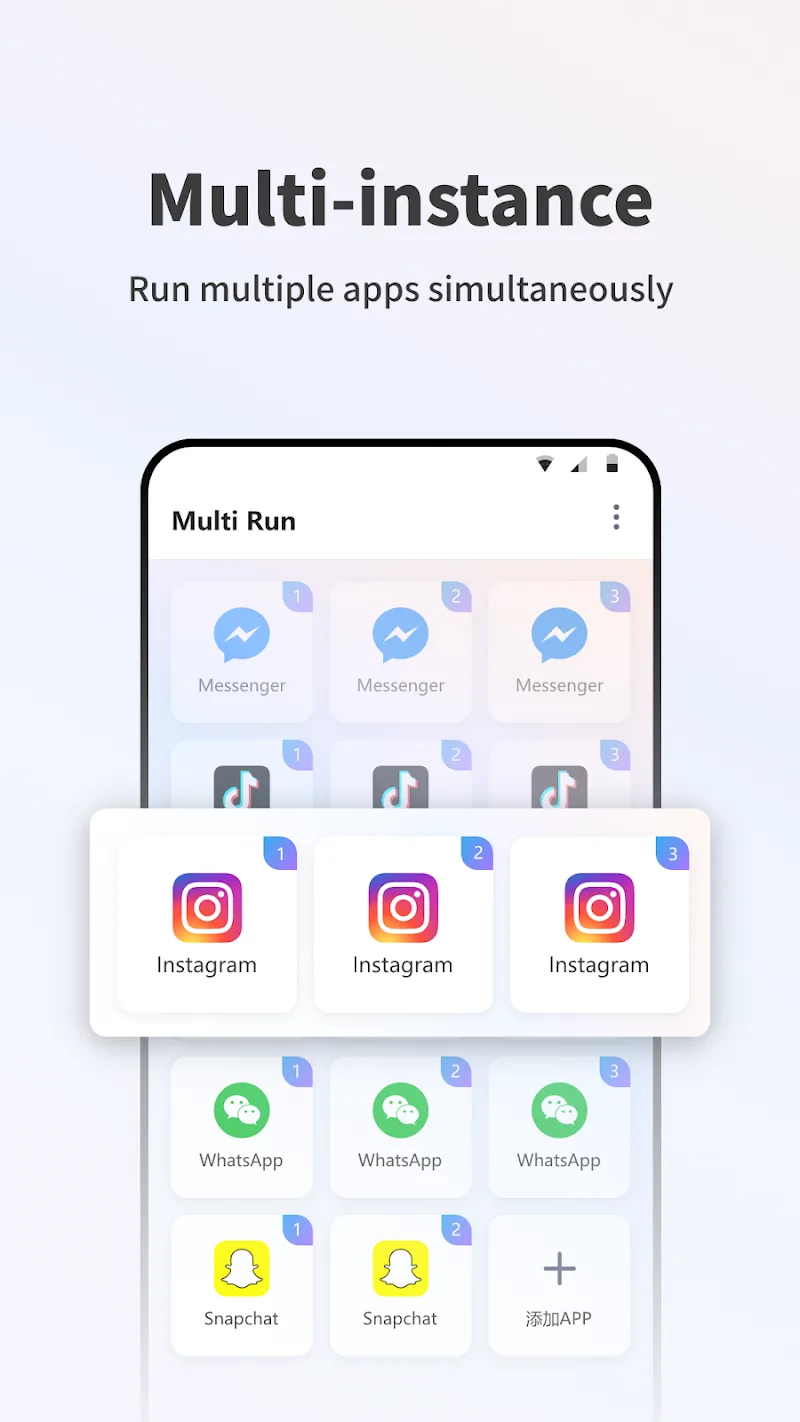
?Ever wish you could flip between work and personal profiles without logging out every time? Multi Run answers that need by letting you clone apps and run multiple instances concurrently, keeping accounts, data and notifications separate. If your day mixes social messaging, business tools and mobile games, Multi Run creates distinct app spaces so you can manage everything on a single device. This review walks through what makes the tool handy, how it behaves in real use, and whether it fits your multitasking routine.
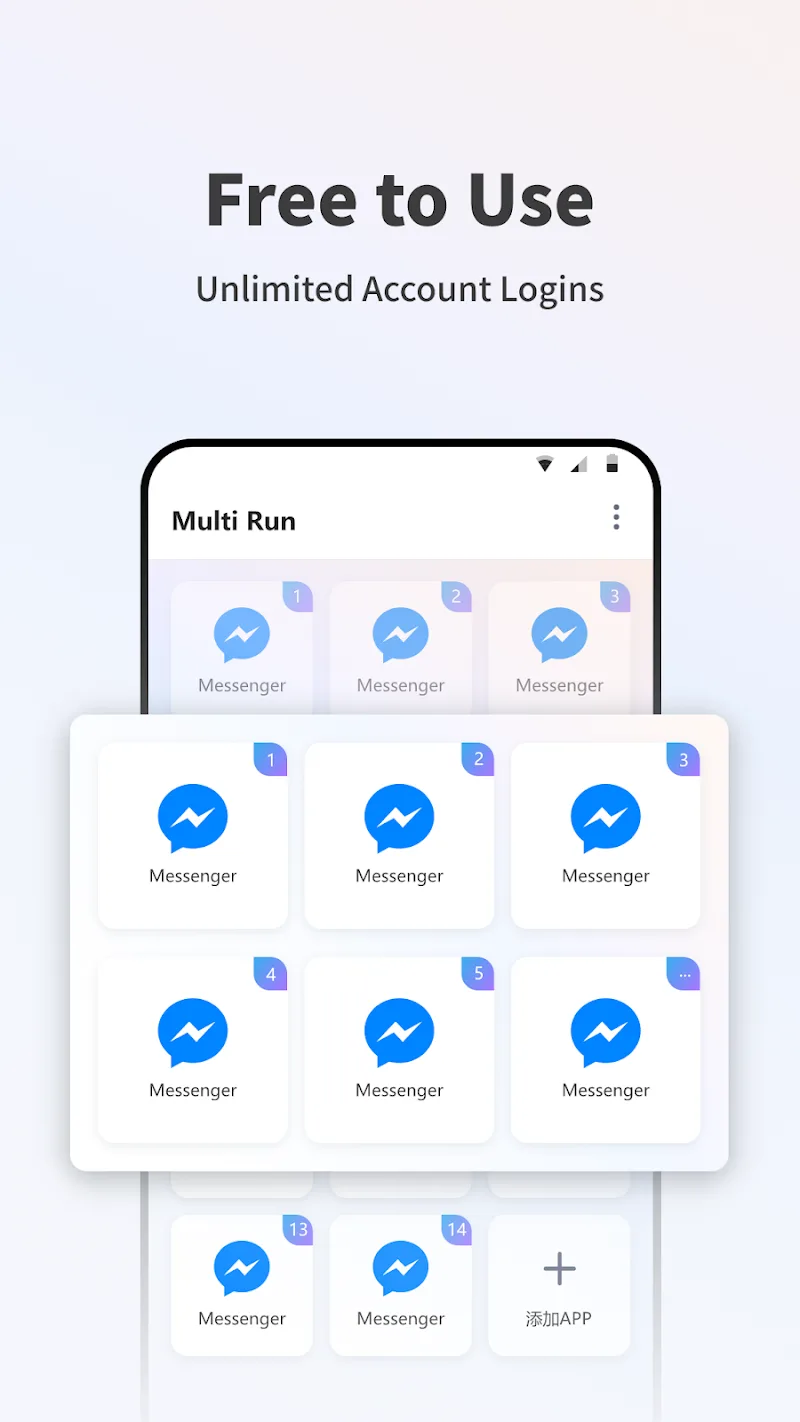
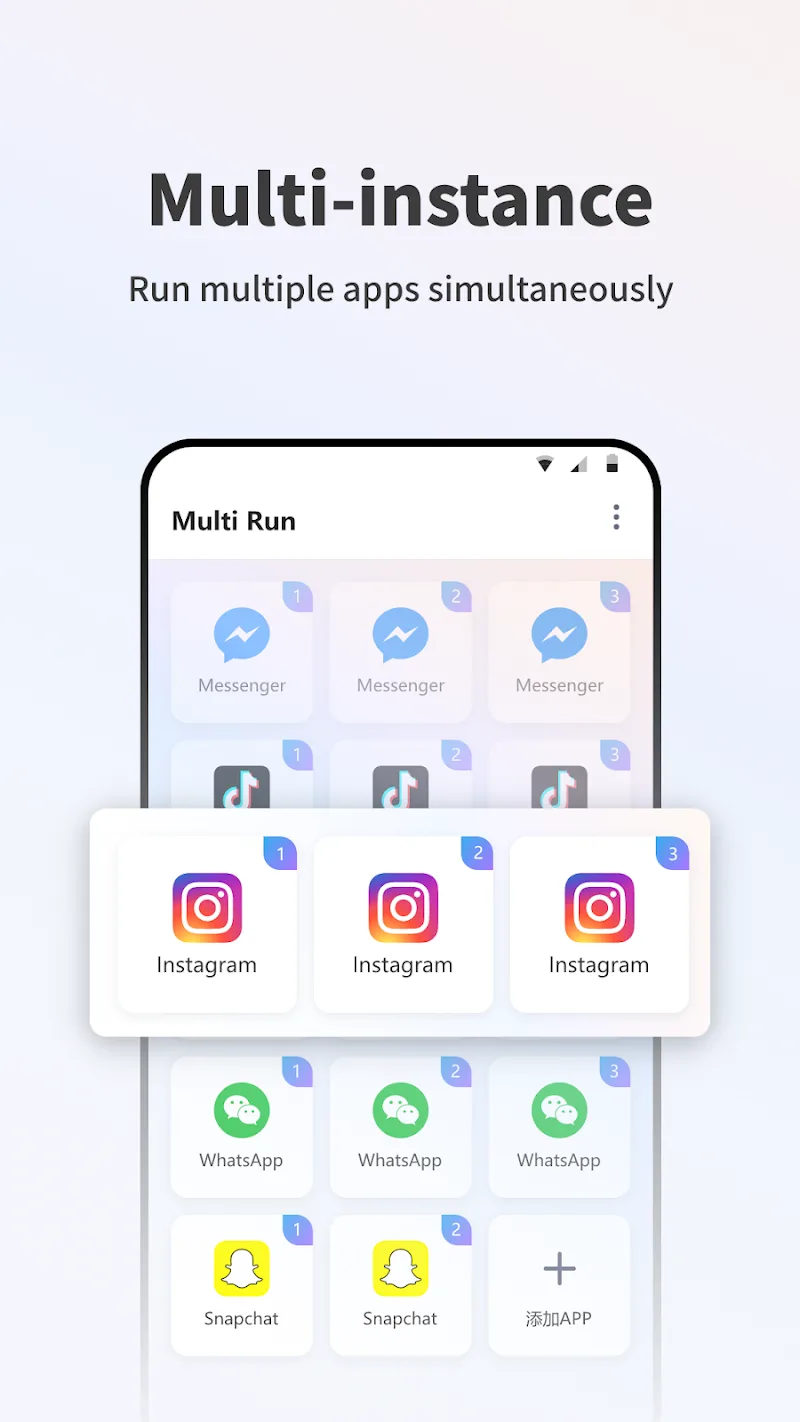
Parallel app instances: Run two or more copies of the same app side by side so you can sign into separate accounts without conflict.
Strong data isolation: Each cloned instance stores its own data, preventing messages, login sessions and caches from crossing over.
Wide compatibility: Supports thousands of popular apps, covering messaging, social networks and many casual games.
Privacy zone: Hide sensitive clones in a private area for extra discretion when you hand your device to others.
One-tap cloning: Create a duplicate of an installed app quickly, then personalize its name and icon for fast access.
Notification control: Manage alerts for each clone independently so work messages don’t interrupt leisure time.
Scheduled behavior: Set simple rules to mute or enable clones at certain times, useful for quiet hours or focused work periods.
Resource-aware operation: Clones are designed to limit background overhead so your device remains responsive even with multiple instances active.
Secure access: Lock individual clones with a PIN or biometric gate, adding a second layer of protection for private accounts.
Install and grant permissions: After installing Multi Run, allow the requested permissions so it can detect installed apps and manage clones.
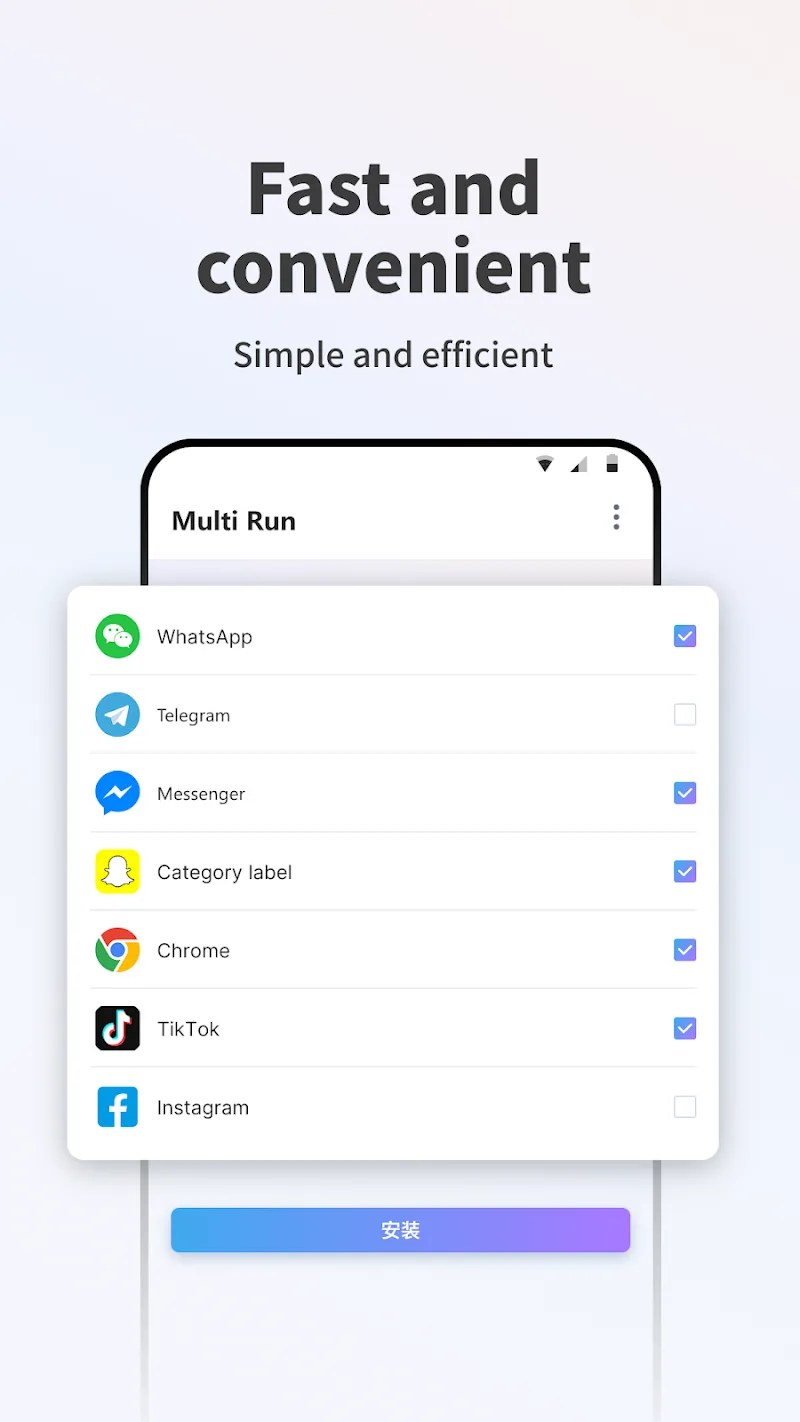
Create your first clone: Pick an app from the list and tap Clone. Give the cloned version a label that helps you tell accounts apart.
Adjust settings: Open the clone’s settings in Multi Run to tune notifications, privacy locks and any scheduled rules you want to apply.
Organize and launch: Place clones on your home screen or inside Multi Run’s private space, then sign in to the alternate account and use both copies as needed.
Will cloned apps share files or messages?
No. Multi Run keeps storage and login sessions separate, so files, chats and histories remain within each cloned instance.
Does running multiple copies drain battery fast?
Multiple instances naturally use more resources, but Multi Run tries to be resource-aware. You can limit background activity for clones to reduce battery impact.
Can I hide the cloned apps from the main launcher?
Yes. You can move clones into the app’s private area to keep them out of the general app list and add an extra access lock.
Compared with constantly signing out or juggling several devices, Multi Run simplifies account switching by isolating apps and managing notifications, making it a solid pick for social users, freelancers and gamers who run multiple profiles. While heavy multitasking will still affect battery and memory, Multi Run offers practical tools that suit both casual and power users who want a cleaner, more organized phone experience.