iLovePDF is a compact PDF toolkit that streamlines document management on Android devices, combining conversion, compression, merging and editing into one mobile app. It provides quick access to essential PDF operations, letting users handle files locally or via cloud storage with a straightforward interface designed for productivity on the go.
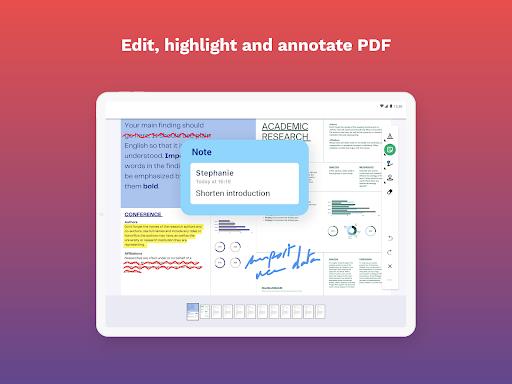
At its core, iLovePDF puts a set of practical tools within easy reach: merge and split PDFs, convert images and Word files to PDF, compress large documents to reduce size, add page numbers and watermarks, and sign PDFs electronically. The app groups these capabilities into clear modules so common tasks are completed in a few taps.
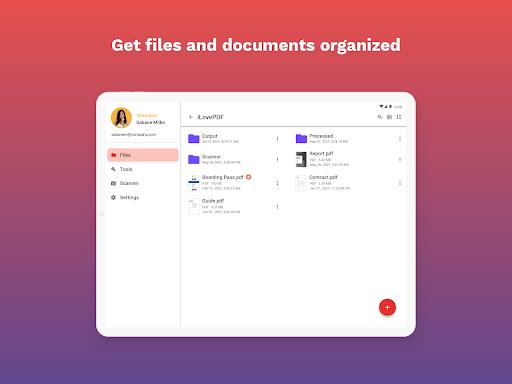
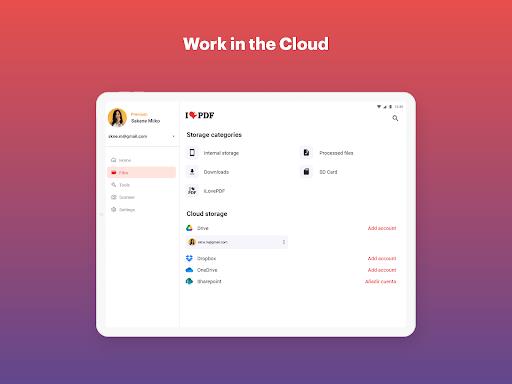
Workflow with iLovePDF is designed to be intuitive: select a source file from your device, Google Drive, Dropbox or a recent project list, choose the task you need, tweak the options, and export. Batch processing allows the same operation to be applied to many files, saving time for repetitive jobs. Progress indicators and previews help avoid mistakes before exporting the final document.
The interface emphasizes clarity: large action buttons, clear icons and minimal menus reduce friction when performing routine edits. Templates and presets are available for recurring tasks such as compressing documents for email or preparing invoices for printing. For users who favor keyboard navigation or accessibility settings, the app maintains consistent labeling and contrast for easier interaction.
iLovePDF is optimized for Android phones and tablets, balancing speed with resource use so even midrange devices can process documents without prolonged waits. Compression and conversion use algorithms tuned for mobile CPUs, and large files are handled in chunks to avoid memory spikes. Compatibility extends to a wide range of PDF standards and common office formats, ensuring documents maintain their layout across platforms.
Security options let users choose between local processing and cloud-based workflows. When cloud services are used for convenience, encrypted transfers protect files in transit. Password protection, permission settings and redaction tools help secure sensitive content before sharing. For privacy-focused use, local-only processing avoids uploading files to external servers.
To get the most from iLovePDF: batch similar files together for faster processing, use preview mode to confirm page order before merging, and select compression presets tailored to your destination—email, web publishing or archival storage. When converting scanned documents, run OCR or clean up images first to improve text recognition and reduce conversion errors.
Begin by granting the app access to your storage or connecting a cloud account. Import a few sample documents to explore the conversion and annotation tools, then try a merge and a compression to see how output quality changes with different settings. Tutorials and in-app tips guide users through advanced features such as signature placement and bulk renaming of exported files.
For freelancers, small businesses and students, iLovePDF provides a compact yet capable document toolbox that fits on a mobile device. It replaces multiple single-purpose apps by centralizing essential PDF tasks, improving consistency and saving time when preparing reports, contracts or educational materials.
iLovePDF continues to evolve with updates to support new Android releases and additional file formats, making it a practical choice for anyone who needs reliable PDF handling away from a desktop computer.