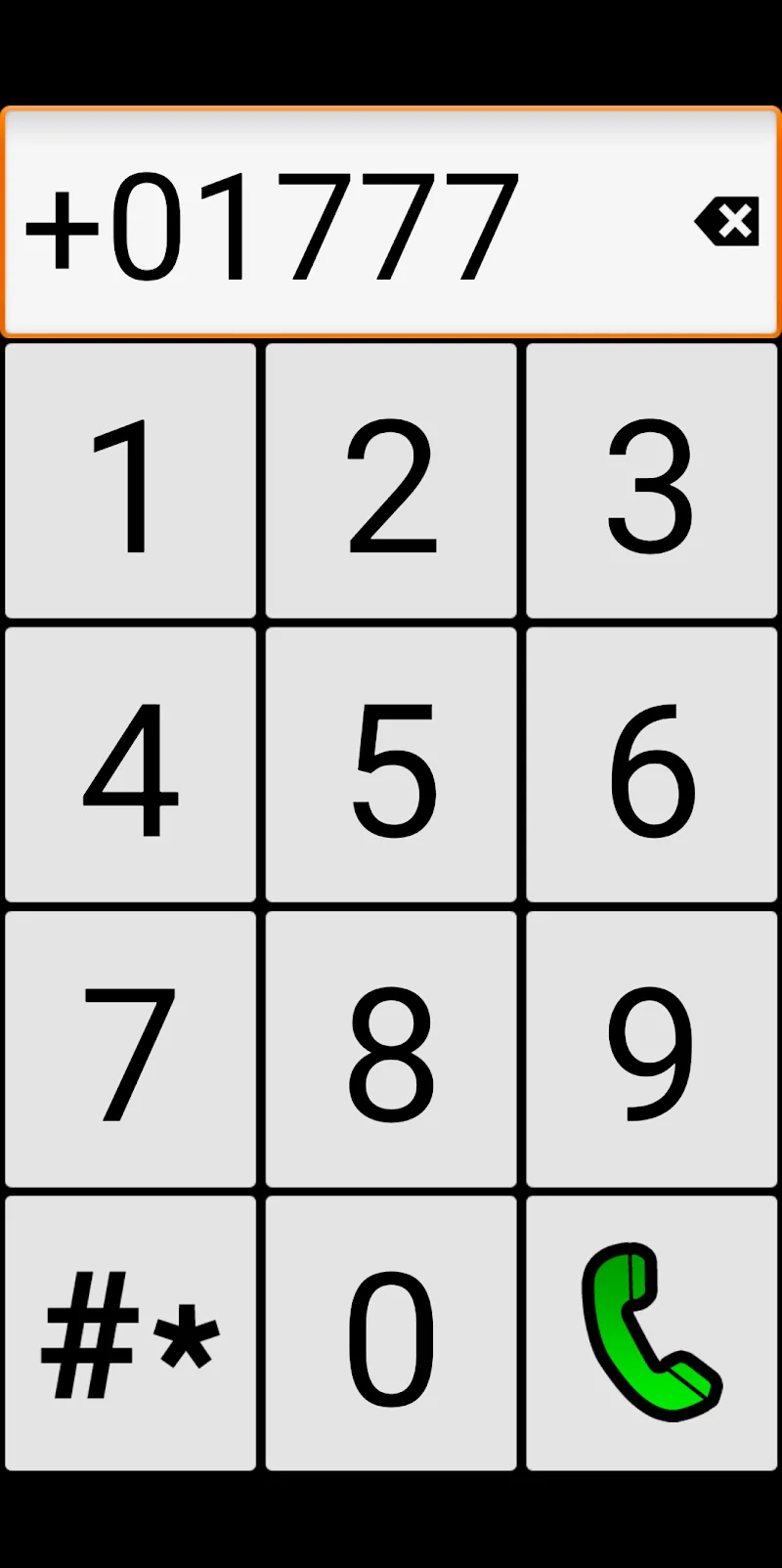
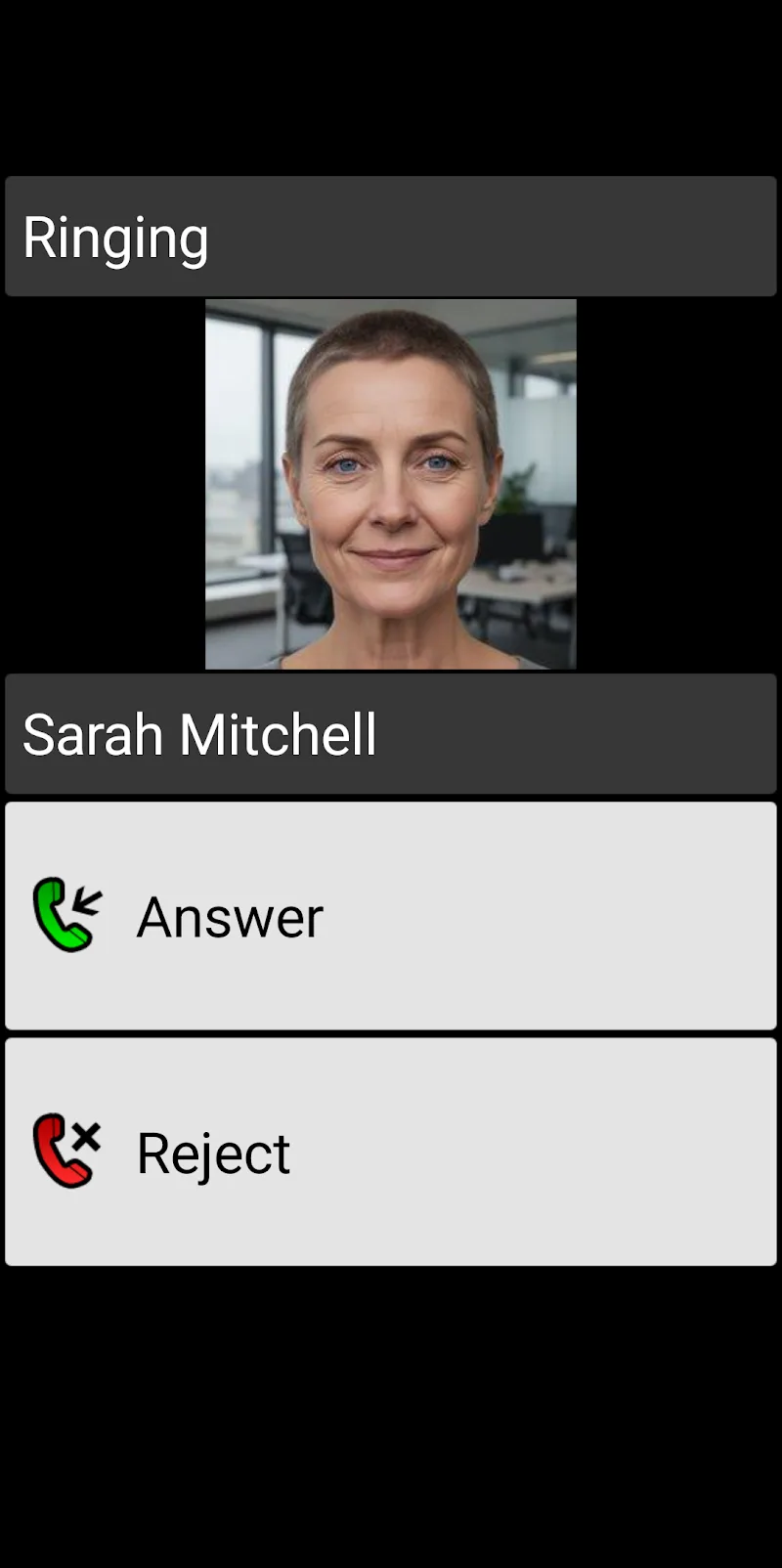
BIG Phone for Seniors simplifies smartphone use with large buttons, clear menus and essential tools tailored for older users; it prioritizes readability, straightforward calling and emergency features while reducing clutter for a calmer, more reliable mobile experience suited to daily communication and safety.
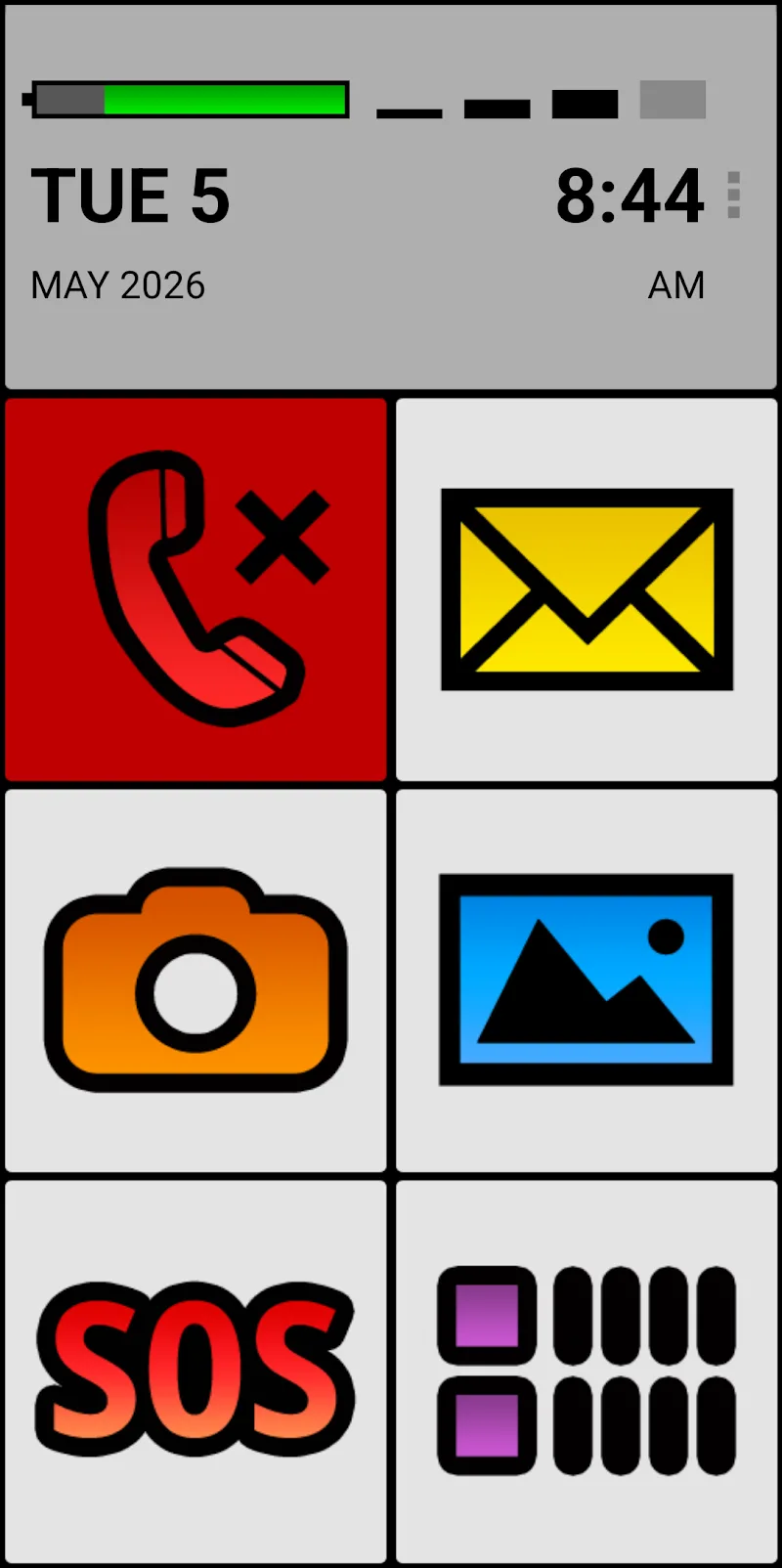
Designed for people who prefer a no-nonsense phone layout, BIG Phone for Seniors transforms a standard Android interface into a highly legible, easy-to-navigate environment. The app replaces crowded home screens with oversized icons, readable text and a short list of core functions. That makes common tasks like making calls, sending messages and accessing contacts quicker and less stressful for users with limited vision or tech familiarity.
The interface focuses on clarity and stability. High-contrast color schemes and generous typography ensure text remains readable in varied light conditions. Performance is lightweight: BIG Phone for Seniors runs smoothly on older devices and keeps background processes to a minimum, which helps preserve battery life and reduces slowdowns that can confuse novice users.
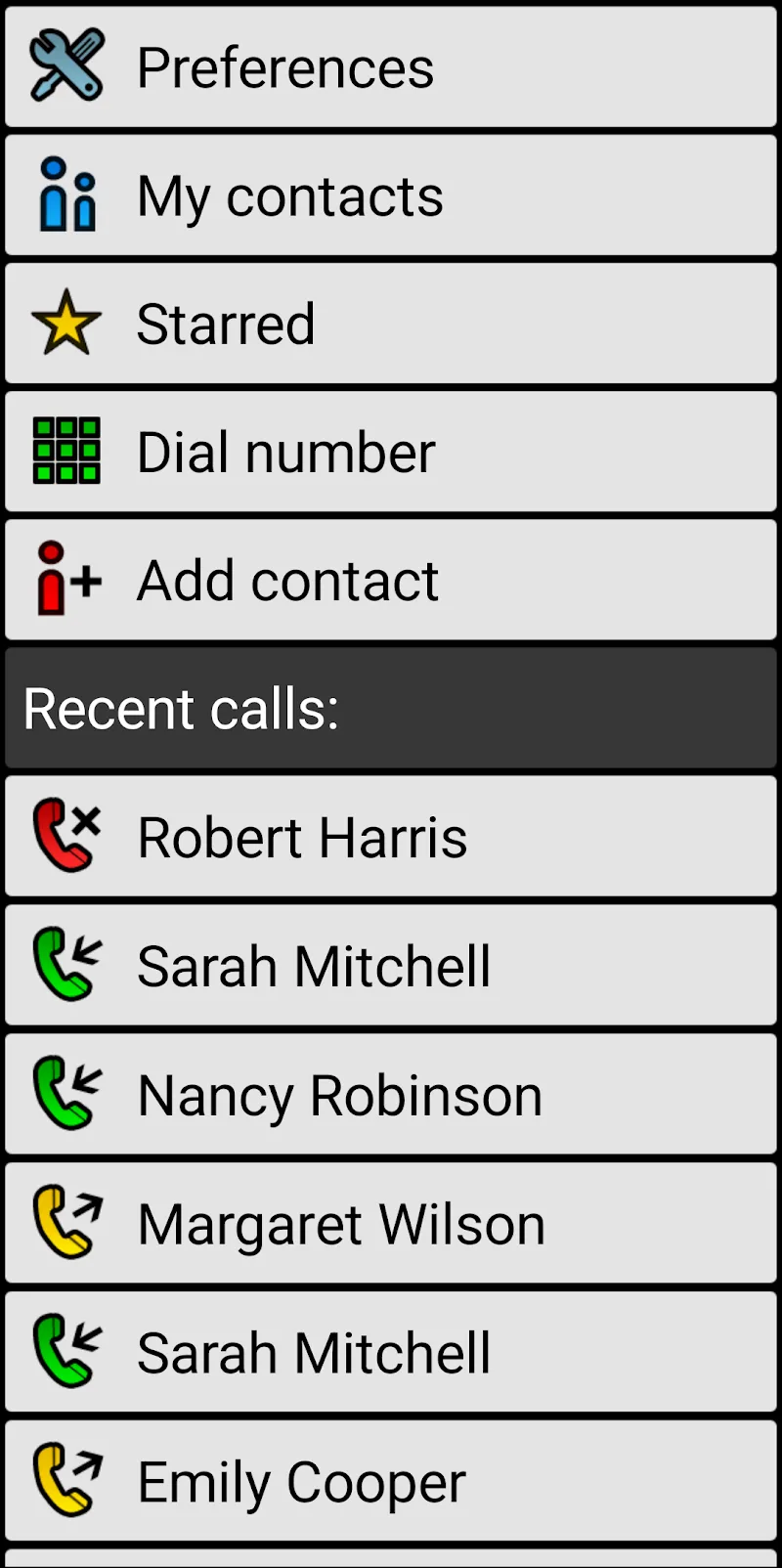
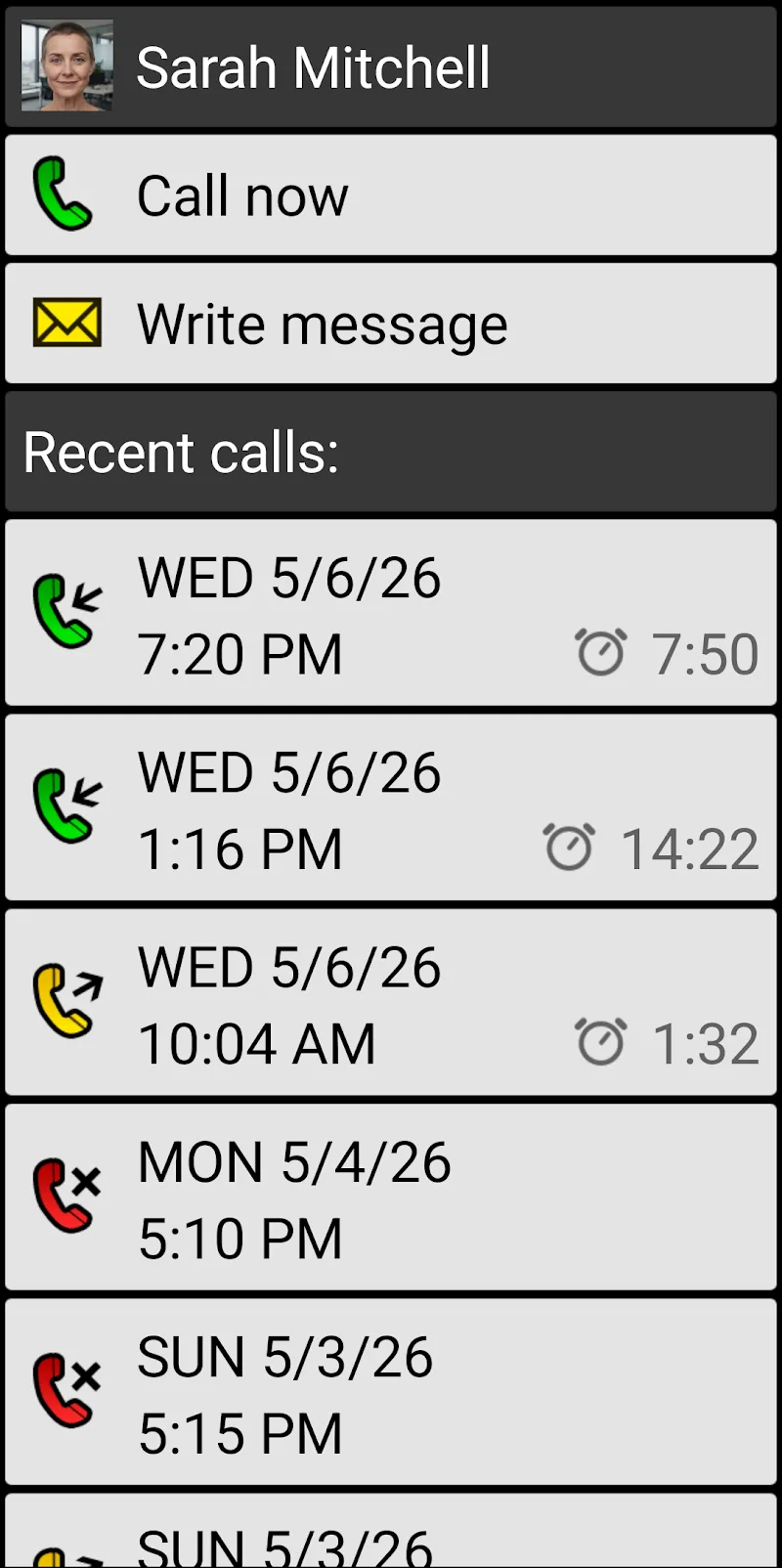
Once installed, the app can be configured as the primary launcher so the simplified layout appears after every reboot. Day-to-day use centers on three actions: calling, messaging and emergency access. Users open the app, tap a large contact tile or use the keypad to place a call. Messaging is streamlined to avoid complex menus, and photos or large-font templates can help users compose quick messages.
BIG Phone for Seniors offers a set of adjustable options without overwhelming choices. Caregivers or family members can set up contacts, enable an emergency contact list, and lock changes behind a PIN. Visual settings include font size slider, button scale and color contrast presets. Sound options let you amplify ringtones and choose distinct alerts for calls and messages.
Families and caregivers often pick BIG Phone for Seniors because it reduces frustration and lowers the support burden. The visible layout and predictable behavior cut down on accidental operations. Remote setup and PIN protection allow trusted people to maintain the configuration, so the user’s phone remains familiar and reliable over time.
Installation is straightforward from the device’s app store, and the setup wizard guides through initial preferences. The app is designed to work across a wide range of Android versions and tends to be forgiving on older hardware. Granting permissions for contacts and phone functions is necessary for full operation; the app explains why each permission is required during setup.
For anyone seeking a straightforward mobile experience, BIG Phone for Seniors offers a well-focused toolkit: readable visuals, easy calling and a reliable emergency workflow. It won’t replace advanced apps for power users, but it fills an important niche by making everyday smartphone tasks accessible to older adults and those who benefit from a simplified interface.