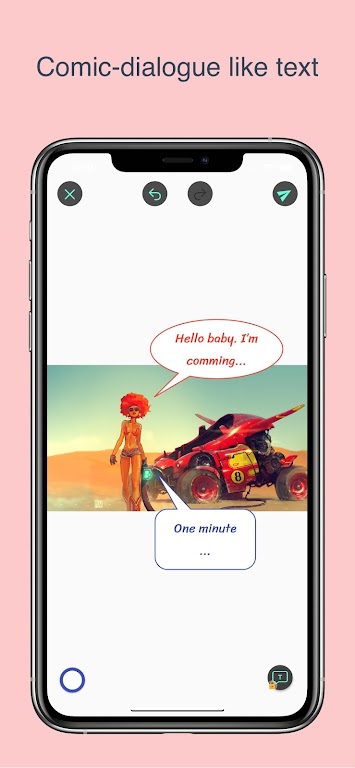
Annotium is an image annotation and captioning utility designed to put clear, styled notes directly onto photos and screenshots, helping you replace paper sticky notes and pen markings with a fast, accurate digital workflow. In everyday use Annotium focuses on speed and precision: add a caption, drop an arrow, measure a distance and export a high-resolution file without leaving the app. The interface balances a minimal learning curve with professional controls so users from different backgrounds can adopt it quickly and keep annotations organized and searchable.
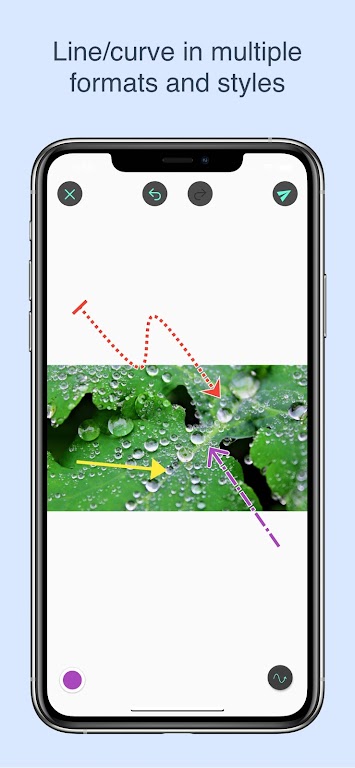
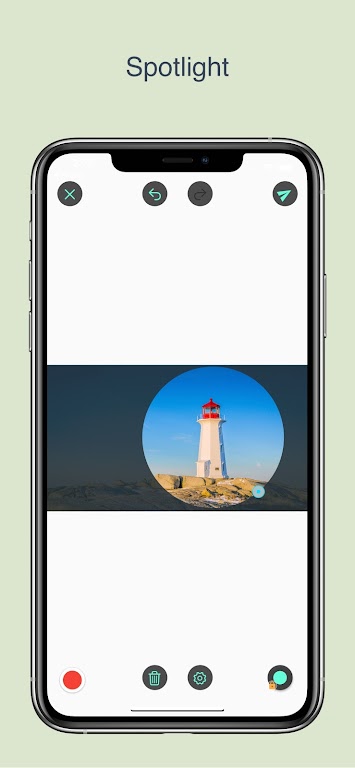
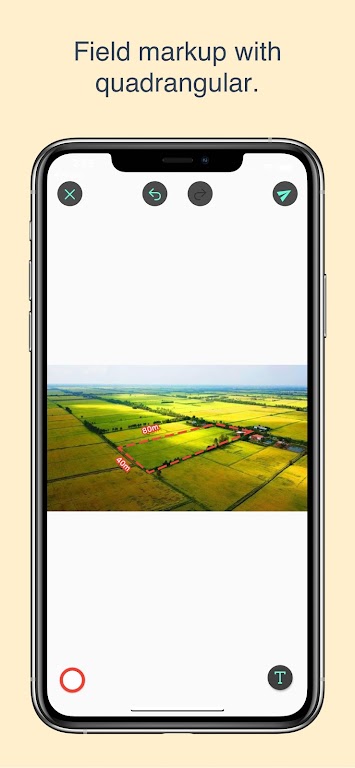
Annotium provides a set of core annotation tools that are tuned for photo and screenshot workflows. You can place text captions, draw arrows and boxes, and apply marker-style highlights to draw attention. Each tool includes straightforward styling controls such as color, stroke weight and font size so every element reads clearly on top of varied image content. Advanced marking options let you snap shapes to edges or anchor to a point for repeatable, pixel-accurate notes. Measurement tools report precise distances and angles, useful for technical documentation or field inspection photos, while high-resolution export preserves clarity when you share or print your annotated images.
The app emphasizes natural touch and pointer controls: tap to add a caption, drag to place a box or arrow, and pinch to zoom for fine edits. Precise placement is assisted by magnified handles and incremental nudges for one-pixel adjustments. Annotium supports stylus input where hardware allows it, and gestures are kept consistent so users can move from simple markups to exact measurements without changing modes frequently. Undo and redo are available to iterate quickly, and a simple properties panel provides immediate access to styling and measurement presets.
Annotium is organized around projects and image stacks rather than complicated level systems, creating a natural progression as you build documentation. Start with a single image, add caption layers and measurement marks, then group related images into a project for review cycles. Progression here refers to how annotations evolve: initial quick notes become finalized, styled callouts, and the app keeps earlier versions accessible so you can compare rounds of edits. Templates and reusable styles speed repeated tasks, helping you develop a consistent annotation standard across projects.
The visual design of Annotium prioritizes readability and restraint. Built-in themes adjust interface contrast for bright outdoor use or dim office lighting, and style presets let you apply consistent palettes and fonts across annotations. Custom nameable presets mean that technical teams, designers or students can create a shared look that matches reports or brand requirements. Visual cues such as adjustable drop shadows and boundary padding help captions remain legible on photographs with busy backgrounds.
While not a game, Annotium provides strong replay value for anyone who annotates images regularly: the ability to save templates, reuse style sets, and apply consistent measurement workflows reduces repetitive work and encourages incremental improvement across tasks. Reopening older projects to refine details or to export a new set of assets keeps the app useful over time and supports ongoing documentation needs rather than one-off edits.
Annotium is built to work offline with local images so you can annotate in the field or on a plane without network access. Controls are sized and labeled for accessibility, and contrast options plus adjustable font sizes improve legibility for users with impaired vision. Autosave and export to common image formats reduce the risk of data loss and make it easy to transfer annotated files to email, cloud drives or print workflows when connectivity is available.
Annotium is well suited to designers marking UI screenshots, students annotating reference images, field technicians documenting equipment, and anyone who needs clean, shareable visual notes. It intentionally focuses on image annotation rather than full-featured text note management, so users seeking a general note-taking app may find the feature set specialized. Some advanced measurement controls benefit from a short learning period, but once understood they support precise, repeatable documentation for professional results.