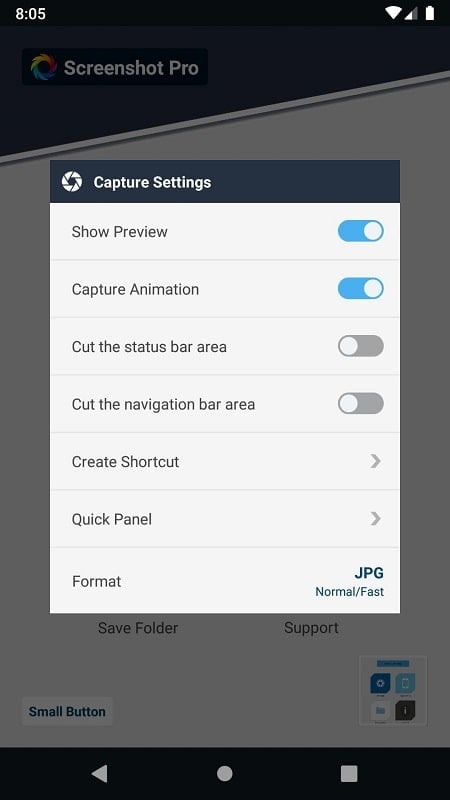
Screenshot Pro - Auto Trimming helps you capture, crop and share polished screenshots in seconds. The app automatically detects the main UI area, trims away surrounding clutter and saves a clean, high-definition image based on your preferred settings. With one-touch capture and an instant in-screen editor you can add text, draw with a pen, crop important details or export images to organized folders. Users who take frequent screenshots for work, research or social sharing will appreciate the speed, customizable shortcuts and notification control that keep captures private and uninterrupted.
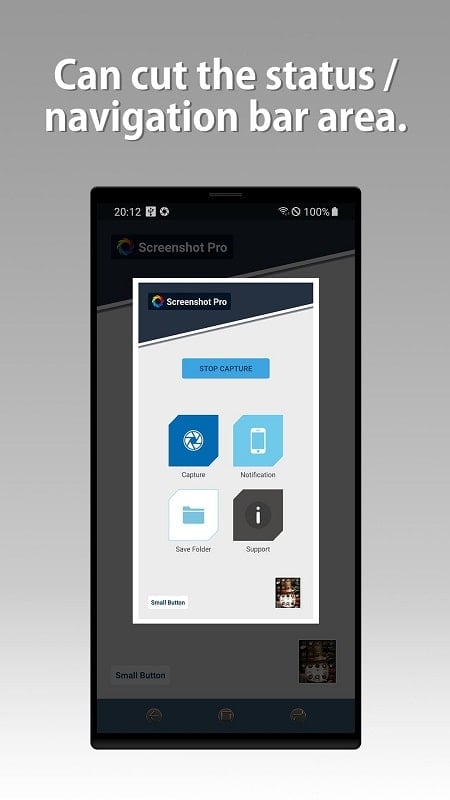
⭐ Automatic UI trimming: Screenshot Pro - Auto Trimming captures the maximum frame and quickly delimits the primary object for a neat result.
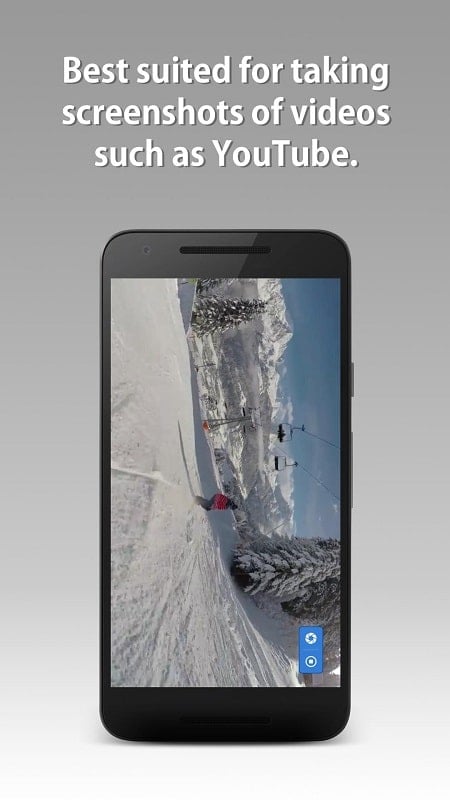
⭐ One-touch capture and quick shutter for instant screenshots and immediate export to chosen folders or categories.
⭐ Built-in editor with text, pen and crop tools so you can annotate, sign or remove sensitive parts right on screen.
⭐ High-definition capture mode to produce clean, sharp images suitable for presentations or sharing.
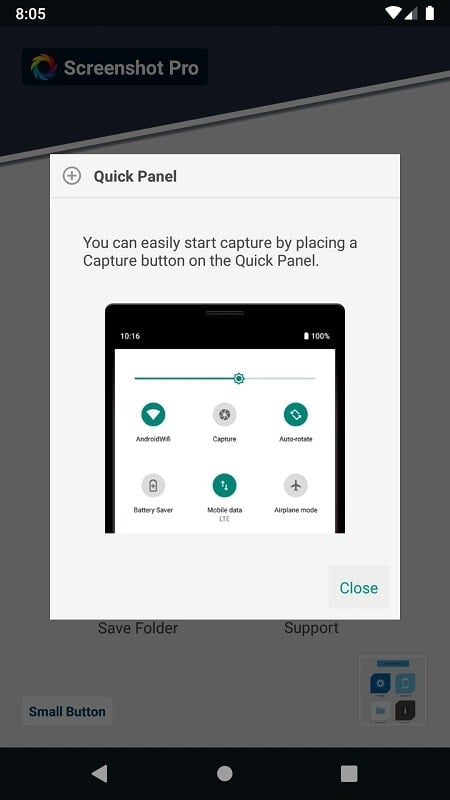
⭐ Custom shortcuts and quick actions for fast cropping, adding text or launching captures.
⭐ Notification control that suppresses interruptions during recording and taking screenshots.
✅ Saves time: Screenshot Pro - Auto Trimming reduces capture and editing to a single flow so you get results faster.
✅ Flexible editing without leaving the screen — crop, annotate and apply simple effects instantly.
✅ Cleaner outputs thanks to automatic trimming and HD mode, which improve presentation and readability.
✅ Customizable interface and shortcuts let you tailor the tool to your workflow.
✅ Fast sharing and organized saving keep screenshots accessible across devices and folders.
✅ Quiet captures with notification management protect privacy while recording or shooting.
❎ Automatic trimming may struggle with very complex or unusual UI layouts and occasionally require manual correction.
❎ The app focuses on capture and in-screen editing and does not replace full-featured image editors for advanced retouching.
❎ Some users may need to adjust initial settings and shortcuts to match their preferred workflow.