
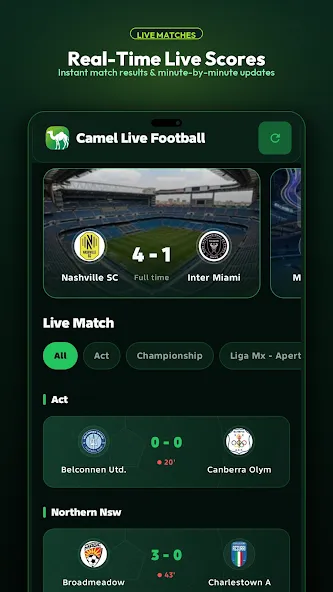


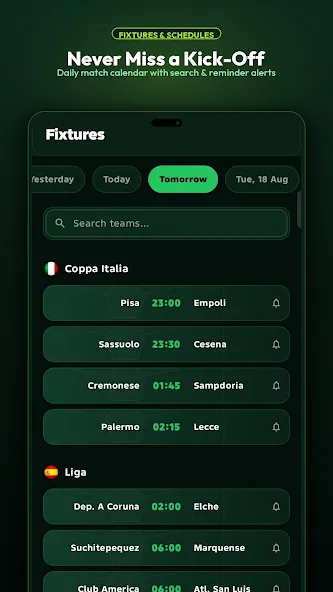
Camel Live is a lightweight Android utility that brings live visuals and practical widgets to your home screen, combining animated backgrounds with real-time data and easy customization. Designed for users who want dynamic displays without sacrificing battery life, Camel Live offers a balance of style and function for everyday phone use.
Camel Live integrates animated wallpapers, interactive widgets, and quick-access shortcuts so your device looks modern while remaining useful. Instead of a static background, the app supplies motion that responds to time of day, device orientation, and system events. Widgets update with relevant information like weather, battery status, and calendar events, making the home screen an active information hub.
Camel Live presents a concise settings interface with an emphasis on preview-first design. When selecting a wallpaper or widget, you immediately see how it will render on your device and can fine-tune parameters like motion intensity, color palette, and update frequency. Profiles are managed from a single screen where triggers and actions are linked with drag-and-drop simplicity, making automation approachable without advanced setup.
The app supports multiple customization layers: visual themes, widget layouts, and behavior rules. Visual themes let you modify color gradients and particle density, while widget layouts permit different sizes and information combinations. Behavior rules are conditional statements that alter animation or widget refresh rates—for example, reducing frame complexity when the screen is off or switching themes at sunset.
Performance is a primary focus for Camel Live. Animations are GPU-accelerated and designed to minimize CPU wakeups. The Low Power Mode and adaptive frame rates help preserve battery life on both newer flagship devices and older phones. The app supports Android 8.0 and up, with compatibility checks that adjust visual fidelity according to device capabilities.
Camel Live requests only the permissions necessary to deliver its features, such as location for weather widgets and calendar access for agenda displays. Data processing is performed locally when possible, and the app includes clear options to disable any feature that requires sensitive permissions. A built-in privacy section explains what each permission is used for and how to revoke it.
Begin by choosing a base theme from the library, then add widgets to your home screen using the standard Android widget picker. Customize each widget from the preview panel and save a profile if you plan to switch settings automatically. The in-app tutorial walks new users through linking triggers like time or battery percentage to profile changes.
Camel Live receives regular updates that add new themes, performance optimizations, and compatibility patches. The support section in the app includes a troubleshooting guide, FAQs, and an option to submit feedback. Developers often respond to user suggestions, and periodic changelogs describe what changed in each release.
For users seeking a balance between form and function on Android, Camel Live offers a polished way to make the home screen both attractive and informative without overwhelming device resources.