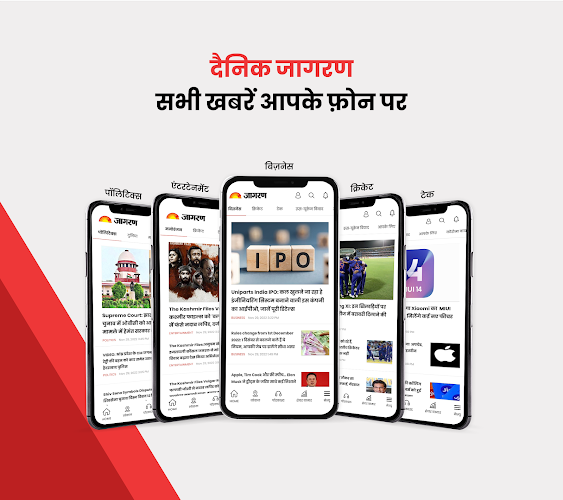
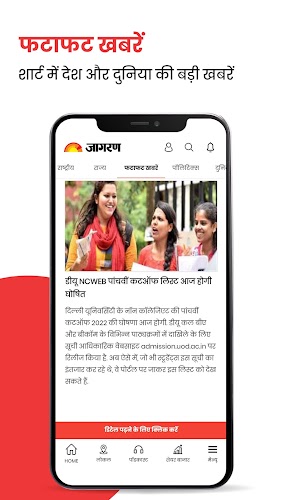
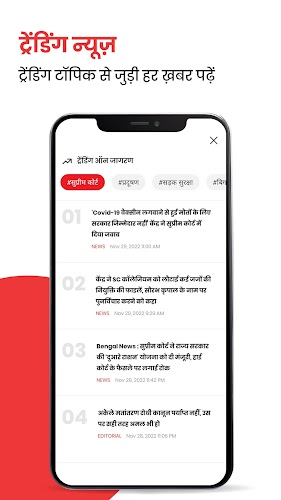
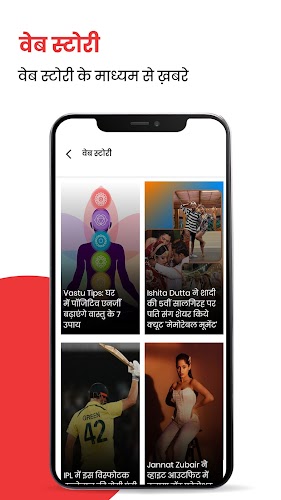
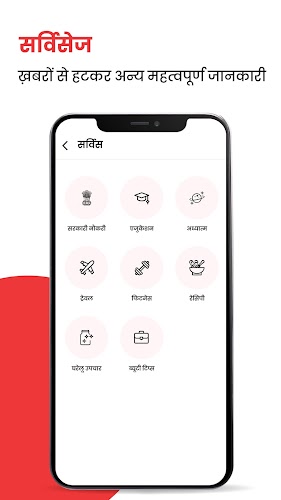
Scan, read, save: Jagran Hindi News & Epaper App puts a wide swath of India’s headlines and city epapers within easy reach. The app collects stories in both Hindi and English across national, business, tech, entertainment and sports beats, and bundles regional coverage from more than 200 cities into one place. You can open full e-paper editions, follow breaking alerts and store articles for offline reading. Whether you want a quick market update or the full local paper, this app aims to keep your newsstream organised and searchable.
Install and grant permissions: Download the app from your store, allow basic permissions like storage and notifications so the e-paper and alerts work smoothly.
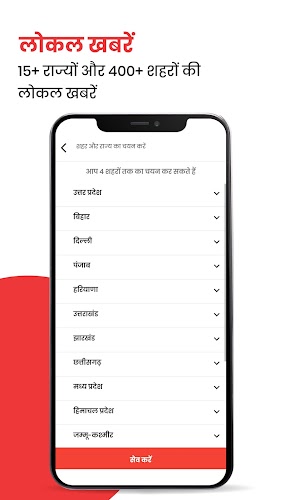
Set your home city and interests: Pick your preferred city and topic feeds so the app surfaces relevant local stories and state-level updates in Hindi or English within Jagran Hindi News & Epaper App.
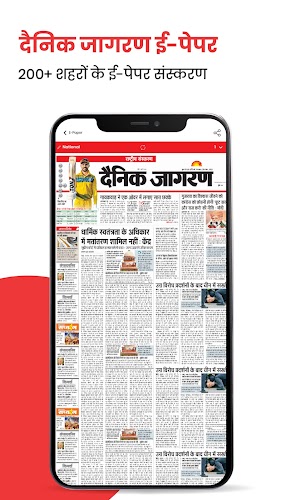
Open the E‑paper viewer: Tap the e-paper section to load a full-page edition; use pinch-to-zoom and page navigation to read the print layout on your device.
Wide local coverage: A large roster of city and state editions means you can follow news from Uttar Pradesh, Bihar or other regions without switching apps.
Bilingual articles: Many stories are offered in both Hindi and English so you can choose the language that suits you.
E‑paper access: Complete newspaper issues are available in their original layout for users who prefer the print experience.
Offline reading mode: Save selected articles or entire e-paper pages to read later when you have limited connectivity.
Breaking alerts and notification center: Real-time push notifications keep you informed about urgent developments and you can review them inside the app.
Fine-tune notifications: Use the notification settings to limit alerts to topics or cities you care about so your phone only buzzes for important items.
Use bookmarks and offline queues: Save long reads and e-paper pages to the offline queue before you head into low-signal areas or on a flight.
Search and filter smartly: Enter keywords or filter by city and category to find follow-ups on a developing story without scrolling the main feed.
Can I read the e-paper without internet?
Yes, you can download e-paper pages for offline reading. The app offers an offline mode that stores selected editions or articles locally on your device.
Are notifications customizable?
Yes. You can control push alerts from the app settings and choose the kinds of breaking news or topics you want to receive.
Does the app cover local city news?
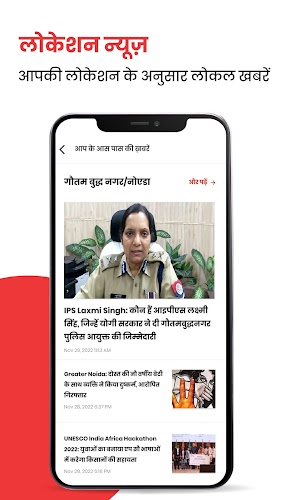
It does. The app aggregates news for many local cities and states so you can follow neighbourhood updates alongside national headlines.
Jagran Hindi News & Epaper App provides a consolidated way to follow national and regional headlines, read full e-paper issues and save content for offline use; it’s useful if you want bilingual coverage and detailed local reporting. Keep in mind that article selection and some features can change between app updates or across regions, so availability may vary with new versions.