
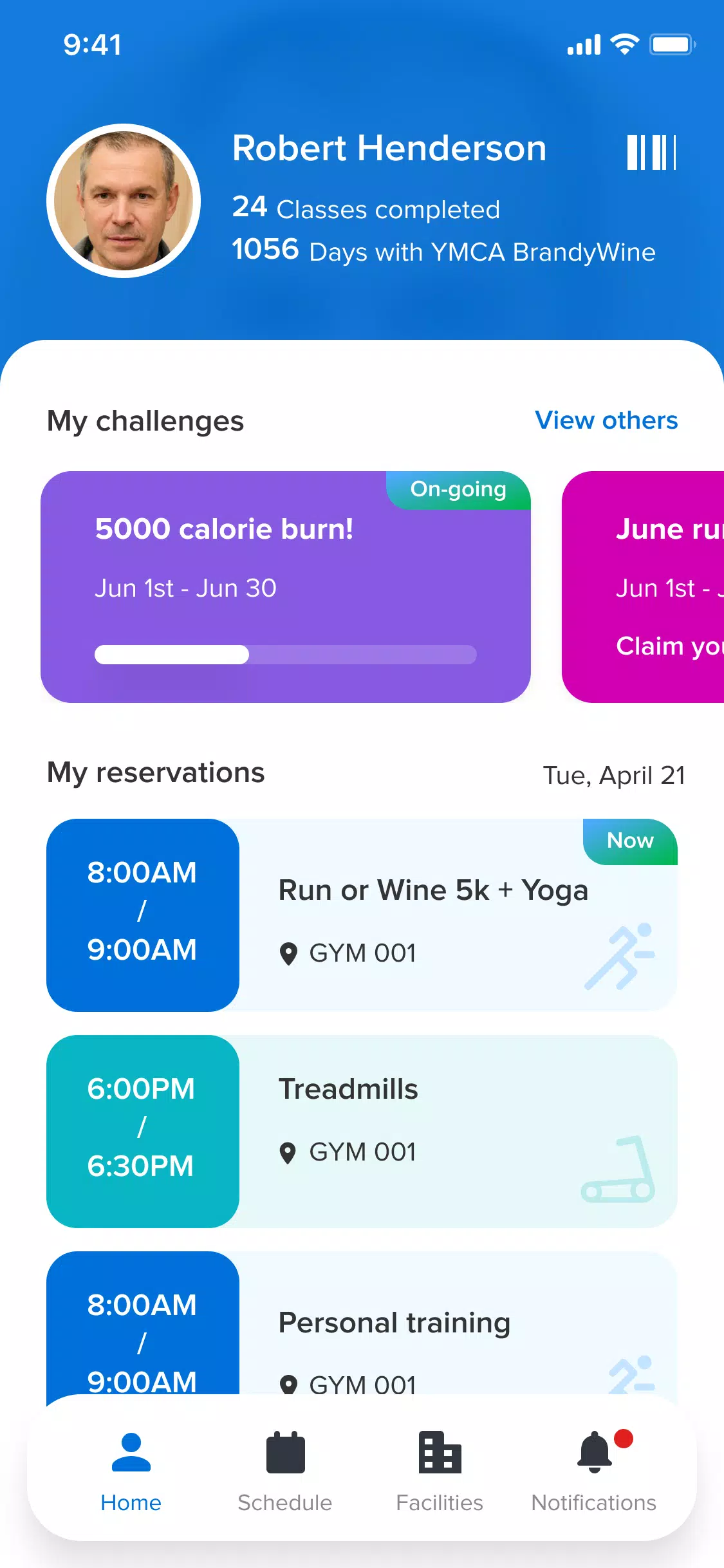
My Abilities Centre is a mobile app designed to bring scheduling, communication and basic fitness tracking together in one easy-to-navigate interface. The app helps users manage daily activities, see upcoming appointments, receive timely notifications and book sessions or classes with fast, contactless check-ins. My Abilities Centre links with device health data to capture steps, distance and calories and uses that information to support simple, personalized activity goals that make the app useful for both centre members and staff.
The feature set focuses on practical day-to-day needs: a unified calendar view that displays bookings and two-way communication from your centre, a quick booking flow that reduces the number of taps required to reserve an activity, and instant push updates for reminders and announcements. Built-in check-in speeds allow members to register attendance without paper or touchscreen kiosks. Health data integration is optional and only accesses metrics your device already collects, so you can choose whether step counts and calories feed into activity challenges.
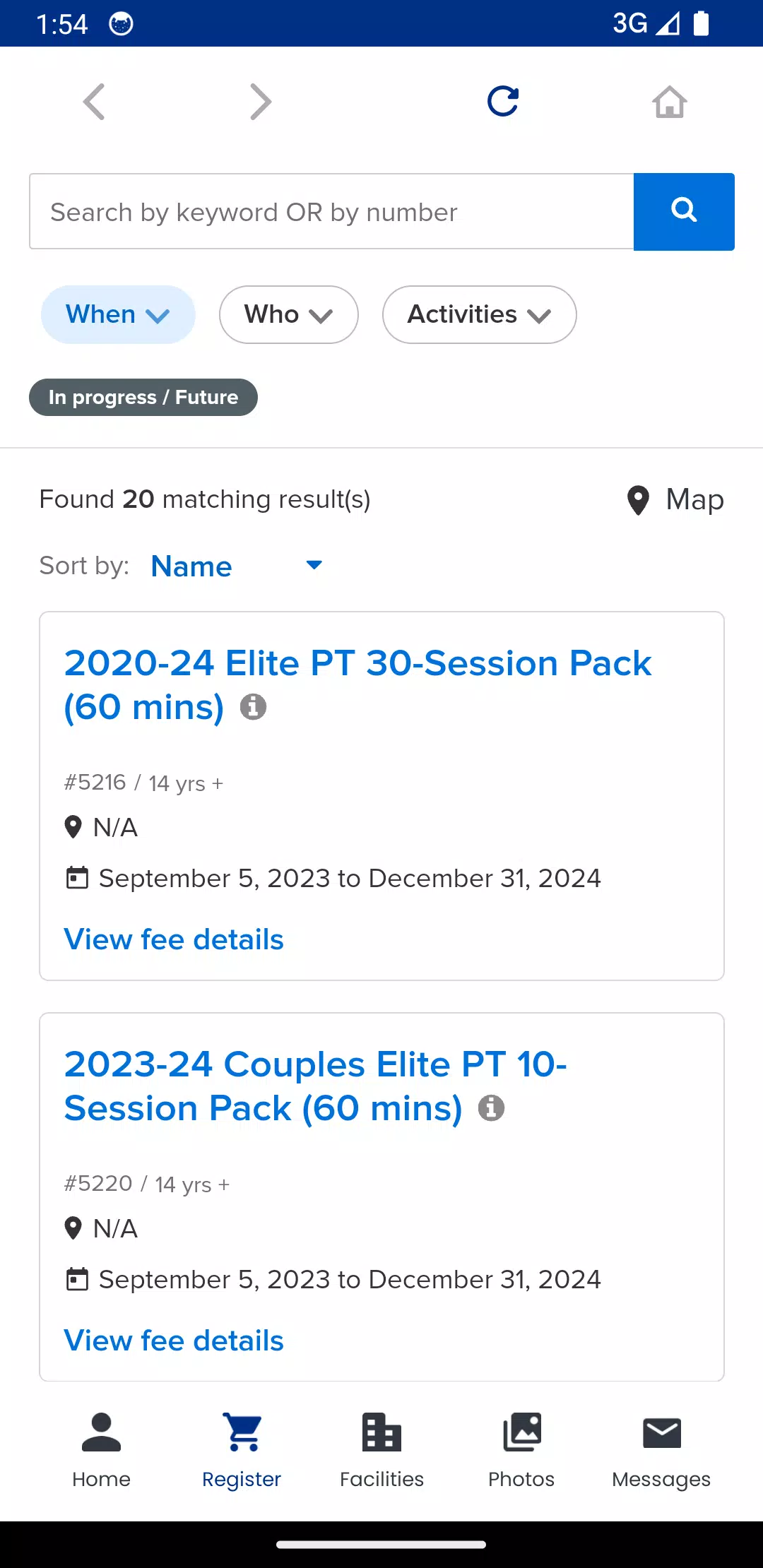
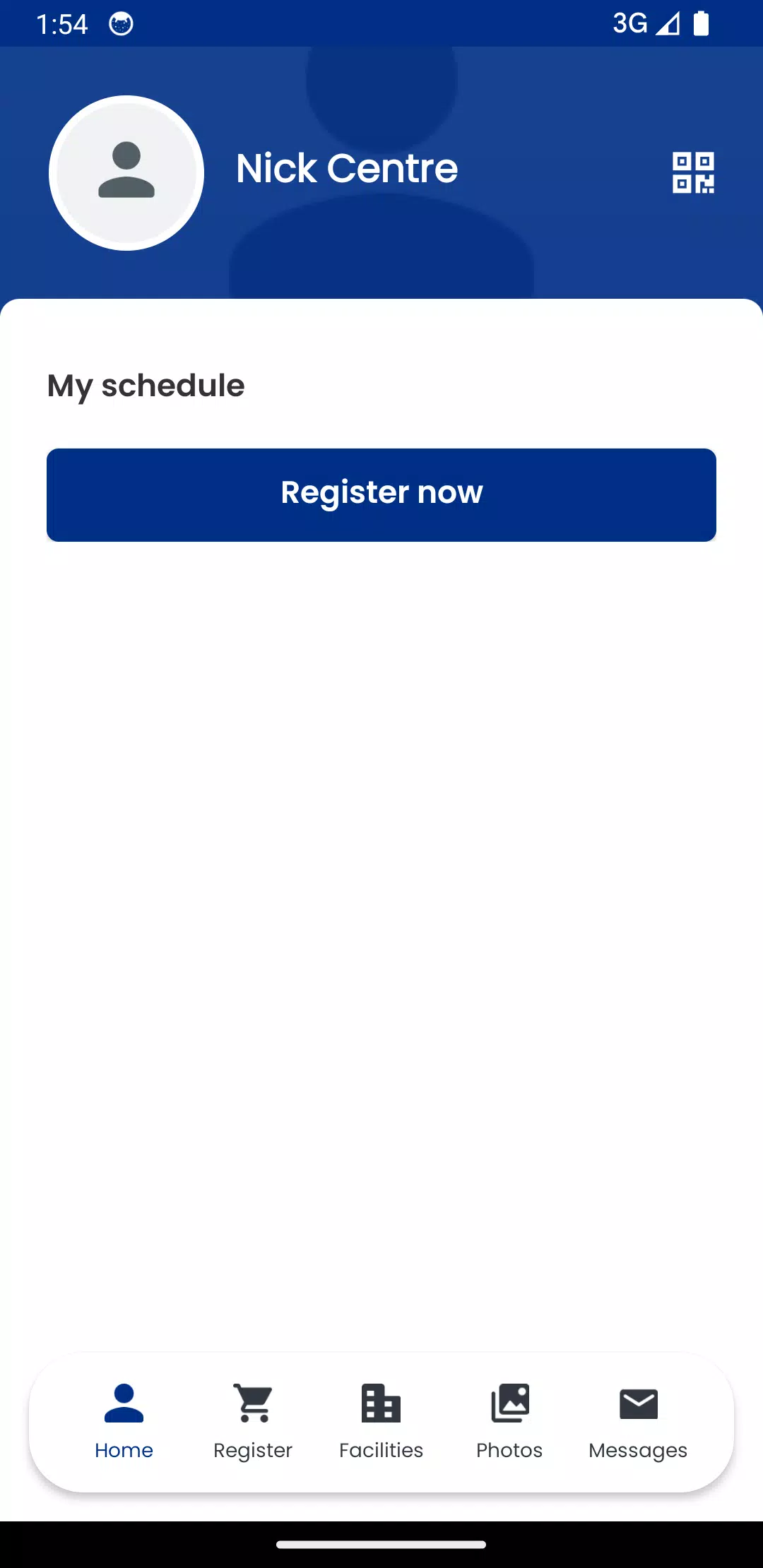
Navigation is based on straightforward, touch-first controls that keep the most common actions within reach. The main screen surfaces today’s schedule and a prominent booking button, while swiping and simple back gestures return you to previous views. Booking screens guide you through selecting dates, times and activity options with clear confirmation steps and a visible summary before you complete any reservation. Notifications are actionable from the lock screen and can be tapped to jump directly to the related appointment or message thread.
The app uses device health data for light activity monitoring and to power basic progression features such as weekly step goals, distance milestones and short-term challenges. Progress is presented as simple charts and percentages so users can quickly see where they stand against personal targets. Challenges are designed to be achievable and reset on a schedule you control; they encourage consistent engagement rather than competitive ranking, and they adapt if you connect or disconnect your device health service.
My Abilities Centre adopts a clean visual approach with readable type, a neutral color palette and clear visual hierarchy to reduce cognitive load when planning a day. Users can personalize notification settings, choose between compact and expanded calendar views and toggle whether health metrics appear on the dashboard. The interface prioritizes legible labels and high-contrast elements to improve clarity on a range of screen sizes and lighting conditions.
Accessibility has been considered across layouts and controls: tappable areas meet size recommendations, text can respect system font scaling and notifications include concise, actionable wording to support quick comprehension. The app supports common assistive technologies on the device and aims to keep workflows short so tasks like booking, cancelling or checking in can be completed in a few deliberate steps. Tooltips and brief inline help explain unfamiliar options without cluttering the main screens.
Some information is available offline through cached schedules and recently viewed bookings, allowing users to view upcoming appointments without a live connection. Real-time booking, check-ins and notifications, however, require an internet connection so that centre data stays synchronized and secure. The app requests only the health metrics required for its features and follows standard device permissions; personal booking and message content are stored and transmitted using typical mobile encryption practices to protect user data.
My Abilities Centre is suitable for regular attendees who want a single place to manage bookings, for caregivers coordinating appointments on behalf of someone else, and for centre staff communicating changes or cancellations. Because some integrations and available features depend on local service providers and the health services available on the device, functionality may vary by location. Overall the app aims to reduce administrative friction, improve day-to-day planning and make basic fitness tracking part of an integrated schedule management experience.