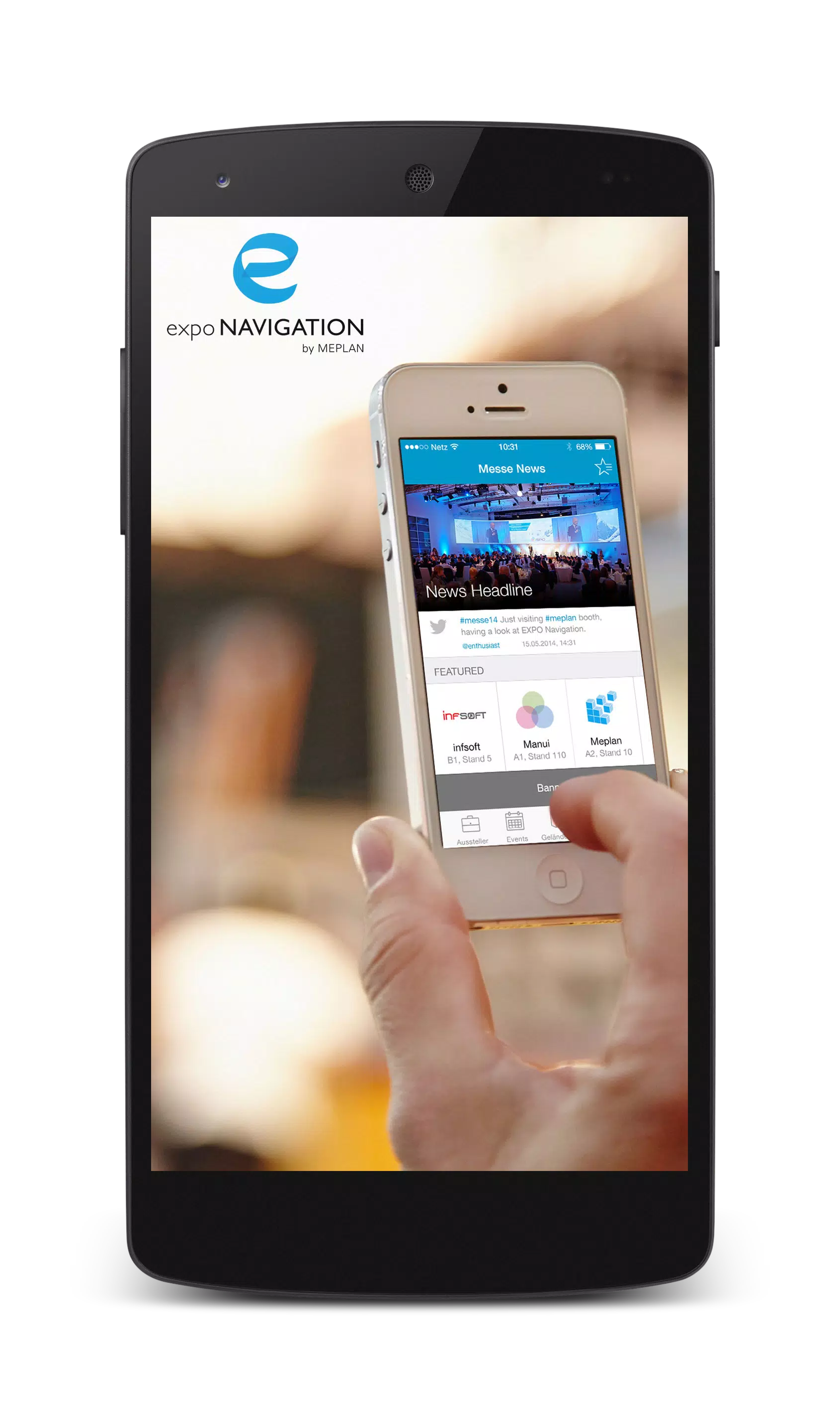
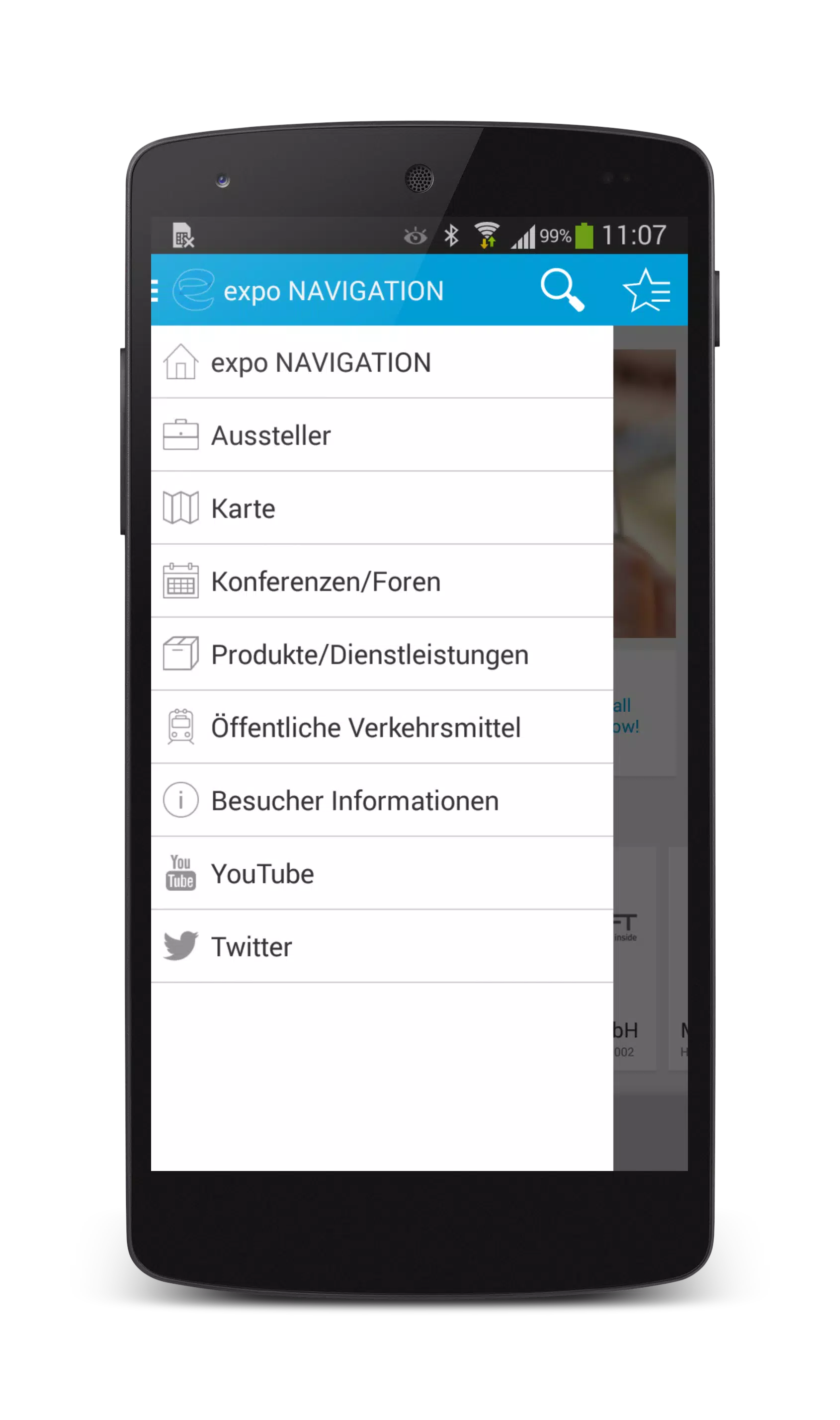
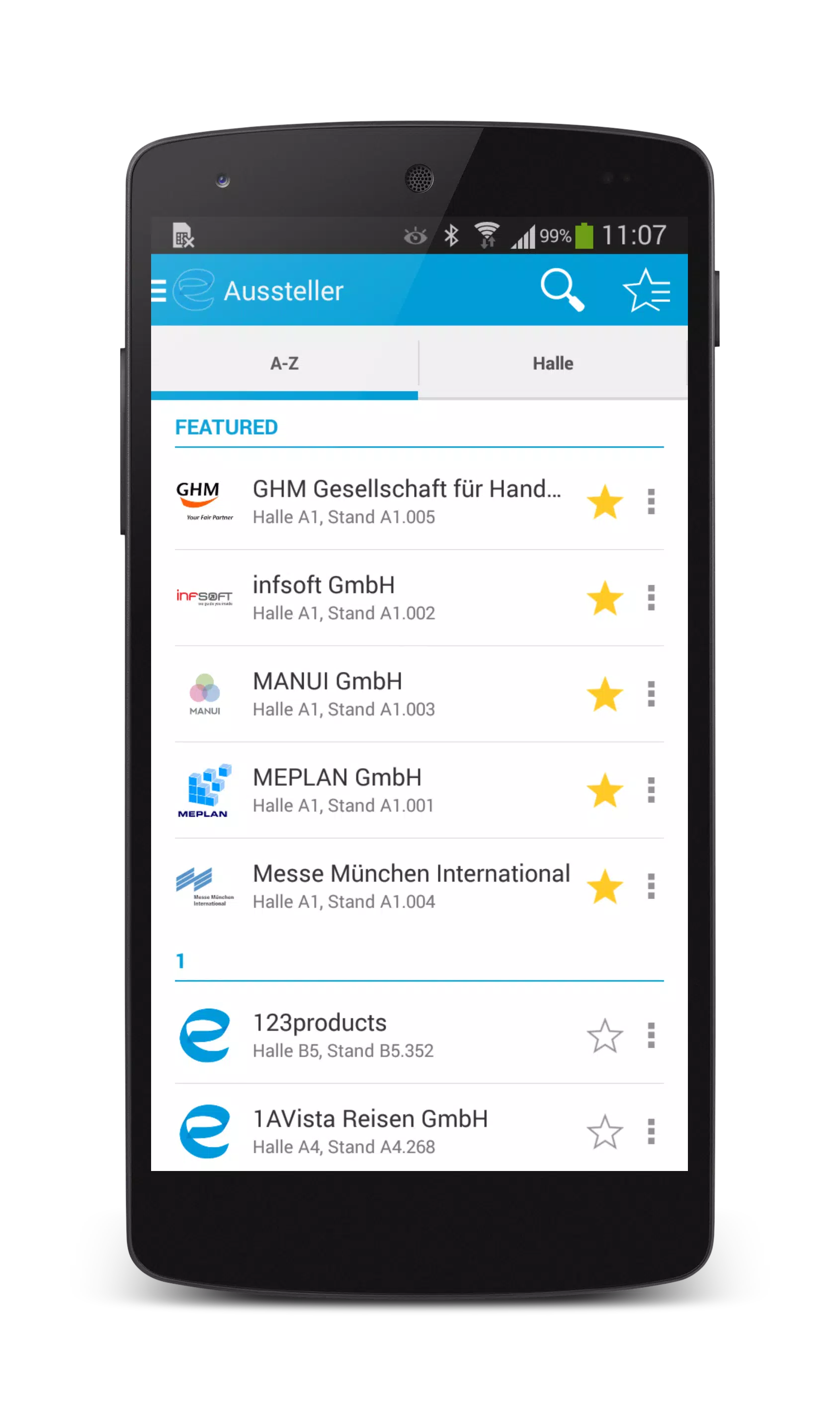
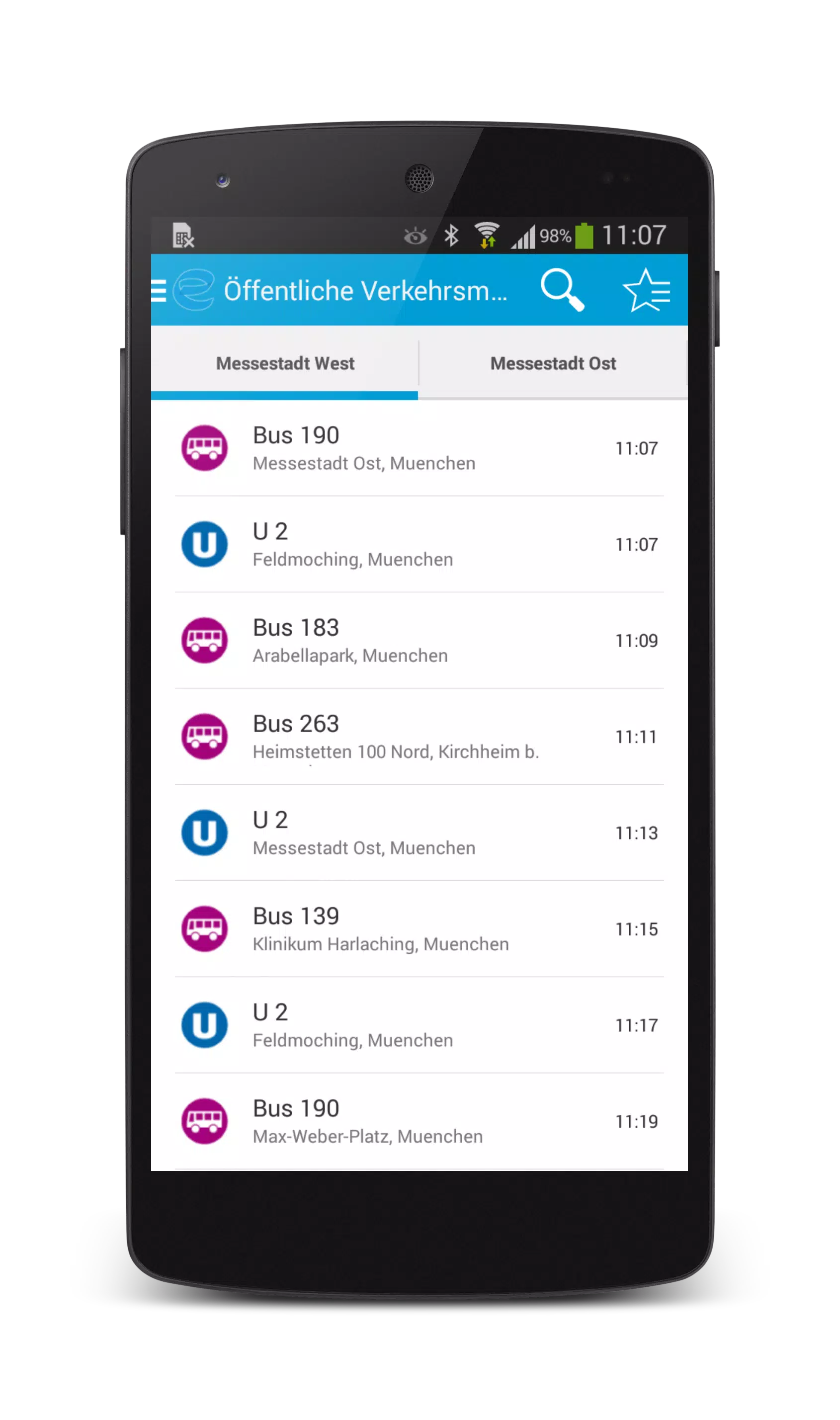
expo NAVIGATION is a streamlined navigation app designed to simplify route planning and on-site movement for events, trade shows, and large venues. It provides clear indoor and outdoor maps, step-by-step directions, and customizable wayfinding layers so attendees, staff, and vendors can find booths, stages, and services with minimal effort.
expo NAVIGATION groups its capabilities into practical modules that suit event organizers and visitors alike. The map module supports multi-level floor plans, zoomable vector graphics, and searchable points of interest. Real-time positioning helps users orient themselves within complex spaces, while turn-by-turn prompts and estimated walk times reduce confusion between adjacent halls.
Organizers can upload schedules, assign priority routes, and pin emergency exits or accessibility paths. The app also supports custom icons, color-coded zones, and layered information so different user groups see only the data they need.
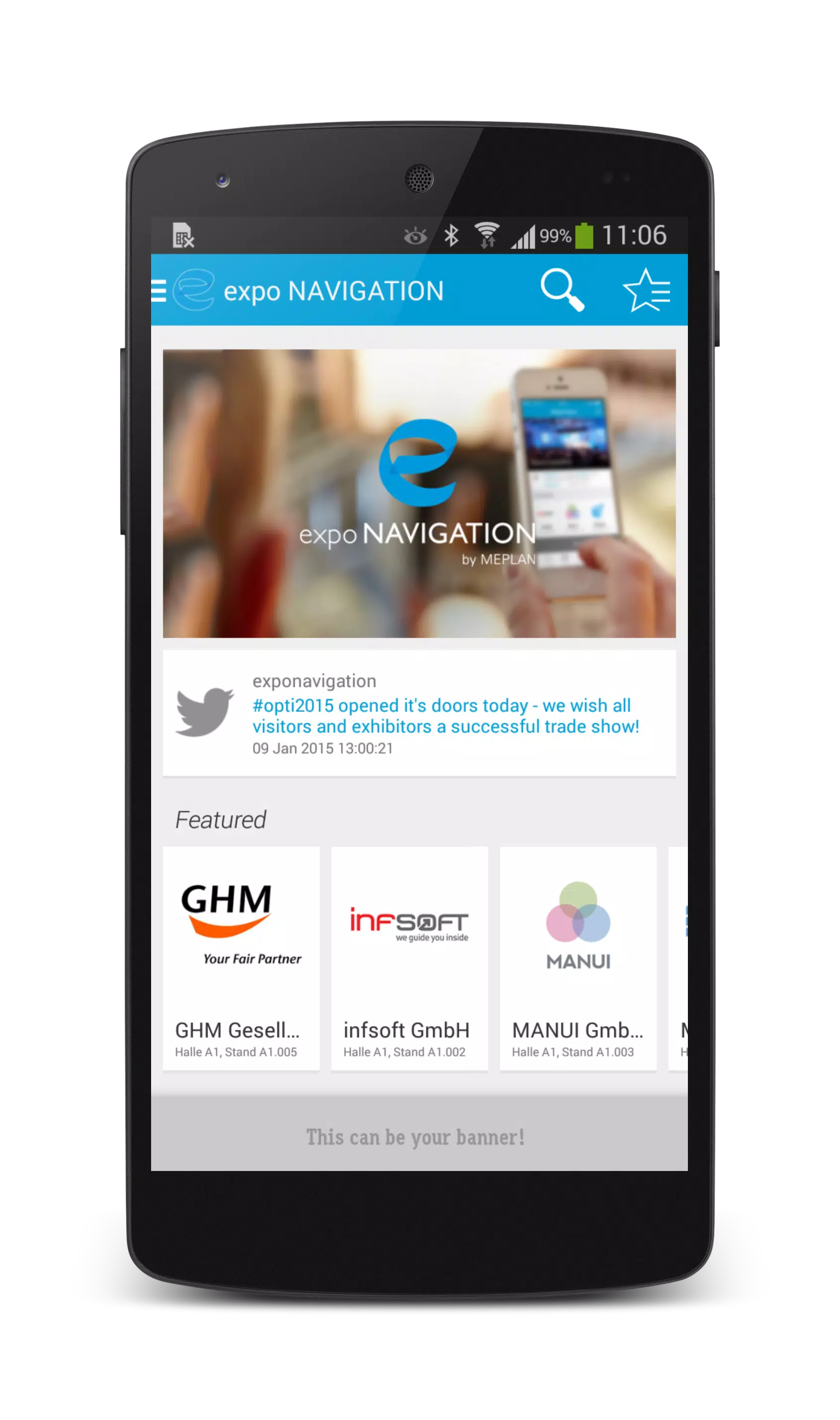
The interface emphasizes clarity and speed. Large, legible labels are combined with high-contrast icons to remain readable in bright exhibition lighting. The home screen offers quick access to a search bar, saved routes, and a live map view. Navigation steps are presented in a concise list with optional audio guidance, making it simple to follow while carrying luggage or promotional materials.
expo NAVIGATION reduces setup friction by providing a guided import tool for floorplans and a dashboard for route testing. Once a venue is uploaded, admins can annotate the map, define restricted areas, and publish updates in a few taps.
Performance focuses on responsiveness and low battery impact. Map tiles are optimized for offline caching, so users can continue to navigate even when mobile data is limited. Positioning combines GPS, Wi-Fi, and beacon data where available to maintain accuracy inside dense structures. The app also adapts rendering fidelity based on device capability, preserving a smooth experience on budget phones as well as high-end devices.
Regular background syncing ensures schedules and announcements reach attendees without interrupting navigation. Crash analytics and error reporting give event operators fast feedback to address problems before they affect large numbers of users.
expo NAVIGATION is built to integrate with common event management platforms and calendar systems. Import CSV attendee lists, sync session schedules from popular CMS tools, and embed map views into event websites via shareable links. The app runs on modern Android versions and scales to screen sizes from phones to tablets. For high-density venues, optional beacon hardware improves indoor positioning and reduces ambiguity around partitioned spaces.
Begin by creating an event profile and uploading your venue layout using the guided import. Add points of interest such as booths and service counters, then publish a test map for internal review. Encourage staff to install expo NAVIGATION in advance and use the built-in testing mode to simulate arrival routes. After launch, monitor usage statistics to spot popular paths and update signage or staffing where necessary.
Keep map labels concise and use distinct colors for main corridors versus secondary aisles. Leverage the favorites feature to promote keynote rooms and high-traffic exhibitors. If you expect high attendee density, enable beacon-supported positioning and distribute simple route links via QR codes at entrance points to reduce first-minute congestion.
expo NAVIGATION is designed to make large, crowded environments easier to manage and navigate. With practical tools for mapping, live guidance, and integrations into existing event workflows, it helps reduce friction for visitors and improves logistical coordination for organizers and vendors.