
MyPSMMC is a compact mobile app designed to streamline professional scheduling and communication for small to mid-size clinics and offices. It centralizes appointments, staff rosters, and patient messages while offering quick reports and customizable notifications to reduce administrative overhead and keep teams coordinated.
MyPSMMC organizes routine administrative tasks into a single, accessible interface. Instead of juggling spreadsheets and separate messaging tools, users can view calendars, assign shifts, and track arrival times from one dashboard. The app prioritizes clarity: visual timelines, color-coded entries, and concise status labels make daily operations easier to scan and act on.
Day-to-day, MyPSMMC reduces friction by aligning common tasks into a predictable flow. Managers create weekly templates, staff members claim shifts or mark availability, and the app syncs changes instantly. Notifications flag missed check-ins and new bookings. Each action logs a timestamp so teams can trace adjustments after busy shifts.
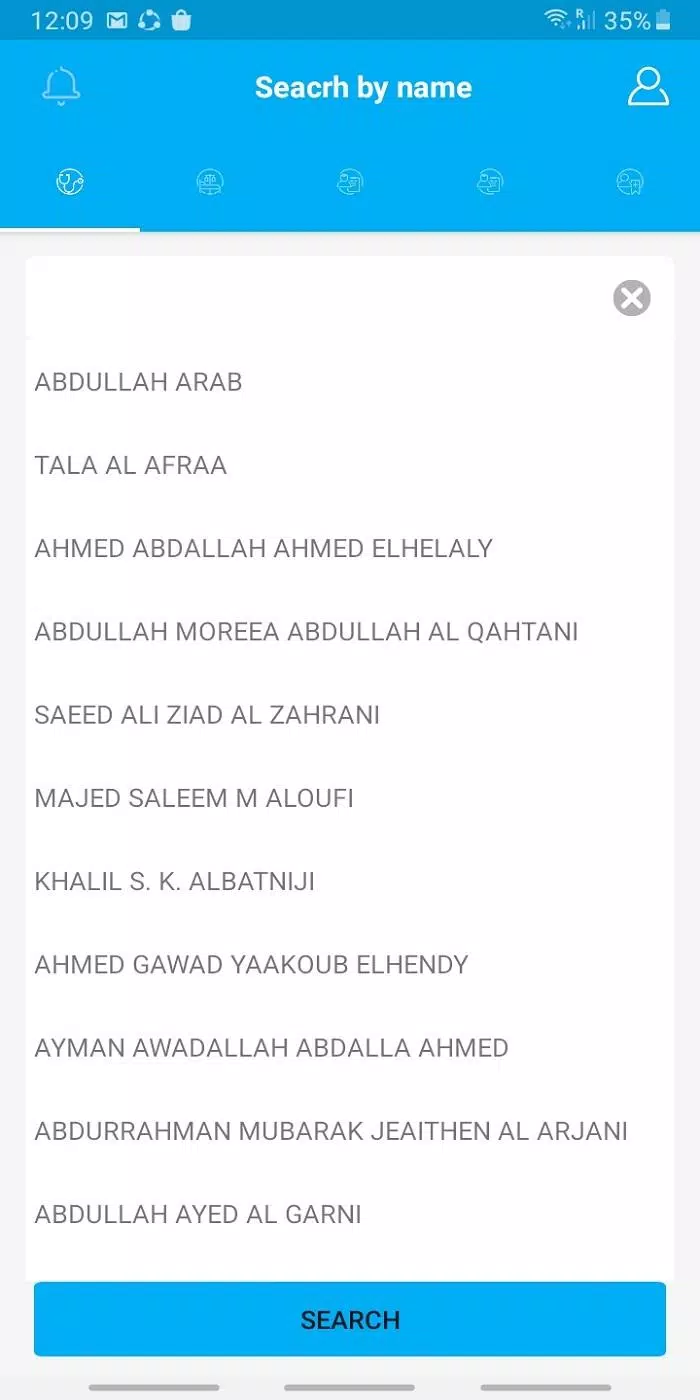
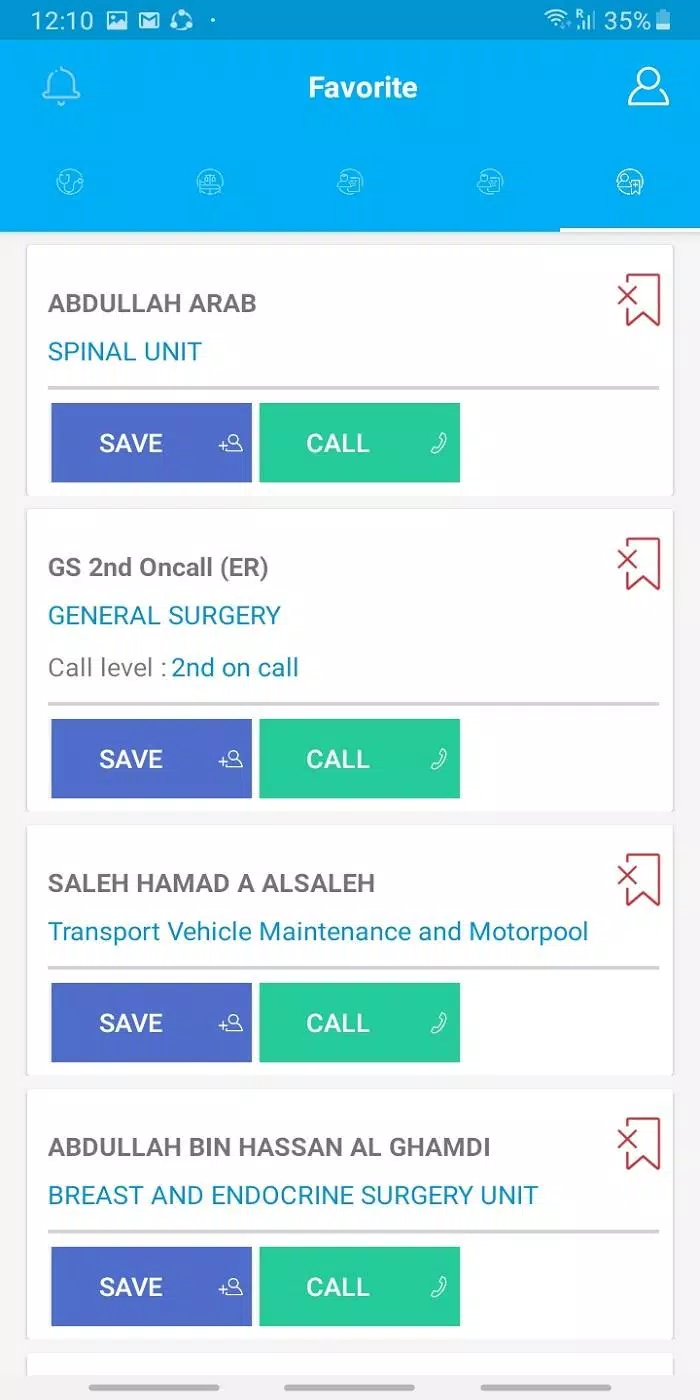
The visual design favors legibility over frills. Buttons and icons are proportioned for quick taps, and the calendar supports both list and grid views. Performance is optimized to run smoothly on mid-range devices: transitions are brisk and background sync uses minimal battery. Offline cached data allows basic access when a connection drops, then reconciles updates when the device is back online.
Administrators can tailor the app to fit different clinic styles. Label sets let teams define event types (consultation, follow-up, admin), while custom reminders and notification windows ensure messages arrive at appropriate times. Color themes and compact display modes allow users to prioritize information density or readability depending on their needs.
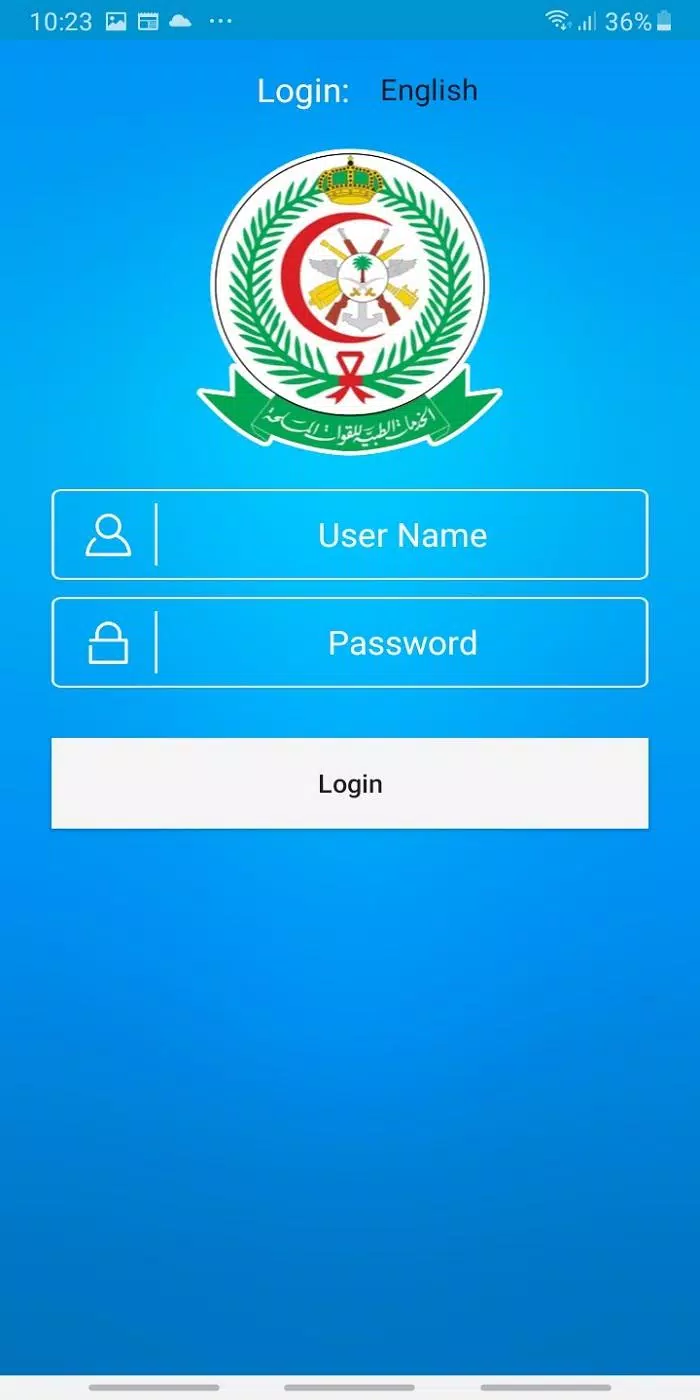
MyPSMMC includes role-based authentication and standard encryption for stored and transmitted data. Audit logs record significant actions and the app isolates sensitive fields behind access controls. Backup and restore functions are included, enabling safe migrations between devices or recovery after accidental deletions.
Adopting a short onboarding checklist—add core staff, define roles, and create two common appointment types—can make the first week much smoother and reveal useful customization opportunities.
For teams facing last-minute cancellations, the app’s waitlist feature automatically notifies available patients or staff. When multiple managers edit the same roster, the app surfaces conflicts and suggests merges. For smaller offices with limited training time, simplified user accounts restrict functionality to essentials so staff can complete tasks without extra steps.
Installing MyPSMMC is straightforward. After downloading and granting basic permissions, an initial setup wizard guides administrators through creating a roster and inviting teammates. The in-app help center provides short guides and sample templates to accelerate setup. Support channels include email and a knowledge base for deeper configuration questions.
MyPSMMC fits teams that need focused scheduling tools without bloated extras. Its combination of clear visuals, role controls, and lightweight performance makes it practical for everyday use in busy environments where reliability matters.