
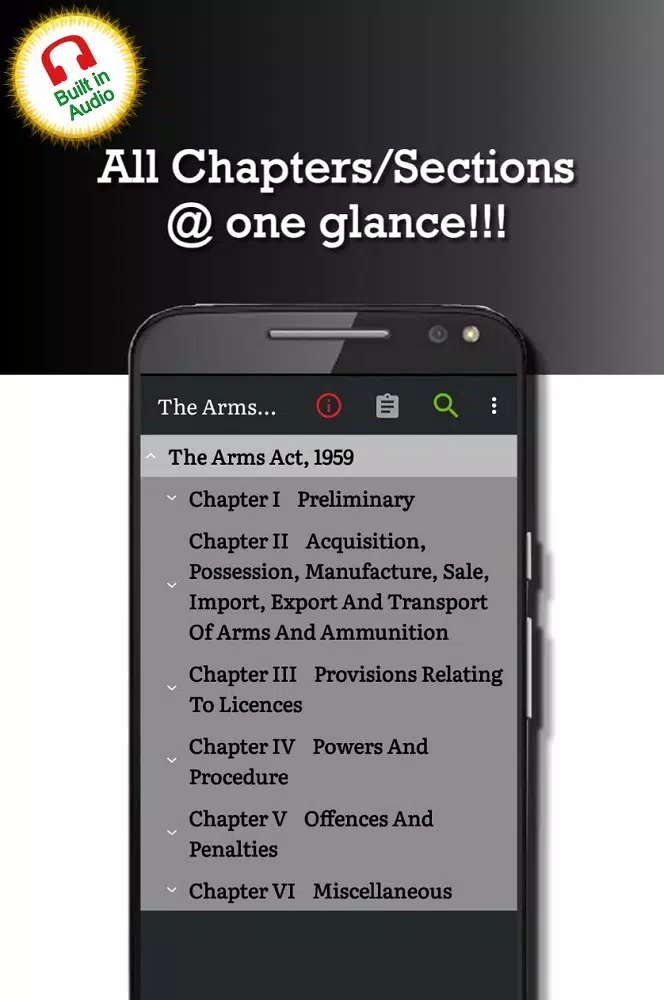
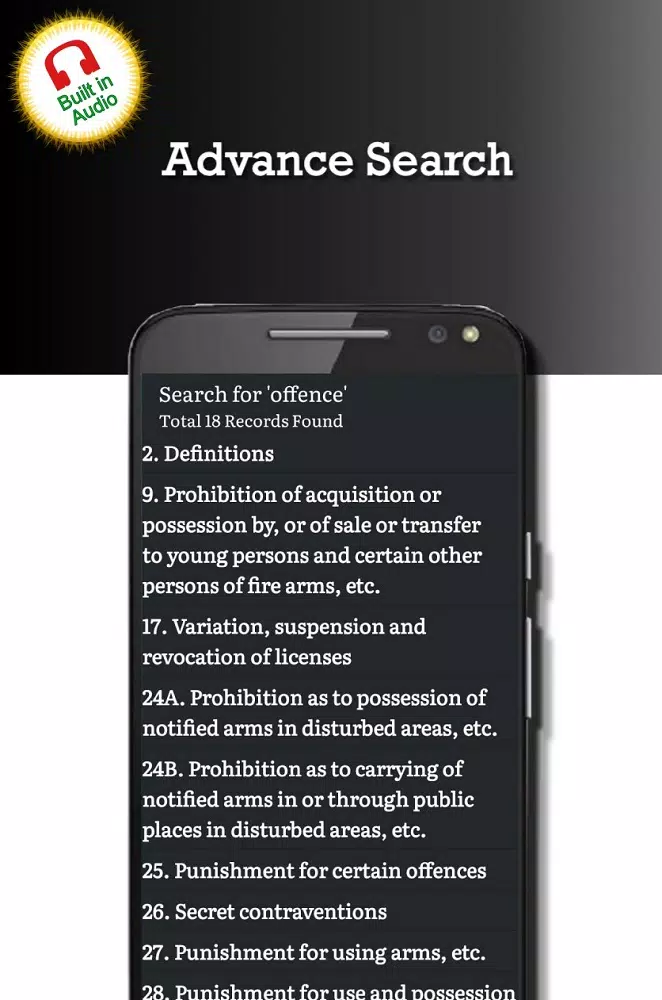
Arms Act 1959 is a focused legal reference app that places the full statute and practical guidance at your fingertips, designed for students, lawyers, public servants and curious citizens. The opening view presents a clear index and search bar so you can locate licensing requirements, possession rules and penalty schedules quickly; the app name Arms Act 1959 appears throughout the interface to keep the subject matter explicit and easy to find in your device search.
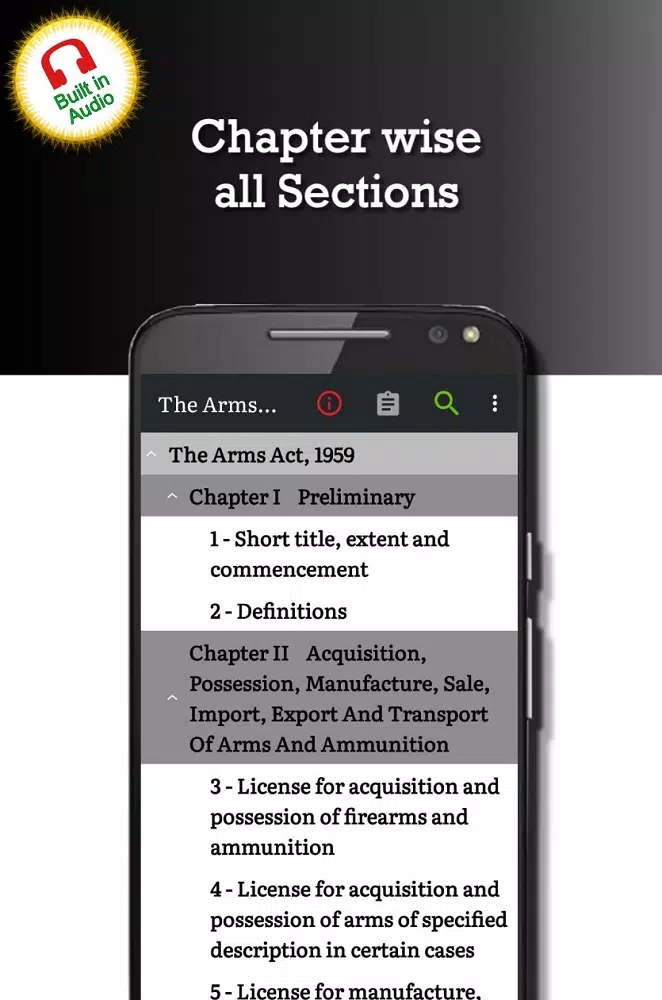
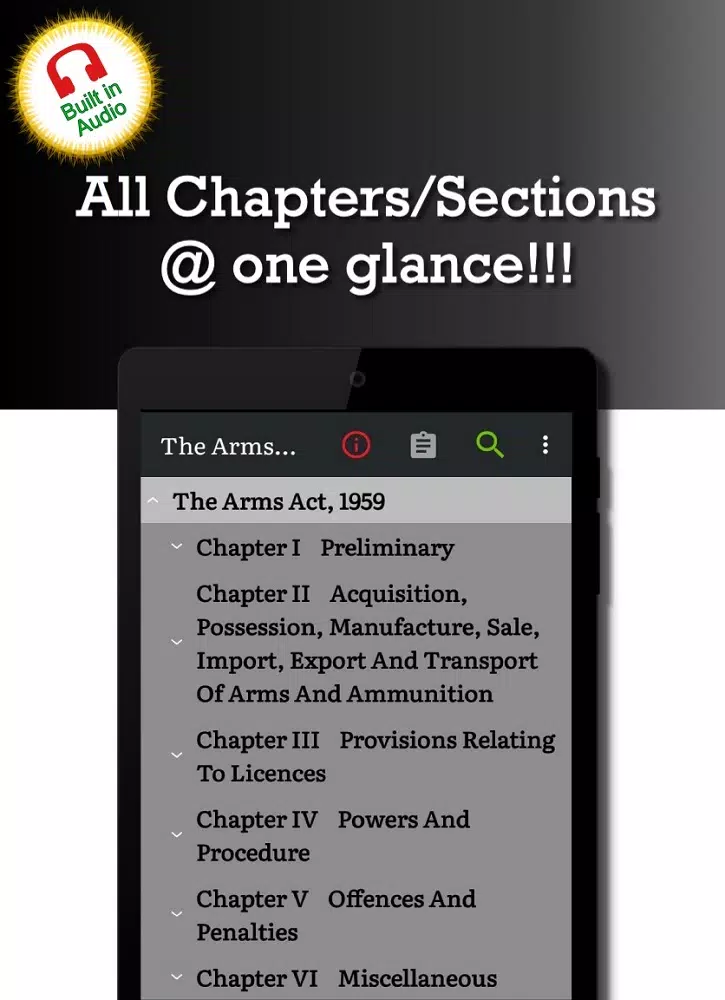
The core of the app is the complete text of the 1959 statute presented alongside concise, plain-language summaries and contextual annotations. Content is split into logical sections—licensing, possession, penalties, exemptions and schedules—so you move directly from a topical heading to the specific clause you need. Cross-references are embedded as links to related sections and schedules, and an amendment timeline highlights historical changes so you can see how particular provisions evolved. The Arms Act 1959 resource avoids legal jargon where possible and frames each section with practical compliance notes and citation-ready text.
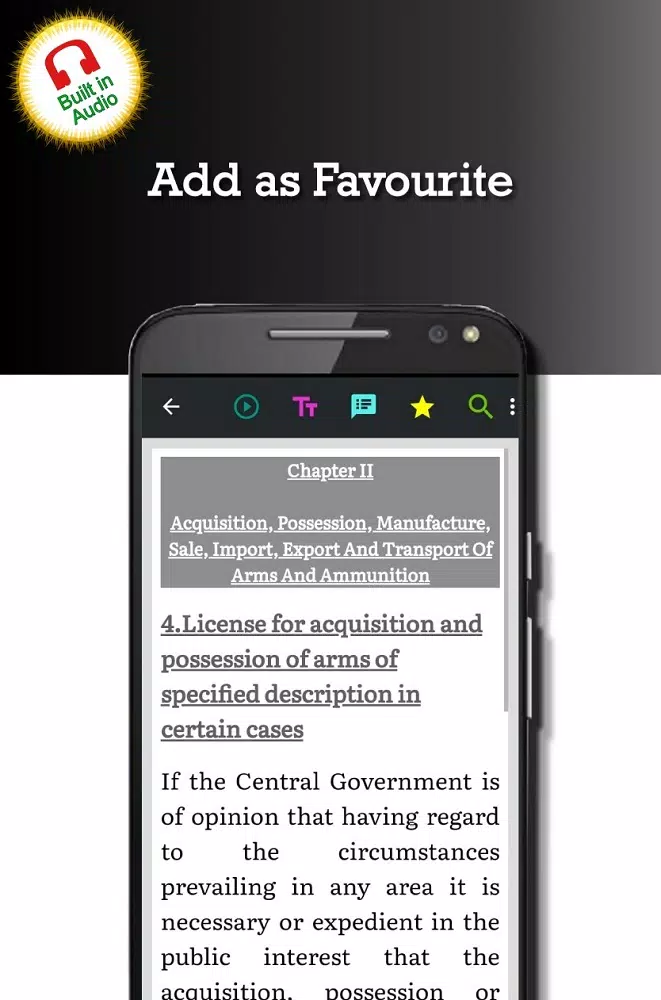
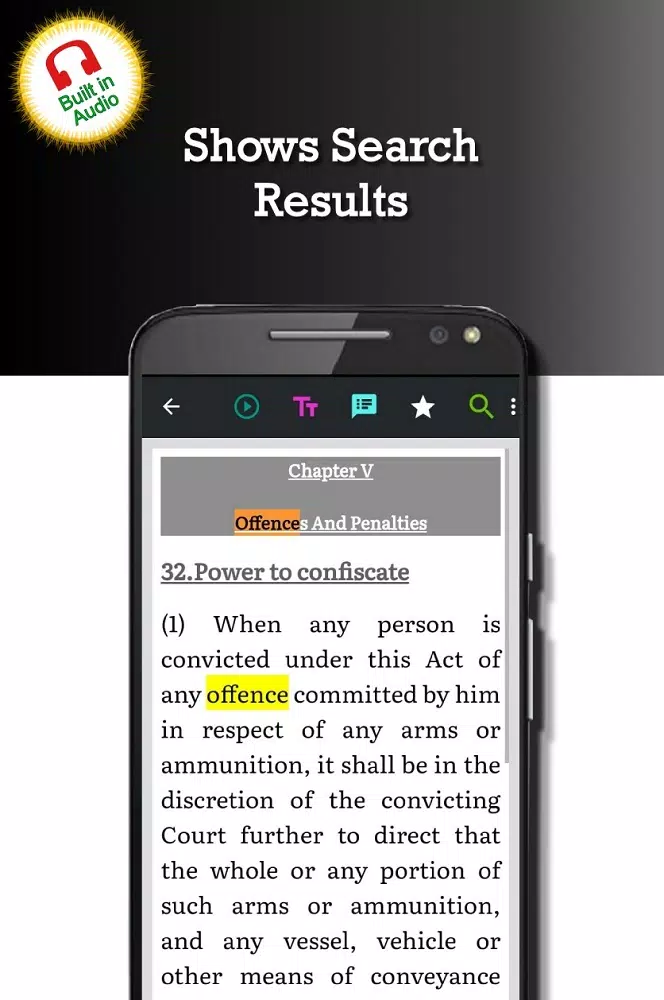
Navigation relies on a two-pane layout: a persistent index to the left and a main reading pane on the right. Tap any heading to expand subsections and use the search field to jump to phrases, section numbers or keywords without manual scrolling. Hyperlinks inside the text guide you between clauses while preserving reading context, and bookmarks let you return to frequently used provisions. Search results are presented with matched snippets so you can judge relevance before opening a passage; this interaction model keeps lookup tasks efficient and predictable on touch devices.
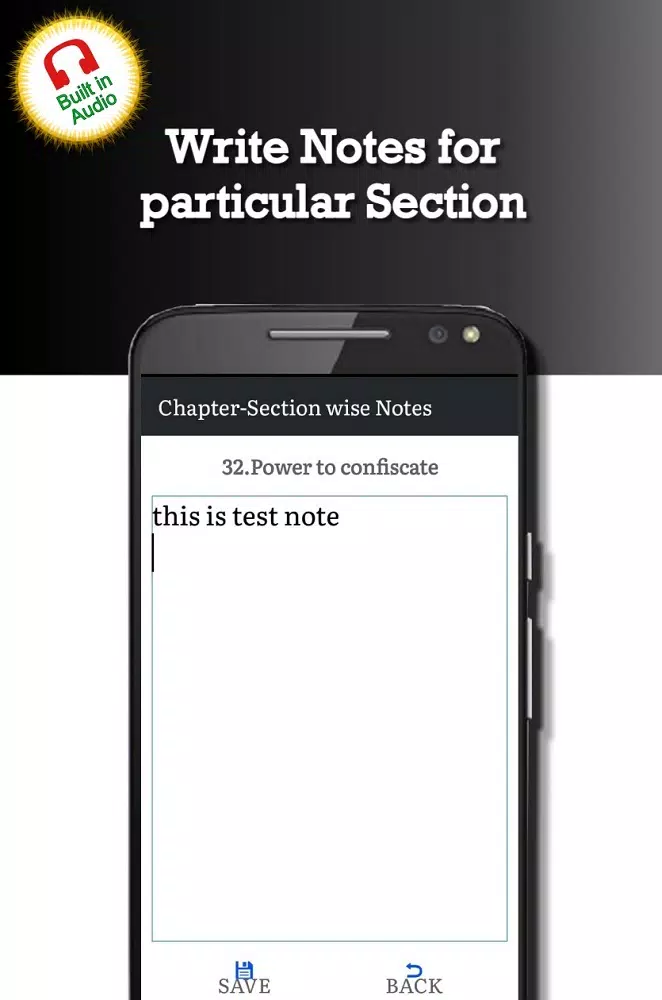
Rather than a linear learning path, progression in the app is driven by personalized study workflows: create a set of highlights on topics you are studying, attach notes to specific clauses and build a personal library of related statutes for side-by-side comparison. A revision log and amendment timeline help you track which provisions have been recently updated so your study or case preparation reflects the current law. For exam preparation or professional review, recurring bookmarks and grouped annotations let you revisit problem areas methodically.
The visual design prioritizes legibility: adjustable font sizes, contrast modes and paragraph spacing allow you to tailor the reading experience to ambient light and personal preference. Text is formatted to reduce eye strain with clear headings, consistent line spacing and subdued color accents only where they improve navigation. The interface intentionally avoids heavy animations so content loads quickly and the reading flow is uninterrupted, which is particularly useful during long review sessions or in courtroom environments.
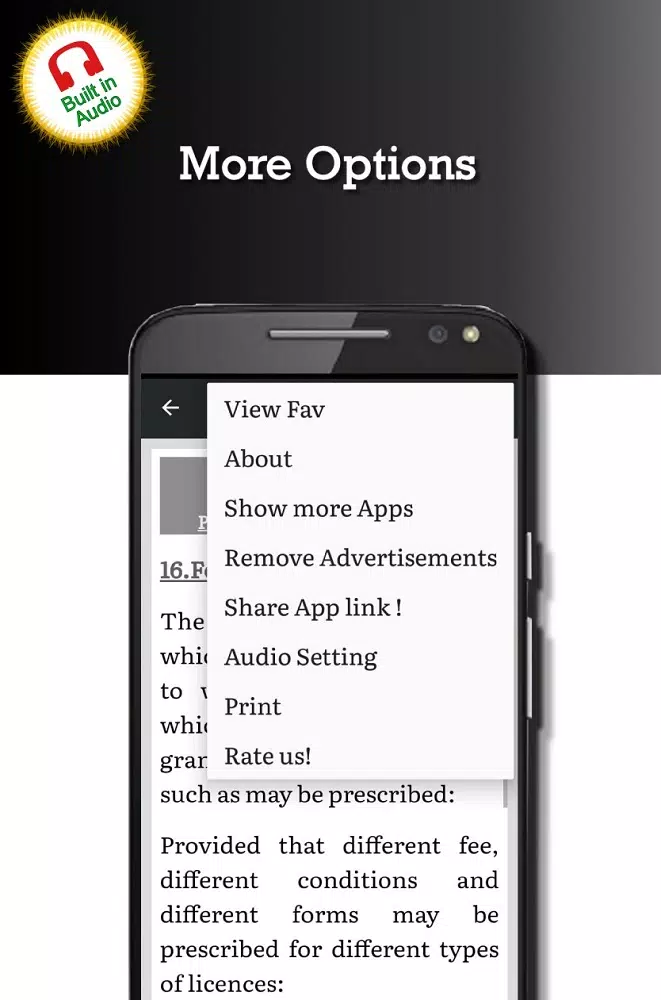
Customization includes color-coded highlighting for issue spotting, persistent bookmarks, and export options so you can extract passages as plain text or PDF for memos and case files. A personal library feature lets you assemble related statutes and rules for comparison, and optional notifications inform you when major amendments or interpretive notes are added to a statute or schedule. Importing and consolidating local notes is supported during the initial setup so your existing research remains accessible within the app.
Critical content is available offline for reliable use in fieldwork or locations with limited connectivity; lightweight caching minimizes data usage and helps the app remain responsive on lower-end devices. The app is optimized for battery-friendly operation and small storage footprint so it can be used reliably during long workdays. Updates are delivered incrementally to keep download sizes small while ensuring you have the latest statutory text and annotations.
Legal practitioners will find the app valuable for quick reference during client meetings and hearings, with export and annotation tools that simplify drafting and citation. Law students can organize study materials by topic, track amendment histories for essay preparation and reuse notes across multiple assignments. Enforcement officers and public servants can check licensing conditions and penalty tables on the spot to inform administrative decisions. The design focuses on clarity and rapid retrieval so users spend less time hunting for provisions and more time on analysis and compliance.
To begin, download Arms Act 1959 from your trusted app source and grant storage permission if you want offline access. The short in-app tutorial covers search, bookmarks and export in under five minutes and the initial setup asks you to choose a default font size and import any local notes. Regular updates maintain the resource, and modest configuration options allow you to match the app to your daily workflow quickly.