
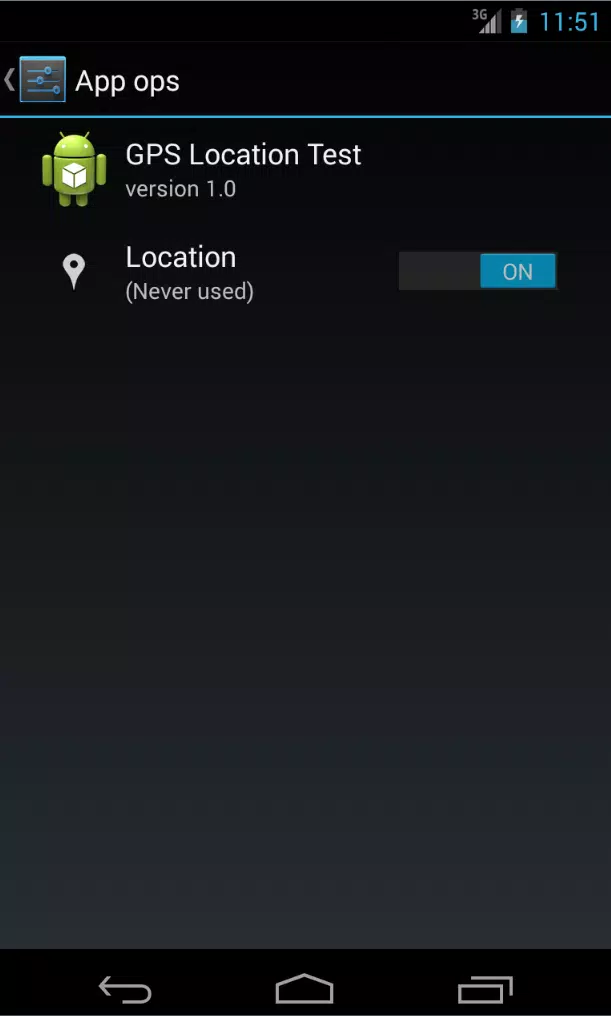
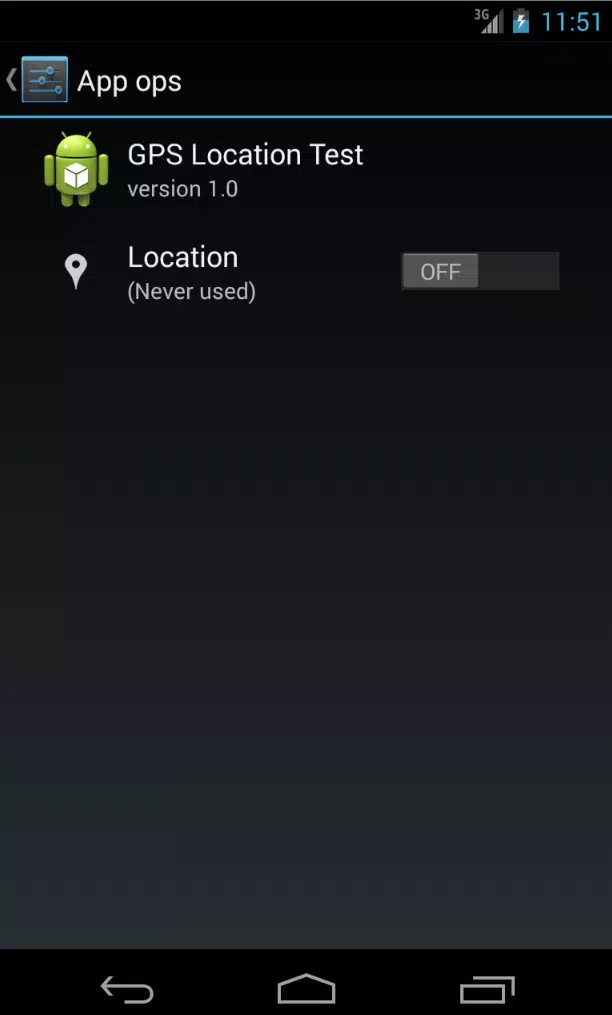
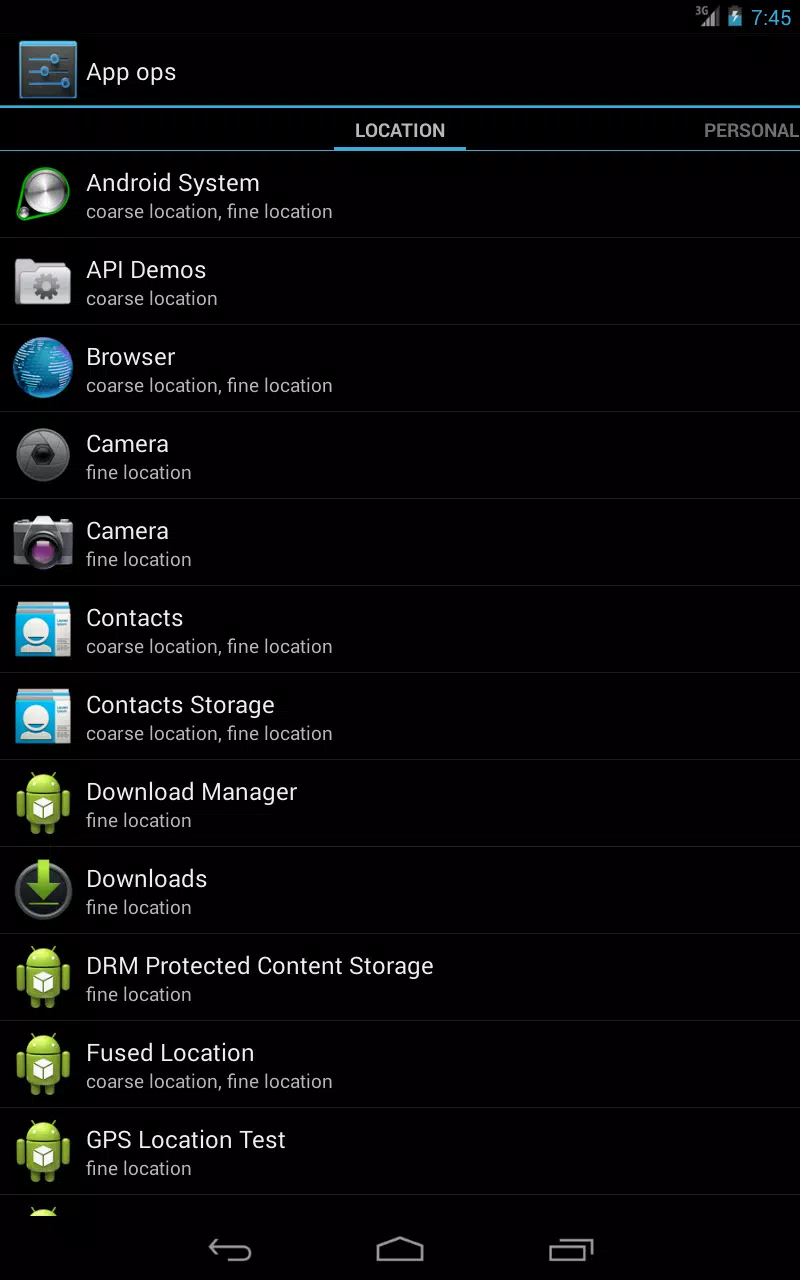
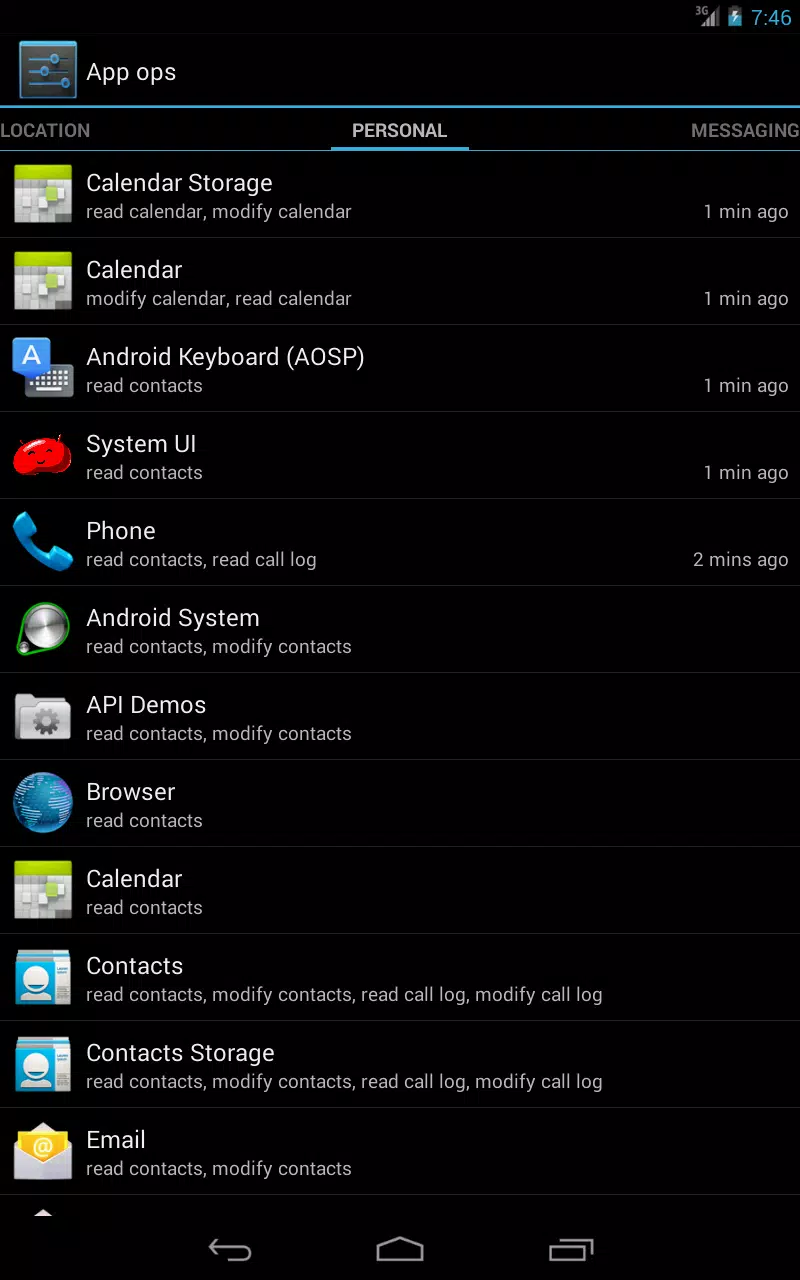
App Ops Launcher is a lightweight Android utility that organizes and controls application operations and permissions from a compact home screen shortcut. It provides fast access to app-specific settings, permission toggles, and operational history, helping users manage installed apps without digging through system menus or developer tools.
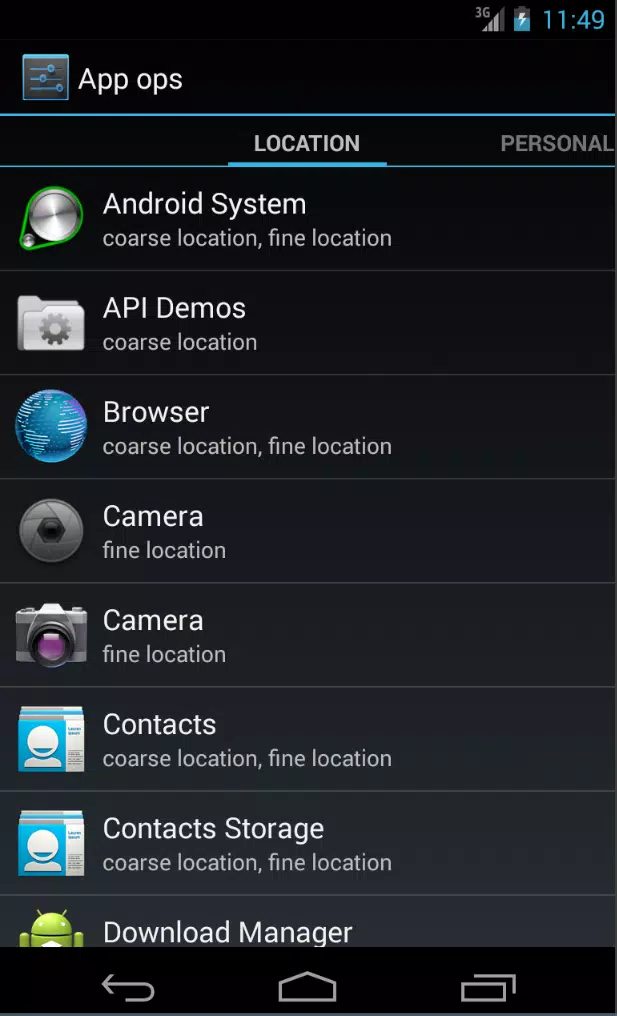
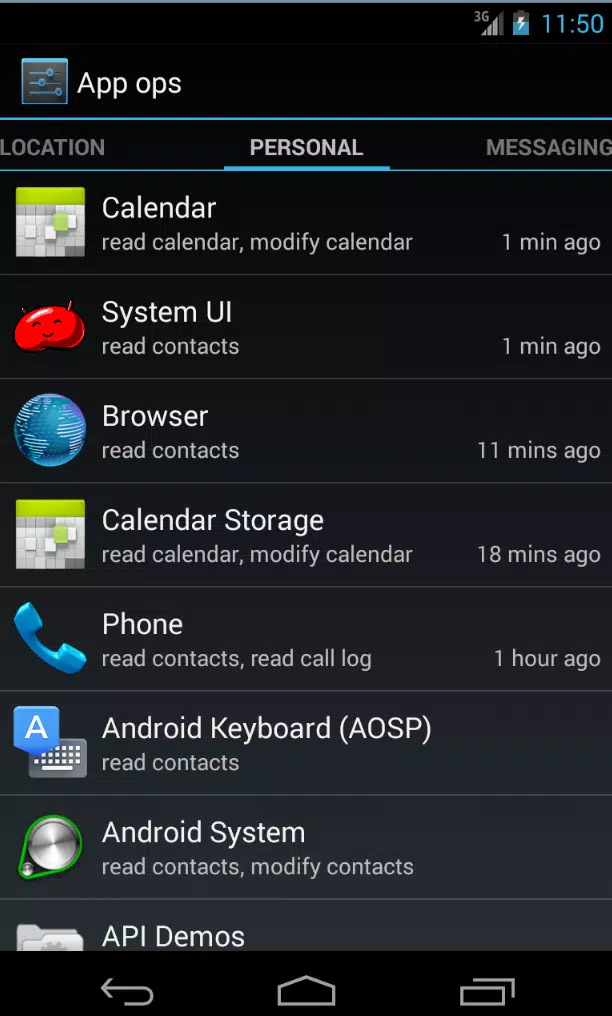
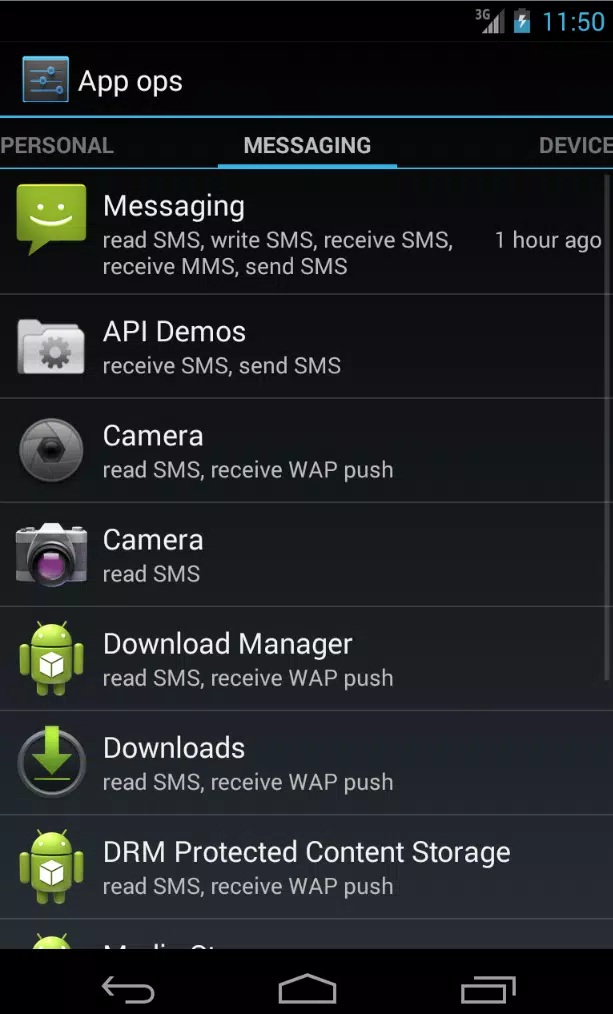
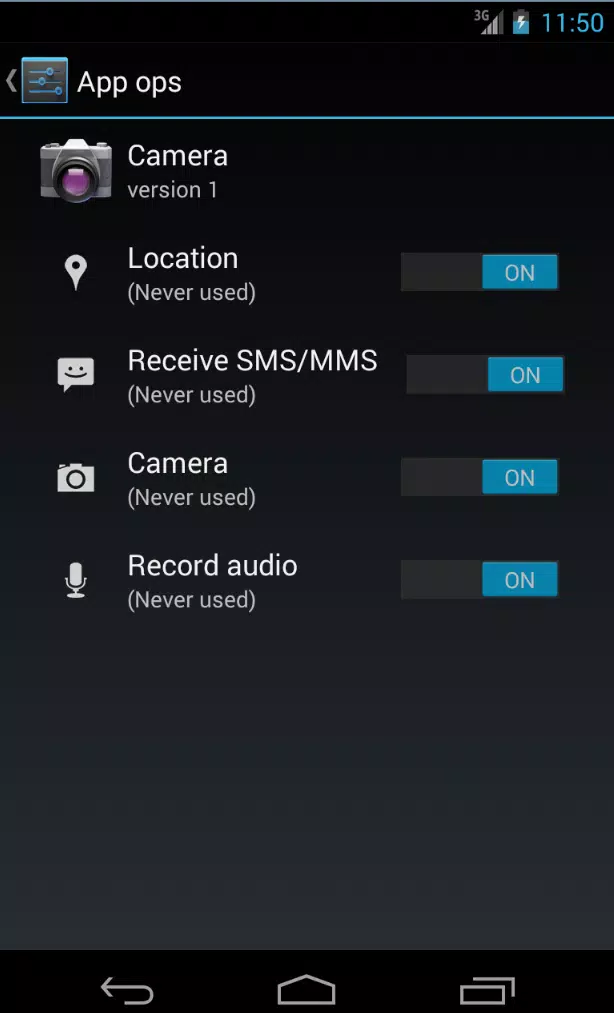
App Ops Launcher centralizes essential controls for each installed application. From a single overlay or widget you can view permission status, toggle access to location, camera, microphone and other sensitive services, clear app caches, and jump directly to detailed settings pages. The tool also surfaces runtime behaviors such as background activity and network access, giving a clear snapshot of what each app is doing and why.
The design emphasizes speed and clarity. App Ops Launcher presents a minimal icon-based grid or a compact list mode so you can choose the layout that fits your workflow. Customizable shortcuts let you pin the most important app operations to the home screen for one-tap access. Theme options match light and dark system modes, and adjustable icon sizes and label visibility keep the interface readable on small and large displays alike.
Instead of navigating deep into system menus, App Ops Launcher provides contextual permission controls. Open the launcher for any app to see a grouped summary of granted, denied and limited permissions. Tapping a permission toggle will change the state immediately or redirect you to the appropriate Android settings screen when elevated privileges are required. The app also supports temporary revocation so you can block access for a session and allow it again later without losing the original configuration.
For power users and those who want clearer control of their device, App Ops Launcher streamlines repetitive tasks. Use quick actions to suspend background activity, restrict network access for a single app, or set custom notification rules. The workflow focuses on reducing friction: identify problematic behavior, apply mitigation (like revoking a permission or limiting background work), and monitor results from the same interface.
App Ops Launcher is optimized to run with minimal battery and memory impact. Background processes are limited to essential monitoring functions, and the app uses batched updates to avoid frequent wake-ups. It supports a wide range of Android versions and adapts its functionality based on platform restrictions; when a specific operation requires system-level access, the app clearly explains the steps to complete the change through the device settings.
Privacy is a primary focus. App Ops Launcher stores only local logs of permission changes and notable app events, and it does not transmit personal data to external servers. The activity history helps you trace when a permission was toggled or when background access was restricted. You can clear logs at any time or export a summary for personal records. Fingerprint or PIN lock options are available to prevent unauthorized changes to sensitive controls.
App Ops Launcher brings practical, accessible app management to the home screen. It reduces the need to dig through complex settings, provides clear feedback about app behavior, and supports both casual users and advanced tinkerers with customizable controls. Whether you want to regain control over permissions, limit background resource use, or simply tidy up app behavior, the launcher makes those tasks quicker and more transparent.