
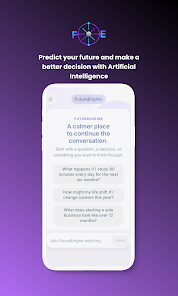
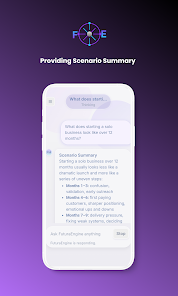
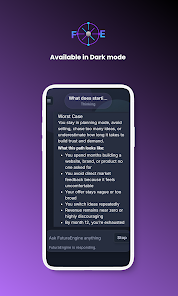
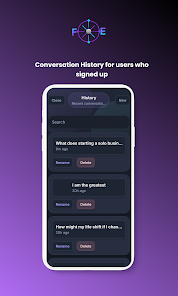
FuturaEngine is a lightweight, modular development platform designed to accelerate mobile app creation with flexible components, a visual editor, and optimized runtime. Built for rapid prototyping and production use, FuturaEngine streamlines asset management, preserves performance, and supports cross-platform deployment and extensible plugins.
At its core, FuturaEngine combines a visual scene builder, a component-driven architecture, and an efficient runtime that reduces memory overhead. The toolkit targets mobile developers who need faster iteration cycles without compromising on performance or native integration. It supports common languages and build tools so teams can adopt it without changing their workflow.
The platform integrates with standard Android development tools: it generates Gradle-compatible modules, supports Kotlin and Java codebases, and can be opened inside Android Studio. FuturaEngine’s plugin API allows teams to add custom build steps or integrate third-party services like analytics, crash reporting, and CI pipelines. The recommended workflow centers on modular source trees and lightweight build caches to keep compile times low.
Customization is a focus: developers can extend base components or author custom modules that plug into the editor and runtime. A documented API grants access to rendering hooks, input events, and asset management, while scripting support enables rapid feature prototypes. Themes and style systems provide a consistent look across screens with minimal code repetition.
FuturaEngine uses a compact runtime footprint, applying ahead-of-time optimizations and selective code stripping to reduce binary size. Memory pools and object reuse minimize garbage-collection spikes on Android devices. The rendering pipeline adapts to device capabilities to maintain stable frame rates, and optional hardware-accelerated paths are available for demanding animations or effects.
Designed primarily for Android, FuturaEngine also exports artifacts suitable for embedding into cross-platform projects. Built-in compatibility checks warn about deprecated APIs and platform-specific constraints so developers can plan fallbacks. Supported minimum SDK versions and recommended device profiles are documented to help teams balance reach versus feature set.
The interface emphasizes clarity: a project navigator, component inspector, and preview canvas are arranged to minimize context switching. Live error reporting and actionable messages reduce debugging time, while sample templates and starter kits demonstrate common patterns like navigation flows, data binding, and offline caching. Team collaboration is supported via project export and shared component libraries.
Documentation includes step-by-step tutorials, API references, and migration guides for existing apps. Sample projects demonstrate integration patterns for networking, persistence, and third-party SDKs, making it straightforward to evaluate the platform on a real use case.
FuturaEngine is well-suited for small teams aiming to accelerate feature delivery, as well as larger organizations that benefit from modular code and a unified design system. Its balance of visual tools and code-level control makes it adaptable for rapid prototypes and production-ready applications alike.
With a focus on extensibility, performance, and seamless integration into Android ecosystems, FuturaEngine offers a pragmatic alternative for developers looking to reduce time-to-market while maintaining control over app behavior and quality.