
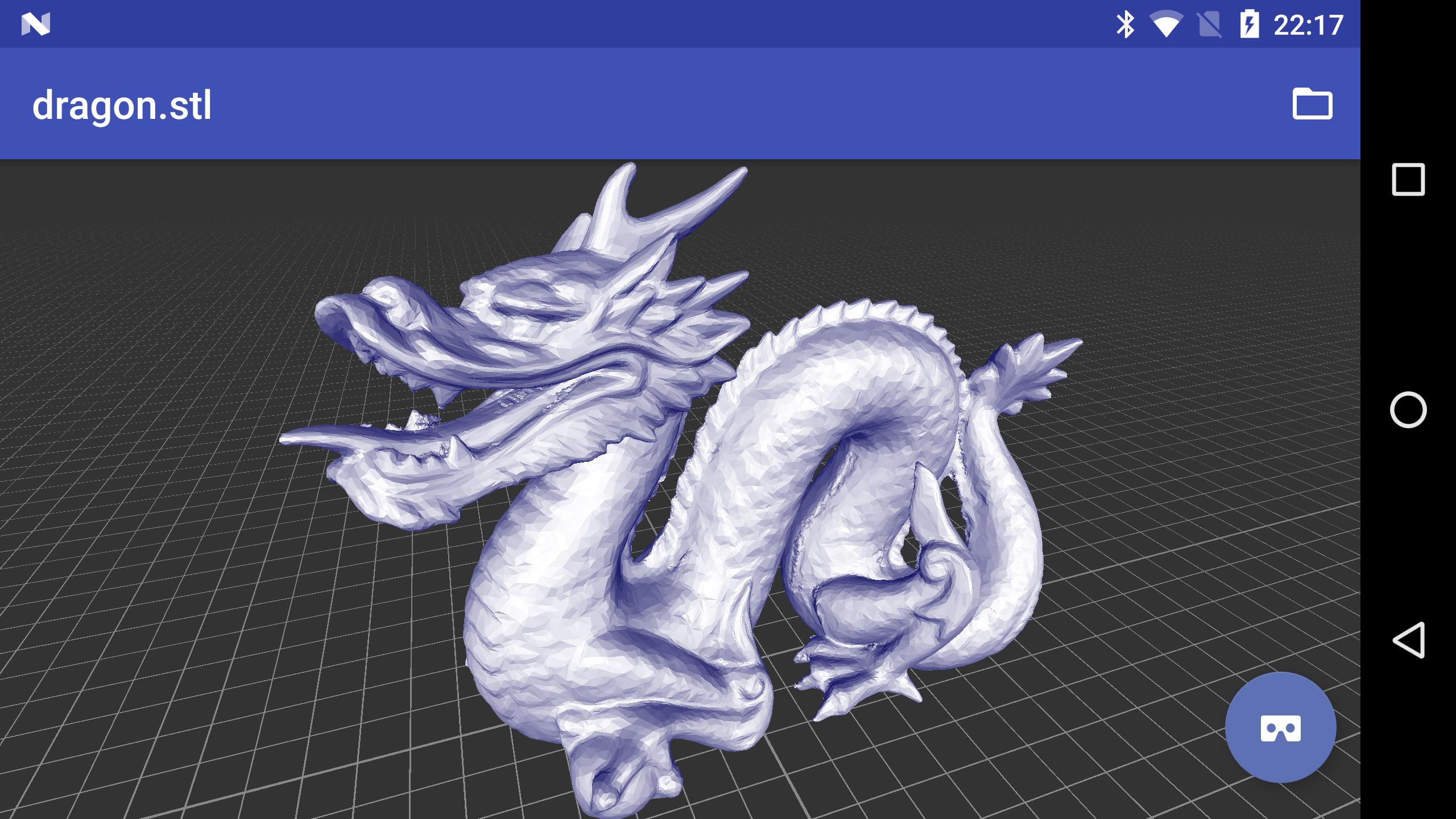
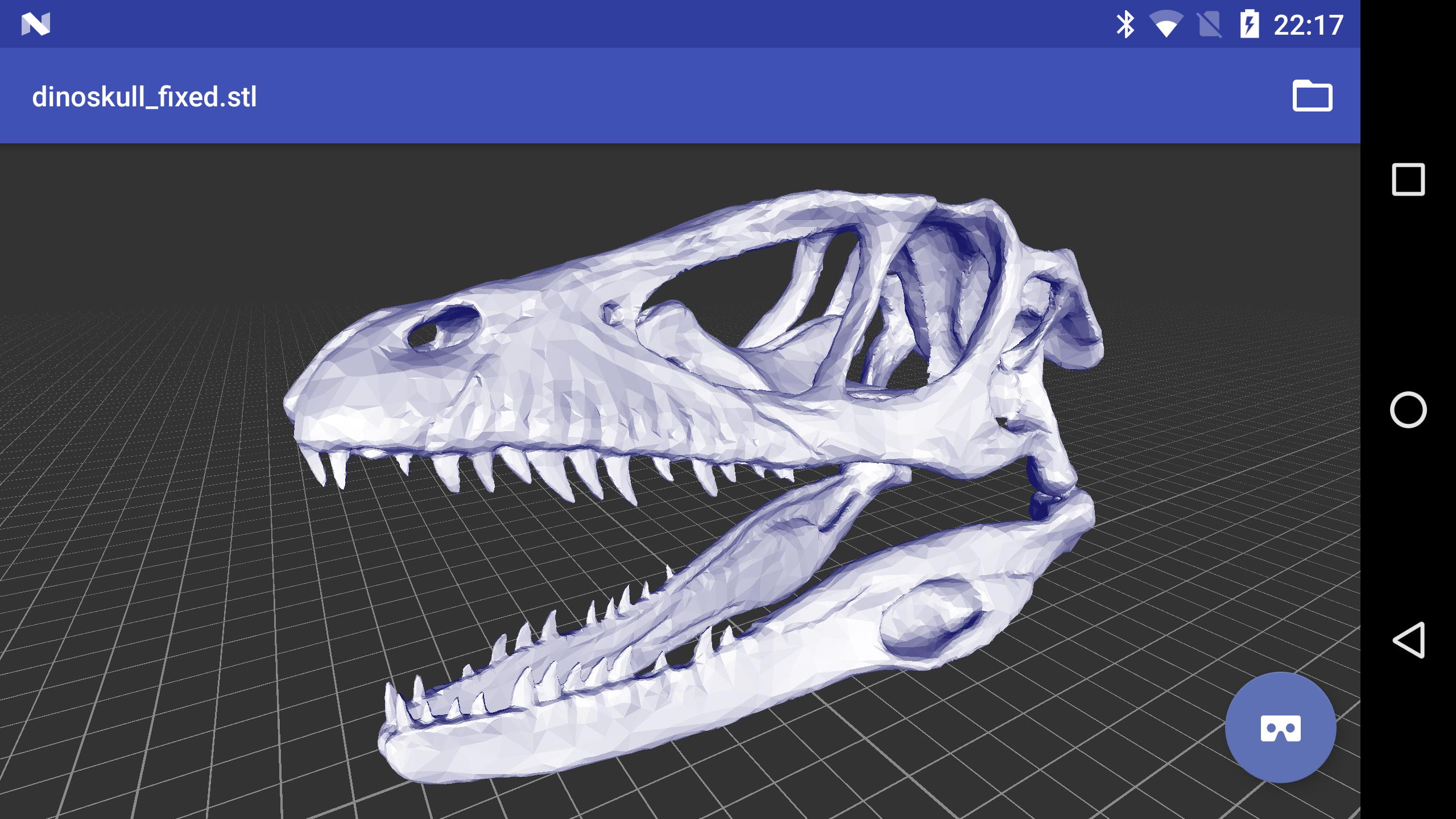
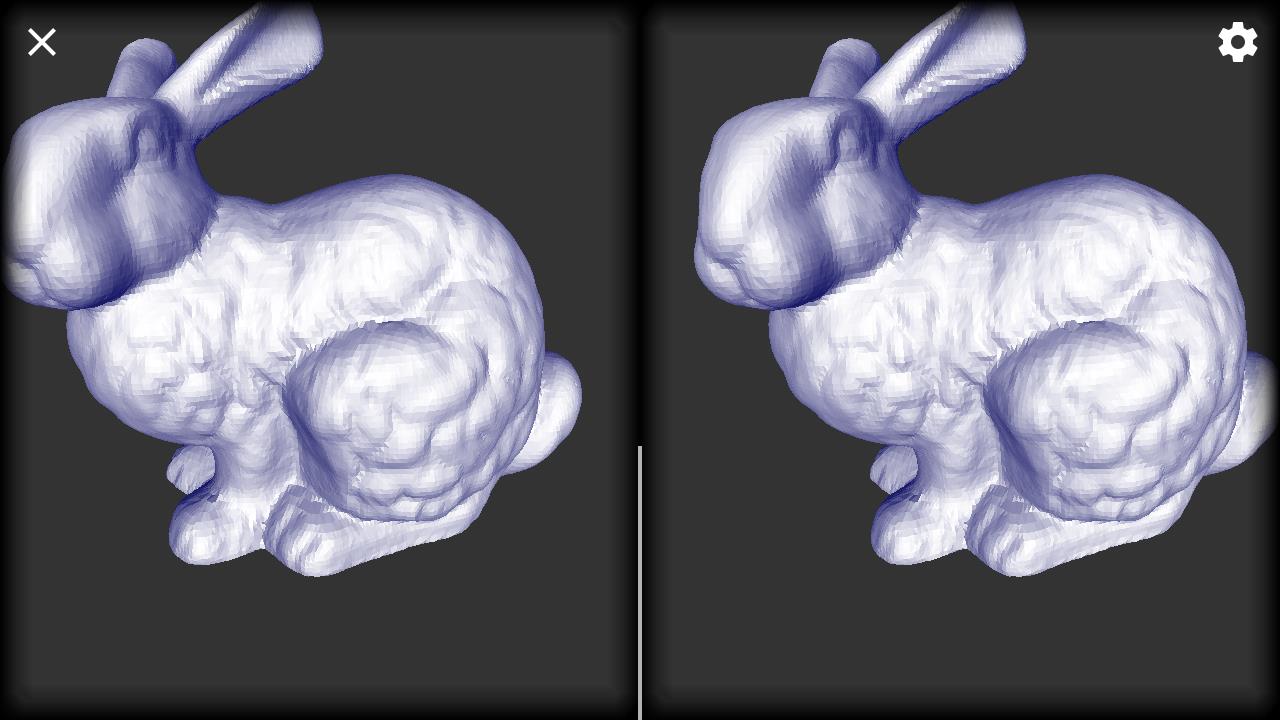
3D Model Viewer is a lightweight Android utility that lets you inspect, rotate and analyze 3D assets on the go. It supports common formats, provides accurate shading previews, and includes measurement and layer controls — ideal for designers, students, and developers who need a fast, reliable viewer on mobile devices.
Designed as a practical tool rather than an editing suite, 3D Model Viewer focuses on clear visualization and quick file handling. It opens OBJ, FBX, STL and several other standard file types, rendering meshes with configurable lighting and texture support so you can evaluate geometry and materials without a desktop workstation.
Importing a file is straightforward: use the app’s file browser or connect to Google Drive and Dropbox. Once a model is loaded, gesture controls let you orbit, dolly and pan with familiar pinch and swipe motions. A concise toolbar exposes toggles for wireframe, textured and shaded display modes, while a properties panel lists vertex counts, material names and texture paths.
The interface favors clarity over complexity. Controls are grouped logically and sized for thumbs while preview performance scales with hardware. On mid-range phones the viewer maintains responsive interaction by reducing shader complexity or mesh density on demand. Power users can enable high-quality rendering when working on flagship devices.
3D Model Viewer includes several utility tools useful for professional workflows. Measurements snap to mesh vertices for accuracy, and the axis and grid overlays help assess alignment. The scene inspector displays hierarchy information so you can identify submeshes and materials without loading the asset into a full DCC (digital content creation) package.
While not an editor, the app allows lightweight adjustments that aid review cycles: change background colors, toggle AO (ambient occlusion) approximations, and alter exposure to check how textures respond to different lighting. Export options are centered on screenshots and simple reports that include model metadata — handy for sharing quick previews with teammates.
Students, freelance artists, QA testers and developers will find the viewer especially useful. It accelerates iteration by letting stakeholders inspect models without installing heavy software. Architects can check STL prints, game developers can validate asset imports, and educators can demonstrate 3D concepts in class using just a phone or tablet.
Getting started takes only a few taps: install, grant storage access, and load your first model. With minimal learning curve and focused functionality, 3D Model Viewer offers a fast path from file to visual feedback for anyone working with three-dimensional assets on Android devices.