Fitpro Smart Watch App is a companion application that connects your Android phone to a wearable, offering activity tracking, heart-rate monitoring, sleep analysis, and notification management in a single interface. It aims to consolidate health metrics and device settings into an accessible dashboard for everyday use and fitness planning.
The Fitpro Smart Watch App is designed for users who want a practical bridge between smartphone convenience and wearable insights. It presents metrics clearly, supports multiple watch models, and focuses on reliability rather than gimmicks. This app simplifies syncing, presents historical data, and helps you stay on top of daily activity goals.
The app layout favors a clear, tile-based dashboard that highlights the most relevant metrics at a glance. Menus are straightforward, with quick access to device settings and activity history. Loading times are generally short and the app maintains consistent connection stability when paired via Bluetooth. Occasional reconnection prompts may appear on some phone models, but these are usually resolved through a one-tap resync.
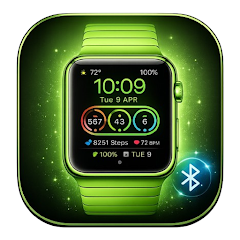
Customization options in the Fitpro Smart Watch App let you tailor watch faces, enable or disable specific health sensors, and set alerts for heart rate thresholds. Watch faces can be swapped directly from the phone, and several basic designs are included. The app also supports custom reminders, alarms, and sedentary alerts to encourage movement throughout the day.
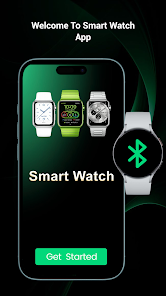
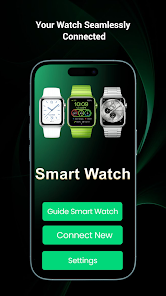
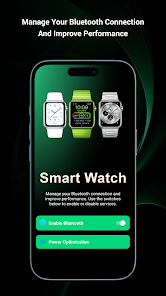
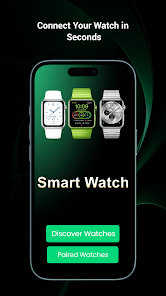
Pairing the watch with the Fitpro Smart Watch App follows a standard Bluetooth setup: install the app, enable location and Bluetooth permissions, and follow the on-screen pairing instructions. Once linked, data syncs automatically when the devices are within range. The app stores recent records locally and can export or share reports if needed.
Fitpro Smart Watch App keeps personal data on your device and offers options to clear local records. Users can opt out of cloud backups where available and manage permissions for access to contacts, storage, and notifications. The app lists the types of data it collects and gives simple toggles to reduce sharing.
Start by calibrating step length and setting realistic daily goals. Allow the app permission to run in the background to ensure consistent data recording. For accurate heart-rate and sleep readings, wear the watch snugly and update firmware when prompted. Use the notification filters to reduce distractions while keeping important alerts active.
Fitpro Smart Watch App supports a wide range of Android versions and common wearable models. Before installation, check that your device’s Bluetooth, location, and notification permissions are enabled. The setup process is guided and usually completes in under ten minutes for first-time users.
Many users appreciate the balance Fitpro Smart Watch App strikes between functionality and simplicity. It avoids overly complex features while delivering reliable metrics and useful customization. For users who want a dependable way to monitor daily health trends and control wearable settings from a single place, this app is a practical choice.