

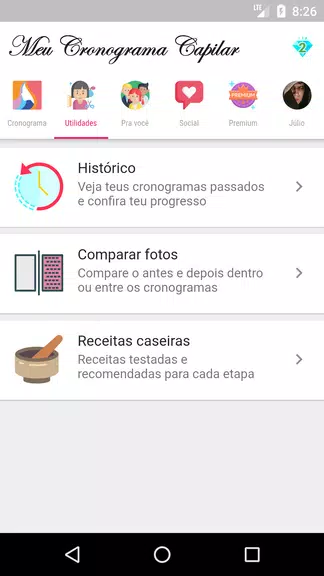


My Capillary Schedule helps healthcare professionals and patients plan and track capillary blood sampling routines with clear reminders, protocols and logging tools. It consolidates appointment calendars, sample windows, and result notes into one mobile workspace to reduce missed tests and improve communication between clinicians and patients.
At its core, My Capillary Schedule is a scheduling and workflow tool designed around the practical needs of blood sampling programs. Users can build recurring sampling regimens, define acceptable collection windows, and attach procedural checklists to each appointment. The app focuses on making daily tasks predictable and auditable, whether you manage a clinic roster or follow a personal testing plan.
The interface emphasizes clarity: a color-coded calendar, simple form fields, and one-tap confirmation for completed samples. Scheduling an appointment takes only a few taps, and the workflow guides users through pre-sampling checks, collection confirmation and post-sampling notes. Notifications are concise and actionable so that time-critical steps aren’t missed.
Clinicians and lab coordinators will appreciate features that reduce administrative overhead. My Capillary Schedule makes it easier to standardize sampling windows across teams, assign responsibilities, and generate printable or shareable schedules. Built-in templates help enforce consistent procedures across shifts and sites, improving operational reliability without adding complexity.
The app supports direct patient engagement by sending reminders, preparation tips and collection instructions. Patients can confirm attendance, report issues such as inadequate sample volume, or upload photos when visual confirmation is required. These options reduce back-and-forth calls and keep the process transparent for everyone involved.
Customization is extensive: create one-time, daily, weekly or ad hoc schedules; set guardrails for acceptable collection times; and tailor reminders to the role—different prompts for nurses, phlebotomists and patients. Reminder cadence, message content and snooze behavior are all configurable to match institutional protocols.
My Capillary Schedule is built to play well with existing systems. It supports calendar sync, CSV export for roster management and API hooks for connecting to electronic health records or lab information systems when available. Lightweight data export tools let administrators analyze sampling timelines and identify bottlenecks without heavy IT overhead.
Sensitive data handling is addressed through optional local storage and encrypted backups. Role-based access controls ensure only authorized users can view protected fields. The app is designed to support organizational policies and can be configured to limit data exposure while preserving necessary traceability for audits.
Optimized for mobile use, the app runs smoothly on a wide range of Android devices and maintains fast load times even with extensive schedule histories. Offline mode allows data entry in low-connectivity environments, synchronizing changes automatically once a connection is available.
Set up is straightforward: define your sampling templates, invite team members, and import any existing roster or calendar. New users can start with a guided setup workflow that establishes common protocols and reminders. Support documentation and in-app tips help administrators roll the app out across teams quickly.
My Capillary Schedule streamlines routine sampling logistics, improves coordination between staff and patients, and provides the documentation features required for accountable clinical operations. With configurable reminders, clear workflows and integration options, it aims to make capillary sampling simpler to schedule and easier to manage.