
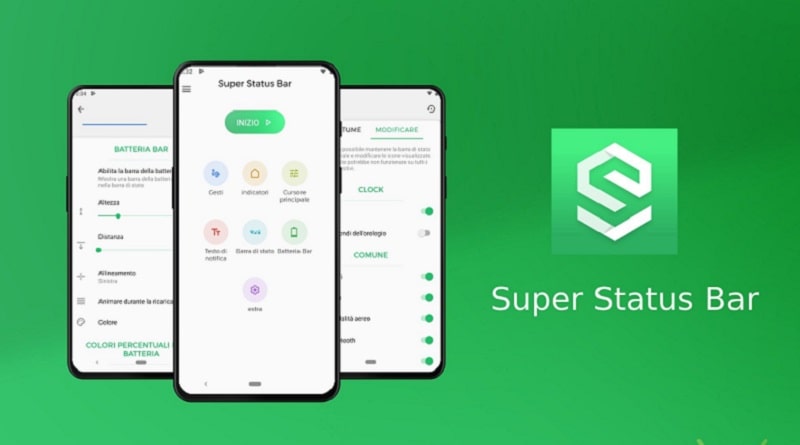
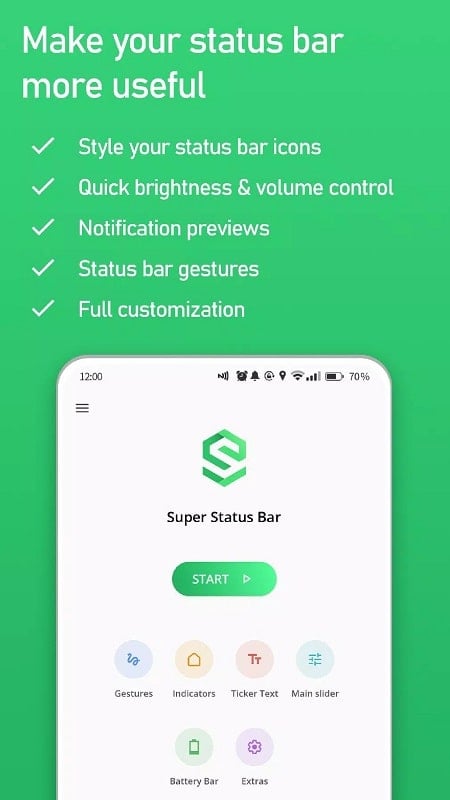
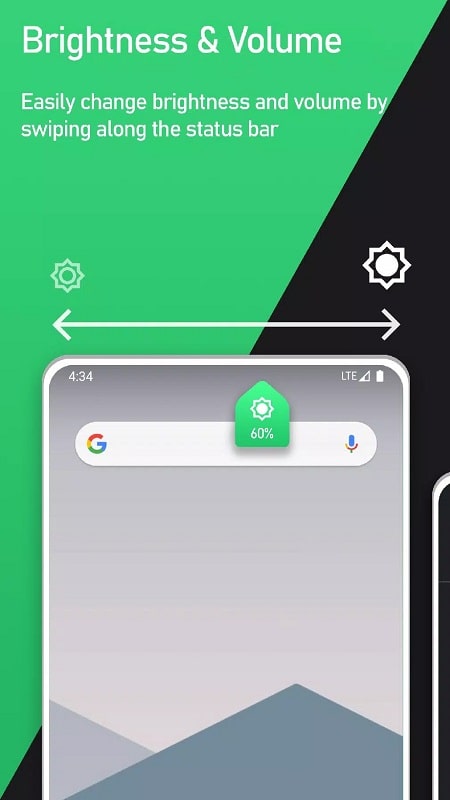
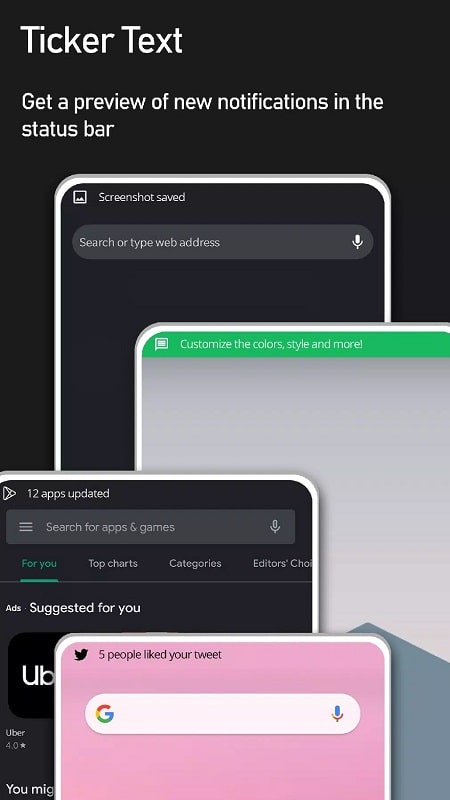
Super Status Bar transforms your Android notification area into a smarter, more functional tool that blends quick toggles, gesture controls, and customizable visuals. It replaces the default top bar with expanded shortcuts, battery and network indicators, and smooth animations to streamline device interactions and save time.
Super Status Bar enhances the phone’s primary interface element: the status bar. Rather than leaving you to open multiple menus, the app surfaces important system controls and information directly at the top of the screen. It adds gesture-driven navigation, real-time indicators, and contextual options so common actions require fewer taps.
The feature set focuses on productivity and clarity. You’ll find a collection of tools designed to make the status area more useful without cluttering the display.
One of Super Status Bar’s strengths is how deeply you can personalize the look and behavior. Preset themes offer fast visual changes, while advanced options let you tweak spacing, font sizes, and animation speed. Custom icon packs work with the app so users who prefer minimalist or vibrant designs can achieve the exact feel they want.
Integration requires a few permissions to function smoothly, and the app explains each request clearly. Super Status Bar hooks into accessibility and notification access APIs to read alerts and present them within its interface. The app avoids intrusive overlays and opts for native-feeling transitions that preserve compatibility with launchers and system UI elements.
Daily tasks become faster when common controls are always visible. Tapping a network indicator to jump into Wi-Fi settings, using a swipe-up to open a favorite app, or monitoring data speeds during a download are small changes that add up. For professionals who switch profiles frequently or for power users who like fine-grained control, these refinements improve multitasking and reduce friction.
Super Status Bar is engineered to be lightweight and battery-conscious. Animations are hardware-accelerated, and background activity is minimized to avoid unnecessary power drain. The app lists supported Android versions and notes potential limitations on heavily customized ROMs or manufacturer skins. Updates typically focus on stability and compatibility with the latest Android releases.
The app requests only necessary permissions, such as notification access and accessibility services, and documents why each one is required. No cloud storage is needed for basic functionality, and user preferences are stored locally unless you opt into backup features. Clear permission prompts and an in-app privacy section make it straightforward to review how the app operates.
Setting up Super Status Bar takes just a few minutes. Install the app, grant the requested permissions, and choose a starter theme. From the settings menu you can map gestures, enable specific indicators, and preview changes in real time. A built-in tutorial walks new users through essential features so customization feels intuitive.
Super Status Bar is particularly helpful for users who want faster access to controls, better visibility of system metrics, or a more personalized interface. It appeals to commuters who monitor network performance, remote workers needing quick toggles, and anyone seeking to reduce taps and simplify daily phone use.