
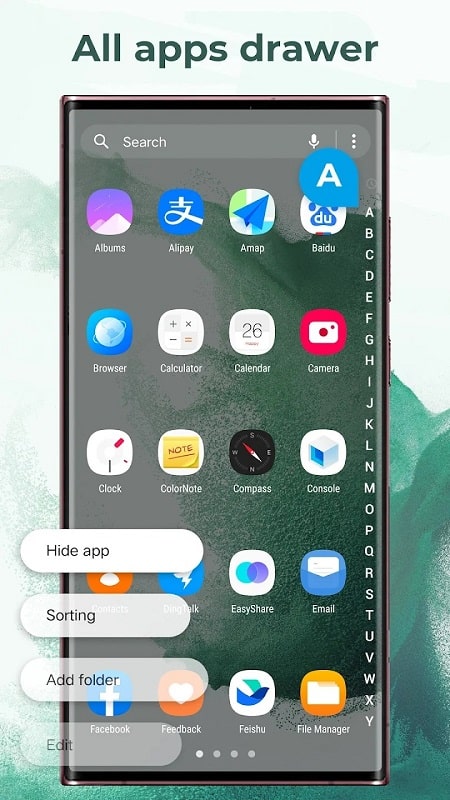
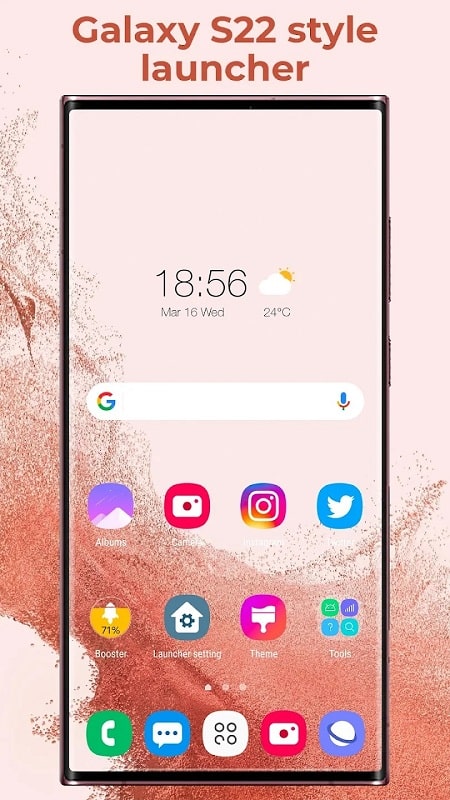
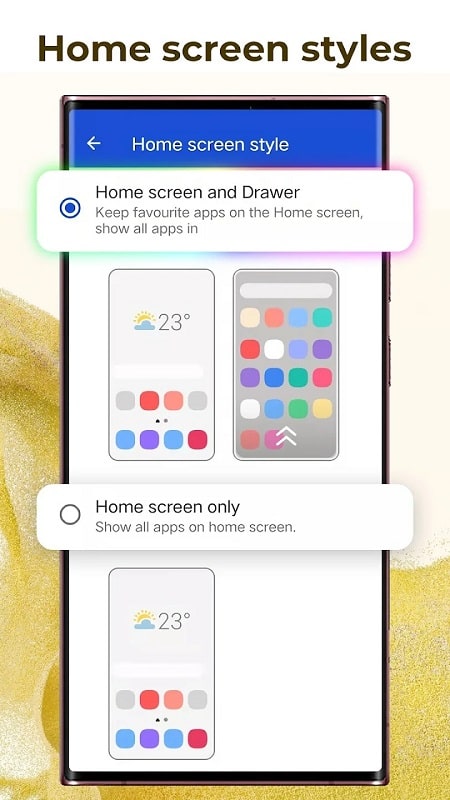
Galaxy S22 is a compact utility app that brings advanced customization, camera filters, and performance tuning to Android devices. Designed to replicate premium features from flagship phones, Galaxy S22 streamlines wallpapers, quick settings, and hardware diagnostics into a single, easy-to-use package for daily use and troubleshooting.
At its core, Galaxy S22 provides a suite of tools to personalize your phone and optimize system behavior. The app collects display themes, shortcut configurations, and camera-like post-processing effects so users can tailor visuals and responses without flashing custom ROMs or buying new hardware.
The design emphasizes clarity: main functions appear on a dashboard, with contextual tips and preview thumbnails. Menus are organized by task—Visuals, Performance, Camera, and Tools—so you can jump straight to the setting you need. Inline toggles and undo options reduce the risk of unwanted changes, and a built-in backup feature stores presets locally or on cloud accounts.
Beyond one-click themes, Galaxy S22 supports detailed adjustments. Use granular color temperature sliders, manual vignette control, and sharpening levels for images. For system personalization, set animation durations per app, change font scaling for accessibility, and define per-network behavior for background sync.
Galaxy S22 was built to be lightweight. Most tools run without persistent background services; a permissions manager clearly lists what the app needs and why. Compatibility spans a wide range of Android versions and popular device manufacturers. On mid-range phones the app can reduce stutter by limiting background activity, while on high-end devices it unlocks advanced frame pacing controls.
Privacy is handled with straightforward controls. Data needed for personalization is stored locally by default, and any optional cloud sync is opt-in with encryption. The diagnostics module collects minimal system metrics unless you choose to submit detailed logs for support. Permission requests are explained inline to avoid surprises.
Galaxy S22 suits users who want flagship-like polish without buying new hardware. Power users will appreciate deep performance options and customizable gestures, while casual users can enjoy one-tap themes and camera presets. The modular layout lets both groups focus on relevant tools without clutter.
Begin by installing the app and granting the essential permissions for themes and storage. Explore the dashboard to preview a theme, then try the camera presets on a few photos to see immediate changes. Save a performance profile as a restore point before applying system-wide tweaks so you can experiment safely.
Regular updates add new themes, image filters, and compatibility fixes. The app includes a simple restore option to revert to factory settings and an export tool for sharing profiles. If you encounter device-specific limits, support documentation offers step-by-step advice and fallback recommendations.