AG Auto Clicker-Auto Tapper is a lightweight automation tool that simulates taps and swipes on Android devices. It simplifies repetitive input by letting you record, schedule and replay touch sequences so routine tasks, testing flows and idle gameplay can run with minimal manual intervention.
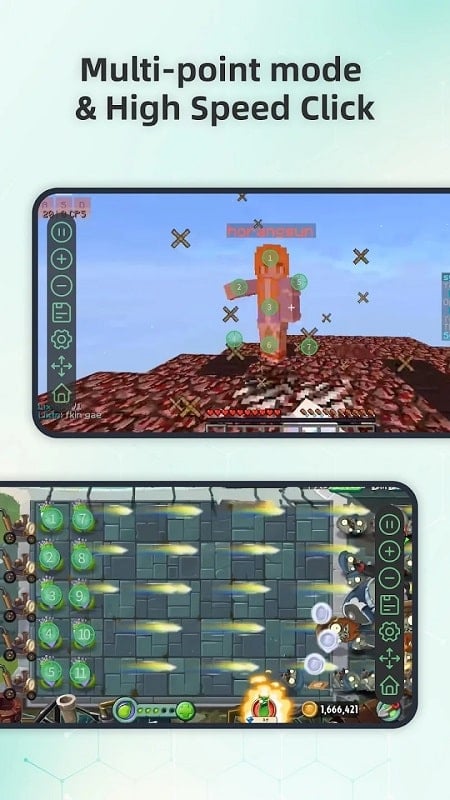
The core strength of AG Auto Clicker-Auto Tapper is its focused feature set designed for fast setup and reliable playback. Highlights include multi-point tapping, adjustable intervals, loop counts and an on-screen controller, all engineered to minimize battery drain and CPU overhead.
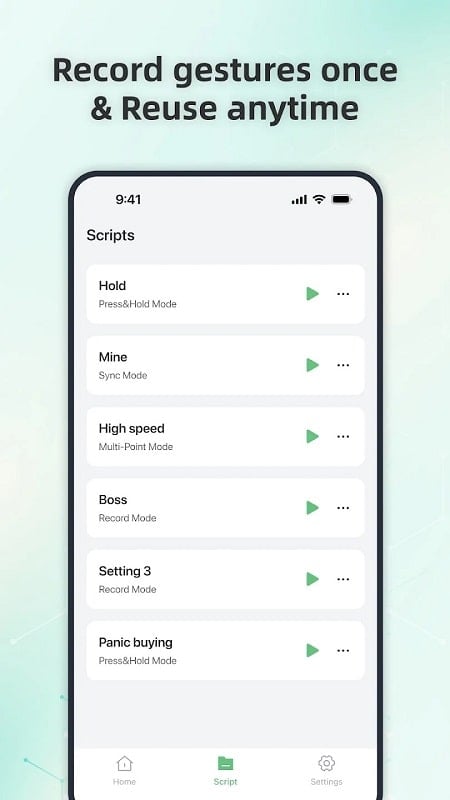
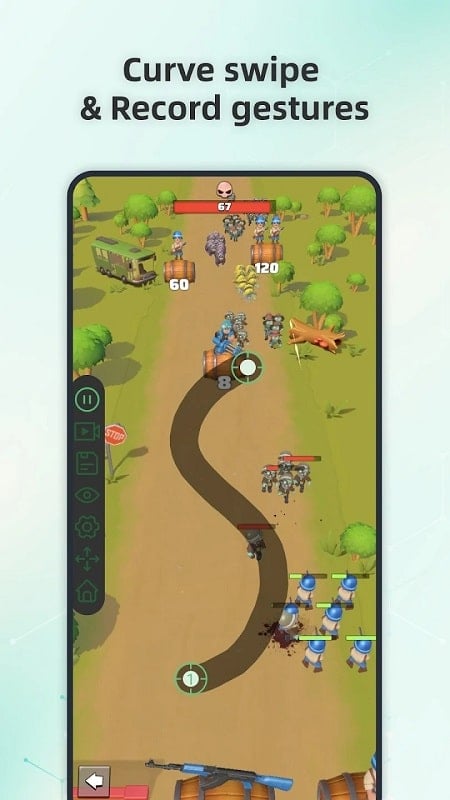
Recording a task is straightforward. Tap record, perform the touches or swipes you want captured, then save the sequence. Playback reproduces the exact positions and timing, and you can edit each step to fine-tune delays or remove unintended taps. Advanced users can chain several recordings to build longer workflows.
Customization is a major focus. You can rename scripts for quick access, reorder steps, and set separate delays for individual actions. The app supports tap precision adjustments to account for varying screen resolutions and includes a calibration tool to align actions across devices.
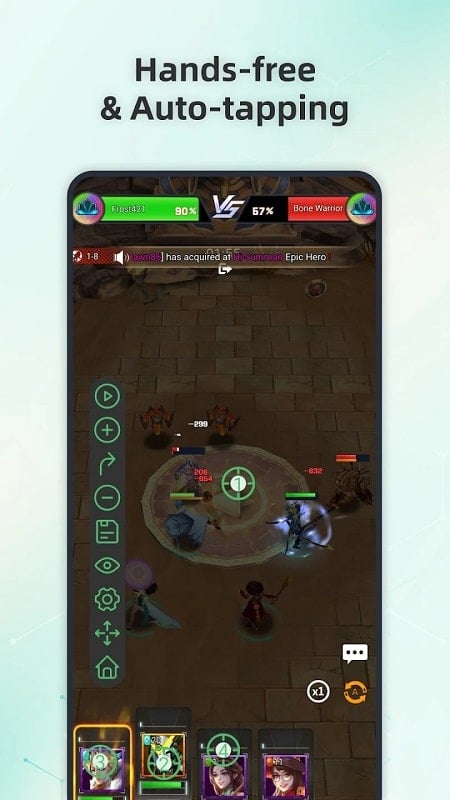
This utility is useful across many contexts: automating repetitive form submissions, simplifying accessibility tasks, stress-testing UI components during development, or easing routine mobile game chores that require repeated taps. Developers and testers also use the tool to reproduce user flows without manual input.
Designed to run smoothly on modern Android versions, AG Auto Clicker-Auto Tapper keeps CPU and memory usage low while handling high-frequency tapping sequences. It is compatible with a broad range of devices and adapts timing to maintain stable behavior across different manufacturers and screen sizes.
The app requests only the permissions necessary to emulate touches and show an accessibility overlay. Data stays on the device — there is no cloud syncing by default — and scripts are stored locally so users retain control over their automation sequences.
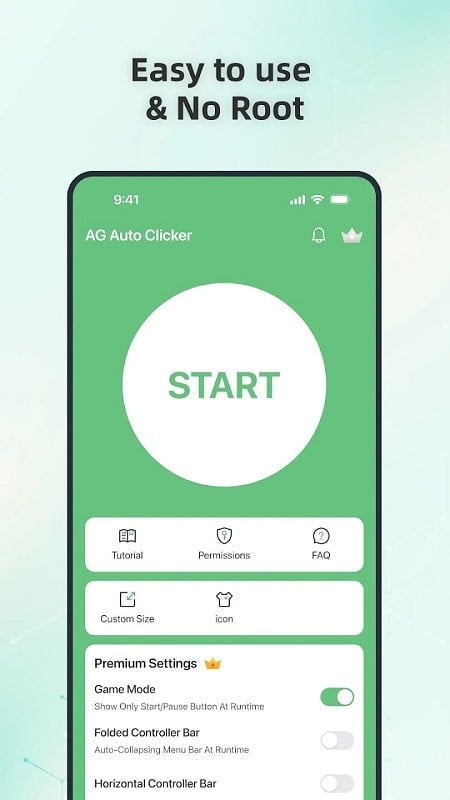
Begin by granting the accessibility permission, then create a new script. Use the record feature to capture the input you want automated, adjust intervals and loop settings, and tap the floating control to start. Built-in tips help you avoid common pitfalls such as misaligned taps or overly short delays.
For users who need repeatable, hands-free input, AG Auto Clicker-Auto Tapper offers a practical balance of power and simplicity. With its clear interface, precise timing controls and local script storage, the app streamlines routine interactions and frees up time for more important work or play.