
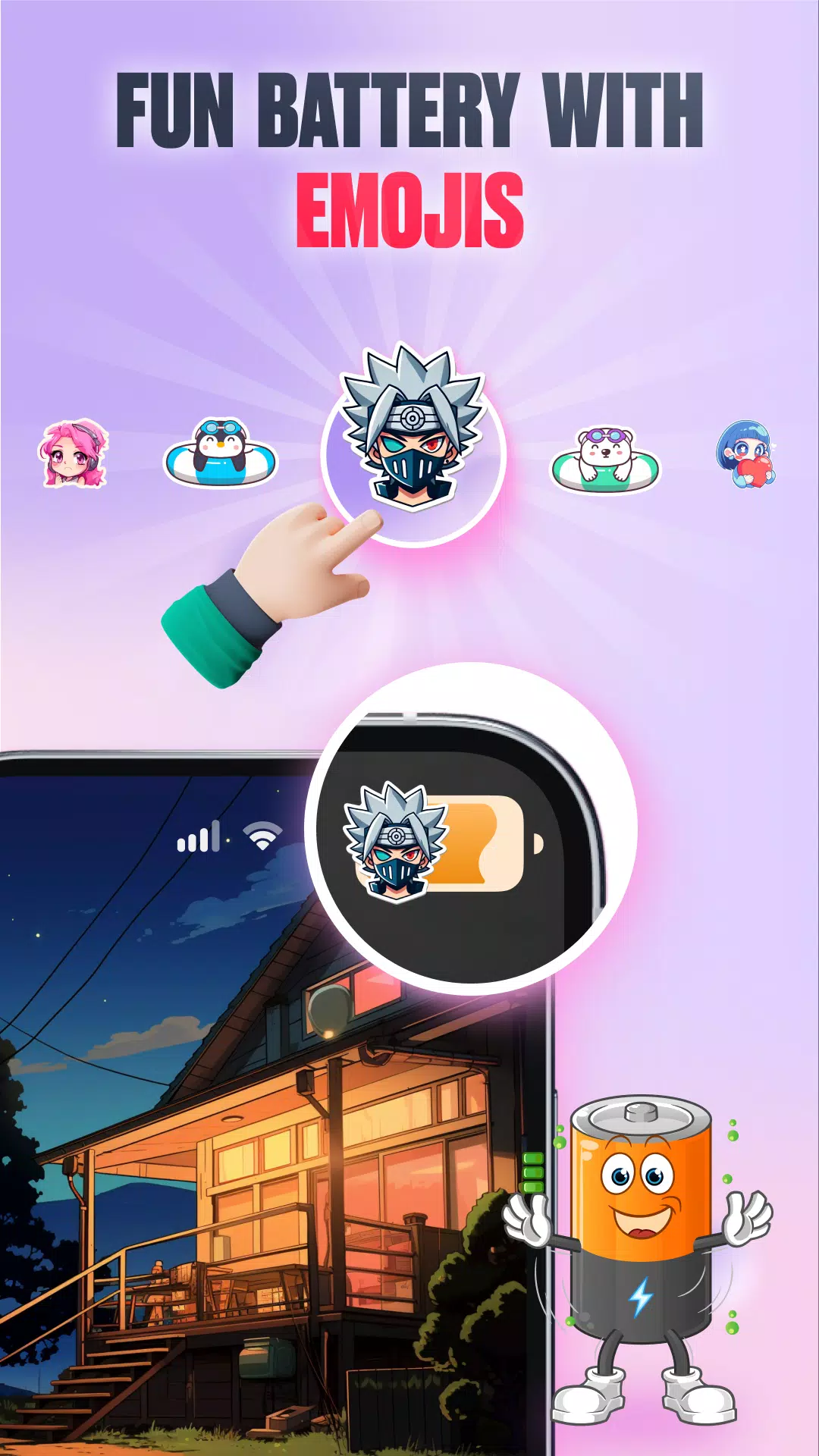
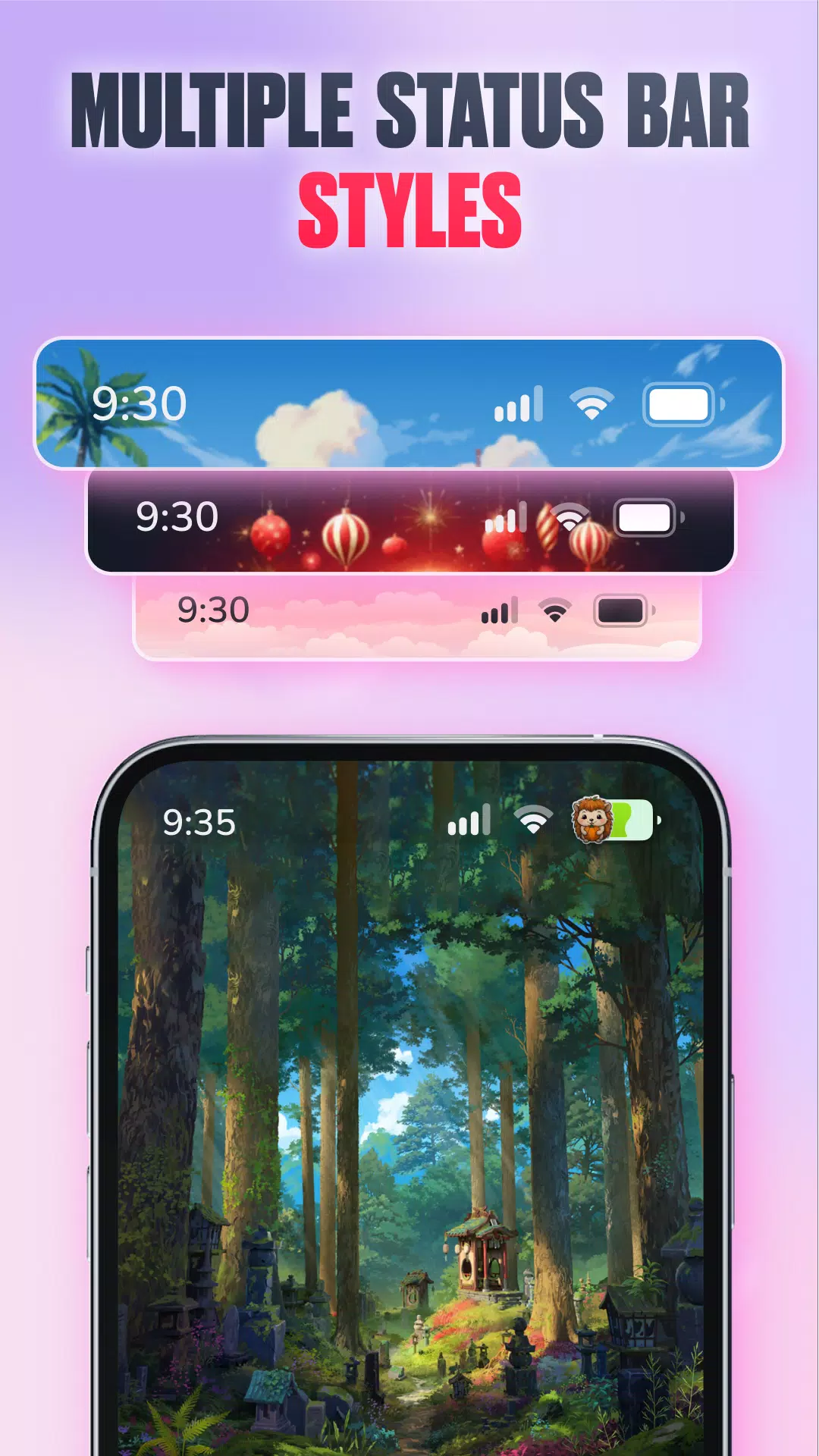
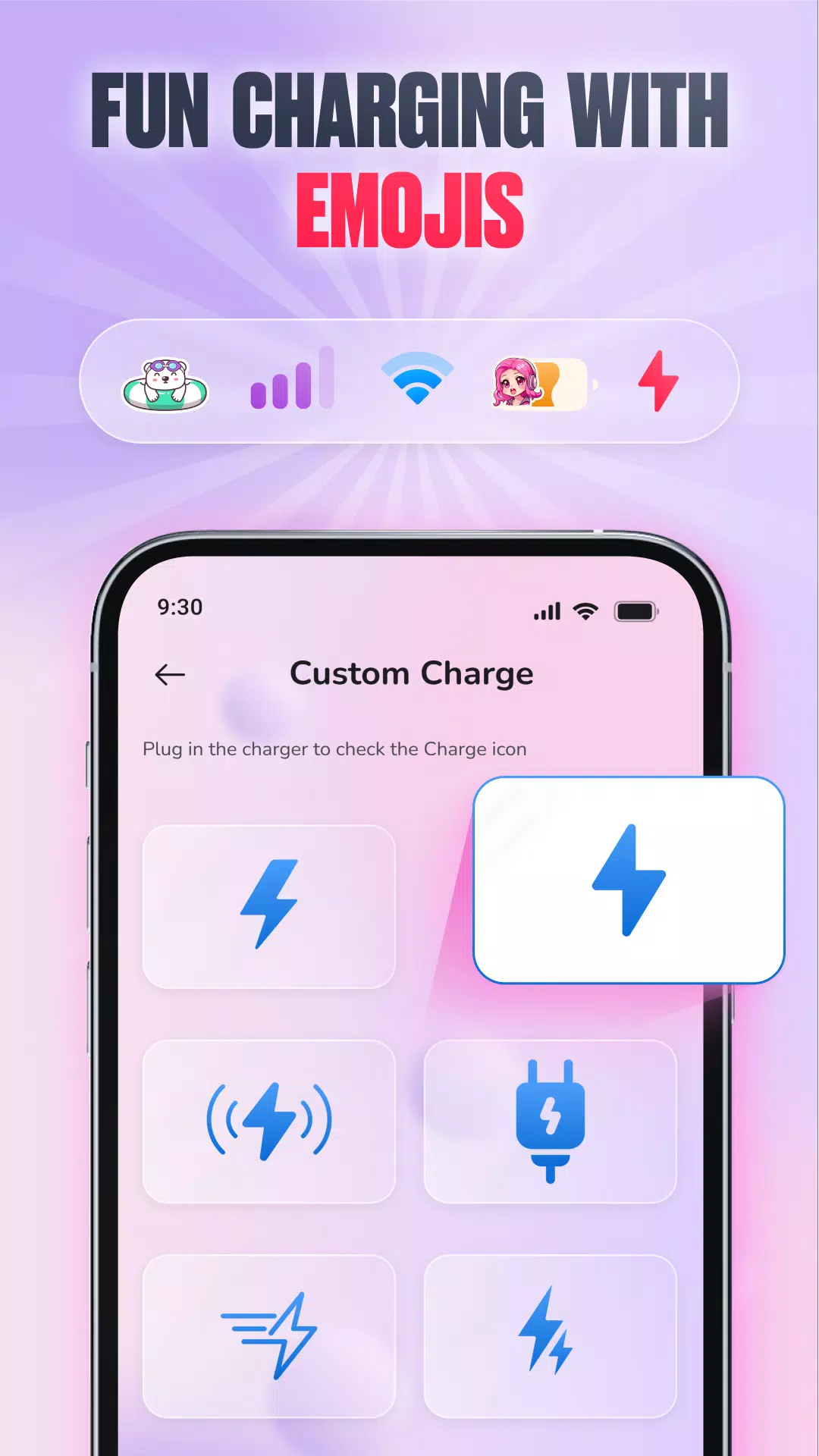
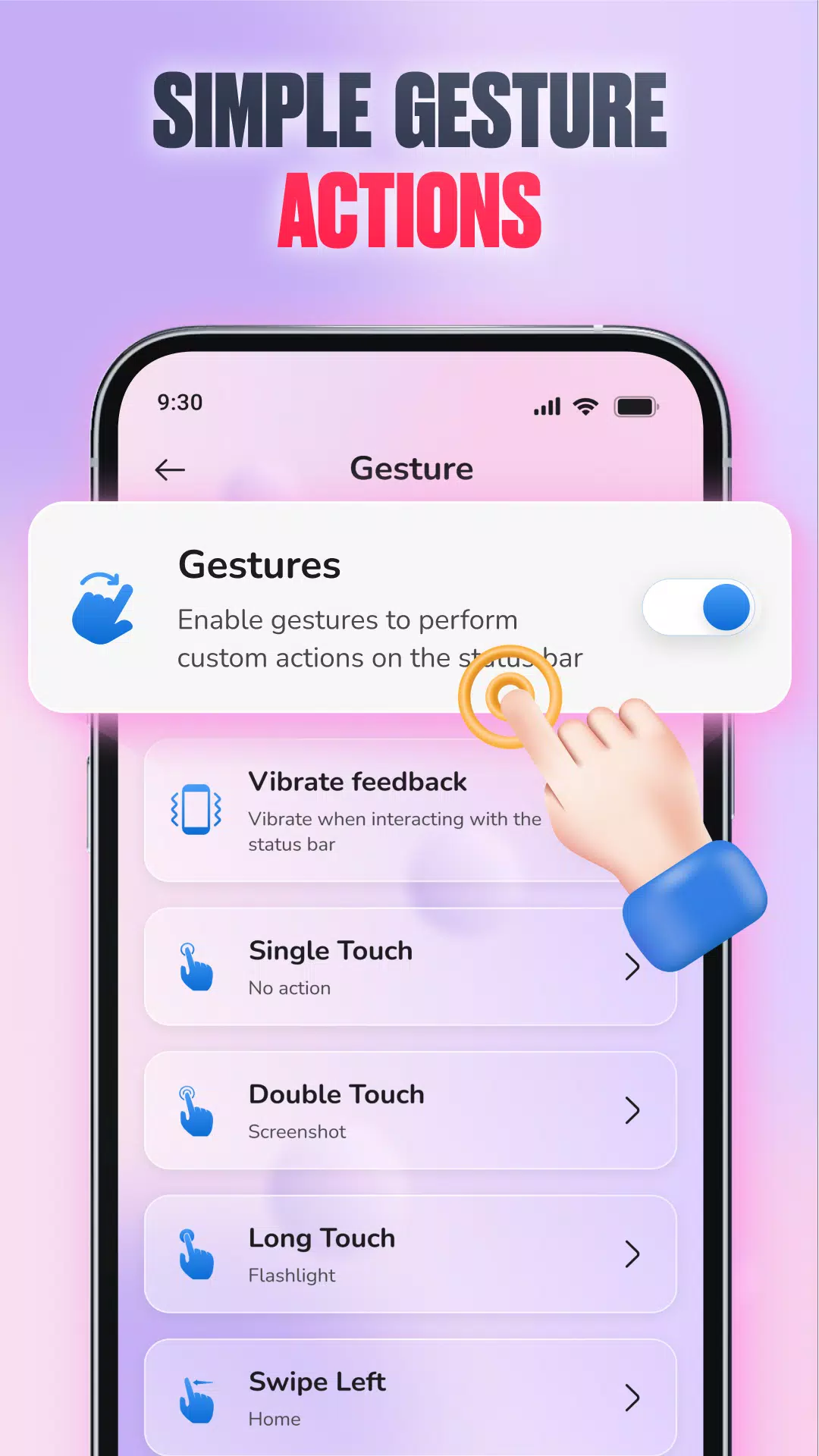
Emoji Battery Bar is a lightweight Android utility that displays your device's battery level as a colorful emoji strip across the status bar, designed to give an immediate visual readout without opening settings. With Emoji Battery Bar you get a playful, at-a-glance indicator that replaces or complements numeric percentages by changing icons, colors, and expressions as your charge level changes.
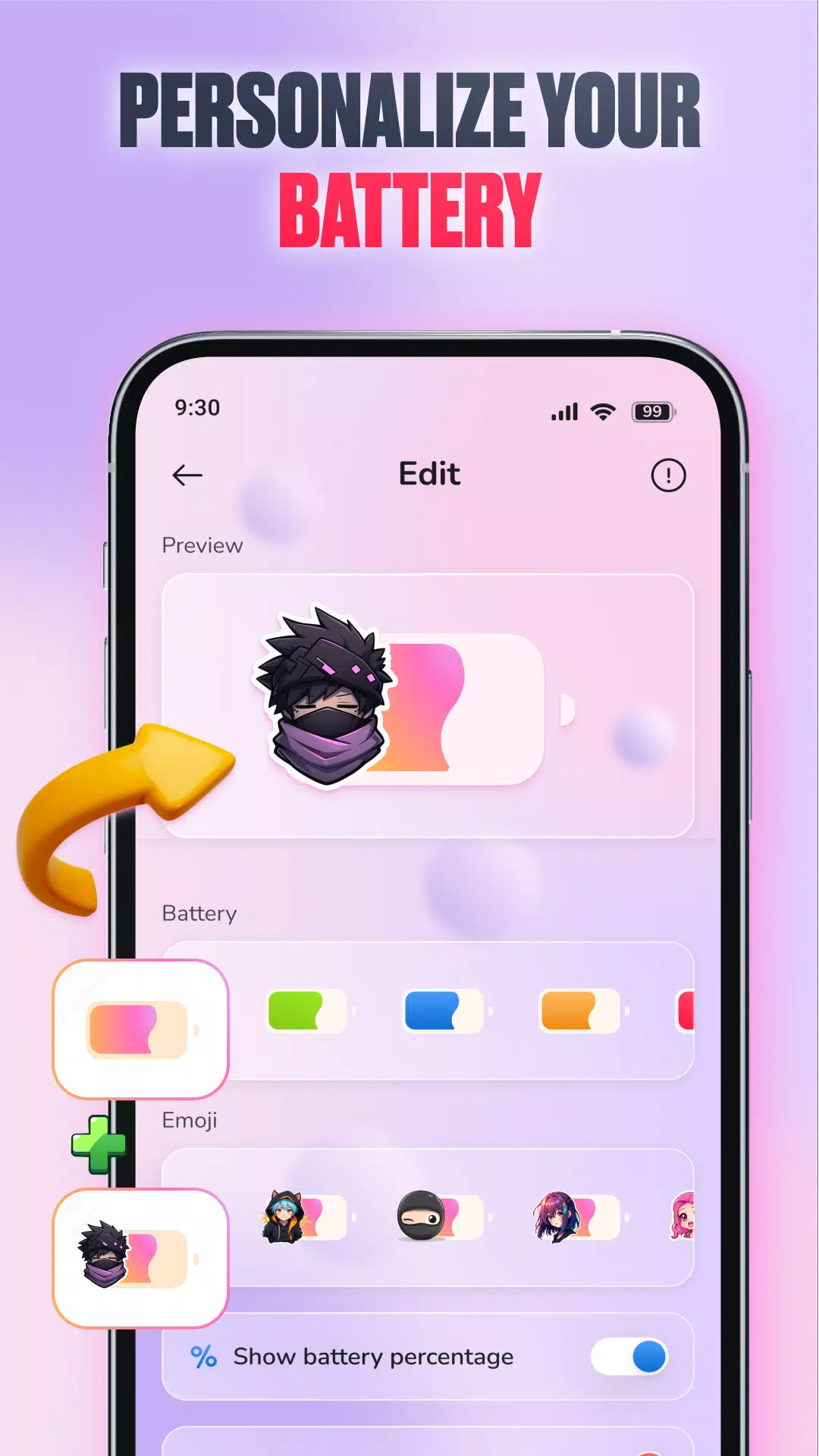
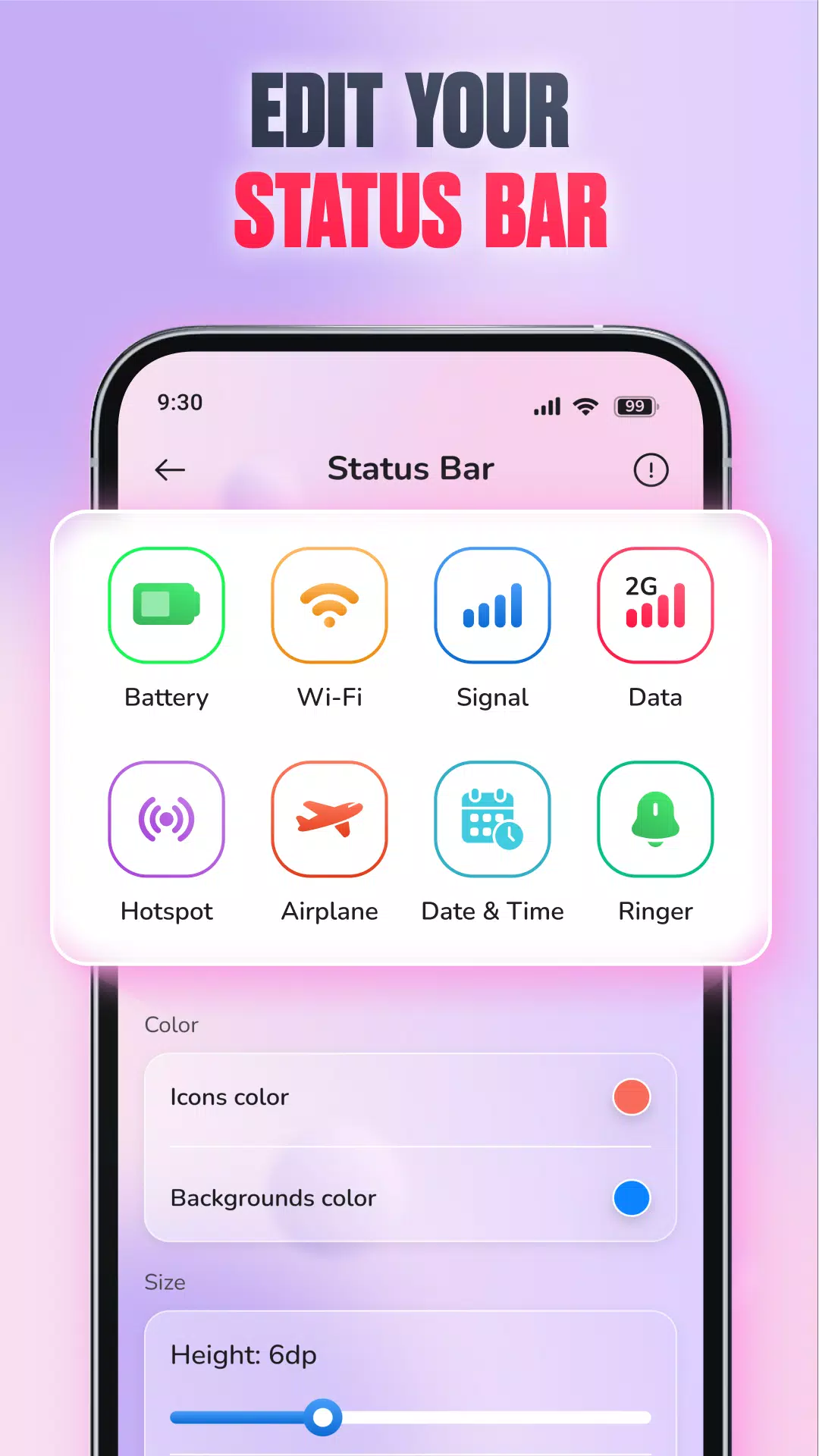
The core operation is simple: the app listens to system battery events via standard Android APIs and renders a thin, horizontal overlay that represents the current percentage with a sequence of emoji. Controls live on a compact settings page where you grant overlay permission, choose an emoji set, and adjust a few key sliders and toggles such as bar height, opacity, and position. A preview mode lets you simulate charging and discharging so you can see how icons and colors shift before saving changes. The app does not require a network connection to function; battery monitoring and rendering run locally on the device.
Visual feedback is organized into clear percentage bands so the emoji and color map directly to battery states: full, charging, medium, and low. Each band can use distinct colors and matching emoji expressions so the indicator communicates urgency at a glance. Multiple themed emoji packs—ranging from neutral faces and objects to seasonal icons—allow you to change the mood of the bar. You can position the strip at the top or bottom of the screen and select a height that maintains legibility without obscuring notifications or system elements.
Customization goes beyond appearance. Threshold alerts let you specify battery cutoffs where the bar becomes more attention-grabbing, for example switching to a bold color or a blinking emoji when power drops below a chosen percentage. You can schedule different emoji sets for daytime and nighttime so the indicator matches ambient conditions, or enable automatic changes when the device starts charging. Fine-grained color profiles make it easy to set distinct hues for charging, full, medium, and low states to suit accessibility needs and personal taste.
Emoji Battery Bar is built to be lightweight: it relies on standard system calls for battery status and keeps CPU and memory use minimal to avoid adding noticeable overhead. Because it functions locally, it works offline and doesn't require account creation or background network traffic. Accessibility-friendly options include increasing bar thickness and using high-contrast color choices to improve visibility for users with visual impairments; these adjustments help the indicator remain useful across different screen sizes, resolutions, and readability requirements.
The app is well suited to situations where a quick visual cue is preferable to numeric detail. Use it during presentations to minimize visible notifications, place it so you can see battery level from across the room, or set gentle thresholds for children to learn about charging habits. The compact settings page groups explanations next to each control to make onboarding straightforward for users unfamiliar with overlays or system permissions. In daily use the bar updates instantly when you plug in a charger or enable power-saving mode so you always have an accurate visual reference.
To get the best results start with a single emoji pack and the default thresholds, then use preview mode to refine placement and alerts. Check the system battery screen after a few days if you want to confirm the app's low impact on power. The utility supports a wide range of Android versions and adapts to different aspect ratios; if an update to your launcher or system UI changes behavior, a quick visit to the app's settings usually restores the preferred layout. Regular updates add new themed icon sets and small refinements to keep the experience fresh without altering core functionality.
Users choose Emoji Battery Bar when they want a subtle or expressive alternative to numeric indicators. The combination of immediate visual clarity, straightforward controls, and adjustable alerts makes it a practical addition for people who value glanceable information and personalization. With careful placement, conservative thresholds, and a little experimentation in preview mode, the indicator becomes a reliable part of your everyday interface without drawing resources away from essential tasks.