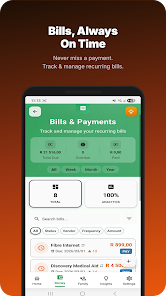
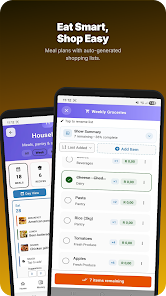
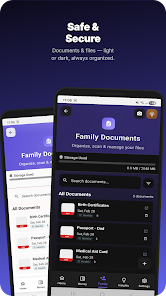
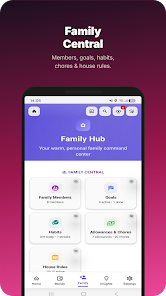
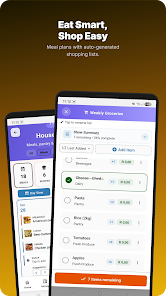
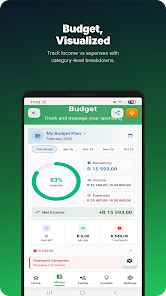
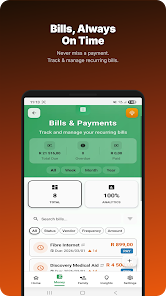
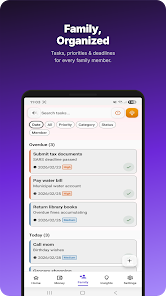
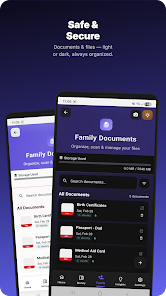
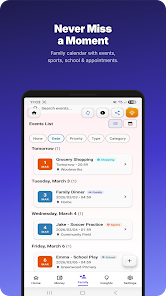
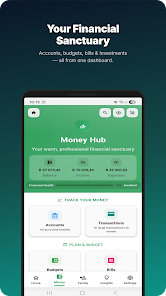
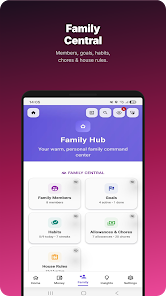
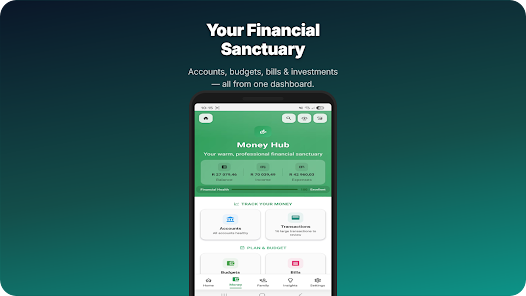
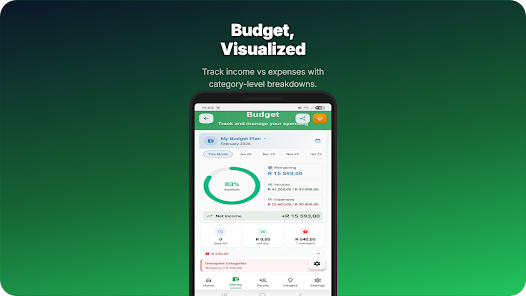
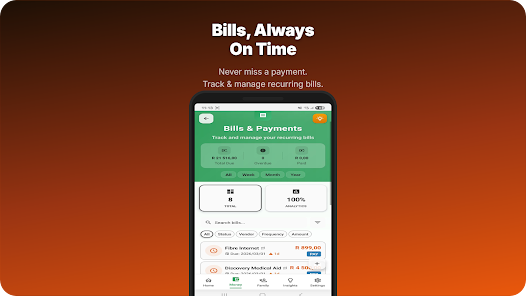
Family Planner is a smart, shared scheduling app designed to coordinate busy households with calendars, tasks, and reminders in one place. It simplifies planning for parents and caregivers by combining shared events, chore assignments, and grocery lists into a single, easy-to-manage hub for family life.
Family Planner centralizes family organization so every member can view schedules, assign responsibilities, and stay informed. The app supports multiple user profiles, color-coded calendars, and role-based permissions so each person sees the information that matters to them. Notifications and push reminders keep routines on track while a clear timeline view highlights upcoming events.
The feature set focuses on real-world household needs. Family Planner includes:
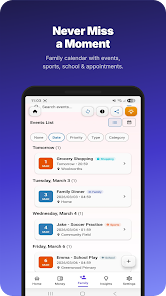
Setting up schedules is intuitive: create a family group, invite members, and assign access levels. Events can be marked as private or public within the family network, and members can subscribe to specific calendars—school activities, work shifts, or meal plans—so their home screen remains uncluttered. Sync options include Google Calendar and device calendars to prevent duplicate entries.
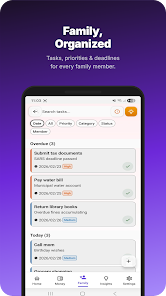
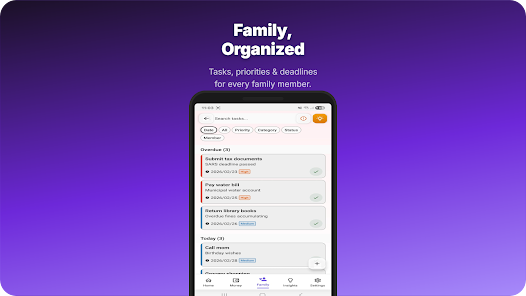
Tasks in Family Planner are flexible. You can create single tasks, recurring routines, or multi-step checklists. For families with children, the built-in reward system allows points to be awarded for completed chores, which you can redeem for privileges or pocket money. Task history makes it easy to see who completed what and when, helping parents distribute responsibilities fairly.
The app lets households personalize the experience with avatars, color tags, and custom notification sounds. Home screen widgets provide quick views of today’s tasks and the next event without opening the app. Themes and layout options keep the interface readable and accessible for all ages.
Family Planner also functions as a lightweight communication tool. Event comment threads and task-specific chat keep coordination contextual and reduce the need for separate messaging apps. Group announcements allow parents to broadcast schedules or important reminders to all members at once.
Designed for modern Android devices, Family Planner is optimized for low battery usage and background syncing. It supports offline access so schedules remain available without an internet connection and sync automatically when connectivity is restored. Data privacy is protected with encrypted backups and optional cloud storage, while permission controls allow administrators to limit who can edit or delete entries.
To fit into existing workflows, Family Planner offers integrations with popular calendars and task services. Import and export functions make migration easy, and a web-accessible dashboard gives family members access from desktops and tablets. Cross-platform notifications ensure everyone sees changes instantly regardless of device.
Begin by creating your group, inviting family members via email or SMS, and setting up your first shared calendar. Use templates for common routines like bedtime or meal planning to build a workflow quickly. The onboarding guide walks new users through account setup, syncing options, and privacy settings to get the household coordinated fast.
Families pick Family Planner for its balance of power and simplicity: powerful scheduling and tracking features packaged in a straightforward interface. Whether you need to manage carpools, plan meals, or divide chores, the app reduces friction and keeps everyone informed with minimal effort.