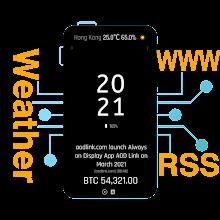
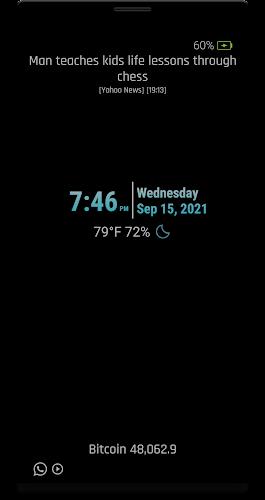
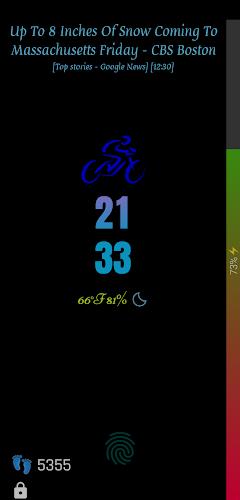
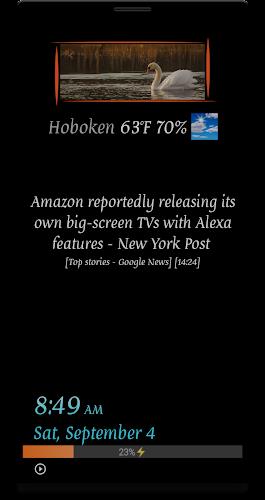
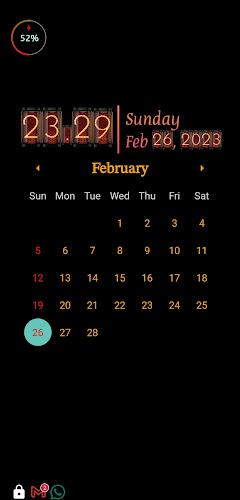
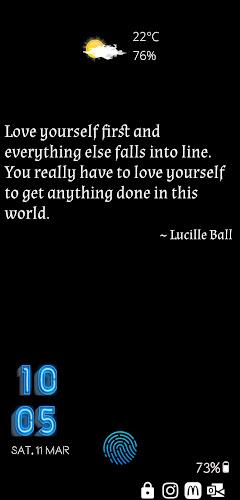
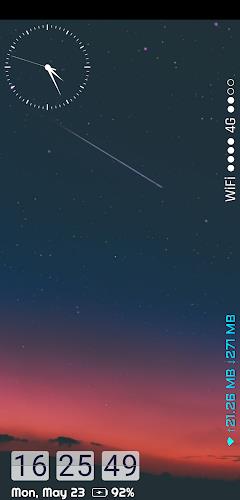
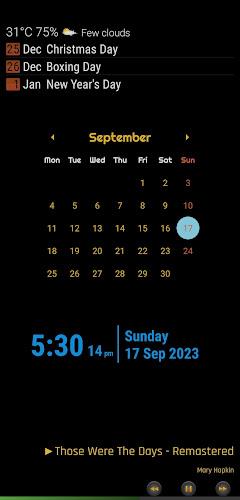
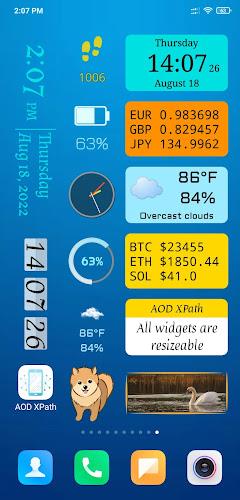
Always on Display XPath keeps your phone’s most important information visible without waking the screen, blending battery-conscious performance with customizable visuals. Designed for AMOLED and LCD devices, it shows time, notifications, and widgets in low-power mode while giving granular control over themes, schedules, and touch behavior for a streamlined lock-screen experience.
Always on Display XPath provides a focused set of functions that replace default lock-screen widgets and reduce unnecessary screen wake-ups. Features include a persistent clock with multiple styles, notification previews, media controls, and simple app shortcuts. The app supports automatic schedules, ambient light adaptation, and a built-in battery saving mode that reduces refresh rate and limits background activity when needed.
Visual flexibility is one of the app’s strengths. Users can select from minimalist digital clocks, analog faces, or custom images as a background. Font choices, color palettes, and transparency controls let you match the display to your device’s theme or personal taste. The layout editor arranges elements such as date, battery indicator, notification icons, and small widgets so you can prioritize what matters at a glance.
To keep power consumption low, Always on Display XPath uses optimized update intervals and a hardware-aware rendering approach. On AMOLED screens it takes advantage of pixel dimming and true black to minimize energy use; on LCDs it reduces brightness and refresh frequency. The app also includes an adaptive mode that adjusts complexity depending on battery level and charging state.
Notifications are summarized on the display with icon badges and optional text snippets, allowing quick triage without unlocking the device. Gesture support lets you tap or double-tap to reveal more details, swipe to dismiss certain alerts, or long-press to open the associated app. Touch behavior can be restricted to prevent accidental interactions while the device is in a pocket or bag.
Always on Display XPath runs on Android devices running modern versions of the OS and supports both portrait and landscape orientations. Initial setup walks you through permissions for notifications and lock-screen access, plus an optional accessibility toggle for more granular control. The app detects hardware capabilities and recommends the optimal profile for battery and visual fidelity.
For the best balance between visibility and battery life, enable scheduled active hours—display stays on during the day and reverts to a minimal state overnight. Use the built-in theme presets to quickly apply a polished look, then tweak individual settings for font size, color contrast, and widget placement. Media controls on the always-on view make it easier to change tracks without lighting the full screen.
Privacy settings let you conceal message content on the always-on display while still showing notification indicators. Permissions requested are limited to those necessary for notifications and screen overlays. If you prefer, the app can hide all notification text and only show a generic icon, which is useful in shared or public environments.
If you see occasional flicker or conflicts with other lock-screen utilities, try toggling the app’s hardware acceleration setting or enabling compatibility mode for your device model. Regular updates address performance patches and add new faces or widgets. A feedback channel inside the app allows you to report issues and suggest enhancements.
After installing Always on Display XPath, allow the suggested permissions and choose a theme. Use the preview screen to test how notifications and media controls appear, then fine-tune schedule and battery settings. Small adjustments to brightness and refresh rate will yield noticeable improvements in daily battery life without sacrificing usefulness.
This app is ideal for users who want constant access to key information without repeatedly waking the device. Professionals who rely on glanceable notifications, commuters who avoid unlocking during travel, and anyone with an AMOLED phone seeking to minimize power usage will find the controls and presets especially helpful.