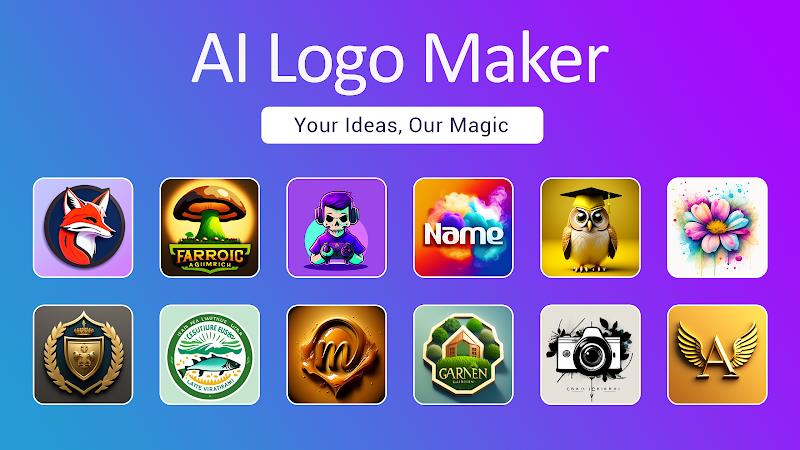
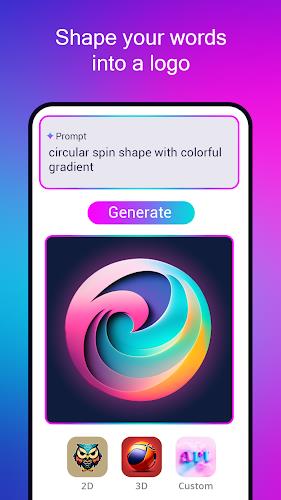
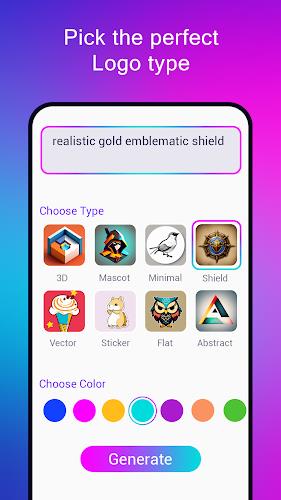
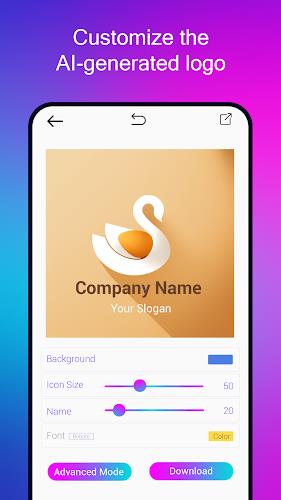
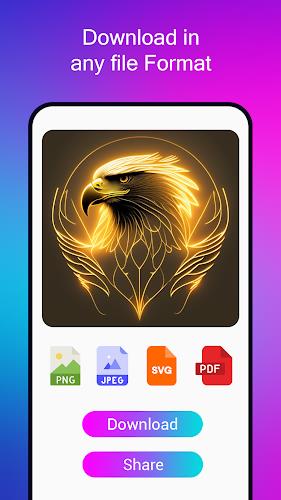
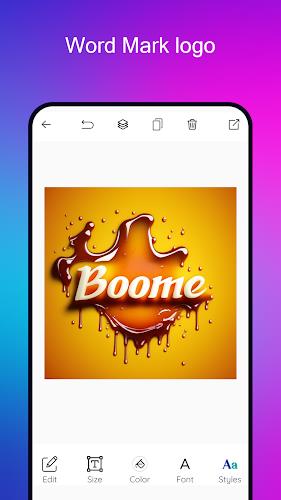
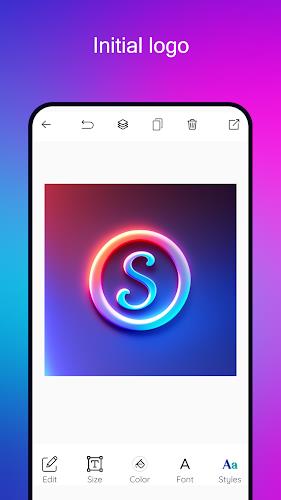
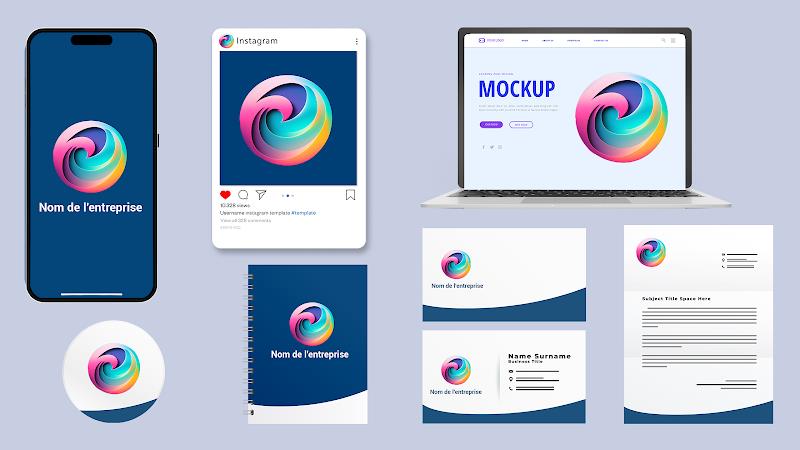
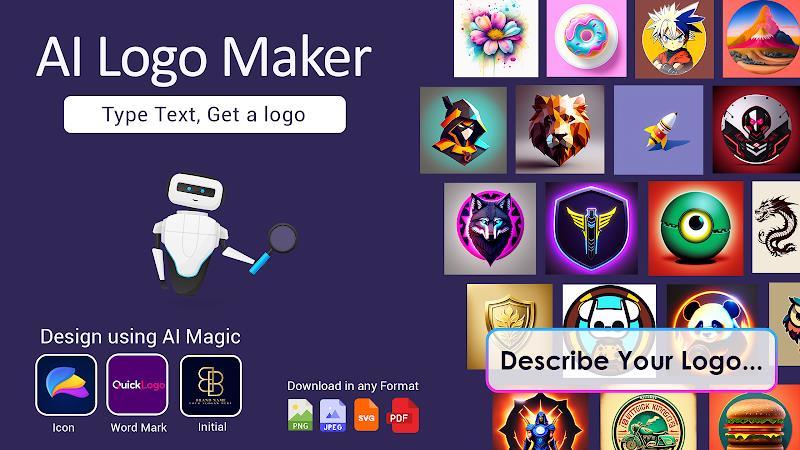
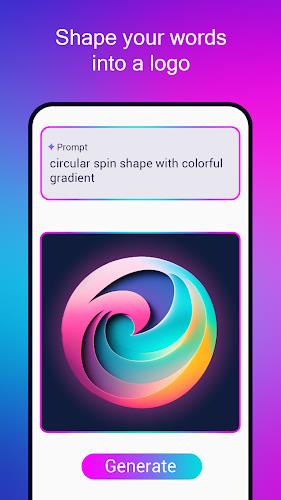
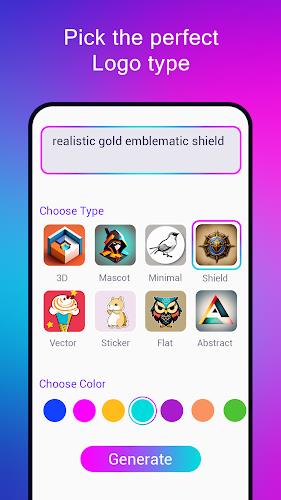
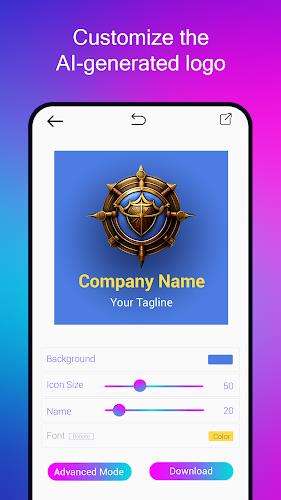
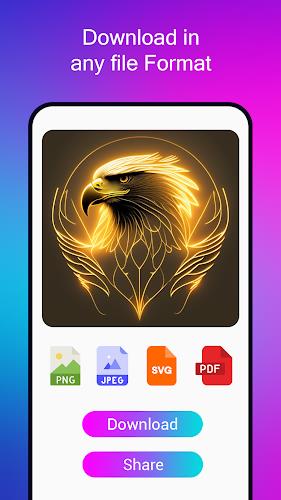
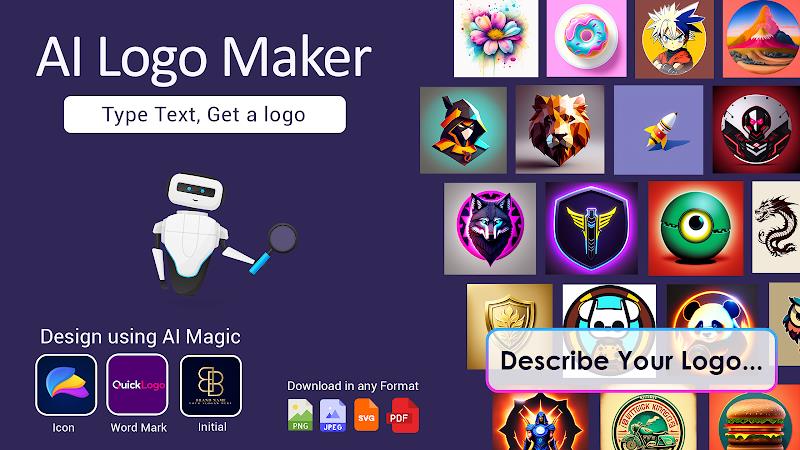
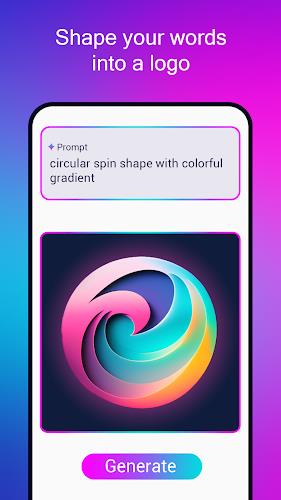
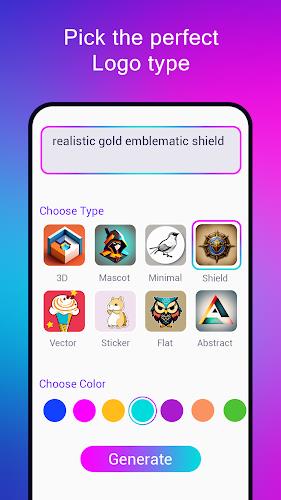
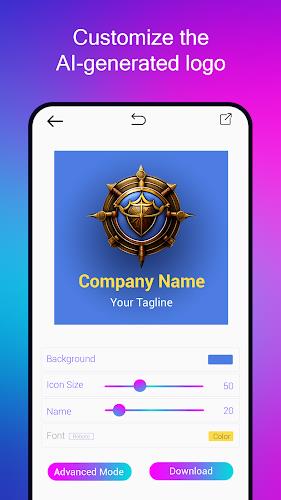
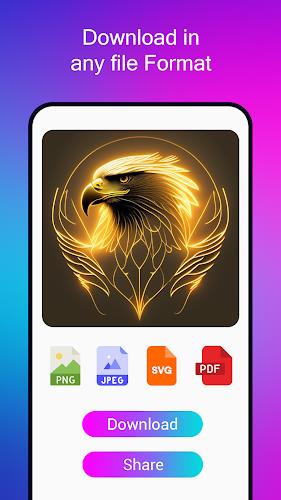
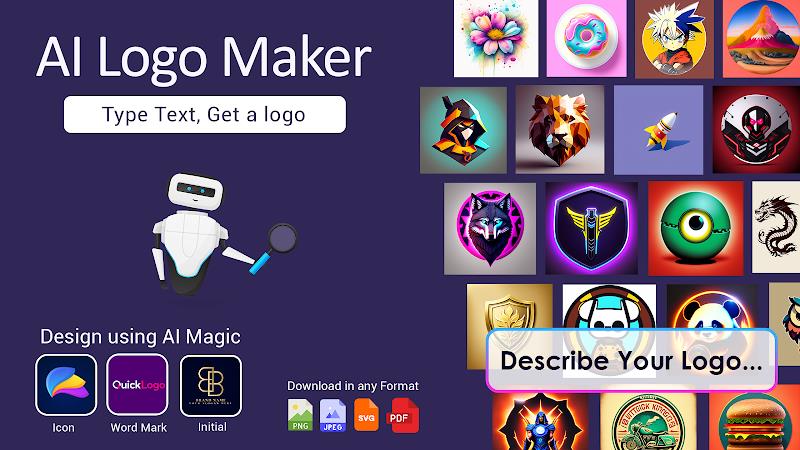
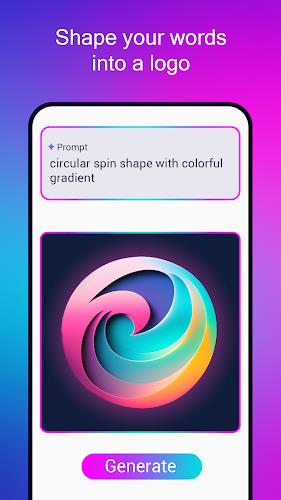
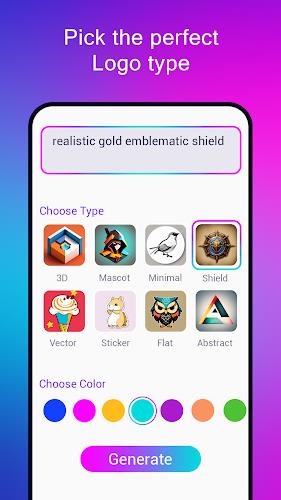
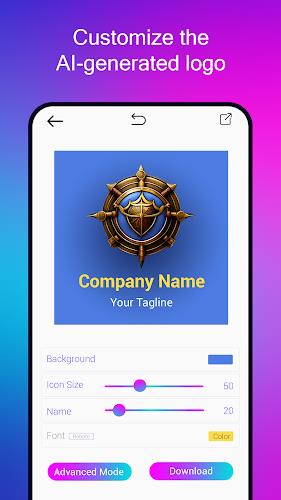
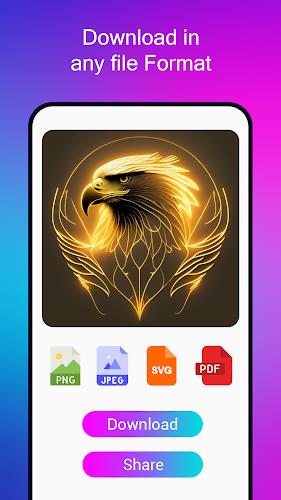
AI Logo Maker delivers a streamlined way to design professional logos on Android using generative technology and intuitive editing tools. It combines smart templates, color palettes, and export options so users can create brand identities quickly without advanced design skills, making logo creation accessible and efficient.
AI Logo Maker is built for fast logo production and refinement. The app supplies a library of categorized templates, intelligent layout suggestions, and SVG-compatible exports. Designers and small business owners can iterate on concepts within minutes, choosing from modern, minimalist, vintage, and niche stylistic directions.
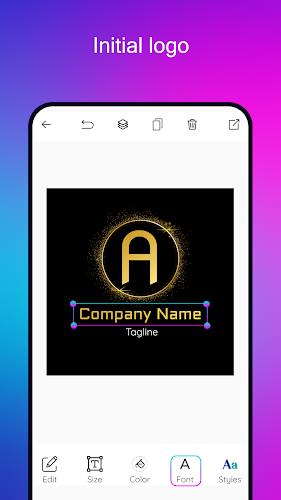
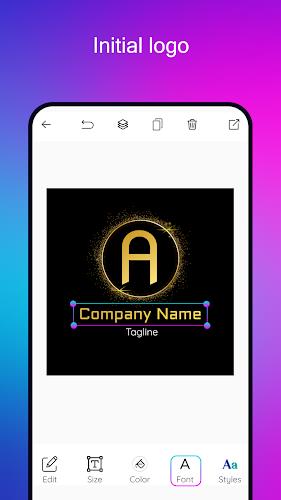
The interface emphasizes clarity and minimal learning curve: a left-side toolbar for elements, a central canvas for live preview, and a top bar for global actions like undo, redo, and export. Guided workflows prompt you to enter brand name, industry, and style preferences up front, allowing the AI engine to propose tailored concepts immediately.
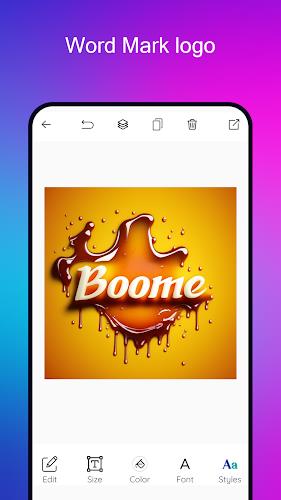
When you start with AI Logo Maker, the system synthesizes typography choices, color harmonies, and iconography by analyzing the text and selected industry. Multiple variations are produced so you can compare layouts quickly. Each suggestion is editable, enabling precise adjustments to shape proportions, font weight, and spacing.
Customization is a focus: lock-down brand colors, set default fonts, and save primary and secondary logo versions for different use cases. The app includes tools to create monochrome and reversed variants, ensuring your logo works on light and dark backgrounds. Saved styles are reusable across new projects to preserve consistency.
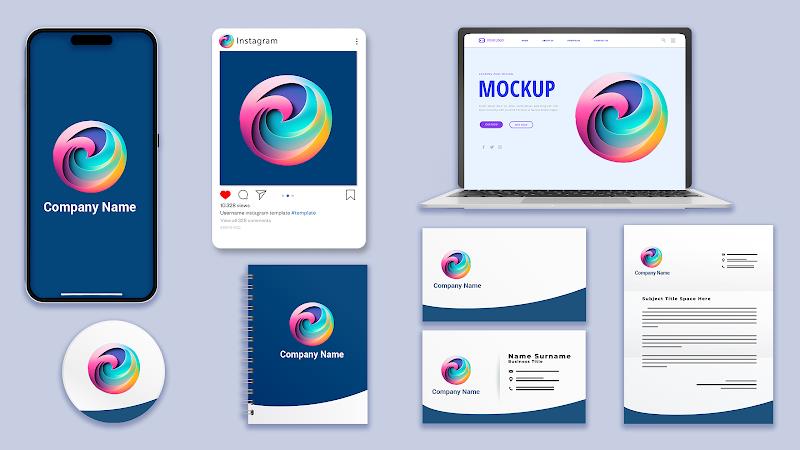
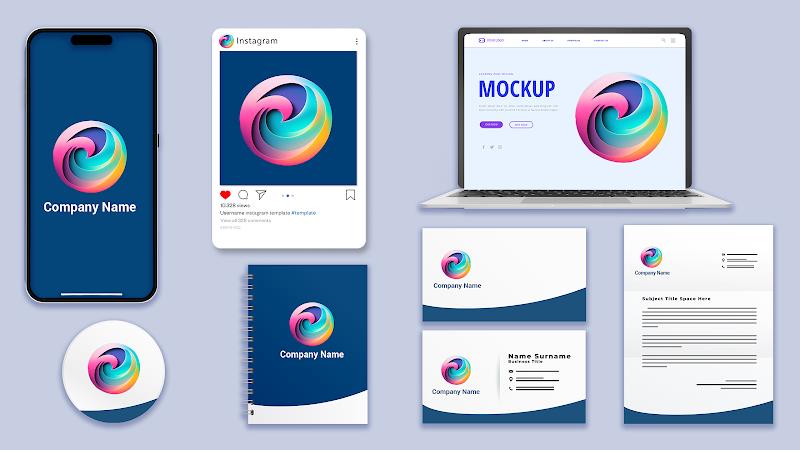
AI Logo Maker suits entrepreneurs launching a startup, content creators crafting a visual identity, and agencies producing quick mockups. Its export options support social media profiles, website headers, business cards, and merchandise. The portability of SVG ensures designs are ready for printing and large-format applications without quality loss.
Performance is optimized for a broad range of Android devices. The app uses on-device processing for real-time previews while offering optional cloud rendering for higher-resolution exports. Memory usage is minimized through layer flattening on export, and common formats are supported for compatibility with desktop design tools.
Share projects via project links or export zipped assets containing SVG, PNG, and a simple brand guide. Users can invite collaborators to view or comment on drafts, enabling feedback cycles without leaving the app. Version history helps track changes and revert if needed.
Launch AI Logo Maker, enter your brand name, choose an industry, and select a preferred style. Browse AI-generated concepts, pick one to edit, and refine details such as kerning and icon placement. When satisfied, export in the format required for your project and apply the new logo across platforms.
AI Logo Maker balances automation and manual control, offering a fast path from idea to finished asset while leaving room for hands-on customization. With integrated export formats and collaboration features, it supports both solo creators and teams refining a brand identity across channels.