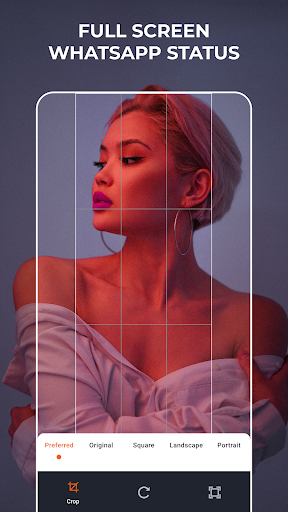
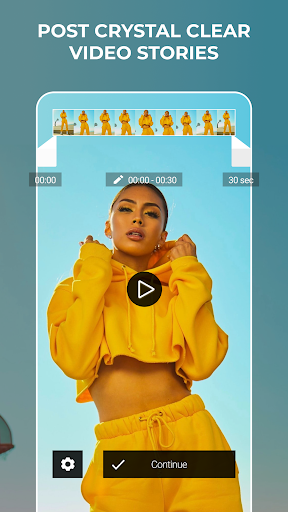
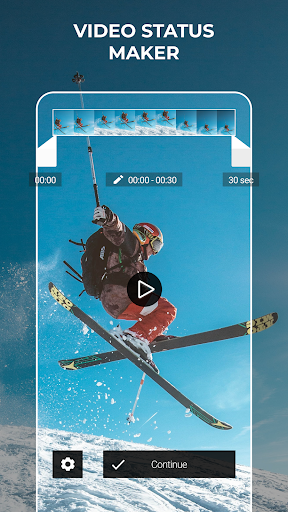
Venlow is a lightweight Android app designed to shrink video files quickly for easy sharing and storage. It balances file size reduction with visual quality, offering simple presets and manual controls so users can compress clips for messaging apps, social media, or saving space without needing advanced editing skills.
Venlow focuses on delivering a fast, user-friendly compression experience on mobile devices. The app is geared toward people who frequently send videos over limited-bandwidth networks or need to reclaim space on their phone. It avoids complex timelines and heavy editing tools, concentrating instead on optimized algorithms and practical export options.
Venlow uses a combination of re-encoding and intelligent bitrate adaptation to reduce file size. When you select a video, the app analyzes resolution, duration, and motion complexity to recommend a profile. If you select a preset, Venlow applies optimized parameters for that category; if you pick manual settings, you can dial bitrate and resolution to match your target file size or visual expectations.
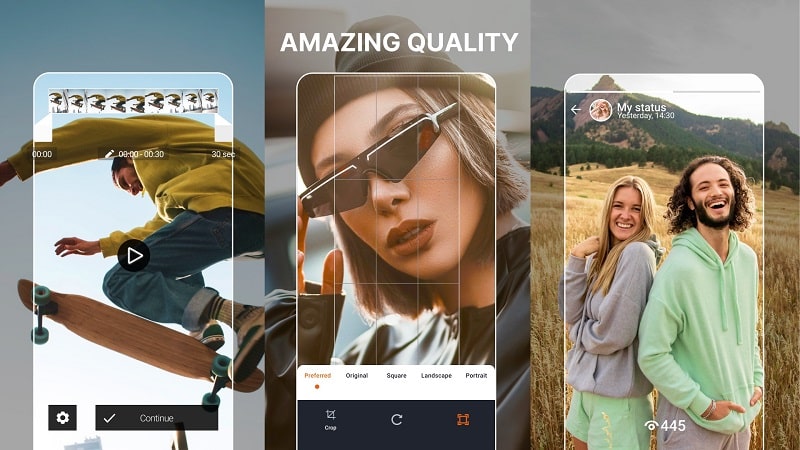
The interface is laid out around three simple steps: pick a video, select a preset or custom settings, then compress and share. Menus are minimal and oriented for touch navigation, with large thumbnails and clear size estimates for each option. Venlow places frequently used actions up front so even first-time users can complete the process in a few taps.
Venlow is optimized for a wide range of Android devices. The app leverages hardware acceleration where available to speed up encoding and reduce battery drain. On older phones it will fall back to software encoding, which may take longer but preserves the same control over output quality. Memory-conscious design keeps the app responsive even when handling longer clips.
Start with a preset to get an immediate reduction and then preview the sample to verify acceptable quality. If you see visible artifacts, try increasing resolution or bitrate slightly, or choose a profile aimed at higher quality. For voice-heavy recordings, keep frame rate low to reduce size without affecting audio clarity. Use batch mode for multiple files to streamline repetitive tasks.
Venlow processes videos locally on the device by default, which minimizes data exposure and removes the need to upload sensitive content to remote servers. Temporary files are managed automatically, and the app provides clear controls for locating and removing compressed outputs. Review app permissions related to storage and camera access to ensure they align with your privacy preferences.
Download Venlow from the Play Store and open the app to begin. Grant the required storage permission, pick a video, and try a preset compression option to see how results look on your device. Experiment with manual settings only when you need a specific file size or quality balance. The app’s guided previews help you avoid wasting time on full encodes that don’t meet expectations.
Venlow’s streamlined approach makes it a practical tool for everyday video handling on Android. Its combination of presets, manual adjustments, and device-aware performance ensures users can reduce file sizes effectively without diving into complex editing suites. For anyone regularly sharing or storing video on mobile, Venlow provides a fast, straightforward solution.