
CastDuo is a lightweight casting and screen-sharing tool that lets you mirror Android devices to TVs, PCs, and other displays with minimal setup. Designed for both casual streaming and professional presentations, CastDuo emphasizes low latency, simple controls, and compatibility across a wide range of hardware to streamline media sharing.
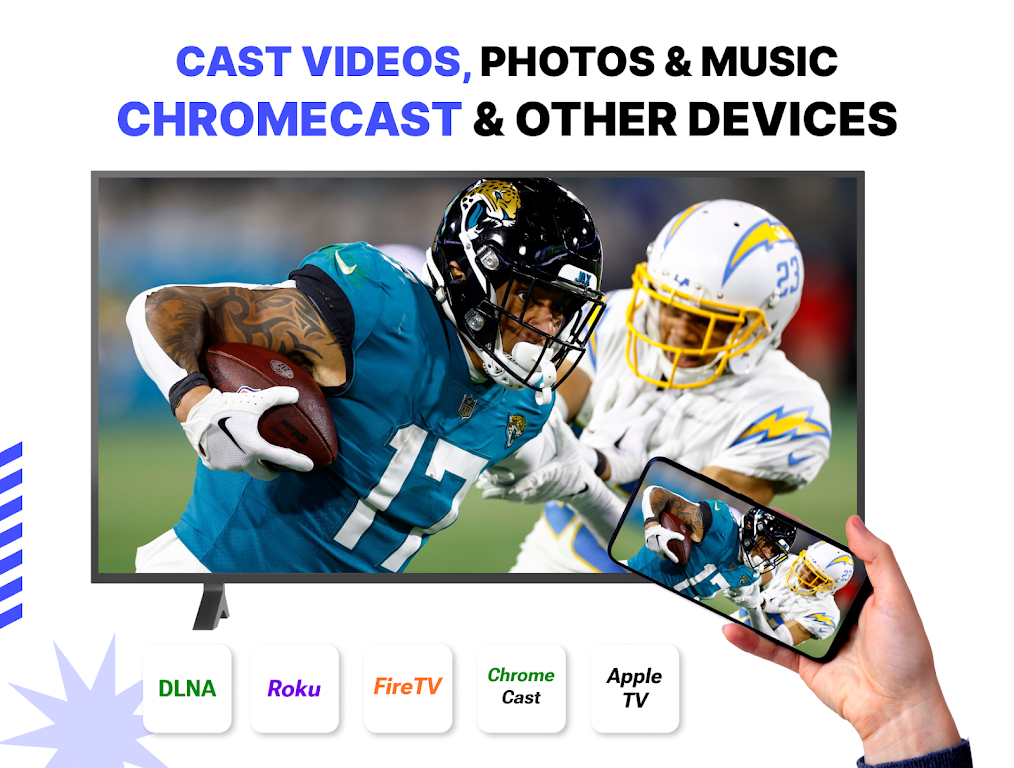
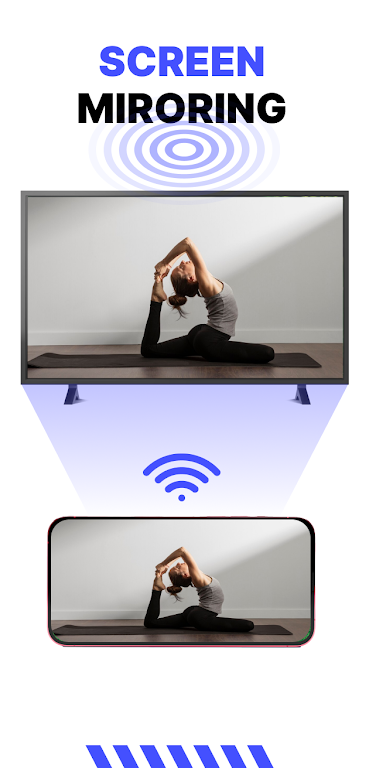
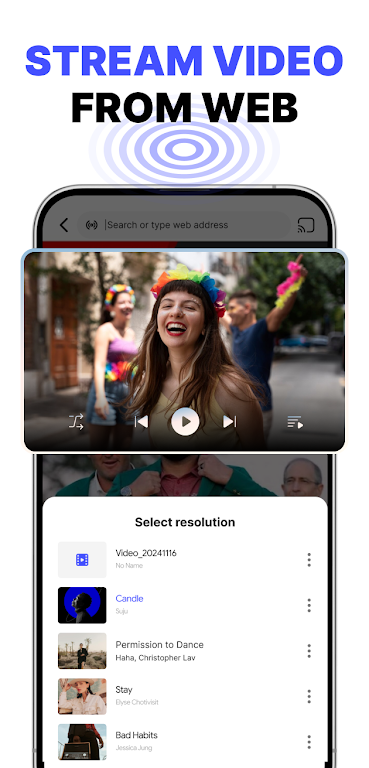
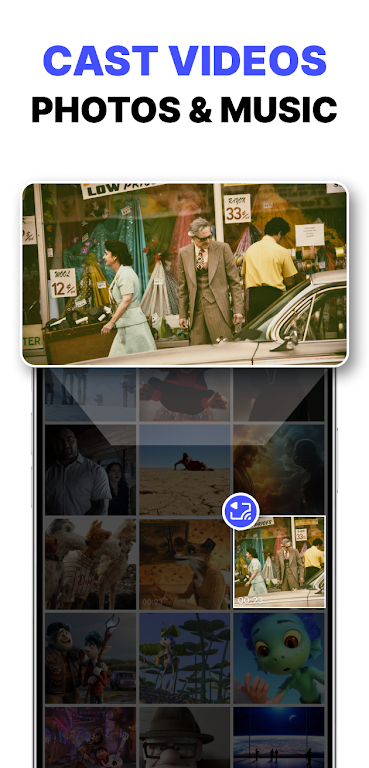
At its heart, CastDuo turns your phone or tablet into a portable media transmitter. It supports real-time screen mirroring, audio routing, and media playback casting. You can push video, photos, and documents to a connected display while maintaining responsive touch controls on the source device. The app balances image quality and latency for smooth video playback and crisp text rendering.
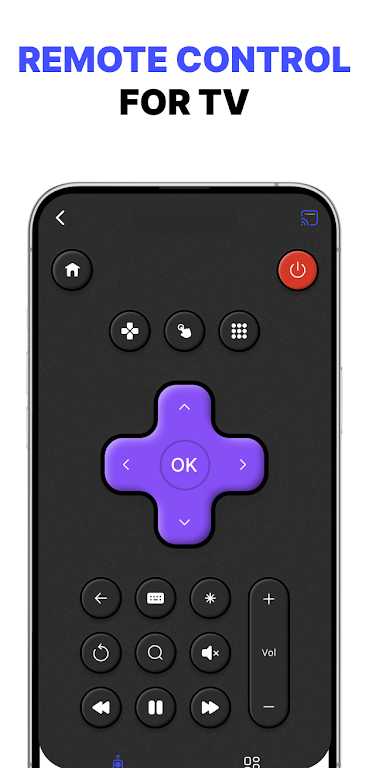
CastDuo presents a clean, icon-driven interface that reduces friction during setup. The main screen lists available receivers on the same network, and a single tap initiates the connection. Playback controls are available in-app with straightforward pause, seek, and volume adjustments. Advanced options are tucked into a secondary menu for users who need to tweak resolution, frame rate, or audio routing.
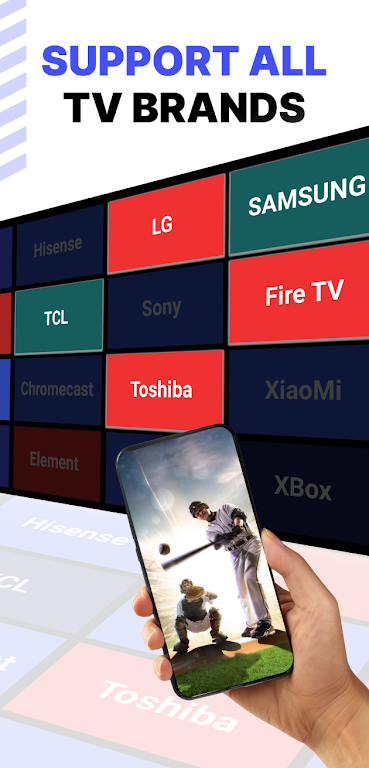
Performance is a core focus for CastDuo. The app leverages hardware encoding when possible to reduce CPU load on modern devices, lowering battery usage during extended sessions. It supports common casting protocols and works with most Smart TVs, Chromecast devices, DLNA-compatible receivers, and Windows/Mac client apps. For best results, a dual-band Wi-Fi network and recent Android OS build are recommended.
CastDuo includes privacy-focused features to keep your sessions secure. Local network discovery uses encrypted handshake procedures, and you can enable pairing codes for first-time connections to new receivers. The app minimizes permissions by requesting only those necessary for casting, such as local network access and storage for file selection.
CastDuo fits a variety of scenarios. Teachers and presenters can display slides and demonstrations without cables. Families can stream vacation videos to the living room TV. Remote workers will find it useful for sharing mobile workflows or showing app prototypes during video calls. The multi-receiver feature also enables split-screen or mirrored displays in multi-monitor environments.
Begin by installing CastDuo, granting the requested local network and storage permissions, and ensuring your target display is on the same Wi-Fi network. The app will scan for compatible receivers automatically; select one and follow the on-screen pairing steps. For desktop receivers, download the companion client when prompted to facilitate direct connections from your Android device.
CastDuo receives periodic updates to expand device compatibility and improve streaming efficiency. Built-in diagnostics help identify network bottlenecks and provide simple troubleshooting tips. If you encounter uncommon hardware issues, the app offers exportable logs to share with support teams for faster resolution.
CastDuo is a practical choice for anyone who needs reliable, low-latency screen casting with a minimal learning curve. Its combination of performance options, broad device support, and privacy-conscious design makes it suitable for home, classroom, and professional scenarios where seamless media sharing matters.