FV File Explorer Pro is a powerful Android file manager that organizes, browses, and secures files across local and cloud storage. It offers a clean interface, fast file operations, and advanced tools like archive handling, network access, and root support to help users manage documents, media, and app files efficiently.
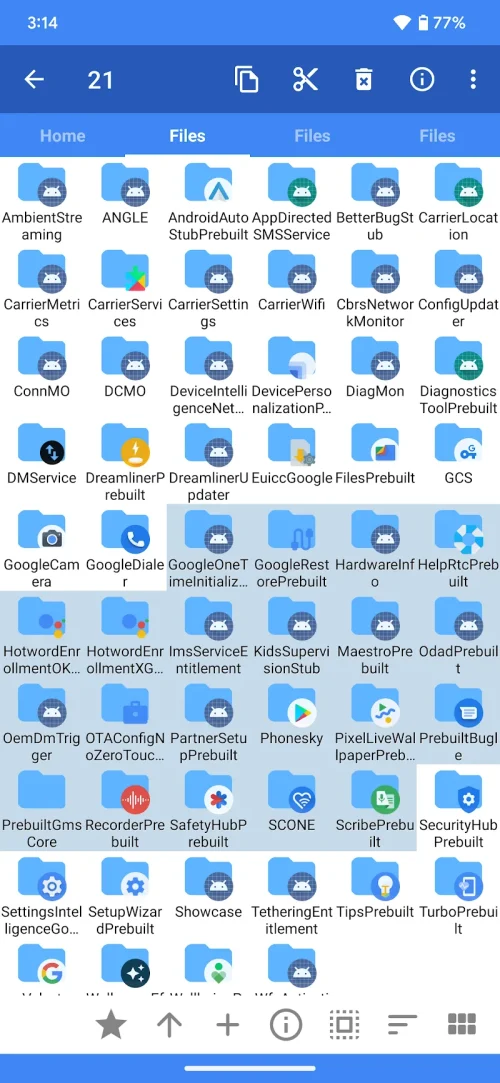
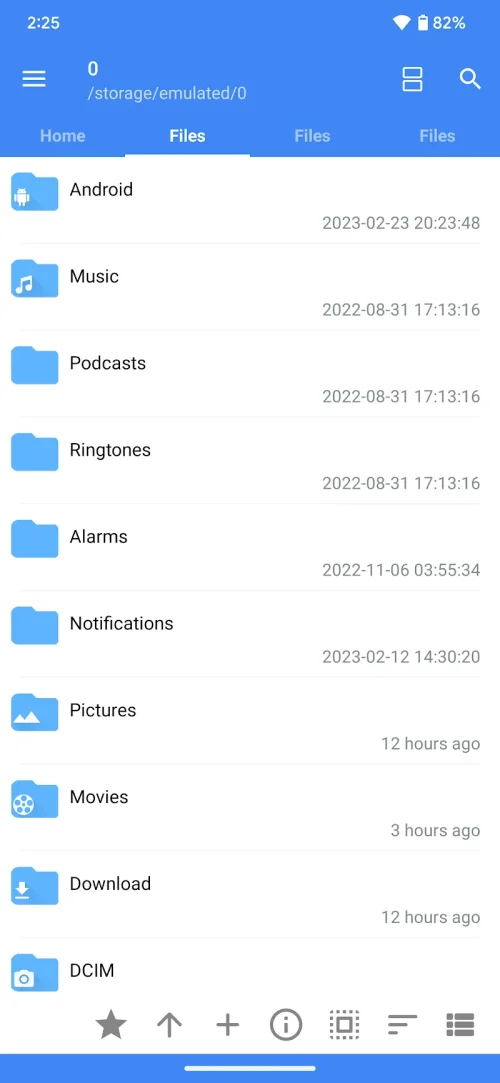
FV File Explorer Pro brings a robust set of tools to handle everyday and advanced file tasks. Browse internal storage and SD cards with a responsive file list, preview images and videos, and open documents with the appropriate apps. The app supports batch operations—copy, move, rename, delete—and preserves timestamps and file attributes when possible.
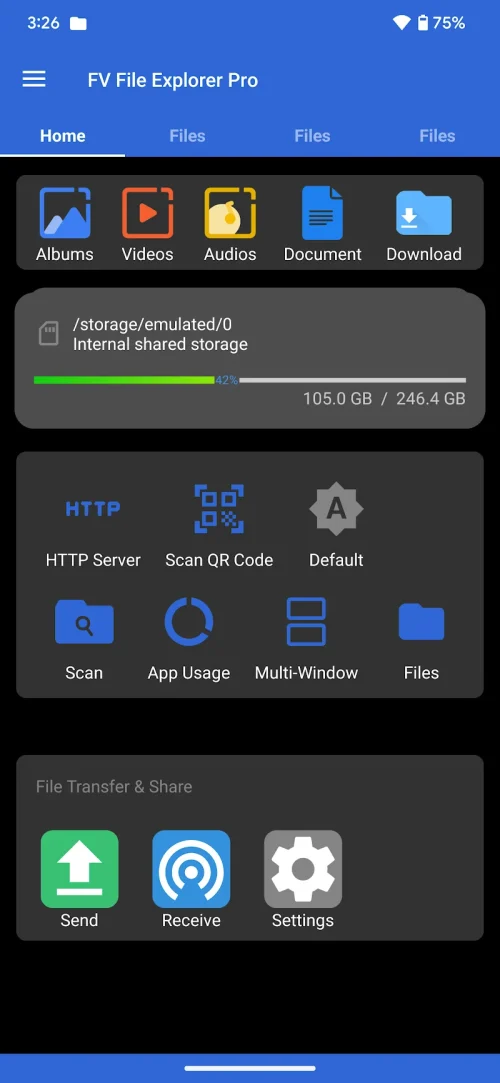
The interface emphasizes clarity and speed. A customizable home screen gives quick access to favorite folders, recent files, and storage summaries. Navigation gestures and a dual-pane option let you work with two folders at once, reducing the steps needed for complex file transfers. Visual icons and contextual menus adapt to the content type so media, archives, and APK files display useful actions instantly.
Beyond basic browsing, FV File Explorer Pro adds power-user features. The integrated archive manager creates and extracts ZIP files; extended support may include other compressed formats. A built-in text viewer with search and encoding options helps when inspecting configuration files. For APK management, you can install, back up, or analyze installed packages.
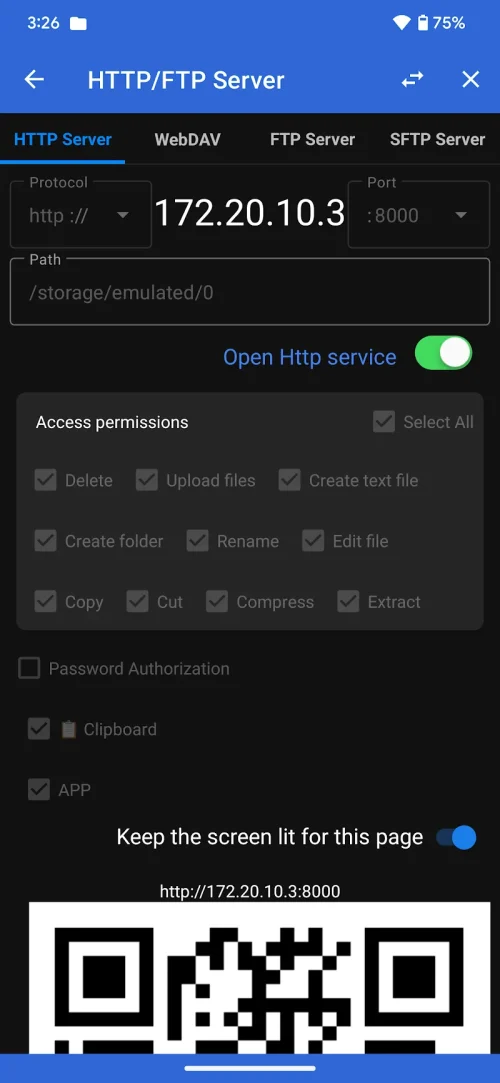
Connect to remote locations without leaving the app. FV File Explorer Pro supports FTP, SFTP, SMB/CIFS, and WebDAV for access to NAS devices, home servers, and office shares. Cloud integrations let you link popular providers to access and move files across services. Transfer queuing and resume capabilities make large uploads and downloads more reliable over unstable connections.
Security options protect sensitive data on the device. Use a passcode or biometric lock for the app, and encrypt archives before sharing. The app can identify large or duplicate files and surface suggestions for cleanup to free storage. When root access is available, FV File Explorer Pro exposes system directories and permissions while warning about potential risks.
Performance is tuned for mobile hardware. File operations run in the background with progress notifications so you can continue other tasks. The app adapts to both phone and tablet displays and supports a range of Android versions; exact compatibility details depend on device firmware. Memory usage is kept moderate, with options to limit parallel tasks on lower-end devices.
For everyday users, FV File Explorer Pro acts as a reliable file hub: organize photos, back up documents, and move downloads into folders. For professionals, the network tools and archive features make it easier to manage project files, sync resources with a server, and prepare assets for sharing. The dual-pane view and queue system speed up repetitive tasks.
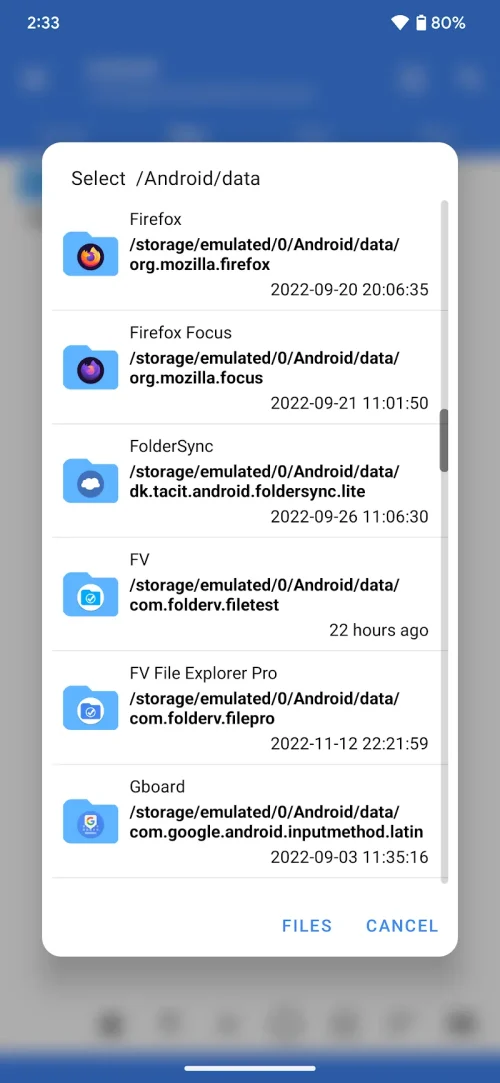
After installing FV File Explorer Pro, grant the necessary storage permissions and link any cloud accounts you use. Set up favorite folders on the home panel to reduce friction, and enable background transfers for long jobs. If you plan to access network drives, confirm credentials and network visibility before initiating large transfers.
With a balance of practical utilities and advanced capabilities, FV File Explorer Pro is well suited for users who want more control over Android storage and file workflows. Try the main features and customize the settings to match how you work with files on mobile.