
Waze is a community-driven navigation app designed to help drivers reach destinations faster by combining real-time user reports with predictive routing. With Waze you get live traffic updates, incident alerts, and dynamic rerouting that react to changing road conditions, helping reduce time spent in traffic and keeping drivers informed of hazards and closures. This editor overview explains how Waze organizes information on a trip, what controls and personalization options are available, and practical tips to get reliable guidance from everyday driving to longer commutes.
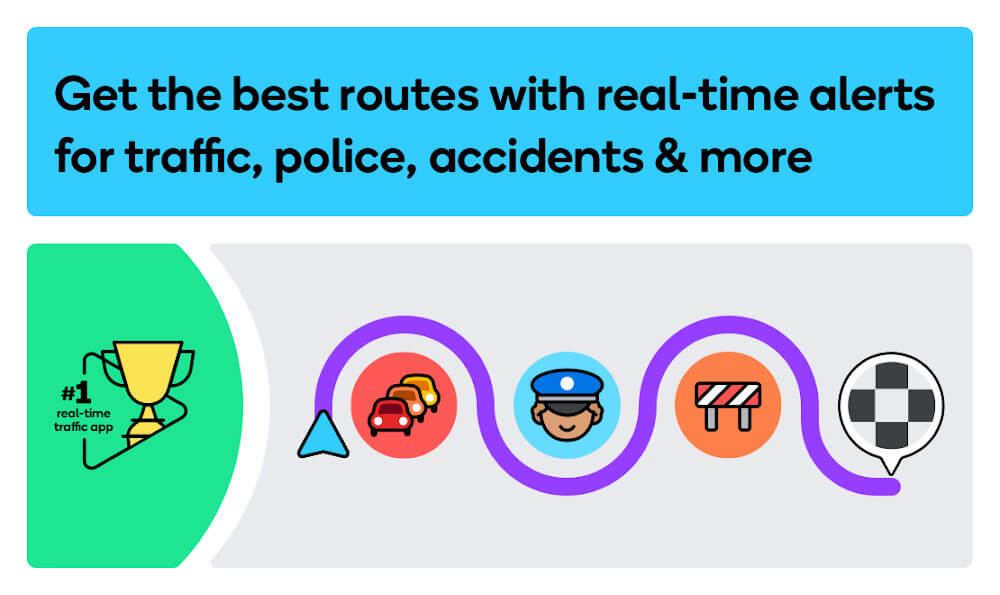
At its core, Waze gathers short, frequent reports from drivers to build a live picture of traffic flow. When you enter a destination, the app evaluates multiple route options based on current speeds, reported incidents and predicted conditions. If an accident or slowdown appears along your route, Waze recalculates and suggests an alternate path; these recalculations are performed continuously so guidance adapts without manual intervention. The app also updates estimated arrival times as conditions change and highlights specific events — for example, roadwork, hazards, and police sightings — that may influence your route choice.
Controls are designed to be reachable with minimal distraction while driving: a prominent search bar lets you enter addresses or points of interest, voice input accepts spoken destinations and commands, and on-screen buttons make it quick to report incidents or change route preferences. Turn-by-turn directions appear as large, readable cards with clear spoken prompts to reduce the need to glance at the map. Reporting uses a few taps to mark accidents, hazards or closures; reports are brief by design so contributors can stay focused on driving while sharing useful information with others.
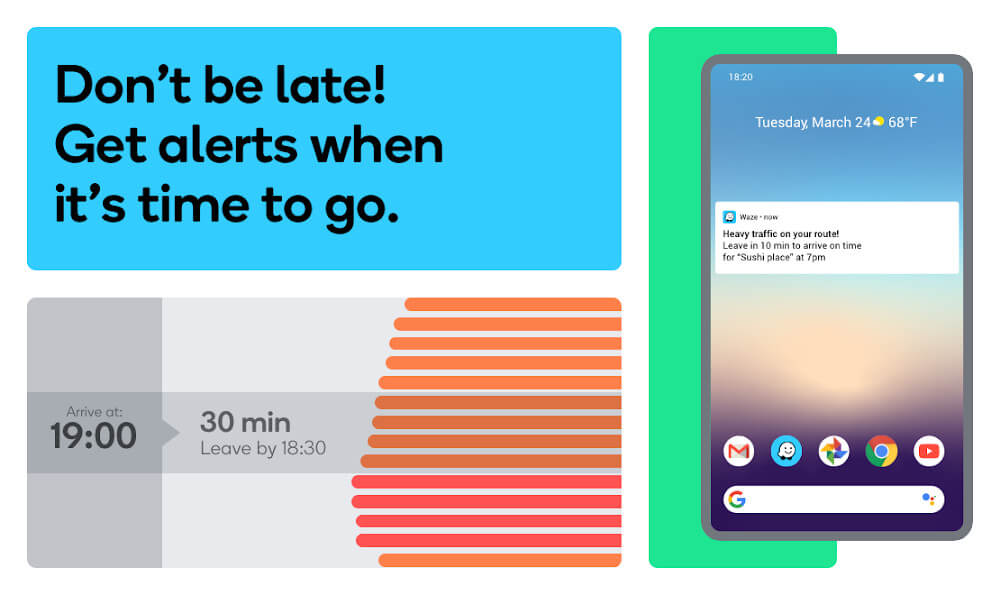
Waze supports several personalization options so the navigation fits your driving style. You can choose voice guidance, set preferred road types, and select whether to avoid tolls. Over time the app’s predictive routing improves as it learns common travel patterns and preferred routes, which feels like a simple progression system: frequent routes become better predicted, suggested departure times become more accurate, and recurring journeys can be added to favorites for faster access. Sharing estimated arrival times with contacts is built in to reduce unnecessary status updates and keep others informed when you’re en route.
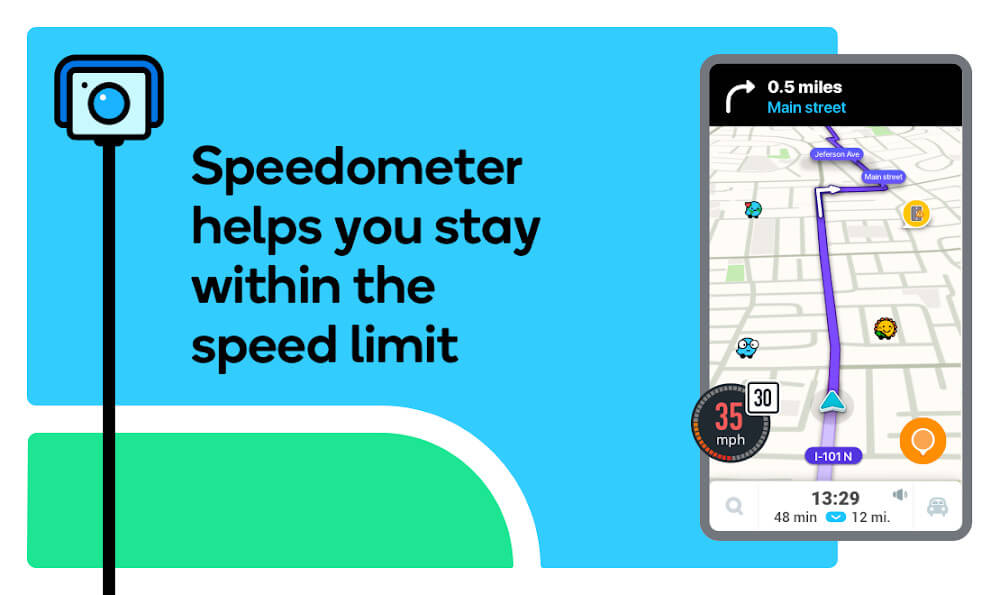
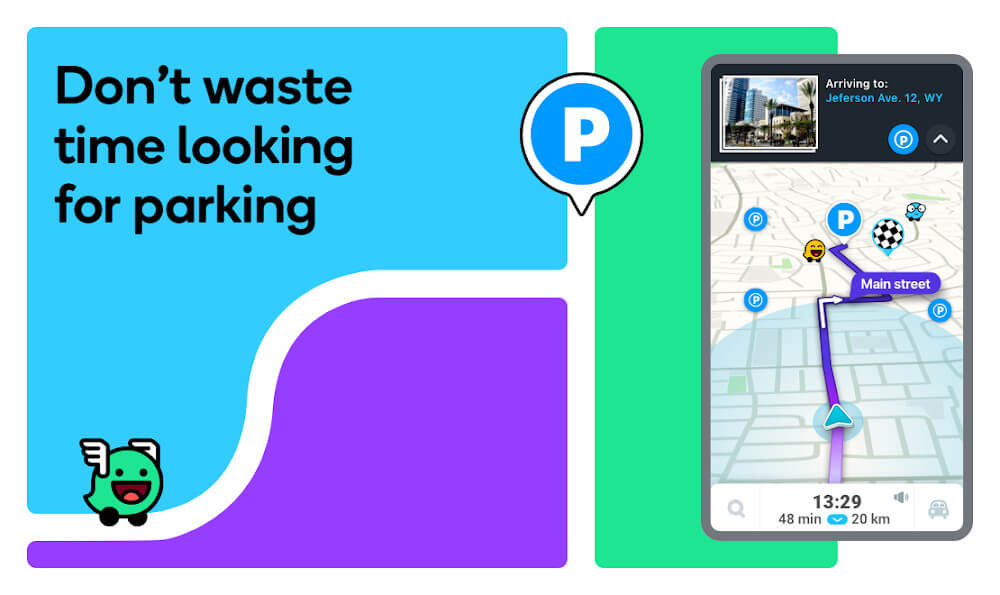
The visual design emphasizes clarity: a clean map layer with color-coded traffic overlays, large next-turn indicators, and concise incident icons so you can recognize key information at a glance. Map detail and animation are balanced to run smoothly on modern phones, though continuous GPS and data use can increase battery consumption. Controls for search, reporting and media or calendar integration are placed for quick access without overwhelming the display. Performance will vary by device and network conditions, but on contemporary hardware the app maintains responsive routing and clear visuals.
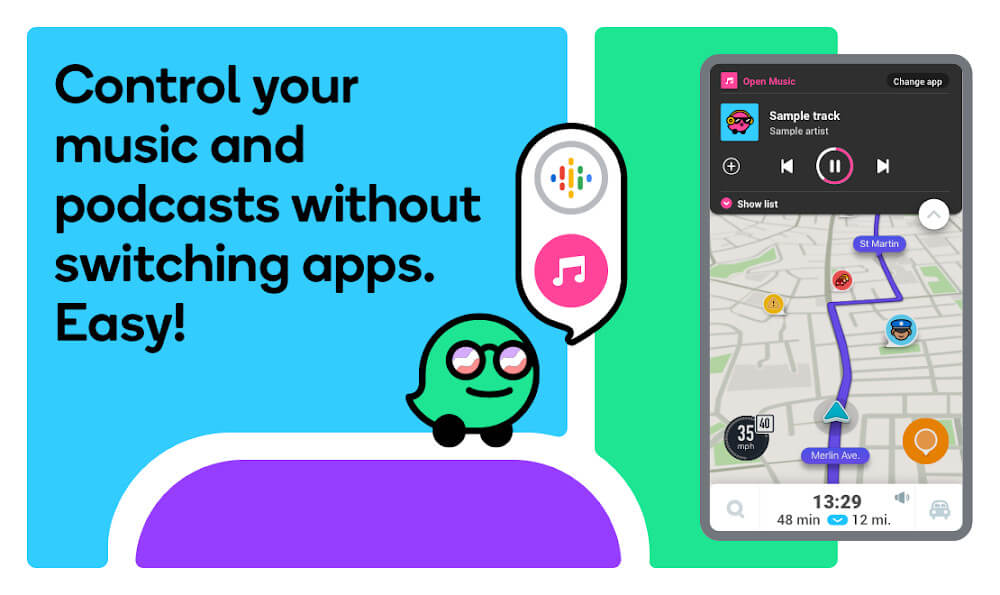
Customization makes the app adaptable to different driving contexts. Beyond voice selection and route preferences, you can toggle which types of reports you want to see and link Waze to calendar entries to auto-suggest destinations. Integration with music and in-car systems is common, enabling playback control and map projection where supported, and these integrations help keep navigation and entertainment working together safely during a trip.
Accessibility features include audible guidance, large on-screen elements, and straightforward report inputs that reduce interaction complexity. While Waze depends on an active data connection for the most current traffic and community reports, it does cache recently used map tiles and route information so short offline stretches will often still display guidance. To manage battery impact, consider using a car charger on long journeys, limit background refresh when not needed, or adjust screen brightness; these steps help extend device runtime without losing essential navigation functions.
The utility of crowd-sourced navigation comes from shared, anonymized data. Waze allows you to control permissions and minimize background activity if you prefer, and reports are submitted without personal identifiers. Aggregated location data is used to improve routing for everyone; reviewing the app’s permission settings helps you balance privacy and the real-time benefits of community reporting.
For people new to Waze, start by granting location access and trying a short trip to become comfortable with voice prompts and the reporting flow. Keep reports concise and only submit information you can safely provide, use ETA sharing to inform contacts, and pin frequent destinations to speed up future routing. Regular use increases the value you receive because the network of drivers contributes usable updates; the app becomes more accurate and responsive as more people report incidents and travel patterns are identified.
Waze provides a practical, community-powered approach to navigation that emphasizes up-to-the-minute reporting, clear in-car controls, and adaptive routing. Whether you use it for daily commuting or occasional longer trips, Waze aims to reduce surprises on the road by turning brief user reports into actionable route guidance while giving you control over how much data and which alerts you receive.