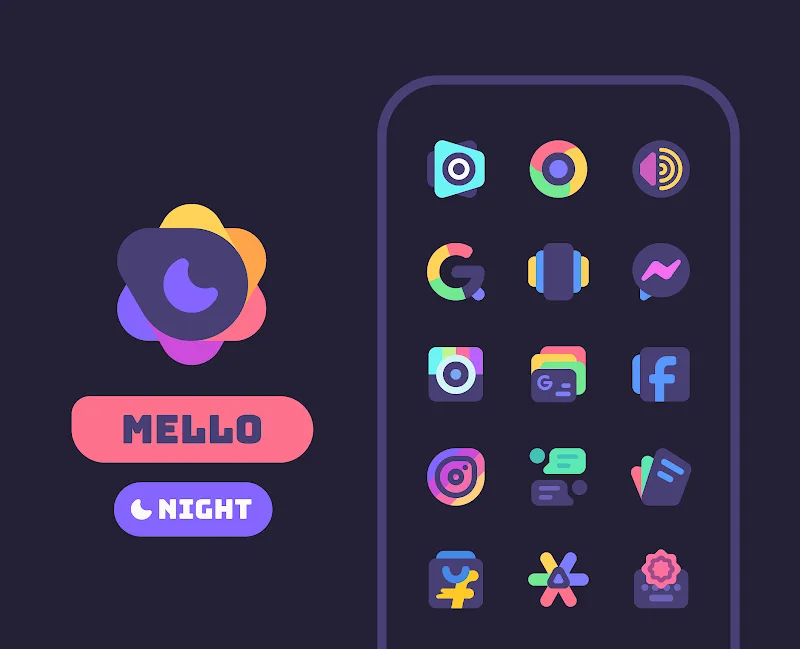
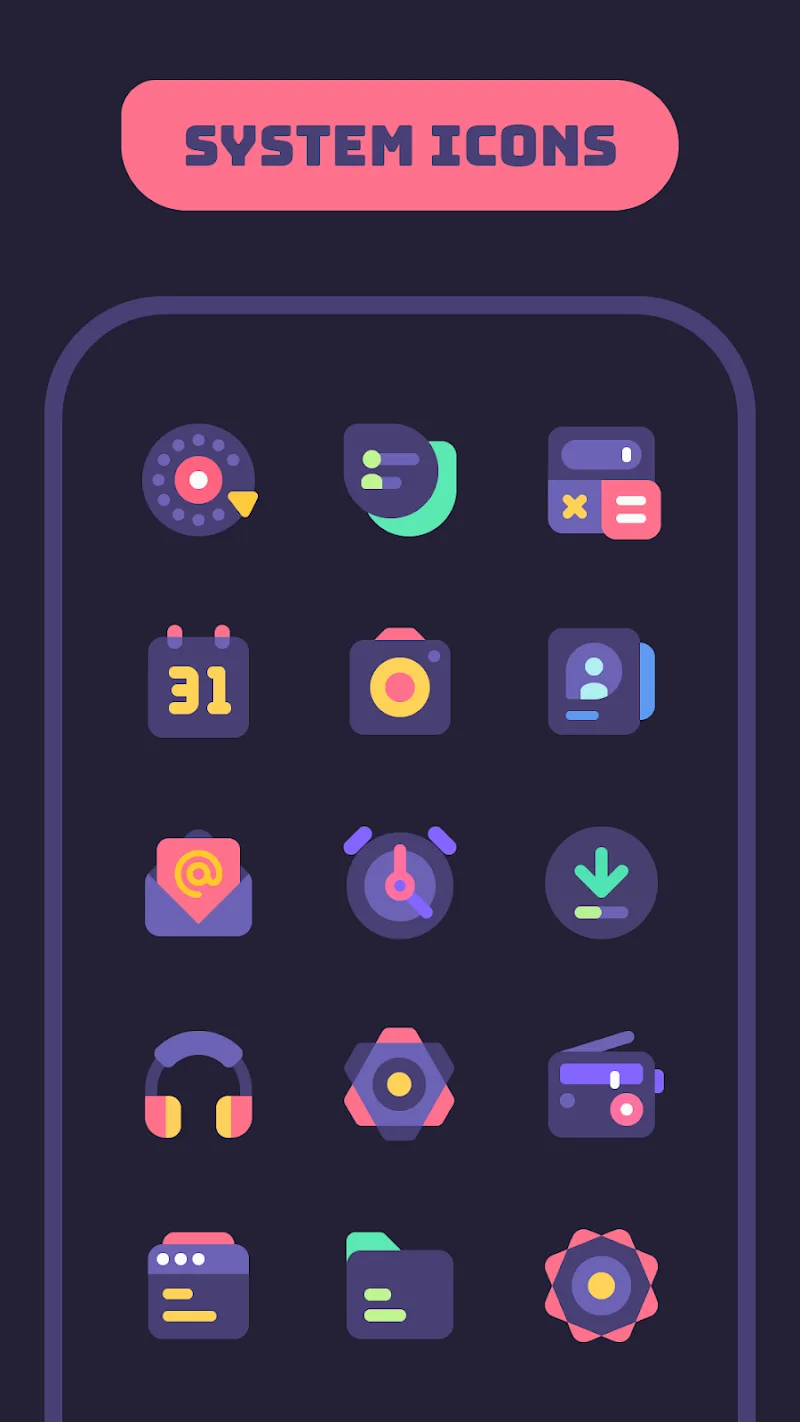
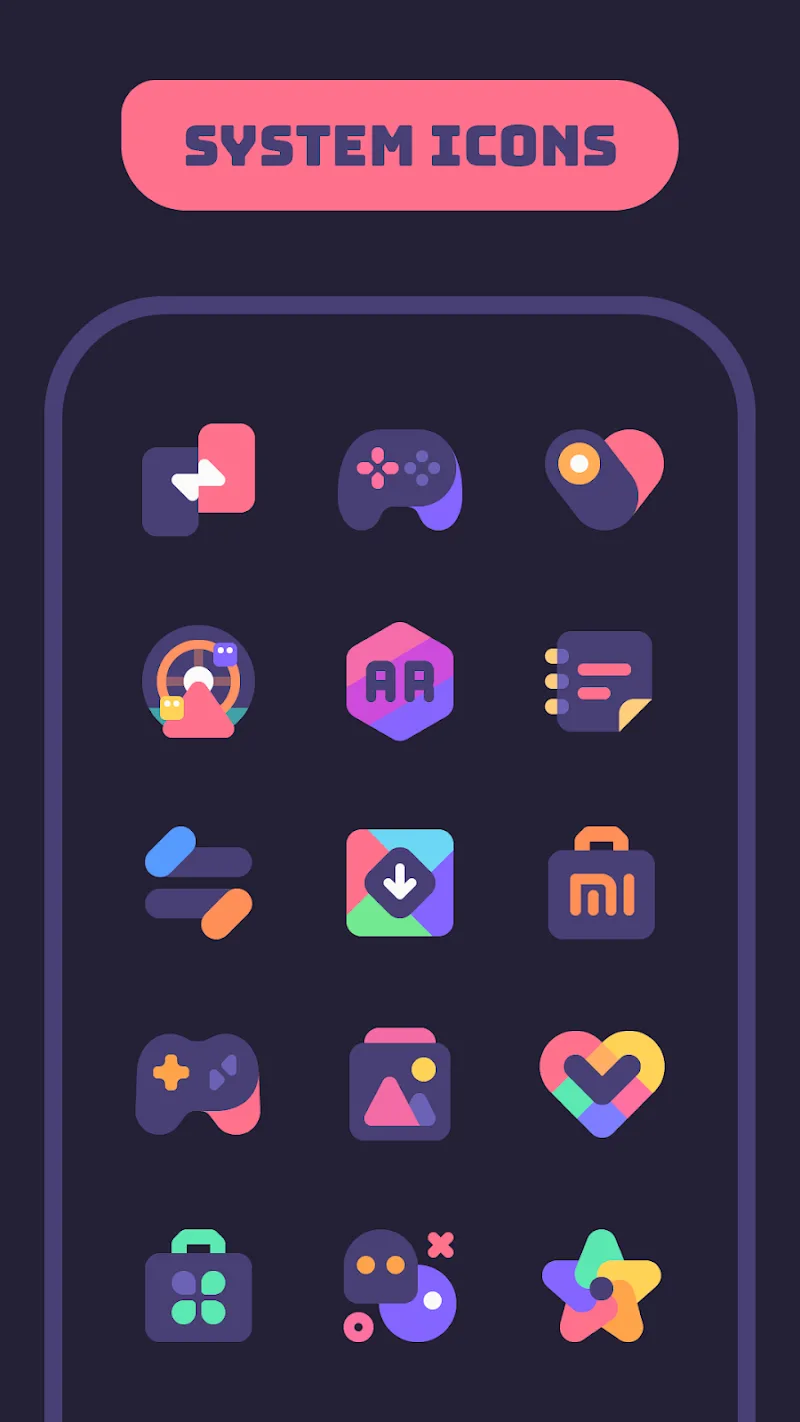
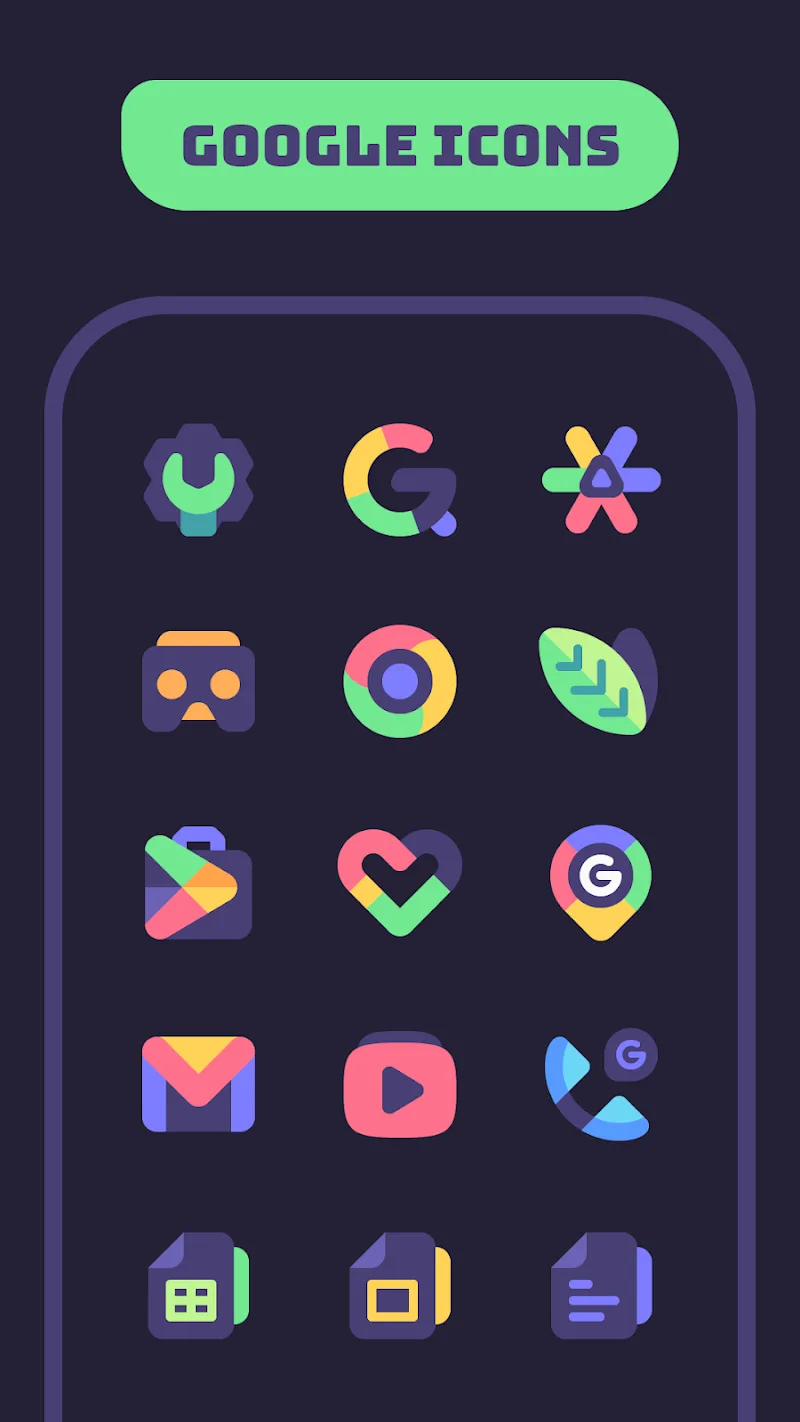
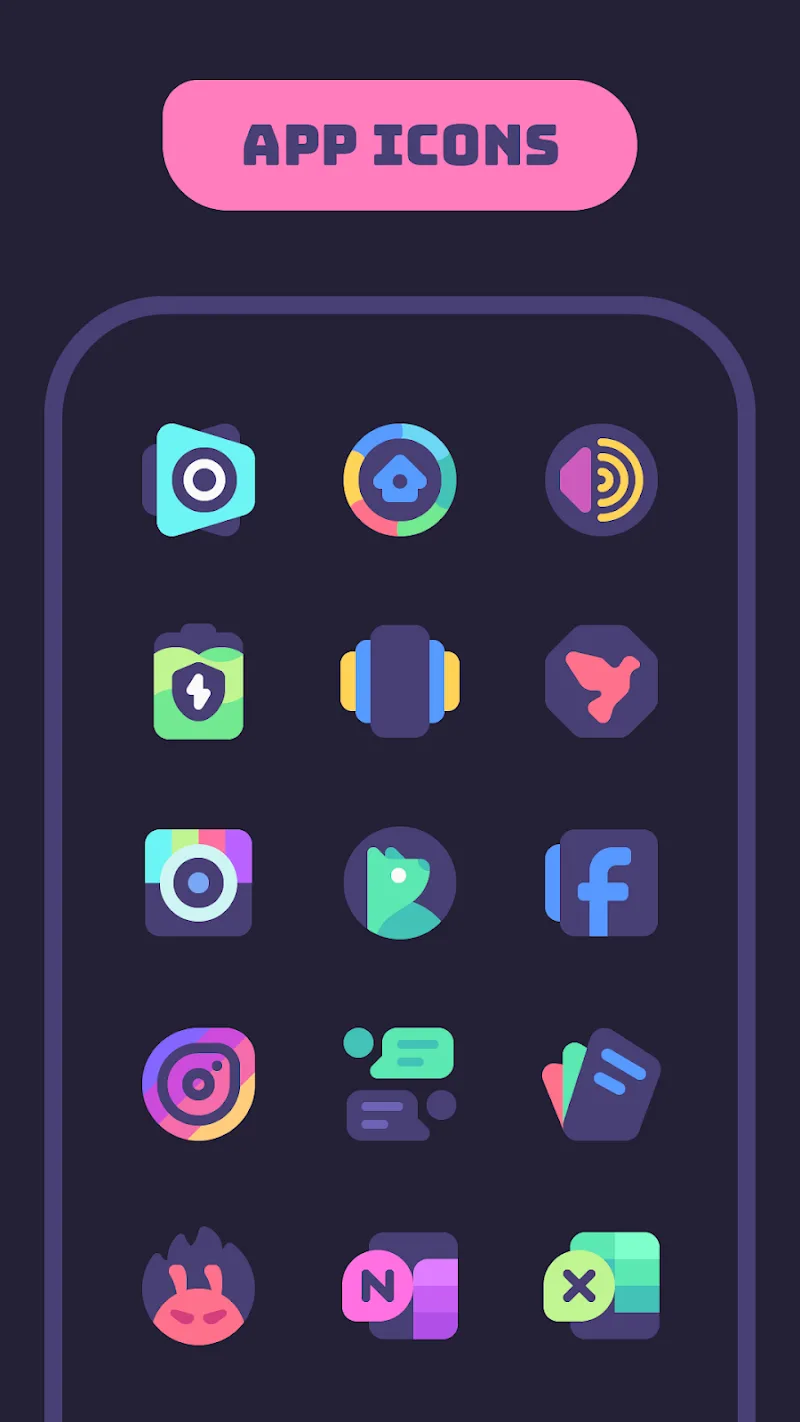
Mello Night Icon Pack provides a cohesive dark-themed visual overhaul for Android devices, combining handcrafted icons, matching wallpapers, and adaptive glyphs to give your home screen a unified night-mode aesthetic. Mello Night Icon Pack is designed with clarity and restraint so each icon remains readable at a glance while contributing to an overall low-light-friendly look across launchers and widgets. Whether you prefer a muted professional style or a softer nocturnal palette, this icon pack aims to harmonize apps and system shortcuts without adding background services or unnecessary complexity.
The bundle includes a broad library of high-resolution icons, multiple wallpaper options tuned for low-contrast environments, and alternate glyph variations for many popular apps. Icons are delivered in scalable formats to preserve sharpness across densities and display sizes, and the collection covers mainstream apps as well as common system actions. Mello Night Icon Pack ships with a simple preview area so you can see how different glyphs and wallpapers pair before applying them, reducing trial-and-error when you customize your layout.
The visual language centers on a rounded-square motif with subtle depth, softened shadows, and muted color tones that reduce glare in dark rooms. Designers focused on legibility: icon shapes and internal symbols remain distinct at smaller sizes, and the collection includes alternate glyphs that emphasize recognizability for frequently used apps. Textures and gradients are used sparingly so labels and badges stay readable against the icon art. Because the icons are vector-friendly, they scale cleanly and maintain consistent edge treatment across screen types.
Applying and customizing the set is straightforward: choose your launcher, open the app dashboard, pick a wallpaper, and apply the theme. The app provides built-in controls to switch between available glyph variants for select apps without leaving the home screen, and it supports manual icon replacement through launchers that expose that option. For users who prefer deeper personalization, the icon pack works with third-party theming tools and standard shortcut utilities to adjust individual icons and restore previous layouts if you want to experiment safely.
Mello Night Icon Pack integrates with most popular Android launchers, including Nova, Lawnchair, Action Launcher, and ADW, and offers guidance for launchers that rely on theme engines. Compatibility notes are provided in-app so you can confirm whether adaptive icons, masking, or manual apply steps are required for your launcher version. The pack does not depend on a constant internet connection to function; once installed, icons and wallpapers are available offline which is convenient for users with limited connectivity.
Icons are optimized to keep storage footprint reasonable by using vector-friendly assets and compressed raster variants where appropriate. Because the pack acts as a resource set rather than a background process, it has negligible impact on battery and performance. Accessibility considerations include balanced contrast and large visual cues in glyph shapes to help users with reduced visual acuity. The app also supports adaptive icon features on compatible launchers to preserve consistent corner radii and system-level scaling.
For best results, pair the icon pack with a system-wide dark theme and disable vivid accents when possible so the palette feels consistent. If you encounter unthemed icons, use the automatic masking option or submit an icon request through the built-in tool; developers regularly add requested icons in updates. Back up your launcher layout before applying extensive changes so you can revert if you prefer the previous arrangement. If a specific launcher does not apply icons automatically, follow the step-by-step instructions found in the dashboard to change icons manually or use a shortcut utility compatible with your launcher.
The icon library grows over time through scheduled updates that add support for newly released apps and refine artwork for compatibility. Rather than one-time content, the progression of Mello Night Icon Pack is incremental: users submit requests, the development team prioritizes common apps, and successive releases expand coverage and polish. This ongoing approach increases long-term replay value by giving users reasons to revisit the dashboard and tweak their home screen as new icons and wallpapers arrive.
The overall experience emphasizes calm consistency and practical usability: subtle palettes, consistent shapes, and readable symbols help reduce visual clutter on busy home screens. In-app support channels and changelogs make it easy to see what changed between updates and to submit requests or report issues. If you rely on a themed, distraction-minimizing interface, Mello Night Icon Pack offers steady maintenance and straightforward tools to keep your device looking cohesive without frequent manual reconfiguration.