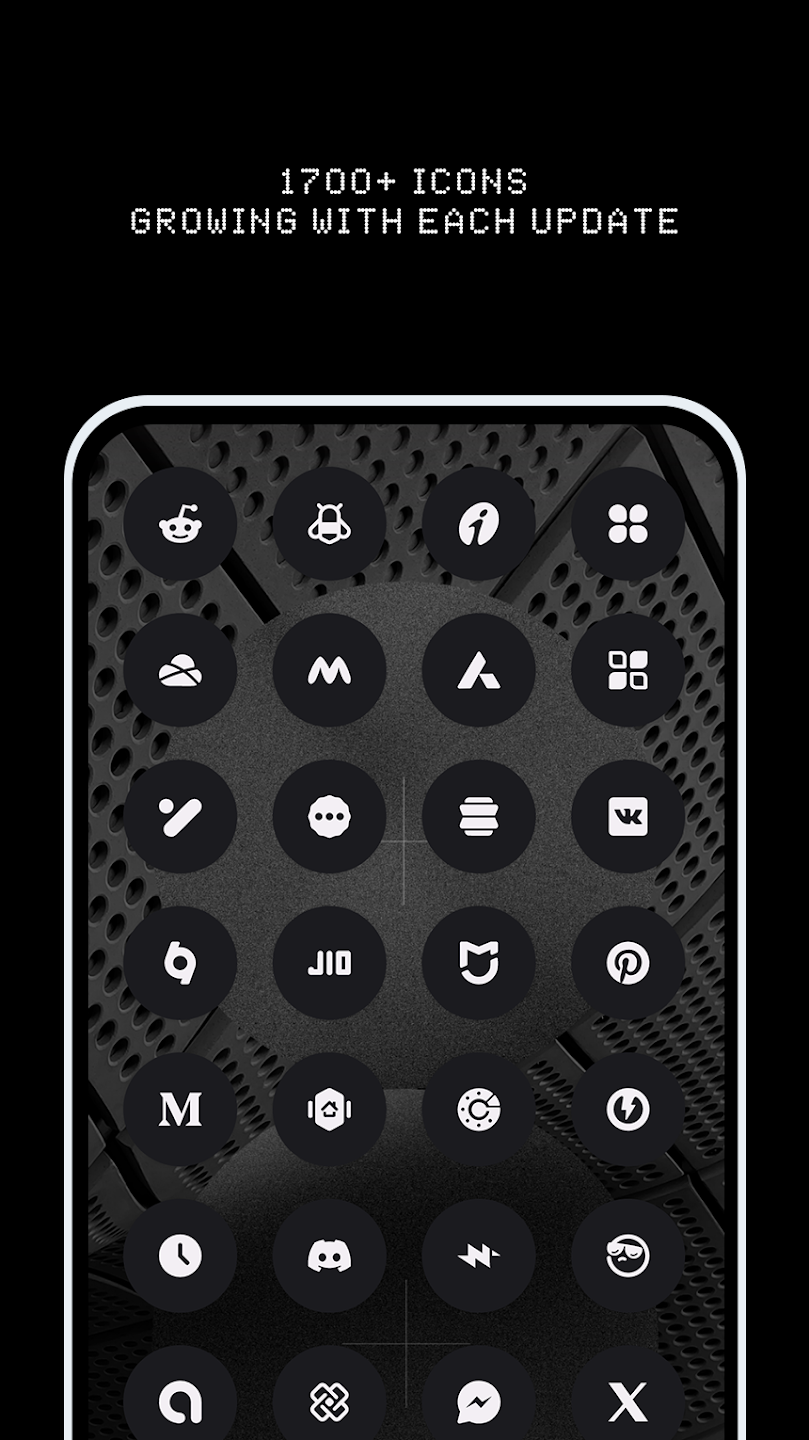
N-thing Icon Pack is a minimalist Android icon theme that refines home screens with consistent, geometric glyphs and subtle gradients. It bundles thousands of masked icons, dozens of wallpapers, and cloud-based matching for uncommon apps, delivering a cohesive visual language that’s lightweight and easy to apply across popular launchers.
N-thing Icon Pack focuses on balance and clarity. Designers created a set of icons that reduce visual clutter while maintaining recognizability for everyday apps. The result is a unified appearance that works well on phones and tablets, supporting different icon sizes and adaptive masks where launchers permit.
The pack stands out for three practical reasons: efficient coverage, visual consistency, and simple integration. N-thing Icon Pack ships with a comprehensive icon library that covers major apps and fills gaps with masked shapes for a harmonious grid. The artwork emphasizes geometric outlines and restrained color palettes, so your interface feels modern without drawing attention away from content.
Applying N-thing Icon Pack is straightforward on launchers such as Nova, Lawnchair, Smart Launcher, and others that expose icon theme settings. After installing, open your launcher’s appearance section and select the pack. Where launchers lack native theme support, you can use third-party tools or apply icons manually via shortcuts. The pack also includes a quick-apply helper for many common launchers to speed setup.
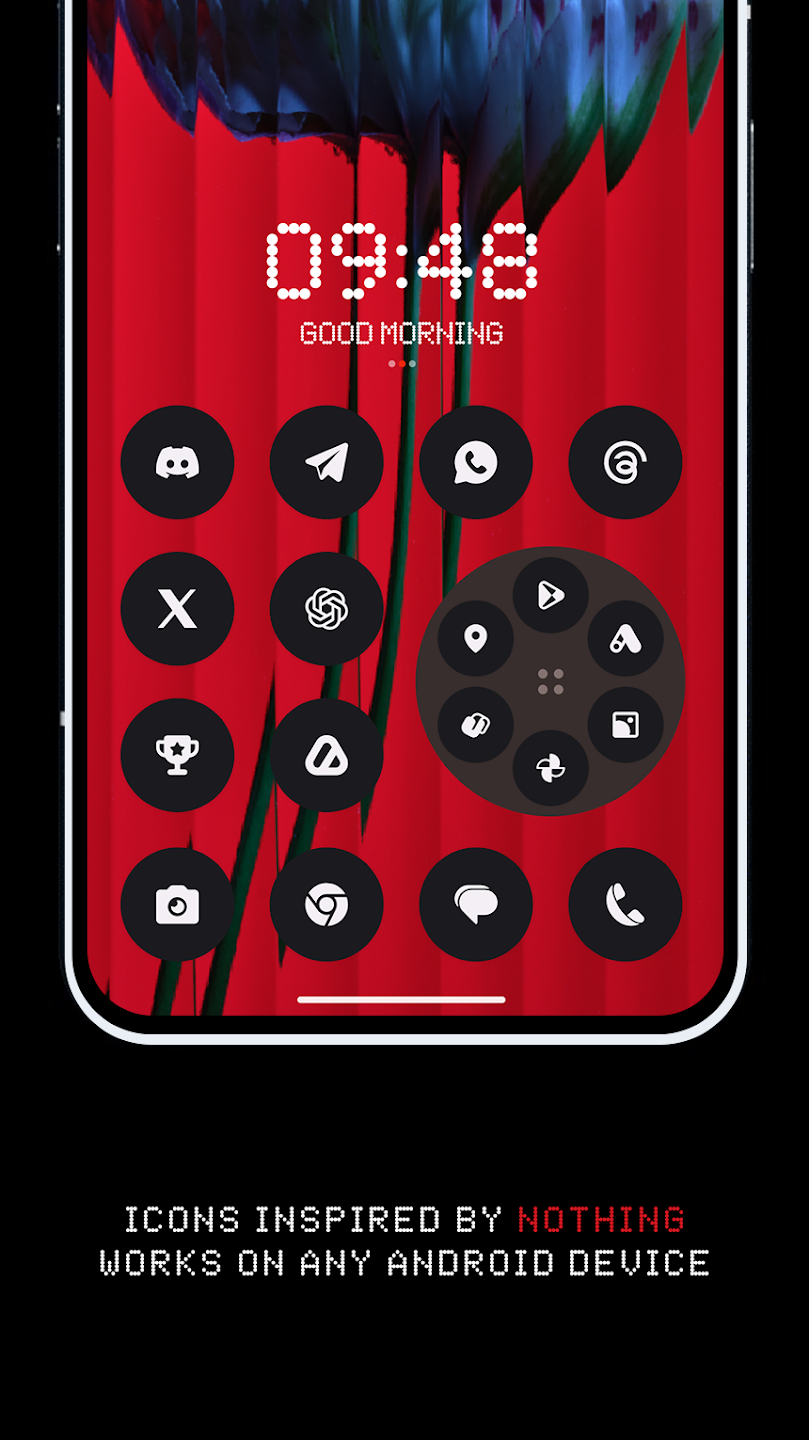
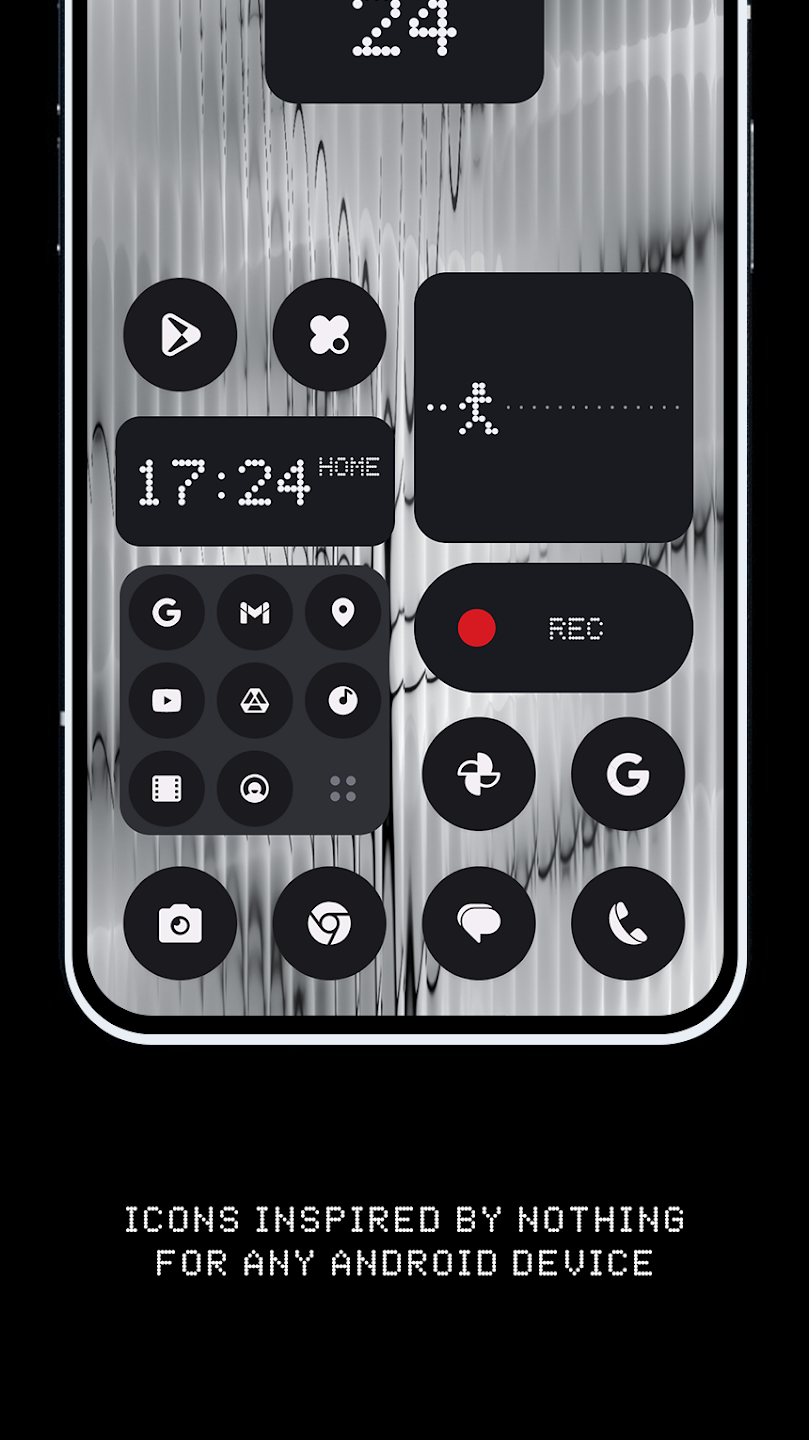
Beyond default icons and wallpapers, N-thing Icon Pack offers small but useful customization options. Users can combine the icons with different grid sizes, icon scaling, and adaptive effects available in their launcher. The curated wallpapers were chosen to preserve contrast and ensure legibility for folders and widgets while maintaining the pack’s minimalist aesthetic.
The pack is designed to be lightweight. Icon assets are optimized for mobile performance so they load quickly and consume minimal storage. Because it relies on static PNG or adaptive icon layers rather than live resources, there is no measurable effect on battery life. Updates are incremental, which reduces data usage when new icons are added.
For a polished home screen, follow these steps: pick a primary wallpaper from the pack, apply the icon theme, and adjust launcher icon size to taste. Use the request feature to submit missing icons; designers typically roll new icons into updates based on demand. If you prefer a more personalized look, mix icons from N-thing Icon Pack with a third-party folder or widget style for contrast.
People who prefer clean, cohesive interfaces gravitate toward N-thing Icon Pack because it reduces visual noise without sacrificing clarity. Developers maintain frequent updates, and the icon request pipeline helps the set stay relevant. Its neutral palette and geometric style make it a flexible choice across different wallpapers and widget setups.
For users interested in a refined and low-key visual upgrade, N-thing Icon Pack provides the essentials: consistent iconography, easy launcher integration, and ongoing updates that keep the theme fresh. Whether you aim for a minimalistic home screen or a subtle professional look, this pack gives the building blocks to create a tidy and modern Android experience.