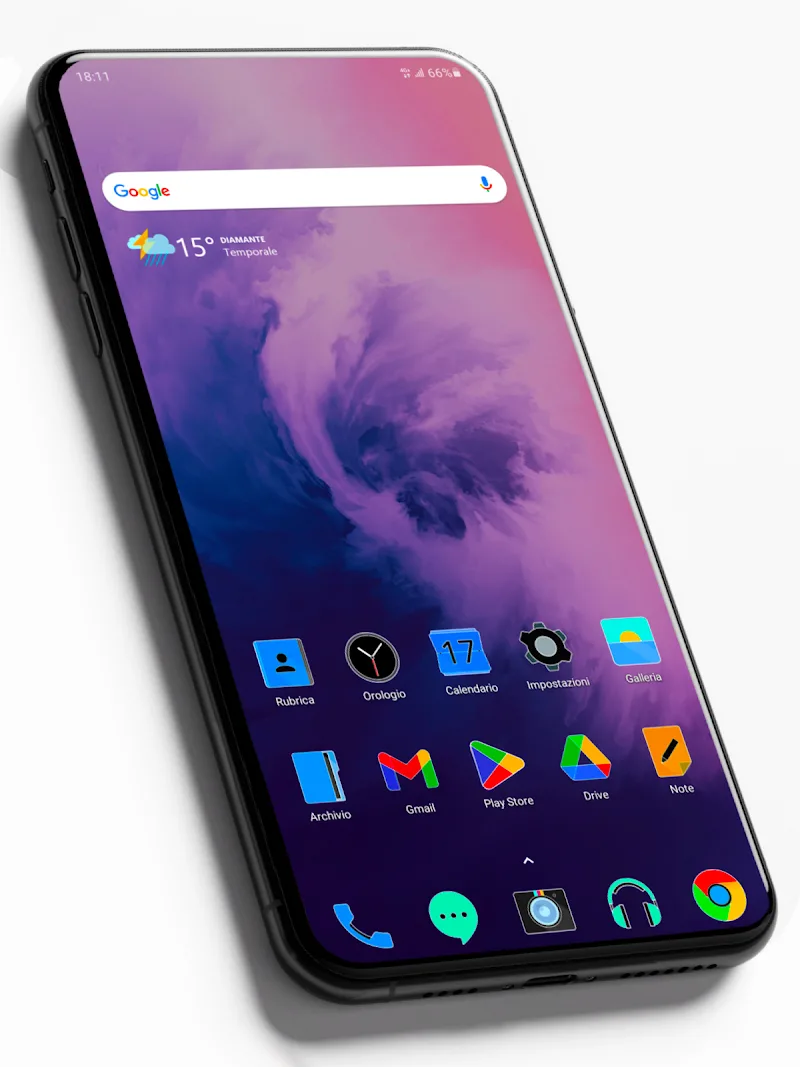
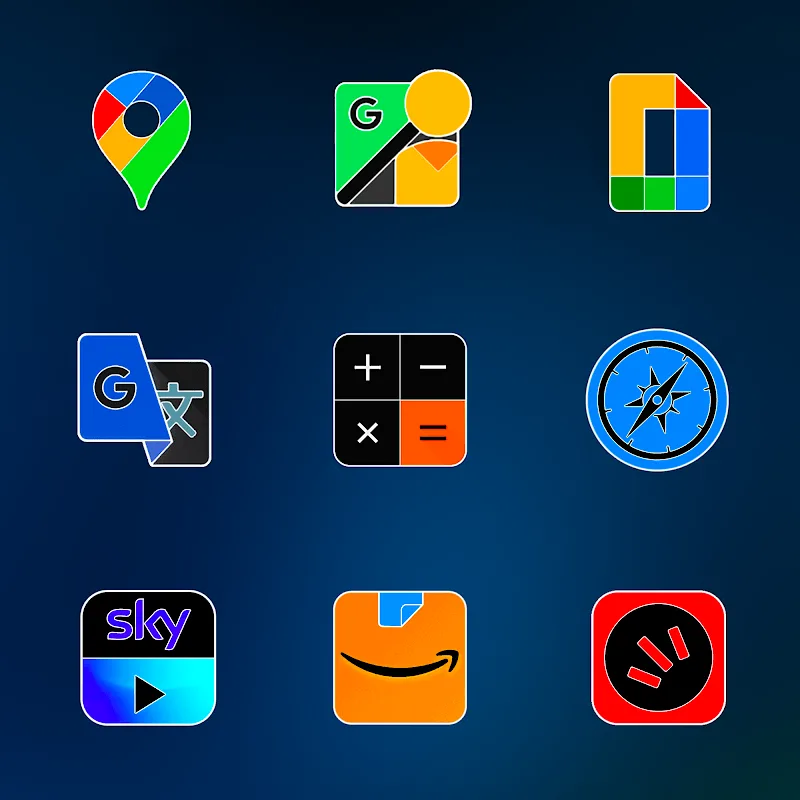
FluOxigen - Icon Pack brings a cohesive, modern look to your Android home screen with a curated set of high-contrast icons and matching wallpapers. Designed for clarity and visual impact, this icon pack focuses on consistent shapes and vibrant accents to refresh your device without sacrificing performance or compatibility.
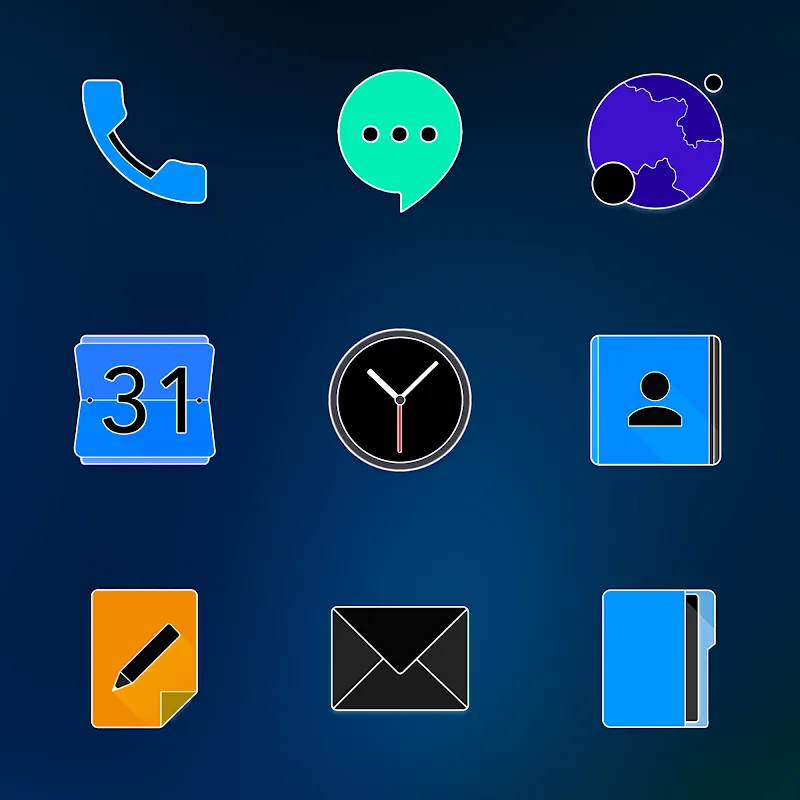
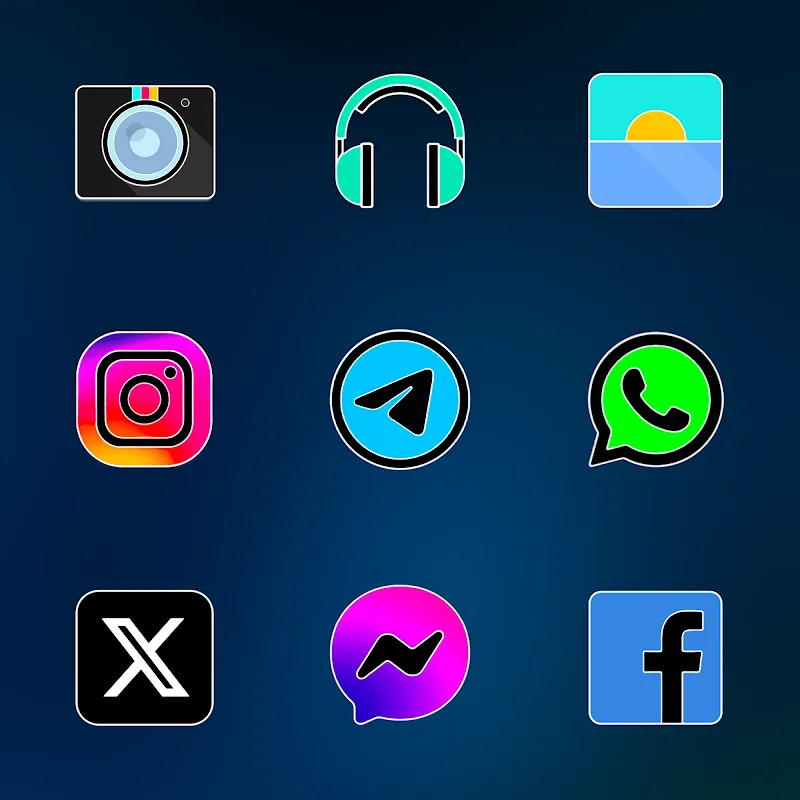
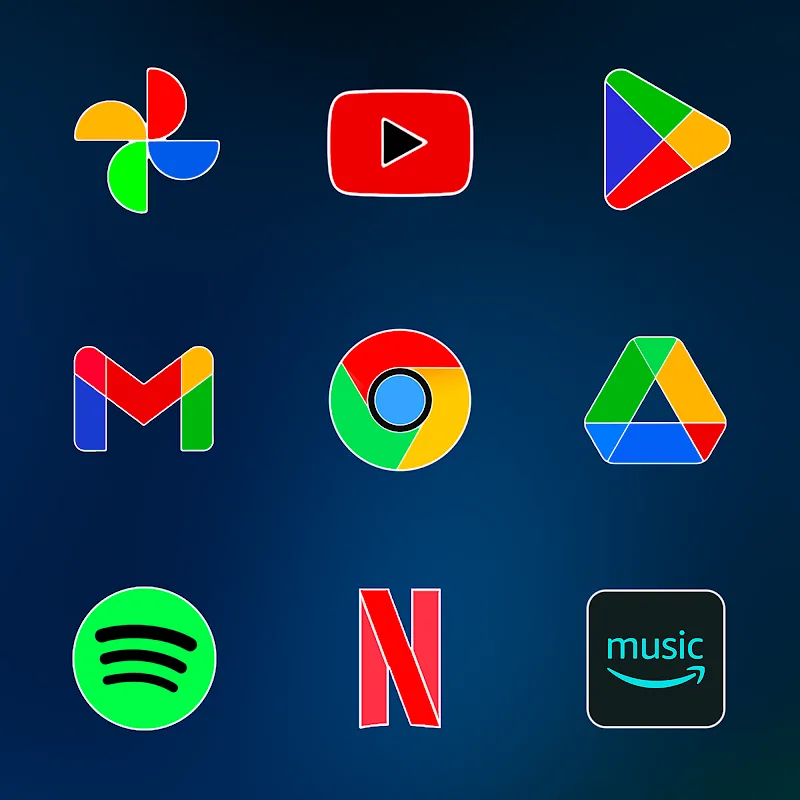
FluOxigen - Icon Pack delivers thousands of handcrafted icons that use flat geometry, subtle shadows, and color pops to create a distinctive visual language. Icons are optimized for different screen densities and include adaptive support where possible, giving a unified appearance across phones, tablets, and custom launchers. Included wallpapers complement the icons so users can achieve a cohesive theme instantly.
The design approach emphasizes legibility and aesthetic harmony. Each icon in FluOxigen is built with a consistent grid and palette, making app glyphs instantly recognizable while blending into a minimal but lively home screen. Accent hues are chosen to draw attention without overwhelming system UI elements, and rounded corners maintain a friendly, modern feel.
Compatibility is broad: FluOxigen supports most popular Android launchers, including Nova, Lawnchair, Action, Apex, ADW, and more. The pack is compactly packaged to minimize storage use and is optimized to avoid excessive memory consumption. Applying the theme is quick and does not require device root, and performance testing shows no noticeable impact on launcher responsiveness or battery life under normal use.
For adaptive icons, the pack uses masking so that icons conform to system shapes; for apps without specific icons, a consistent fallback is generated to preserve the overall look.
Beyond the base icon set, FluOxigen includes alternate styles for select popular apps, a dynamic calendar icon, and seasonal or bonus icon additions through updates. A built-in icon request tool lets users submit missing icons directly from the app, streamlining support for new or niche apps. Wallpapers are supplied in multiple resolutions and aspect ratios to accommodate different devices.
Power users can combine FluOxigen with widgets and grid adjustments to craft precise layouts. The icon pack is compatible with icon masking toggles and supports icon backplates for users who prefer a different silhouette. Because the pack adheres to a consistent visual system, mixing it with other themed elements is straightforward when following color and size cues.
FluOxigen - Icon Pack receives periodic updates that expand icon coverage and introduce fresh wallpaper designs. The app includes a feedback channel for bug reports and icon requests, and developers typically process updates based on popularity and user demand. Update packages are incremental where possible to reduce download size and preserve settings.
FluOxigen - Icon Pack is ideal for users who want a stylish but unobtrusive aesthetic that scales well across devices. With thoughtful design, broad launcher support, and easy setup, it provides a practical and visually satisfying way to update an Android device's appearance without complex configuration.