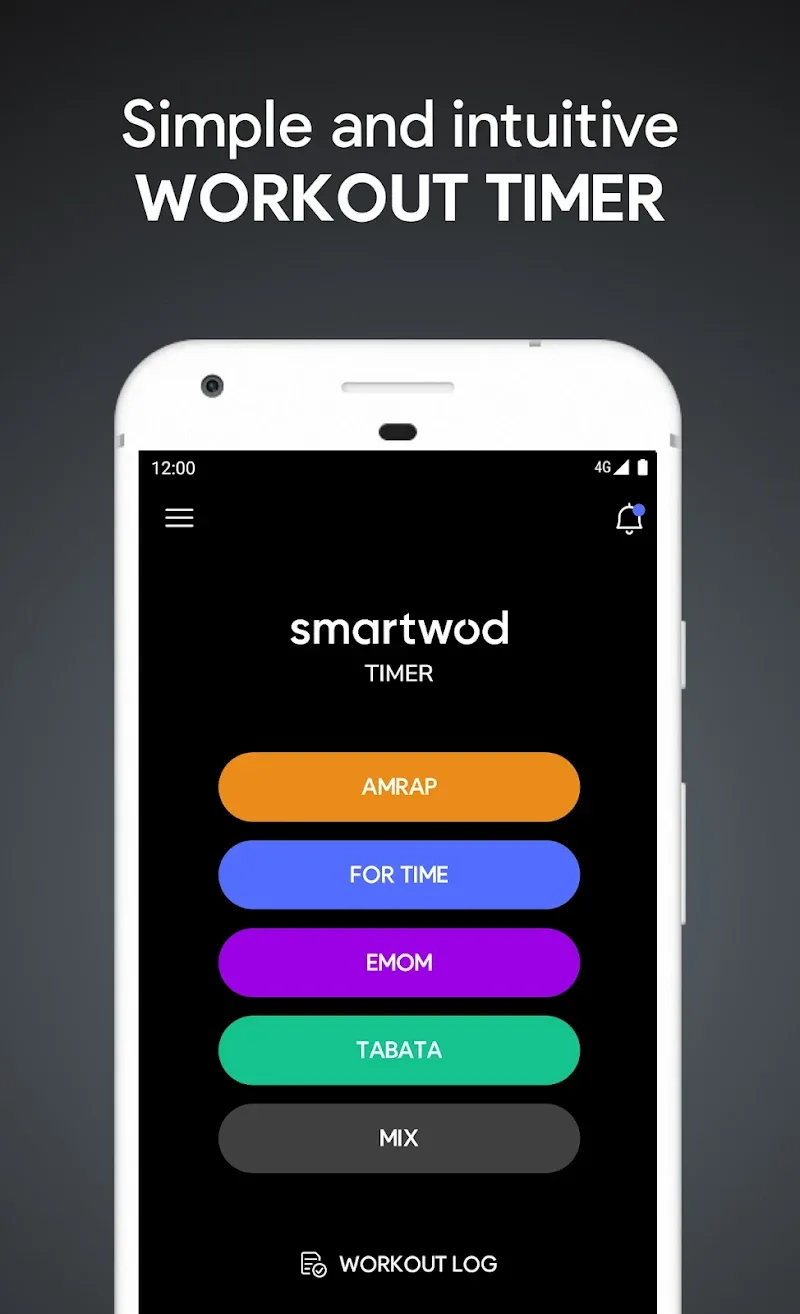
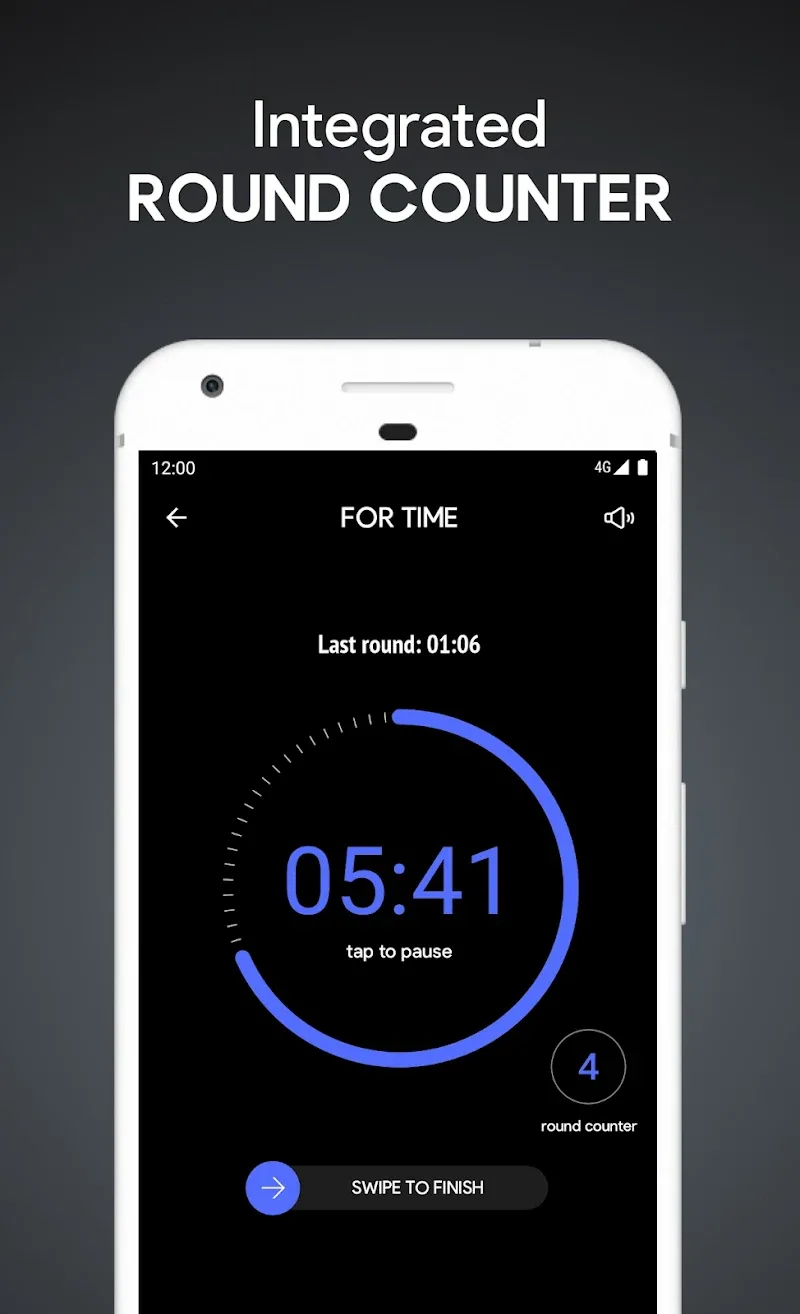
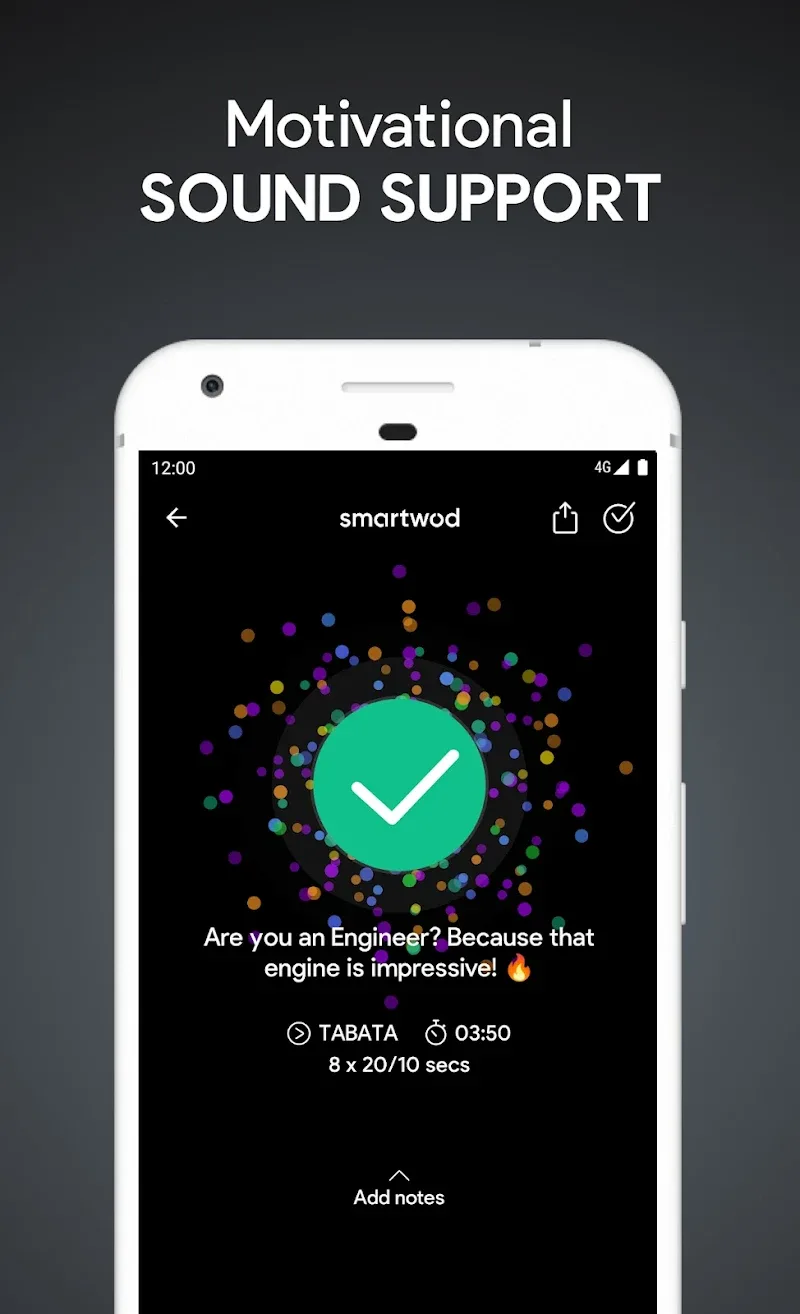
SmartWOD Timer is a focused workout timer designed for athletes, coaches and fitness enthusiasts who need a reliable interval tool. It blends customizable interval patterns, easy-to-read displays and quick setup options to take the guesswork out of every WOD, EMOM, AMRAP or circuit session in the gym or at home.
This app targets users who want precise timing and minimal fuss. SmartWOD Timer replaces printed sheets and stopwatches with an intuitive, touch-driven interface that adapts to different training modalities. It’s lean on distractions and heavy on timing accuracy, making it suitable for high-intensity interval training and structured classes alike.
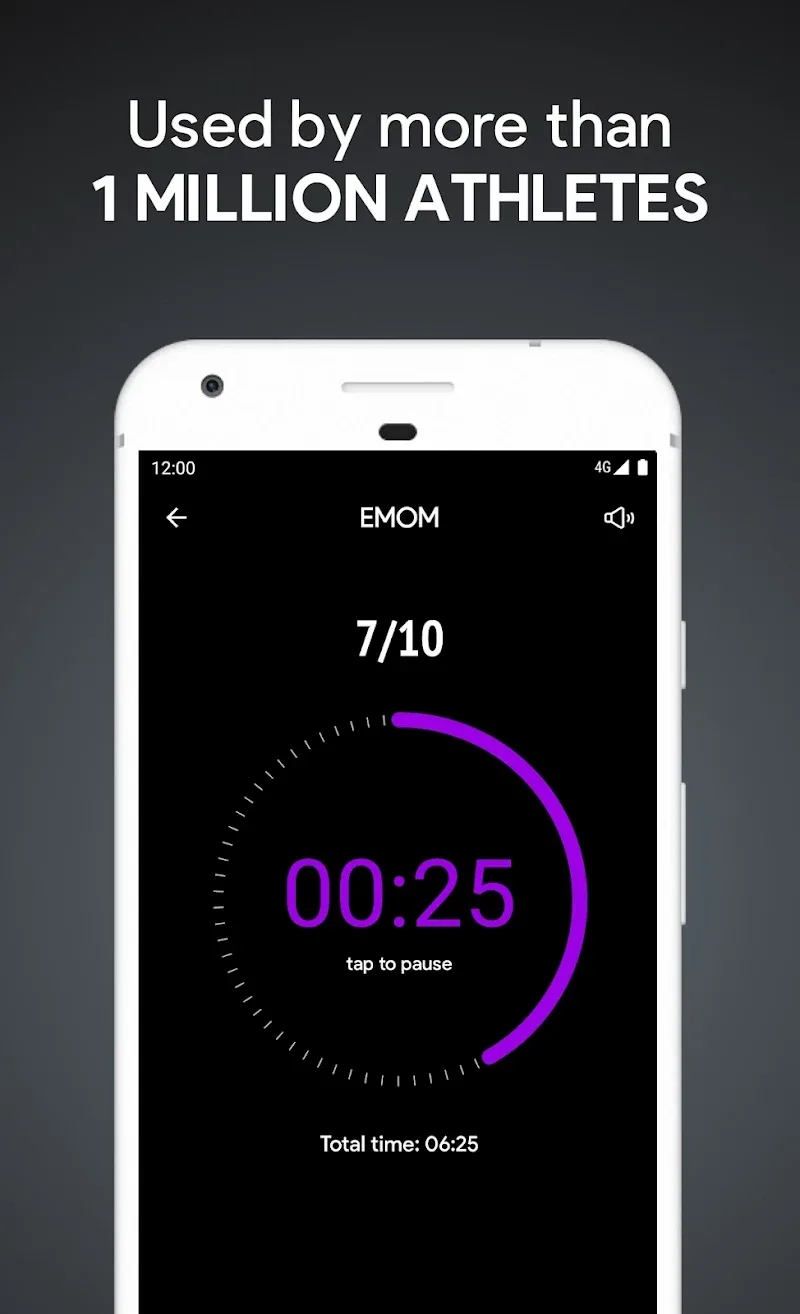
At its heart, SmartWOD Timer focuses on interval creation and playback. You can chain work and rest intervals, set rounds and program warm-ups and cool-downs. Visual and auditory cues guide every transition so you stay in rhythm without constantly watching the screen. The timer supports custom names for intervals, so a coach can label stations or movements.
The user interface keeps primary controls accessible during a session. A central play/pause button, fast-skip options and manual lap triggers allow mid-session adjustments. SmartWOD Timer avoids clutter: the edit screen lists intervals sequentially and permits drag-and-drop reordering, so building complex patterns takes seconds.
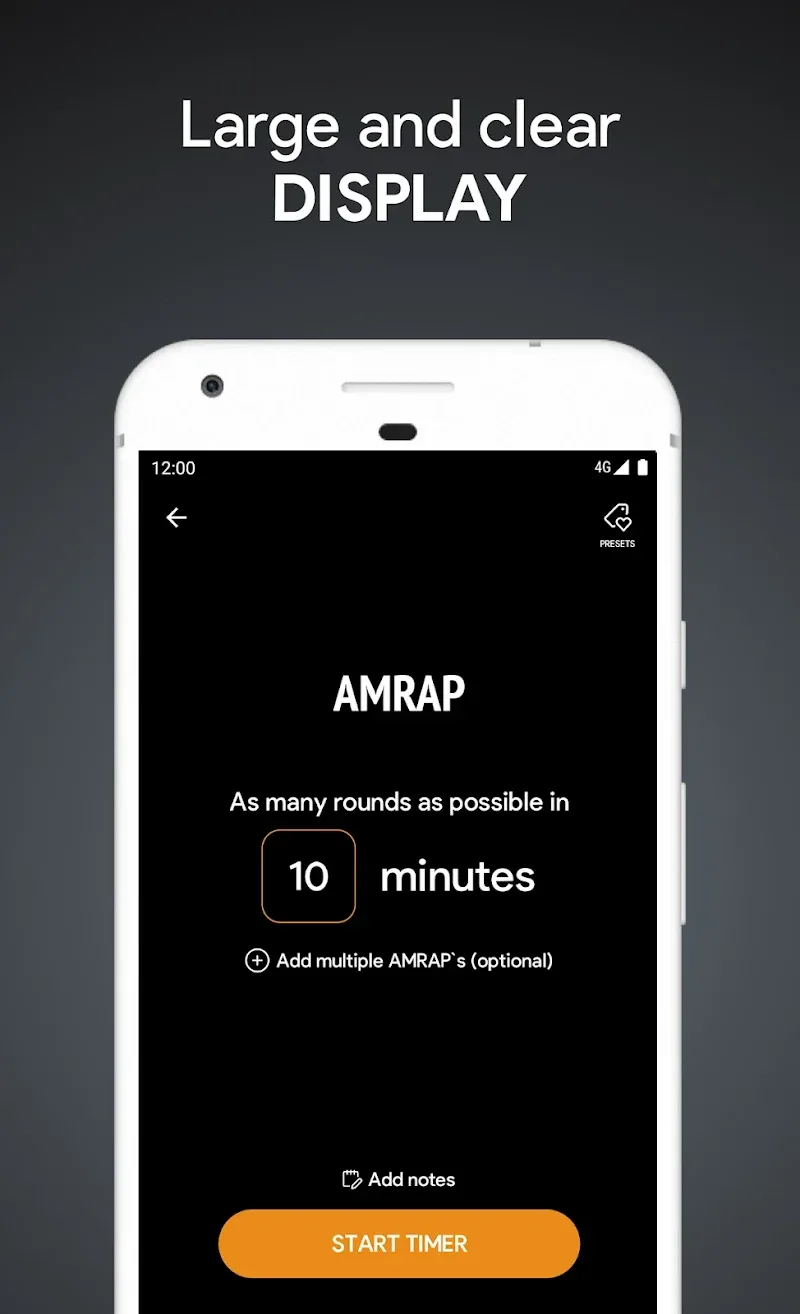
Getting a workout ready is straightforward. Create a new routine, name it, then add interval blocks — warm-up, work, rest, transition and cool-down. Set the durations and the number of rounds. Tap save to store the routine locally. During a session you can mute audio or toggle visual mode for quieter environments.
Customization is broad enough for coaches who run varied sessions. Use different sounds per interval type, assign colors for faster recognition and set pre-countdown lengths to prepare athletes. SmartWOD Timer also supports variable interval lengths within the same routine, which is useful for progressive ladders and diminishing rep schemes.
Timing accuracy and low-latency audio cues are essential for any workout timer. SmartWOD Timer prioritizes these aspects and keeps background processing light so the countdown remains consistent even when your phone is running other apps. Battery usage is reasonable; the app includes a screen-dim option to conserve power while keeping the display visible.
Coaches will value the ability to save and export routines for class planning. The app’s straightforward playback makes it easy to switch between athlete-led and coach-led formats. During classes, instructors can focus on form and motivation while the timer handles pacing and transitions.
SmartWOD Timer balances simplicity and depth: whether you need a one-button Tabata timer or a multi-segment competition-style clock, it offers the tools to plan, run and refine training sessions. Its combination of editable templates, clear feedback and dependable timing makes it a practical pick for athletes and coaches who demand precision without complexity.