
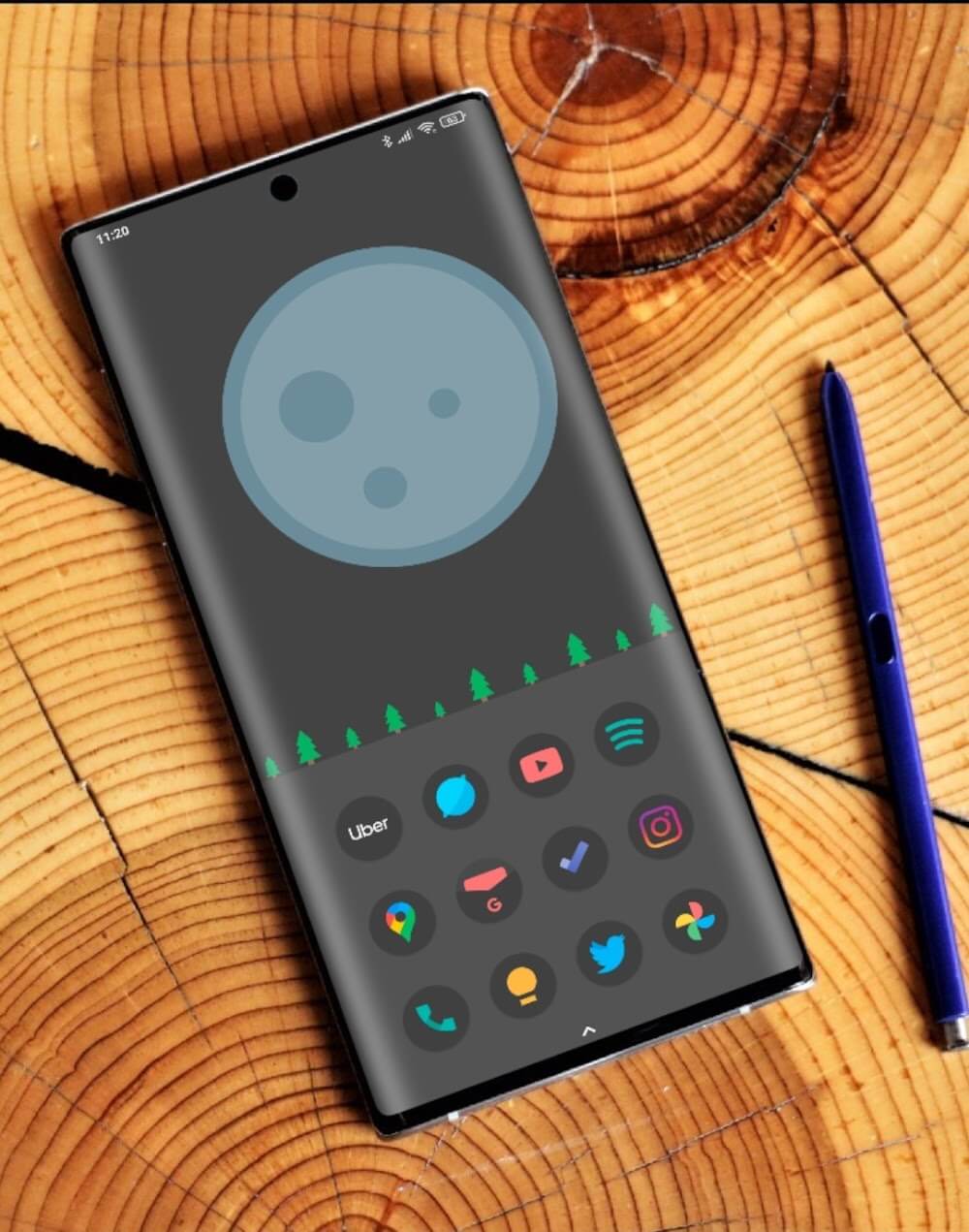
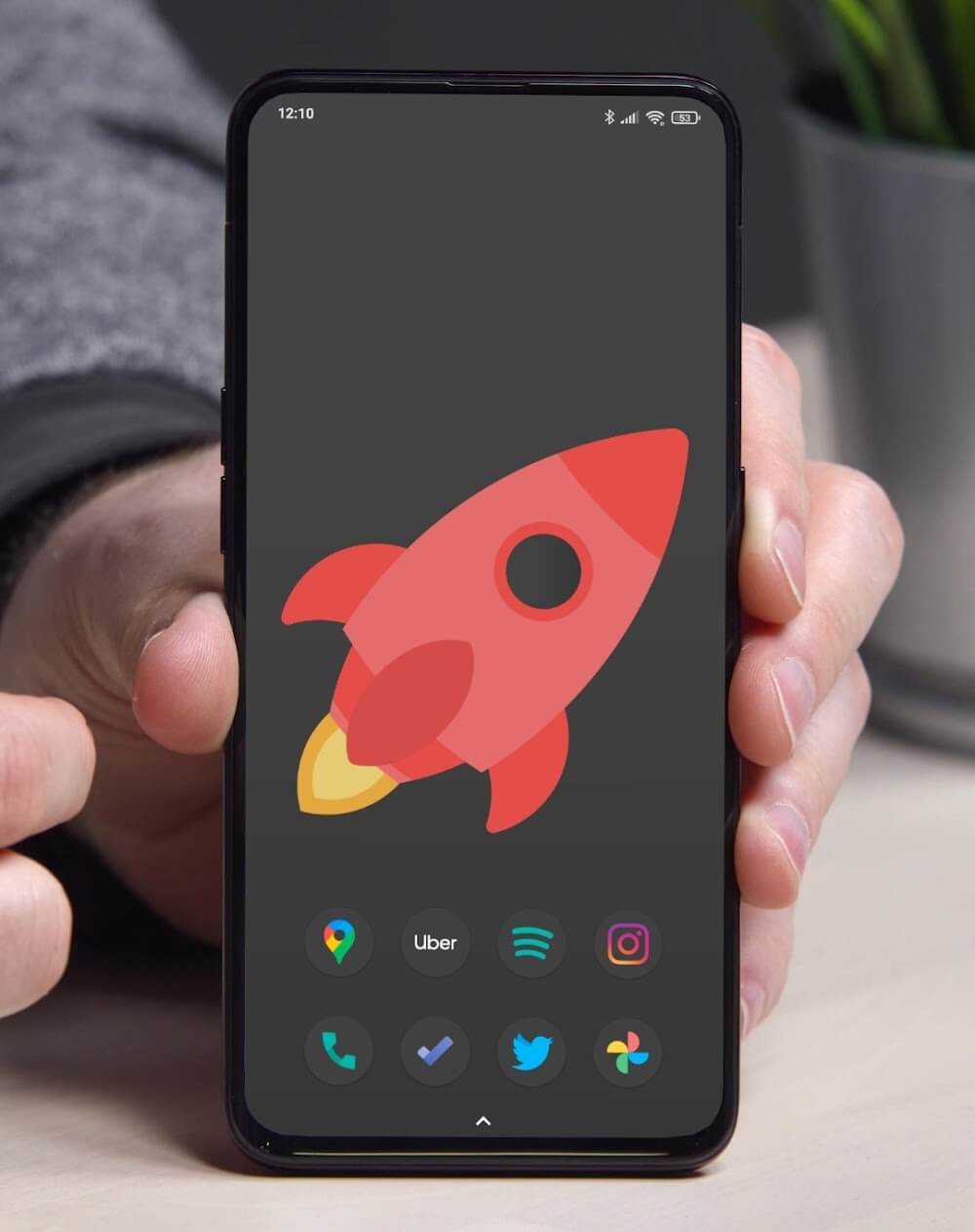
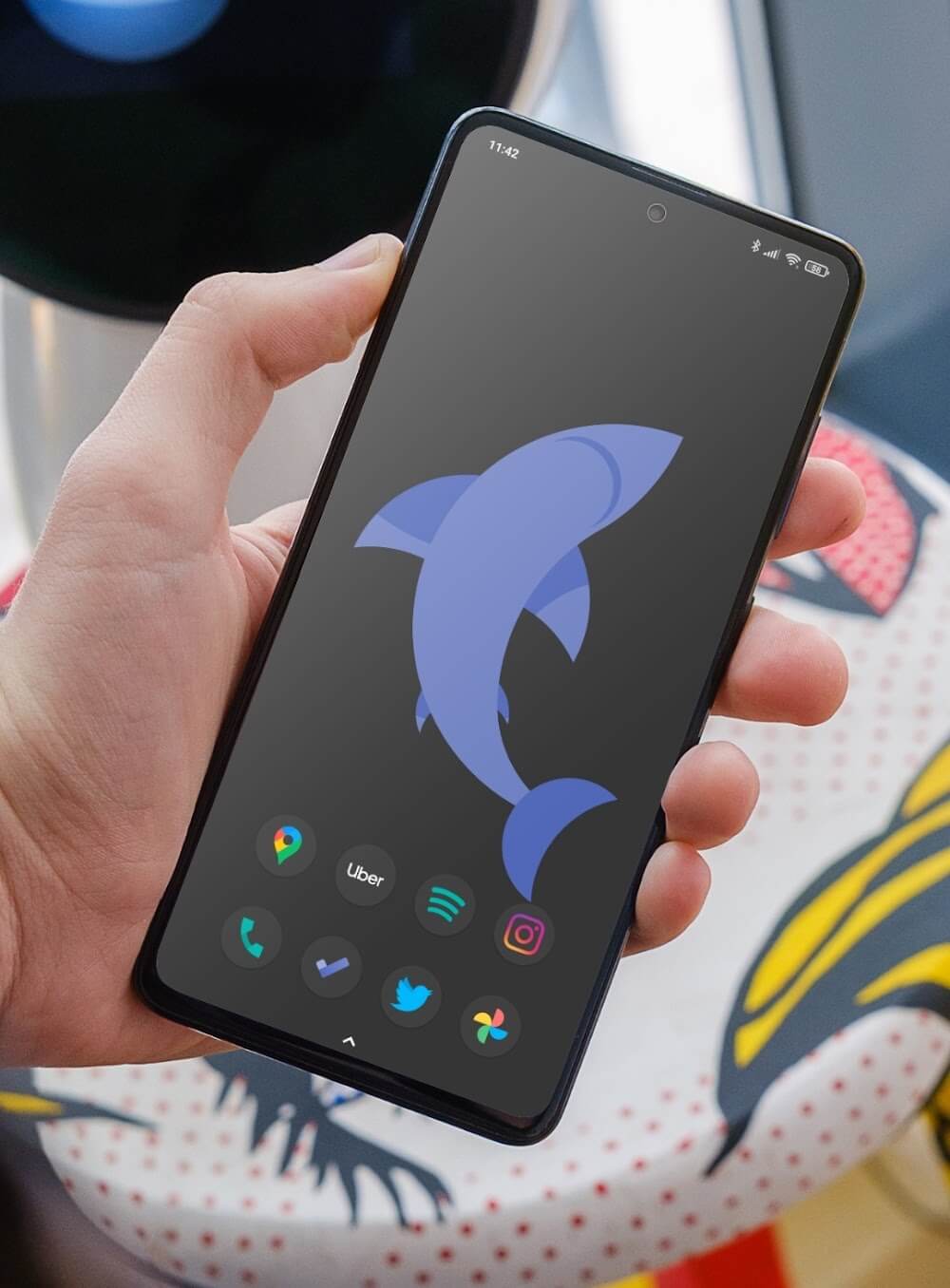
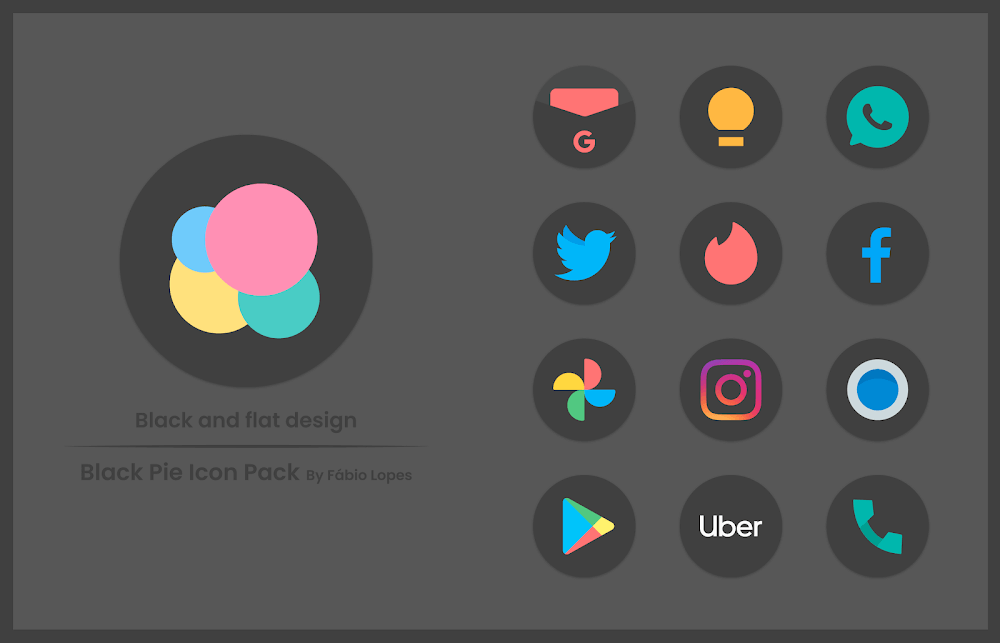
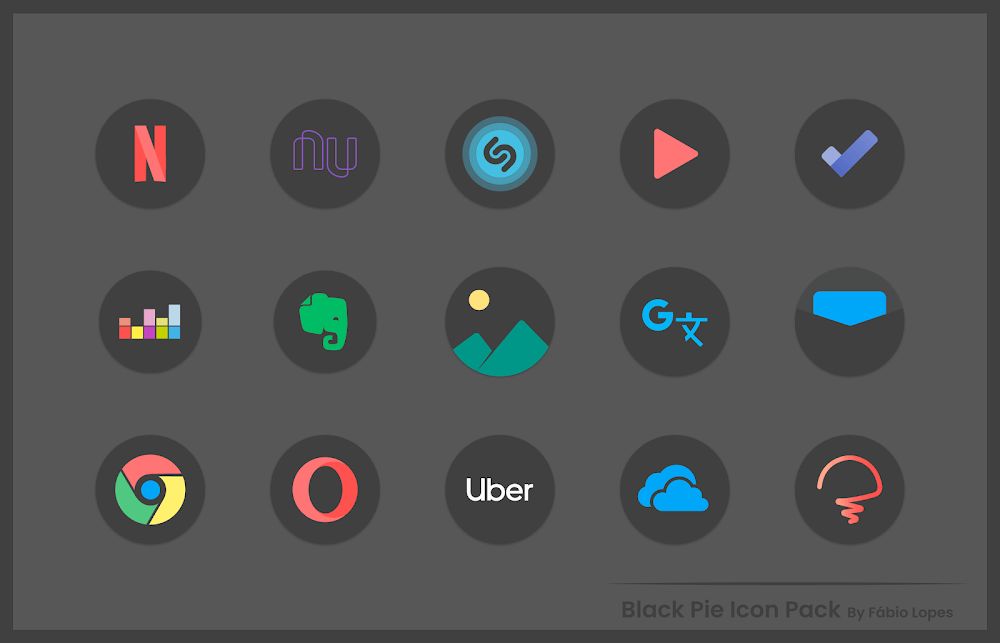
Black Pie - Icon Pack is a minimalist icon theme that transforms Android home screens with high-contrast, rounded icons and coherent dark accents. Designed for clarity and consistency, it replaces default app artwork while offering matching wallpapers, dynamic icon masking and straightforward launcher integration for fast visual refreshes.
The visual language behind Black Pie - Icon Pack favors simplicity and legibility. Icons use a subdued palette with deep blacks and muted highlights so app glyphs stand out against dark or light backgrounds. Rounded corners and a subtle depth effect keep the look modern without drawing attention away from the app content itself. The pack aims to deliver a unified aesthetic for users who prefer a streamlined, professional interface on phones and tablets.
This icon pack focuses on practical customisation rather than gimmicks. Key elements include a comprehensive icon library that covers popular and niche apps, a selection of themed wallpapers to match the icons, adaptive icon support to fit different launchers, and an icon-request tool that lets you ask the developer to add missing icons. The goal is to make the home screen cohesive while remaining lightweight and unobtrusive.
Installation is straightforward: download the package, open the icon pack app, and follow the apply instructions for your launcher. Most compatible launchers provide an ‘Apply’ button inside the icon pack interface. If your launcher doesn’t support direct application, you can manually change icons from the launcher settings or use a third-party tool that handles icon themes. The developer usually provides short guidance inside the app for the most common setups.
The app interface keeps options in plain view. A home tab highlights featured wallpapers and recent updates, while a search or browse area helps you find specific icons. The request feature is typically a short form: select an app icon, attach a screenshot if needed, and submit. Users appreciate the minimal steps required to update or request icons, which reduces friction during customization sessions.
Icon packs like Black Pie - Icon Pack are static resources and have negligible runtime cost. They do not run background services, so they won’t add meaningful CPU or memory overhead. Wallpaper choices can affect battery life, however: the included dark wallpapers are a sensible choice for OLED panels, reducing pixel power draw compared with bright backgrounds.
People choose Black Pie - Icon Pack for its clean visual direction and minimal fuss. It’s suited for users who want a mature, cohesive look without heavy ornamentation or frequent redesigns. The active request system and regular updates help keep the icon set current as apps evolve.
If you want a dark, consistent theme that integrates smoothly with common launchers, Black Pie - Icon Pack is worth trying. It’s designed for reliability and clarity, not flashy effects, which makes it an effective choice for productivity-focused setups and elegant home screen layouts. Check compatibility with your launcher and try the included wallpapers to get the full experience.