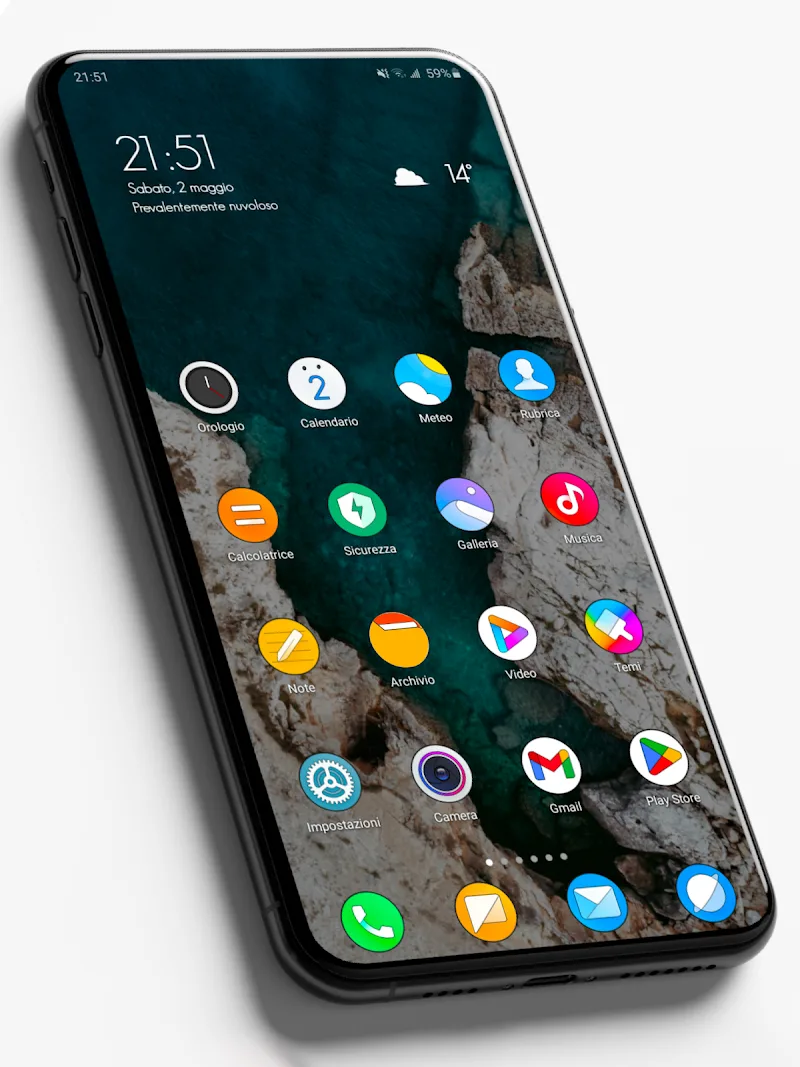
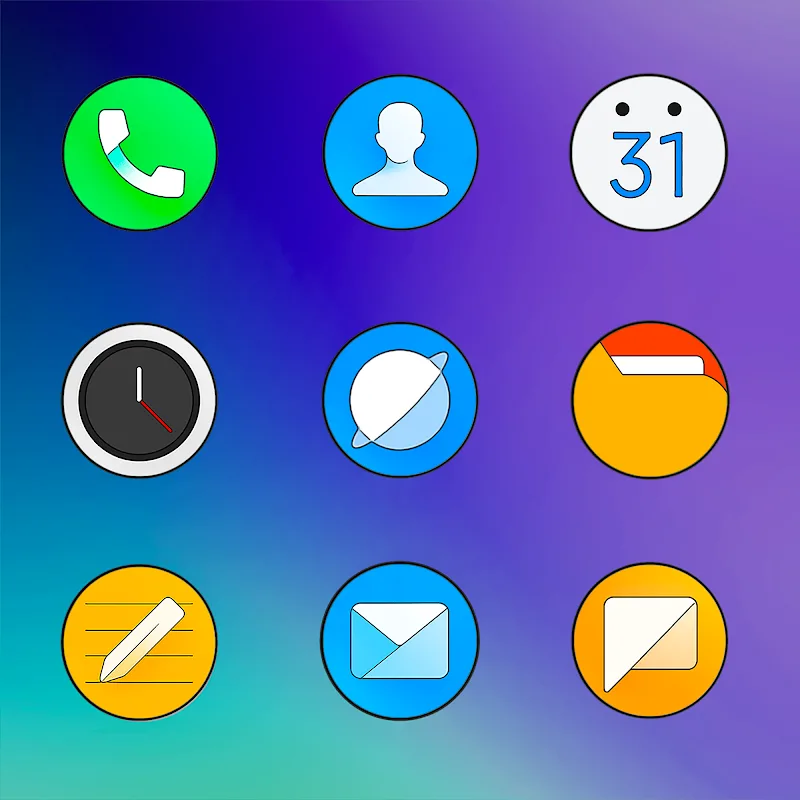
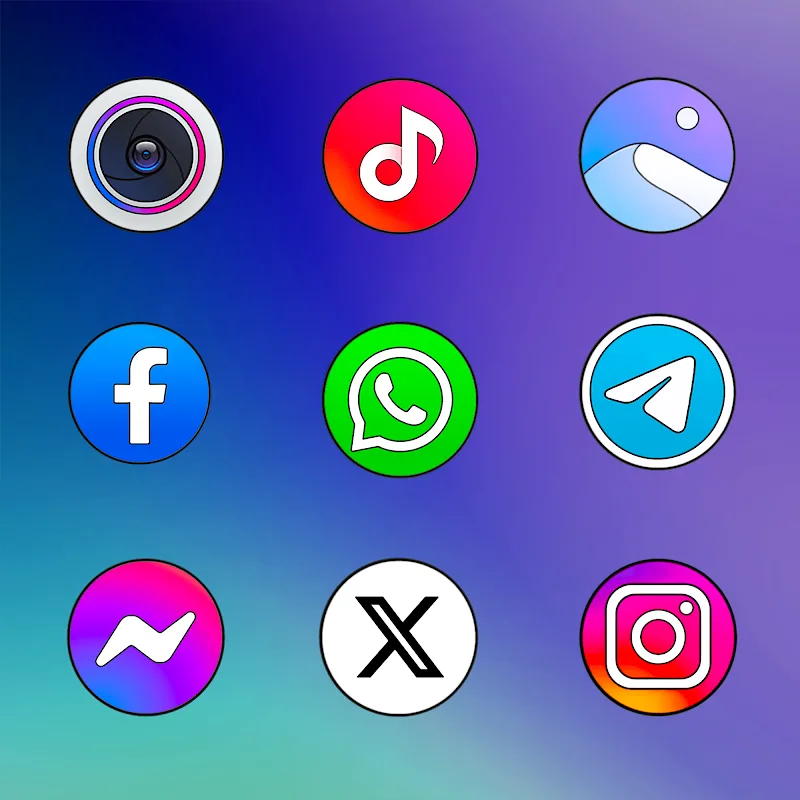
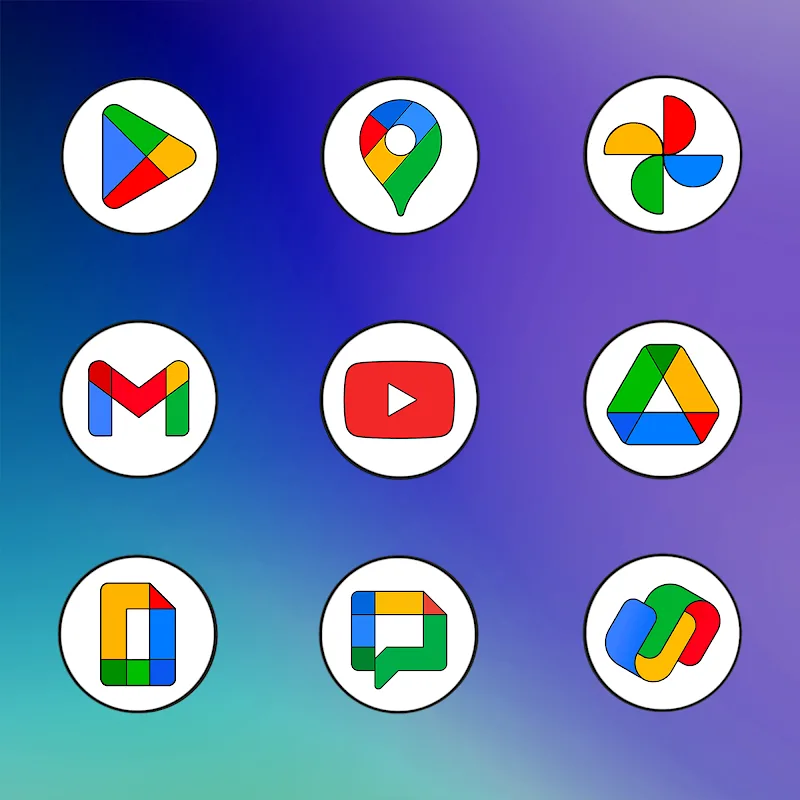
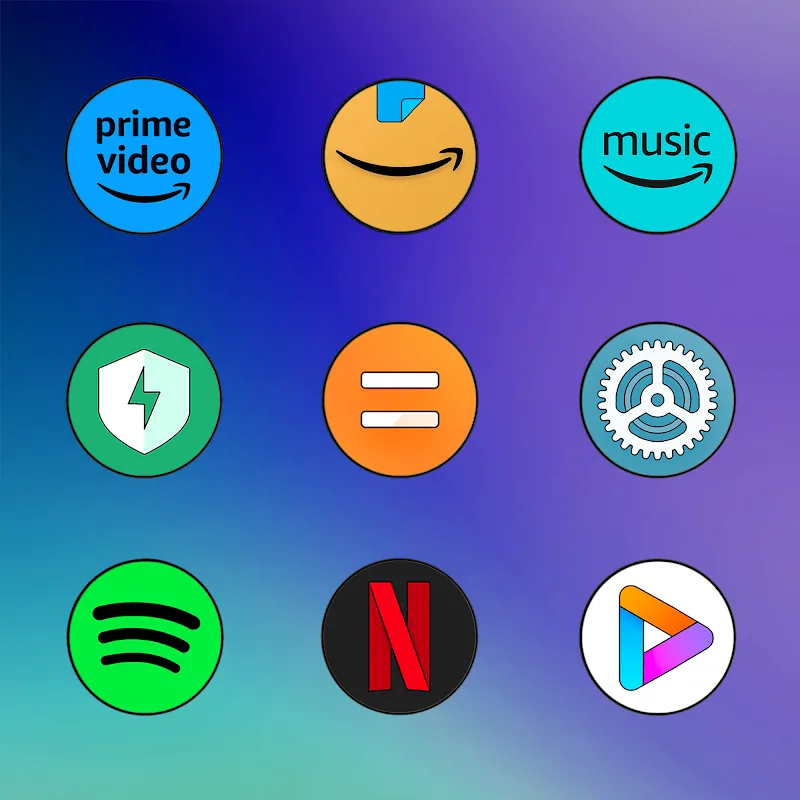
MIUl Circle - Icon Pack offers a clean, circular icon set designed to refresh Android home screens with consistent shapes and subtle shadows. It provides high-resolution icons, matching wallpapers and easy integration with most popular launchers, delivering a polished look without altering app functionality.
The MIUl Circle - Icon Pack focuses on clarity and cohesion. Icons are crafted at high resolution for crisp display on modern devices. The package typically includes thousands of themed icons, dozens of wallpapers created to match the icon tones, and a dashboard that simplifies applying themes across different launchers. Regular updates expand icon coverage and add seasonal designs.
MIUl Circle - Icon Pack uses a balanced design language: circular silhouettes, soft shadows and restrained color palettes. The result is a cohesive home screen where icons look like they belong together, reducing visual clutter. Designers often prioritize legibility for essential system icons while giving third-party icons a unified appearance.
Getting started is straightforward. After installing the pack, open its dashboard and tap the apply button. The app detects installed launchers and lists compatible ones for one-tap application. If your launcher isn’t supported directly, manual application is possible by changing icon themes from the launcher’s settings or by applying icons individually through launcher-specific menus.
While MIUl Circle - Icon Pack enforces a circular look, most launchers allow per-icon replacement, letting you swap back certain icons or mix styles. The included icon request feature speeds up personalization: select unthemed apps, submit requests, and track progress as new icons are created. Wallpapers can be set from the pack or from your gallery to match the aesthetic.
Performance is a priority for icon packs because they must integrate seamlessly without slowing system animations. MIUl Circle - Icon Pack is designed to be lightweight and fast, with optimized graphics that avoid unnecessary memory usage. It supports Android versions commonly in use and works with adaptive icon frameworks on supported devices. Battery and memory impacts are minimal compared to live wallpapers or heavy widgets.
The pack supports a wide range of third-party launchers. On devices that support adaptive icons, MIUl Circle - Icon Pack ensures icons render properly with system masks, preserving circular edges and shadow effects. If you prefer full system integration, check whether your launcher supports icon packs natively or requires an add-on.
Designers rebuild or re-skin icons to match a core grid and style guide. For MIUl Circle - Icon Pack, emphasis is on maintaining color harmony and consistent stroke weight so that icons remain distinguishable yet unified. The workflow includes reviewing high-demand apps first, producing vector assets, and testing across screen sizes for clarity.
Regular updates keep the icon set current with new app releases and system changes. Use the request tool to ask for missing icons; developers usually respond with periodic batches of new icons. If you encounter issues applying the pack, consult the FAQ in the dashboard or reach out via the developer contact provided in the app listing.
MIUl Circle - Icon Pack is a practical choice for Android users seeking a tidy, unified look for their device. Its combination of visual polish, launcher compatibility and ongoing updates makes it easy to maintain an attractive home screen without heavy customization work.