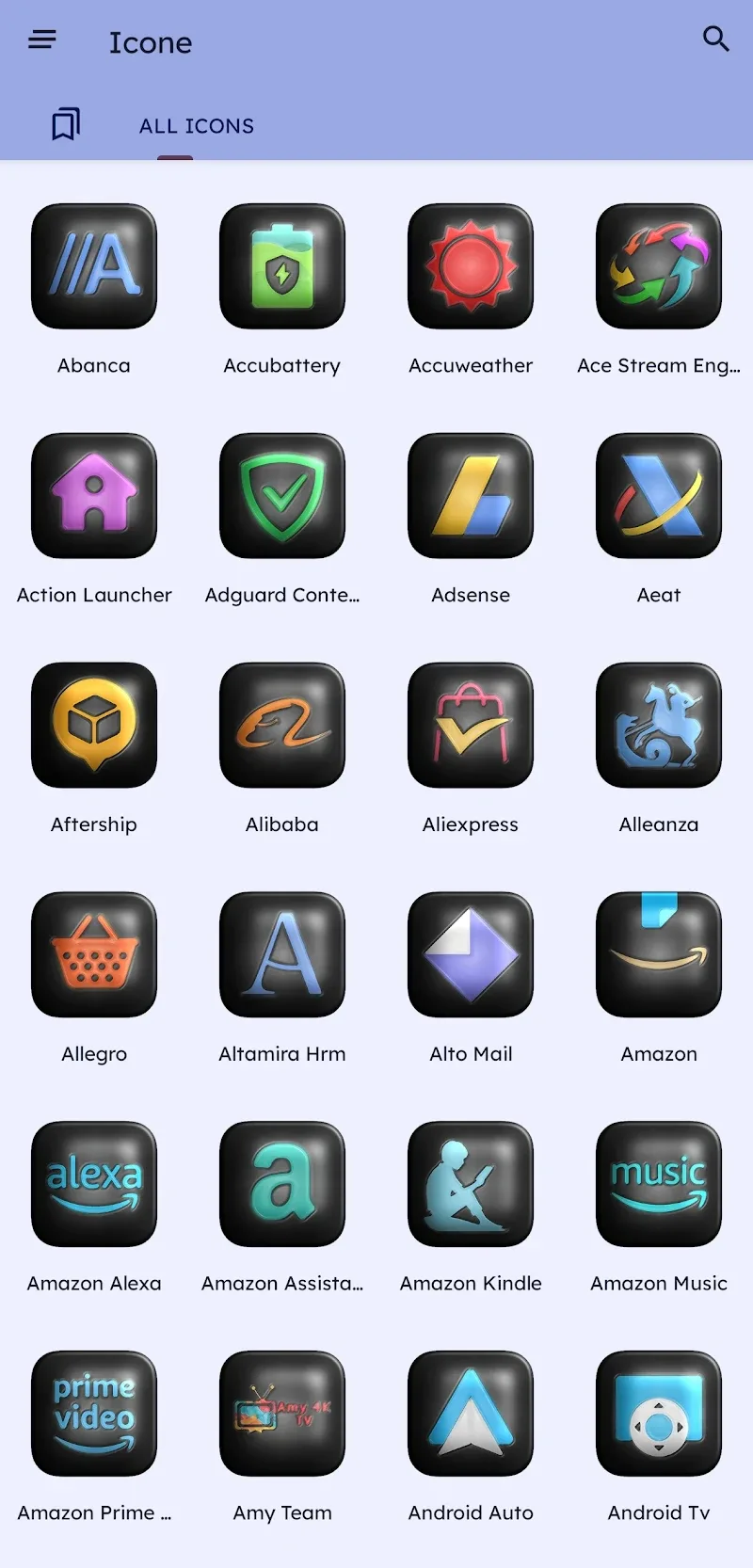
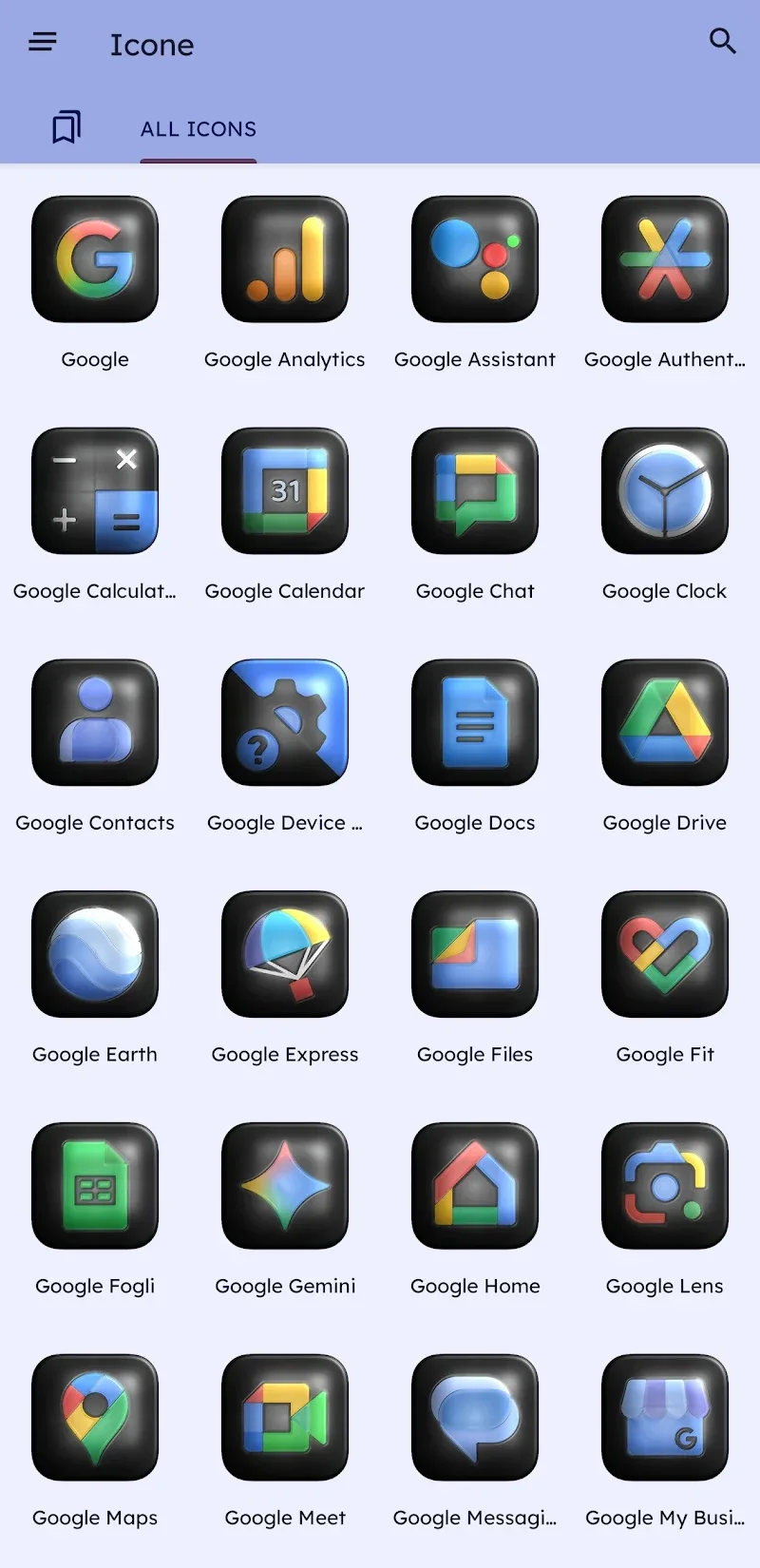
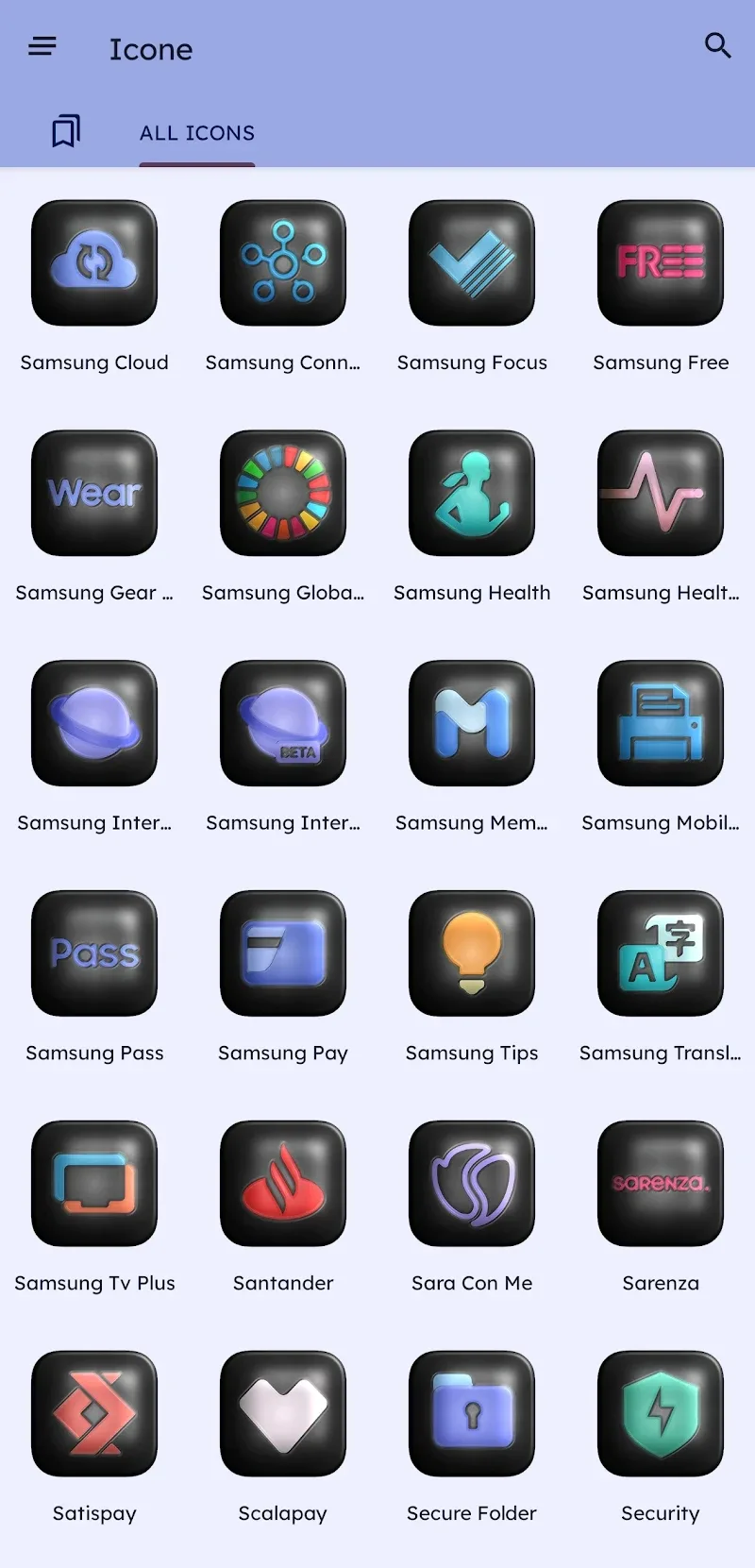
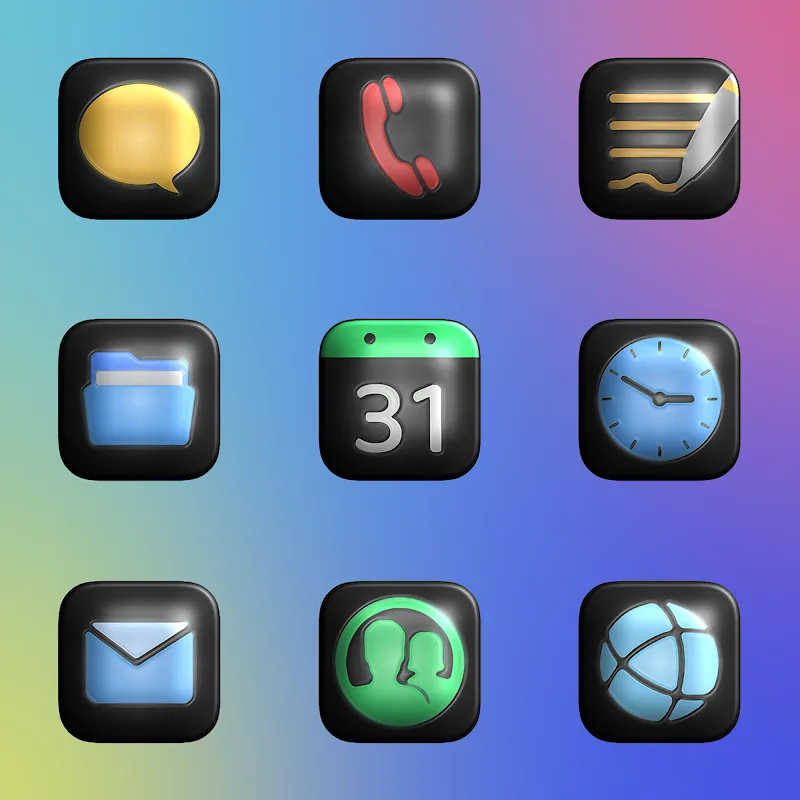
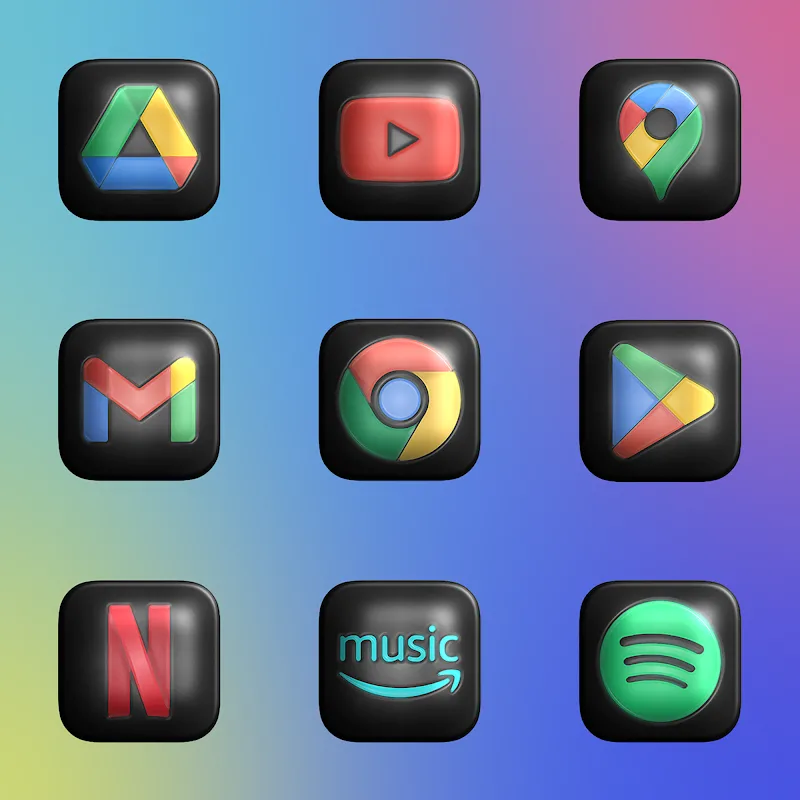
Glossy Dark 3D - Icon Pack gives your Android a polished, modern look with high-resolution, glossy icons and consistent dark themes across apps. Designed for launchers, it blends 3D depth, subtle reflections and rounded shadows to create a cohesive dark aesthetic that enhances icons without overwhelming the home screen.
Glossy Dark 3D - Icon Pack focuses on a unified visual language: dark surfaces with glossy highlights, soft rim lighting, and a slightly raised 3D effect. The result is a premium feel suitable for night themes, AMOLED displays, and users who prefer muted palettes with crisp contrast. The pack includes thousands of icons plus matching wallpapers designed to complement the dark motifs.
Unlike experimental or overly colorful packs, this icon pack prioritizes uniformity. Each icon adheres to a consistent aspect ratio, lighting angle, and shadow depth so that app icons sit naturally beside one another. Developers aimed for legibility at small sizes, ensuring glyphs remain clear even on compact home screens.
The pack supports most popular third-party launchers. Applying the theme is usually a two-step process: select the icon pack from within the launcher settings, then optionally apply matching wallpaper. Some launchers allow per-icon replacement, while others automatically replace all supported icons. The pack also provides an icon request tool to fill gaps for less common apps.
While the core style is fixed, users can personalize the interface in several ways. Mix backgrounds from the included wallpaper collection, tweak icon sizes within the launcher, or use custom grid layouts to change perceived spacing. Because the icons are designed with a neutral color base, they pair well with accent colors and widgets.
Icon packs are lightweight compared to live wallpapers or system-level themes. Glossy Dark 3D - Icon Pack loads static assets, so it generally has negligible impact on CPU and battery life. Wallpapers are optimized for dark pixels, which can be advantageous on OLED screens where darker pixels consume less power.
Readability is a central concern for the pack. Glyph contrast and size are tuned to be visible under different brightness settings. However, users who rely on larger icons or high-contrast modes may want to increase icon size via launcher settings or pair the pack with simple widget styles to improve clarity.
For users who prefer a sleek, subdued home screen, this pack provides a ready-made solution that balances elegance and practicality. The focus on dark tones and subtle 3D cues creates a sophisticated atmosphere without sacrificing clarity. Regular updates and an icon request workflow keep the collection current for evolving app ecosystems.
Download the pack, open it and follow the built-in instructions to apply it through your launcher. If your launcher lacks direct support, many allow manual icon assignment via long-pressing app icons and selecting edit. Keep backups of your previous setups when experimenting to restore layouts quickly if you try multiple styles.
Glossy Dark 3D - Icon Pack is tailored for users seeking a modern, consistent dark aesthetic. With careful design, regular updates and easy integration into popular launchers, it’s a practical way to give any Android device a refined, cohesive appearance.