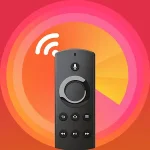
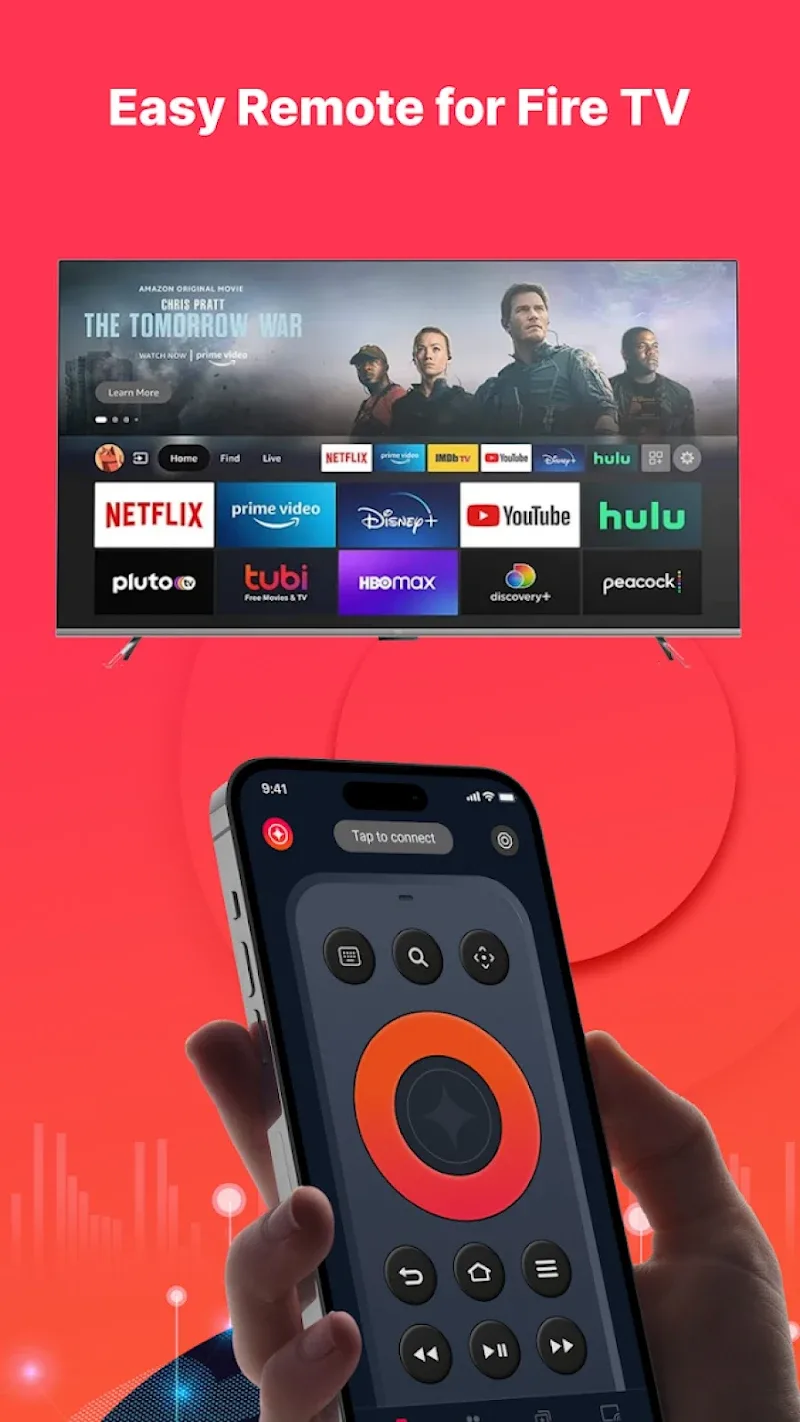
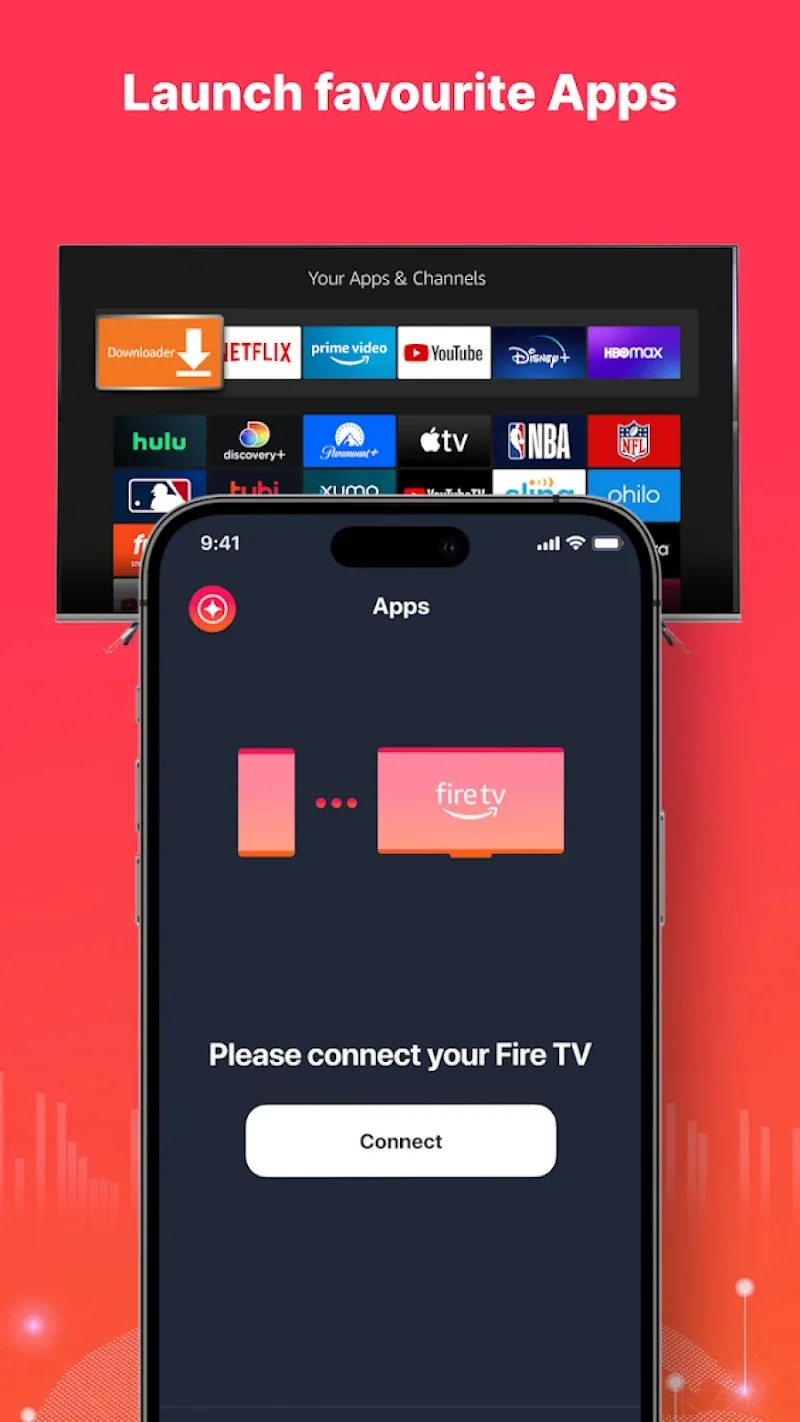
Remote Fire TV is a lightweight Android application designed to turn your phone into a fully functional remote for Amazon Fire TV devices. It provides quick access to navigation, playback controls, voice input, and custom shortcuts so you can manage media and apps without hunting for the physical remote.
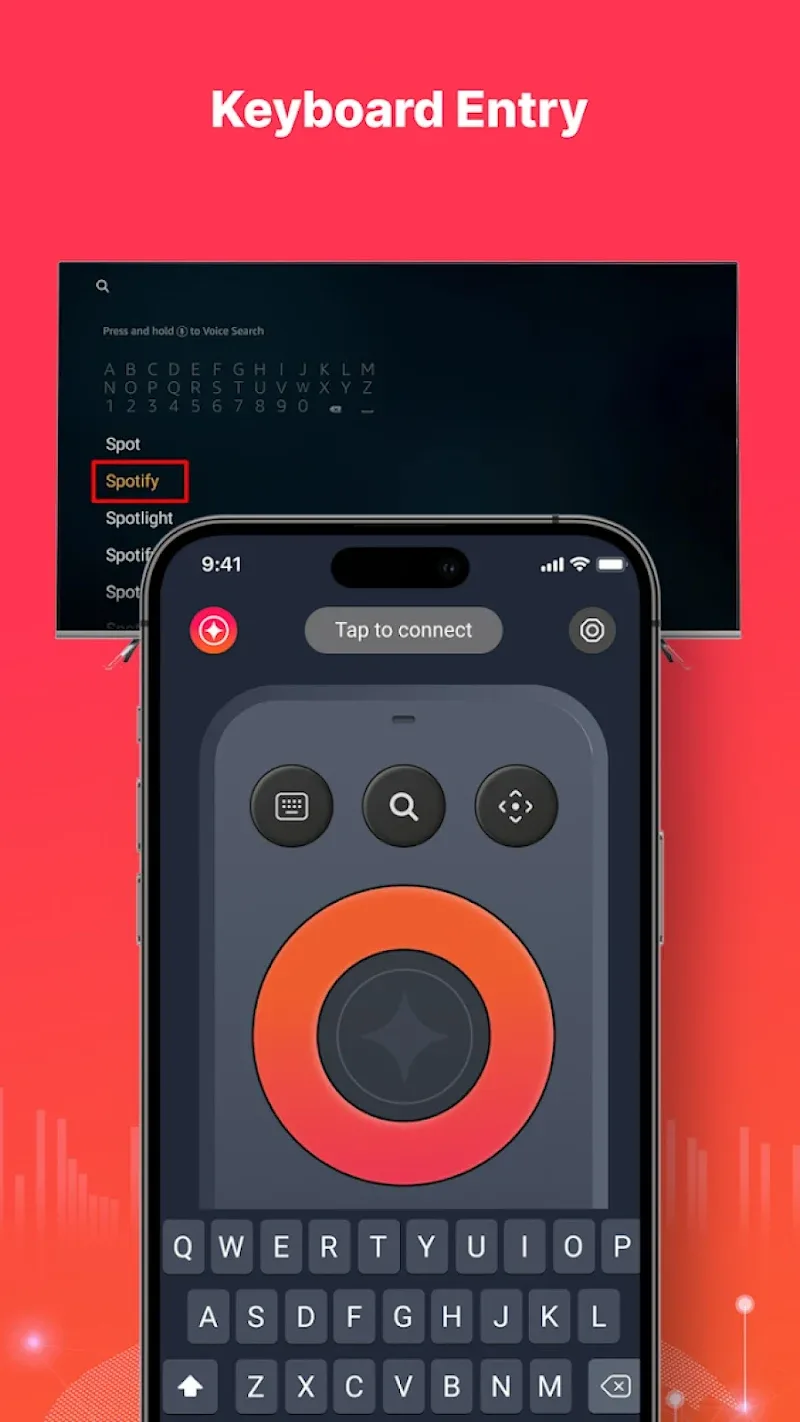
The core appeal of Remote Fire TV is convenience. The app bundles essential controls into a clean interface while offering extras like on-screen keyboard input, recent-app navigation, and configurable hotkeys. Connection is handled over your local Wi‑Fi network, which eliminates pairing hassles once the devices are on the same network.
Getting started is straightforward: install the app, ensure your Android device and the Fire TV are connected to the same Wi‑Fi network, and select the Fire TV from the discovered devices list. Once paired, commands are transmitted instantly over the local network. The app maintains a low-latency connection so navigation and playback feel responsive, even during video streaming or app launches.
The design emphasizes usability over novelty. A central navigation pad sits above quick-access transport buttons, with voice and keyboard controls placed within easy reach. Buttons are sized for touch accuracy on a wide range of screen sizes, and key actions can be long-pressed for alternate functions. For power users, the layout supports swiping gestures to scroll lists and message fields without repeated taps.
Remote Fire TV supports simple personalization to speed daily tasks. Create shortcuts to open frequently used streaming apps or jump to a particular settings page. The app also lets you remap less-used controls to custom actions, which is helpful if you frequently toggle subtitles, switch audio tracks, or jump to a specific input source.
Performance is tuned for efficiency. The app runs lightweight background services only when a connection is active, keeping battery drain to a minimum. Network usage is modest because commands are compact; only occasional data is exchanged for device discovery and status checks. On modern Android devices the app launches quickly and remains responsive even when paired with older Fire TV models.
The app is designed for a broad range of Amazon Fire TV devices and firmware versions. Compatibility extends to Fire TV Stick, Fire TV Cube, and select smart TVs with Fire OS. System requirements are minimal: a recent Android OS version and a local Wi‑Fi network. If your Fire TV has network discovery disabled, the app also supports manual IP entry to establish a connection.
Remote Fire TV streamlines everyday interactions with your Amazon streaming device by combining reliable controls, voice input, and thoughtful personalization. It’s a practical companion for anyone who prefers the convenience of managing their TV from a phone while keeping setup and resource demands light.