
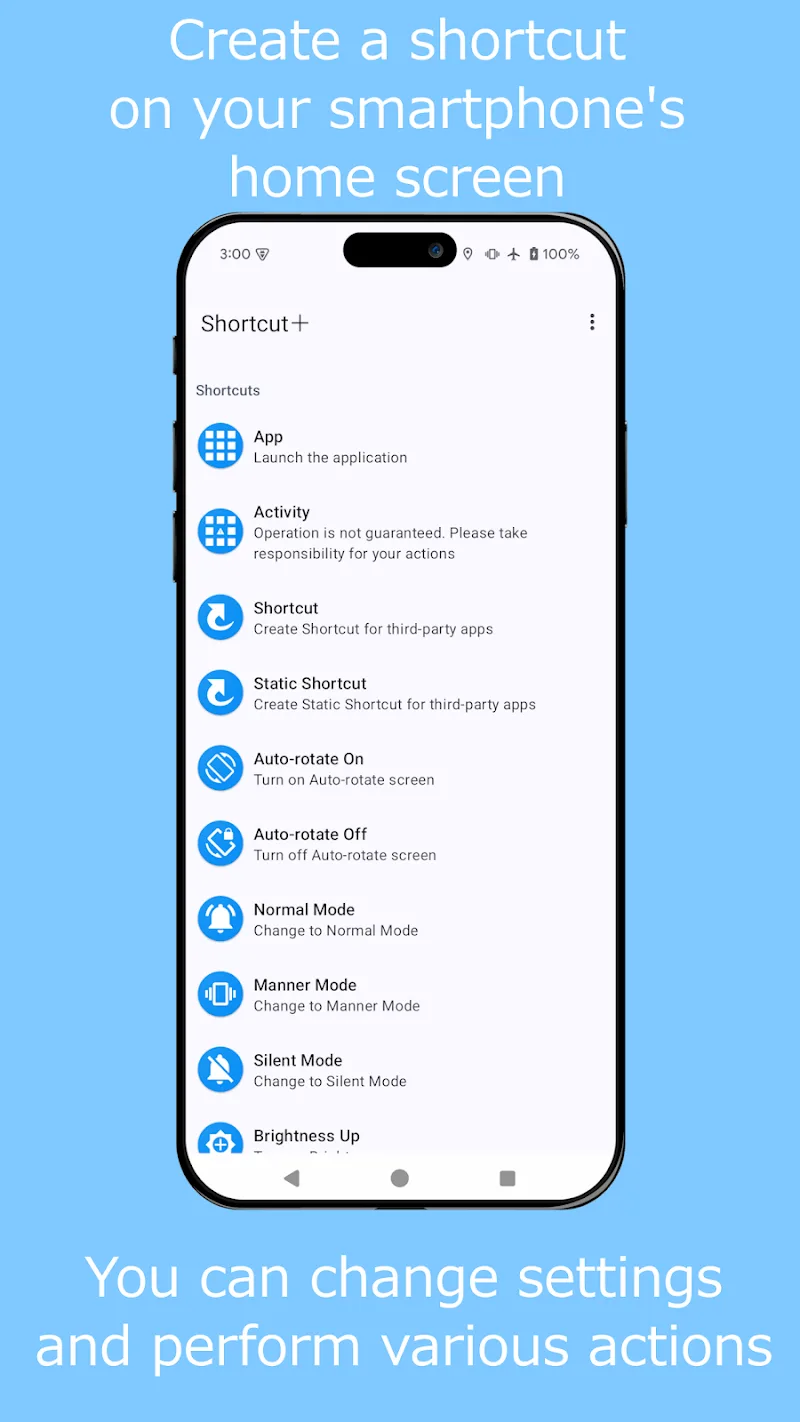
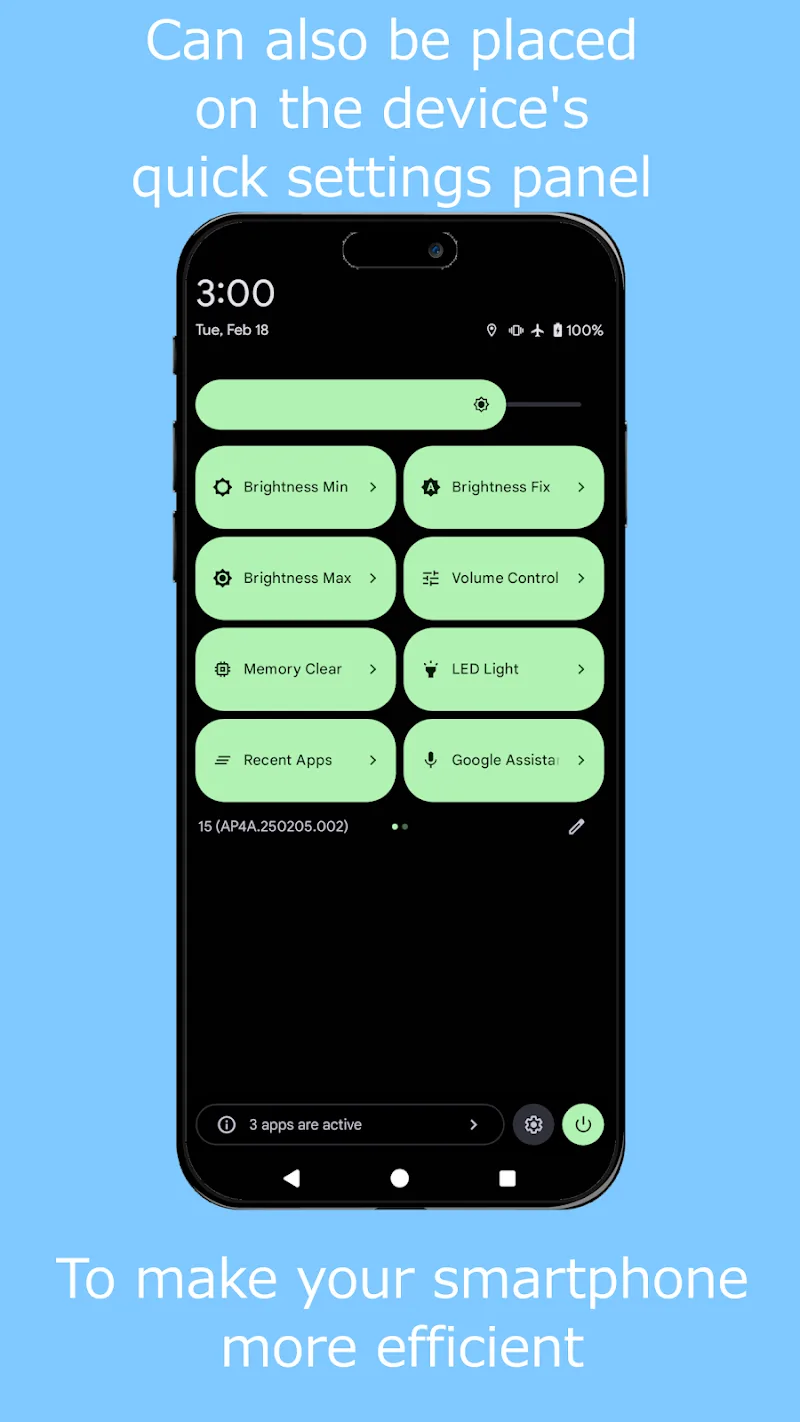
Shortcut+ is a compact Android utility that centralizes shortcuts, gestures and automated tasks into a single, customizable launcher. It speeds up everyday workflows by letting you create app launches, system actions, and multi-step routines with intuitive triggers. Lightweight and efficient, it fits into diverse user habits.
Shortcut+ focuses on reducing friction for frequent mobile tasks. The interface organizes shortcuts into rows, folders and gesture zones so you can access contacts, settings, or file locations with a swipe or tap. It supports both novice users who want simple one-tap actions and power users who build chained sequences and conditional triggers.
After installing, Shortcut+ prompts you to create a base profile and choose preferred trigger methods. A guided setup helps you add a few starter shortcuts—often linking to apps or common system toggles. From there, gestures and zones can be adjusted via drag-and-drop. Each shortcut is configured through a step editor where you choose actions, delays, and optional branching conditions. The app executes these steps in sequence, and you can preview a routine before saving it.
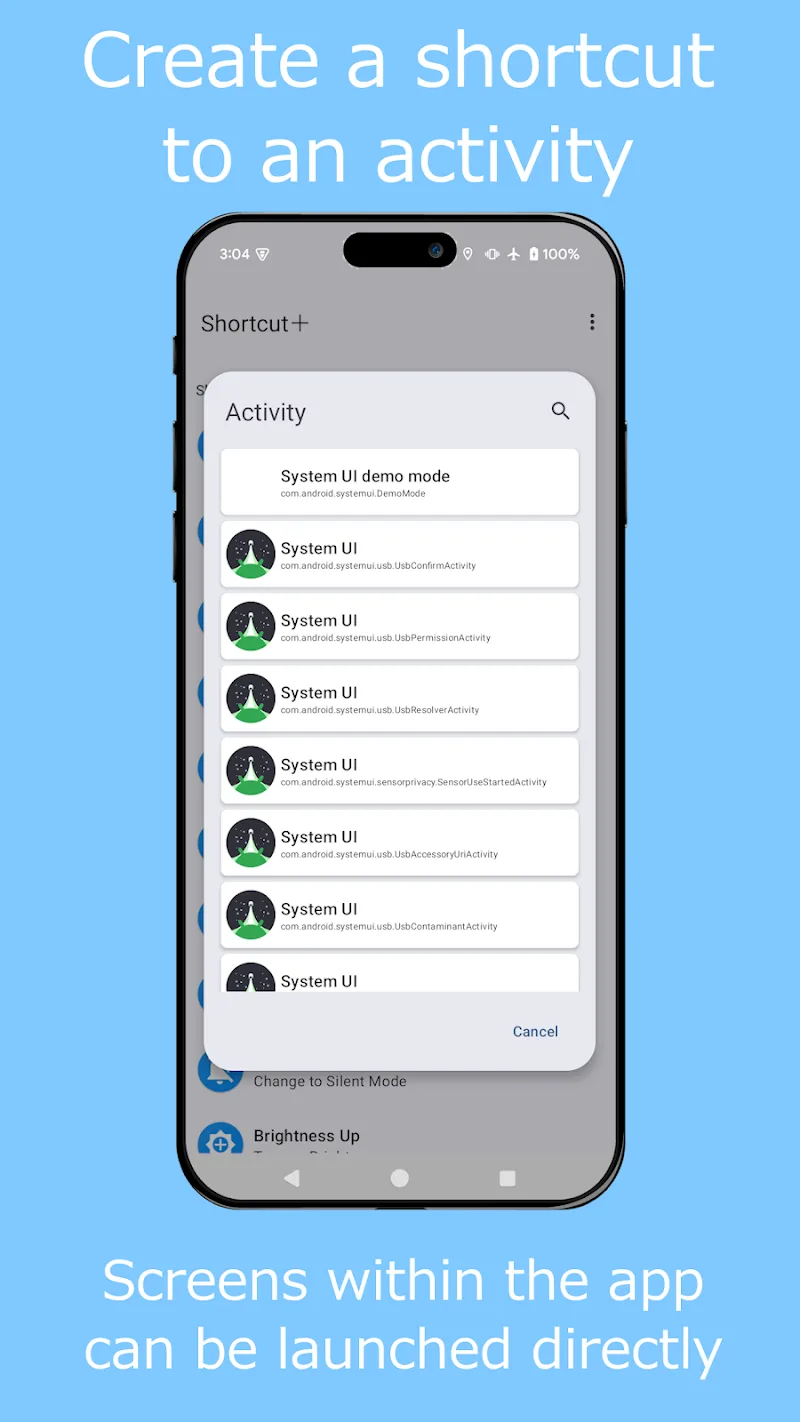
Customization is a major appeal for people who want to tailor their device to specific tasks. Shortcut+ lets you assign icons, labels and color accents for rapid recognition. More advanced users can nest shortcuts, call external intents, or integrate with third-party automation tools through URL schemes. Conditional rules let a single trigger behave differently depending on context, for example launching a navigation routine only when the phone detects a car Bluetooth connection.
The interface emphasizes clarity: key controls are reachable within two taps and the most-used shortcuts are accessible from a persistent bar. Animations are minimal to keep speed high and battery impact low. On mid-range hardware the app stays responsive; background monitoring for contextual triggers is optimized to limit wake locks and data use. Visual settings include compact and expanded modes so you can choose density of information on smaller screens.
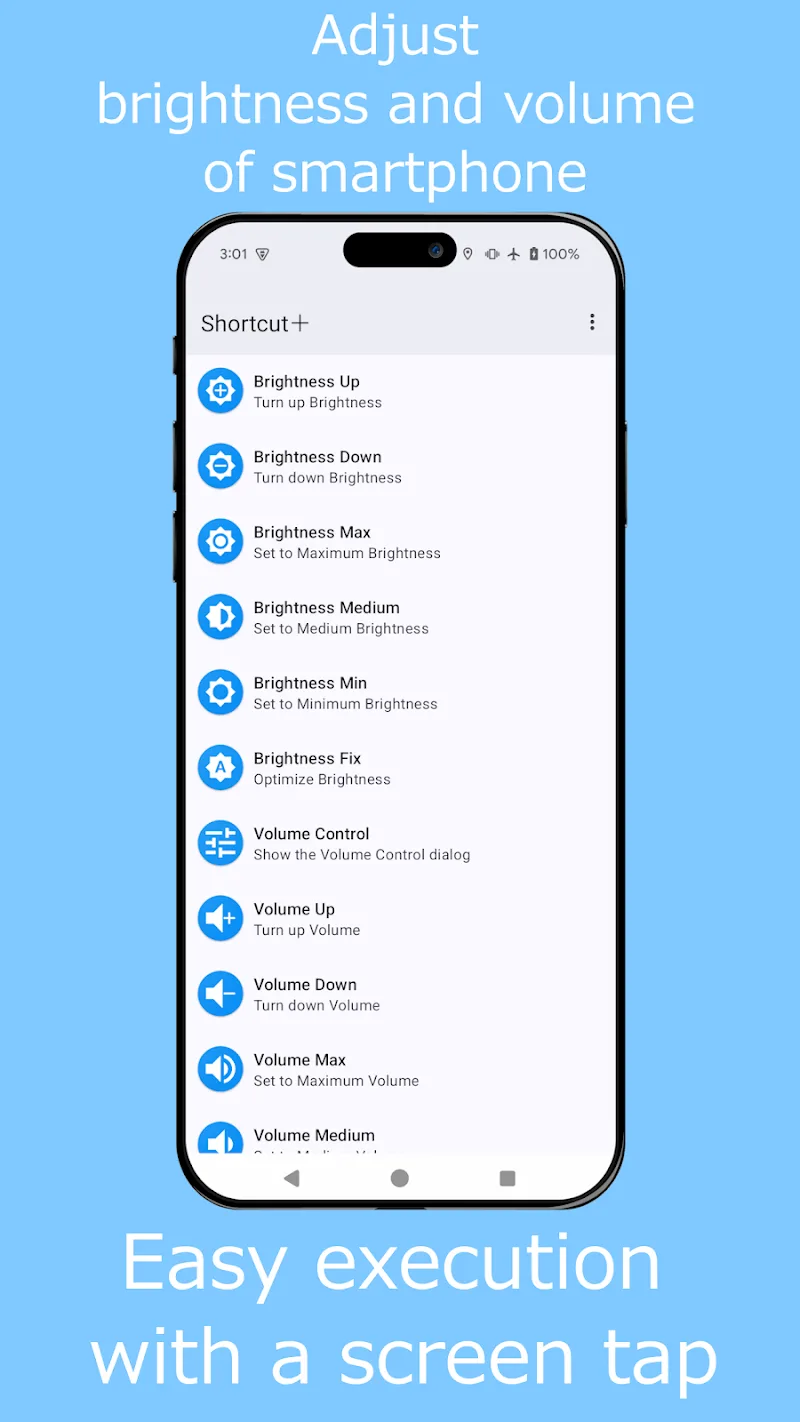
Shortcut+ includes accessibility options such as larger touch targets, voice labels for shortcuts, and haptic feedback for gesture confirmation. New users report that the learning curve levels out quickly once a few routines are in place. Error messages are descriptive and the in-app help offers step-by-step examples for common tasks like creating a one-touch call button or a bedtime routine that dims brightness and enables Do Not Disturb.
Installation is straightforward: download, grant the minimal permissions required for chosen features, and follow the initial walkthrough. Permissions are requested only for the functionalities you enable—such as overlay access for floating widgets or contacts access for direct-dial shortcuts. After setup, use the profile export feature so you can restore or clone configurations to another phone. For users evaluating automation tools, Shortcut+ offers a friendly middle ground between simple launchers and full scripting platforms.
Whether you want to shave seconds from daily routines or create complex device behaviors, Shortcut+ provides a polished, efficient toolkit that scales with your needs. Explore the template gallery and experiment with a few gestures to see immediate productivity gains.