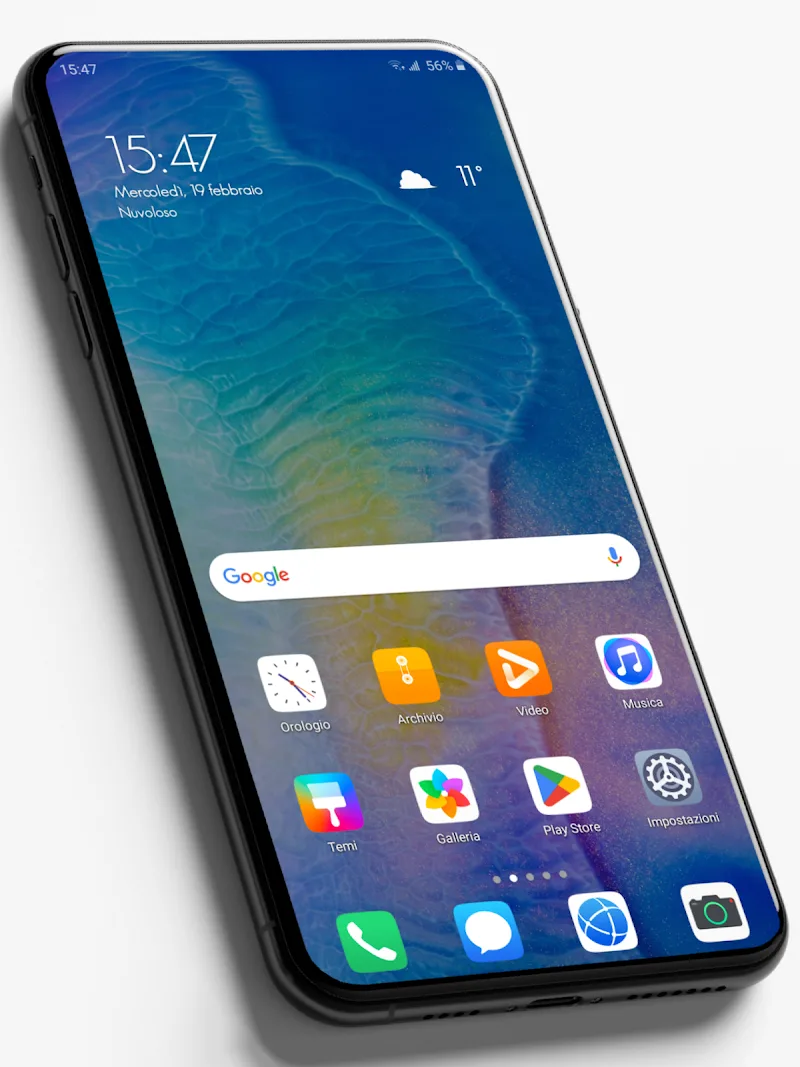
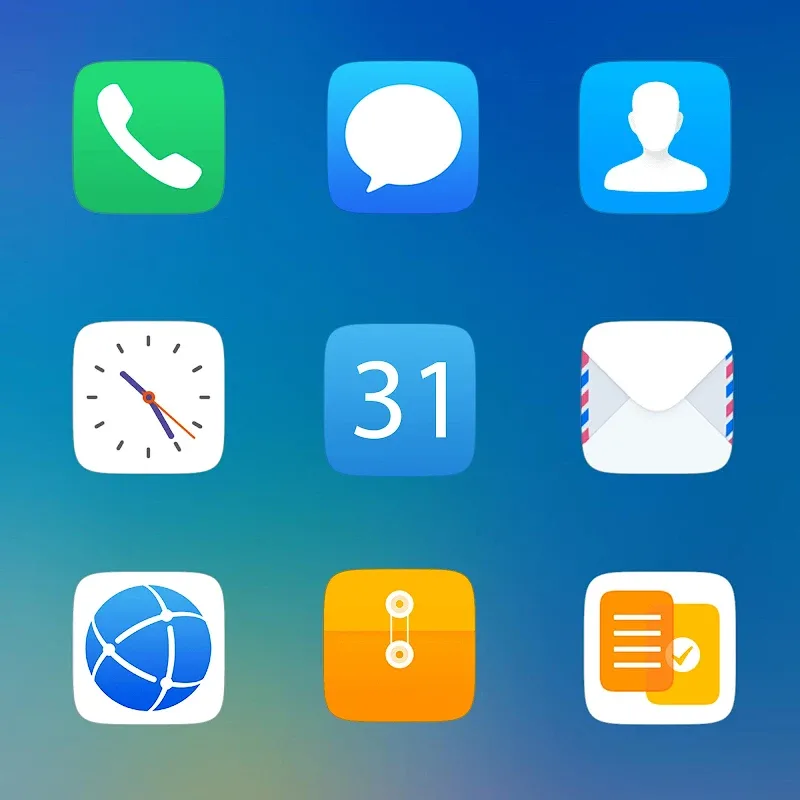
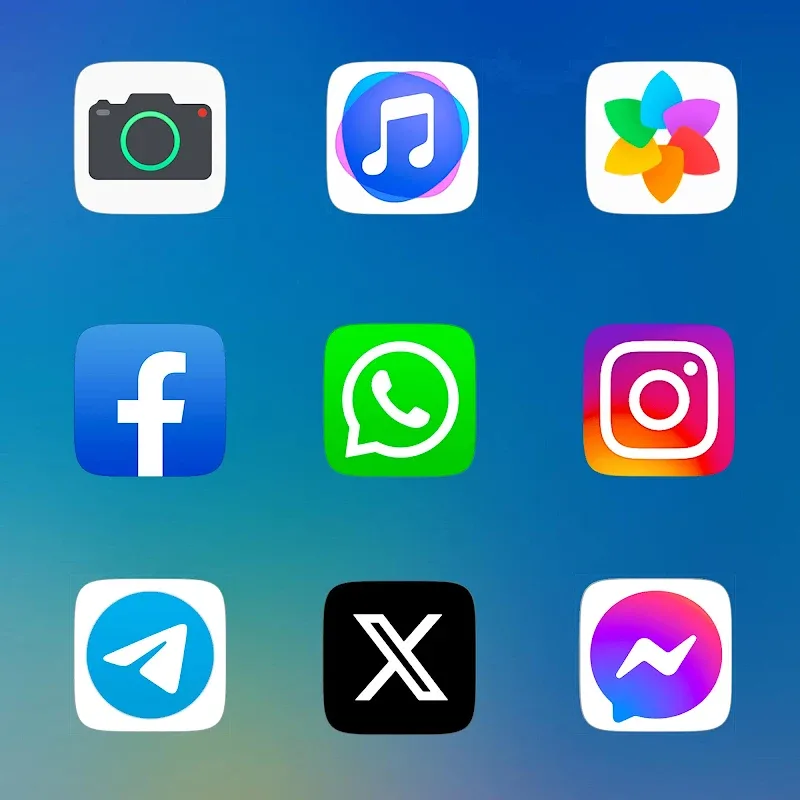
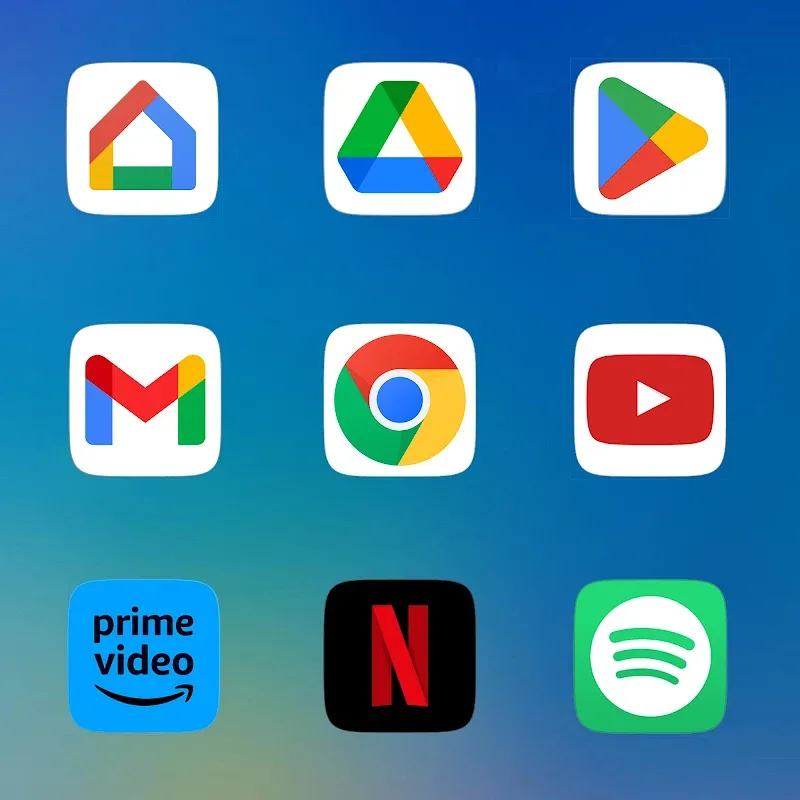
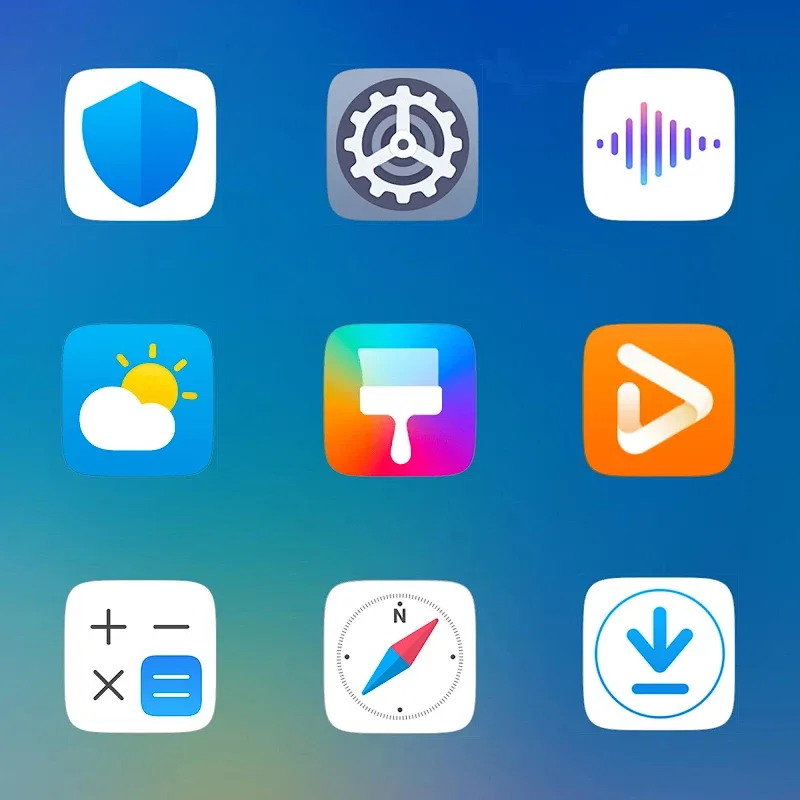
Commuting home and want a few low-pressure minutes? Emui - Icon Pack brings a clean, high-quality icon set that refreshes your Android home screen quickly and with little fuss. The pack focuses on sharp silhouettes, balanced colors and consistent geometry so icons feel like part of a single theme rather than a mismatched collection. If you like tidy desktops and subtle visual upgrades, Emui - Icon Pack gives you a fast way to polish your launcher and experiment with a curated icon language.
Install and open: After downloading, launch the app to browse the icon catalog and preview how icons look against light or dark wallpapers.
Apply in your launcher: Use the built-in apply tool for supported launchers or follow the manual theming guide inside the app to set icons one by one on less common launchers.
High-resolution artwork: Each icon is created at large sizes so edges stay crisp on modern screens and when used with large-grid setups.
Triple-layer rendering: The pack uses a layered approach to deliver subtle depth: a base shape, a colored fill, and a crisp highlight that keeps icons readable at a glance.
Consistent color system: Colors are tuned so third-party app icons sit comfortably alongside system icons, producing a unified look across folders and widgets.
Dynamic calendar support: Calendar icons update to show the current date where the launcher supports dynamic calendar integration, making the home screen more informative.
Automatic masking and requests: Unsupported apps receive a smart mask so they match the theme, and you can submit requests for new icons directly from inside the app.
Match your wallpaper: Pick a wallpaper with a dominant tone that complements Emui - Icon Pack so the icons feel integrated rather than pasted on top.
Create work and personal profiles: Use separate home screen pages for work and leisure — for example, switch to a minimal Emui - Icon Pack layout for meetings and a colorful variant for weekends.
Batch apply and review: Apply icons in bulk, then scan your app drawer for any icons that still feel out of place and submit a request; frequent updates mean new icons often arrive within weeks.
Emui - Icon Pack delivers a polished, consistent icon set that makes themed home screens look intentional with minimal effort. It’s especially useful if you switch wallpapers often or maintain separate screens for work and play, and the dynamic calendar plus masking options reduce manual tweaking. While some niche apps may need manual requests, the steady update cadence keeps the library growing and relevant. If you want a neat, professional-looking home screen without heavy customization steps, Emui - Icon Pack is a solid pick.