
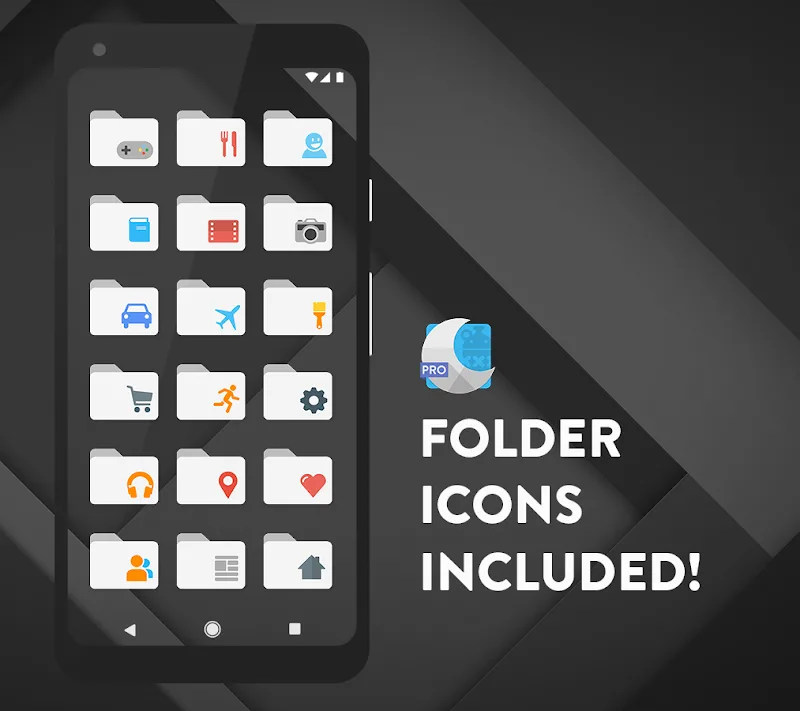
Moonshine Pro - Icon Pack provides a crisp set of handcrafted icons and matching wallpapers that refresh Android home screens with a modern material look. Designed for clarity and consistency, the pack simplifies app recognition while offering dozens of accents and high-resolution artwork for multiple launcher styles.
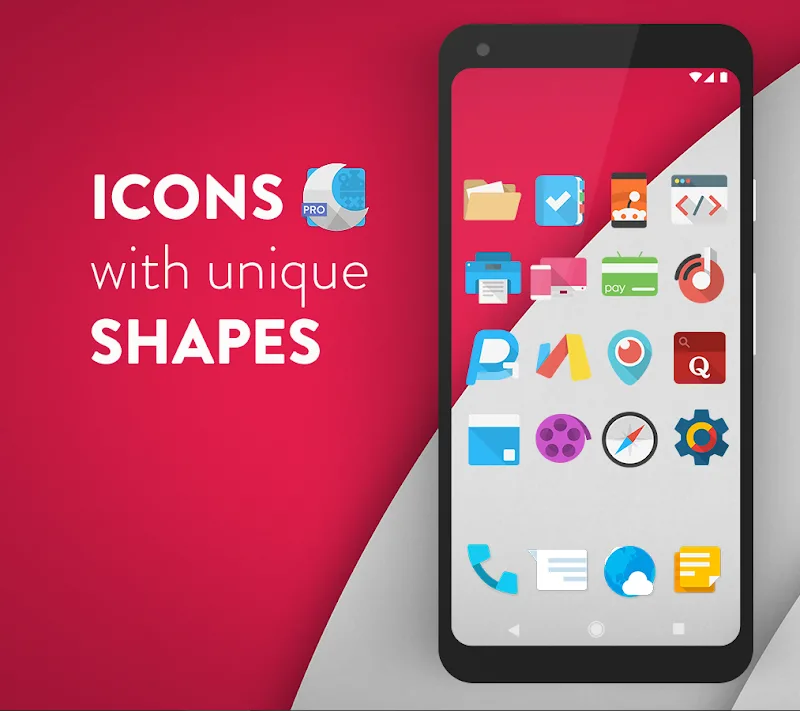
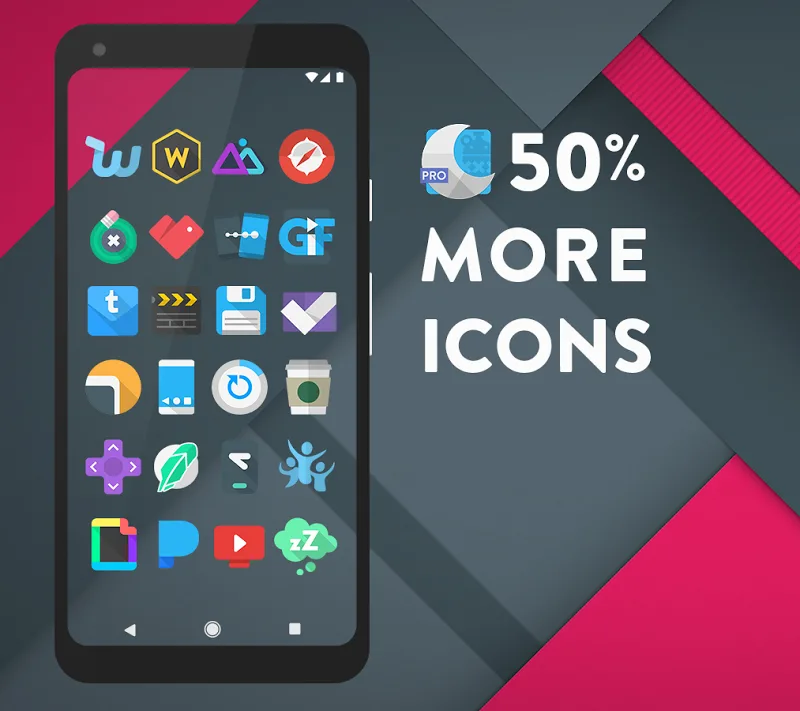
Moonshine Pro - Icon Pack focuses on delivering a uniform aesthetic across apps, combining flat color fields, subtle shadows, and rounded shapes. The set is built for users who want a minimalist but expressive theme without sacrificing legibility. Icons are delivered at high resolution so they look good on a range of displays from mid-range phones to high-density panels.
The app ships with an integrated dashboard for managing icons, applying themes, and requesting new icons. Moonshine Pro - Icon Pack includes icon masking for unsupported apps, alternative glyphs for select apps, and a search function to find replacements quickly. A backup and restore option helps preserve your setup when switching devices or tinkering with launchers.
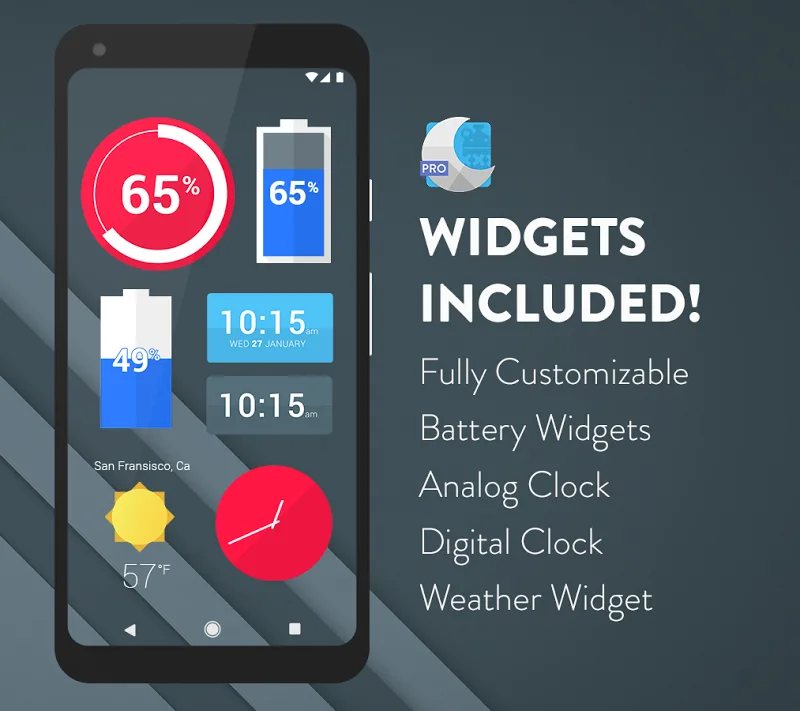
Customizing with Moonshine Pro - Icon Pack is straightforward. Select the icon pack within your launcher settings and choose alternative icons from the app’s library when available. You can mix icon styles, apply dynamic accents, or pair the pack with curated wallpapers and widgets to create a unique arrangement.
Moonshine Pro - Icon Pack is optimized to be lightweight and responsive. Applying the theme takes only a few taps, and the icons load quickly without impacting launcher performance. The app interface is simple and organized, with clear sections for featured icons, recent updates, and a settings area for tweaks.
Users who prefer a cohesive, modern look will find Moonshine Pro - Icon Pack easy to adopt. The icon request workflow is particularly helpful: developers respond to common requests in regular updates. Documentation inside the app explains how to apply icons across different launchers and how to handle edge cases for unique packages.
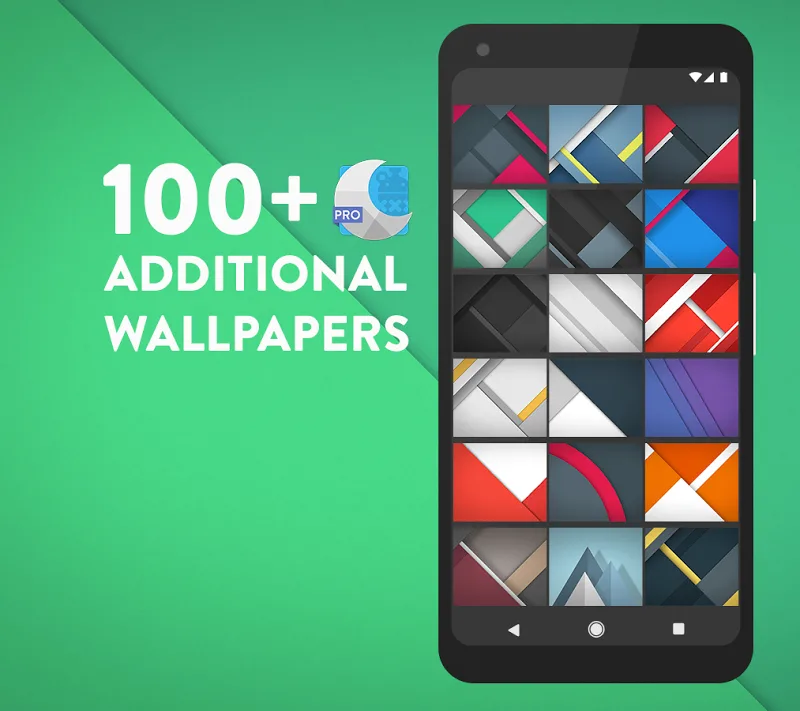
To get going, install Moonshine Pro - Icon Pack from your preferred store, open the app to browse the library, and follow the simple apply steps for your launcher. Use the icon request tool to fill gaps in your collection and check the wallpapers section to finalize your new look. Regular updates keep the pack current as new apps and icon styles appear.
The pack balances design discipline with useful features, making it a reliable choice for customizing Android devices. If you want a polished, cohesive set of icons with practical tooling for maintenance, Moonshine Pro - Icon Pack is worth trying.