
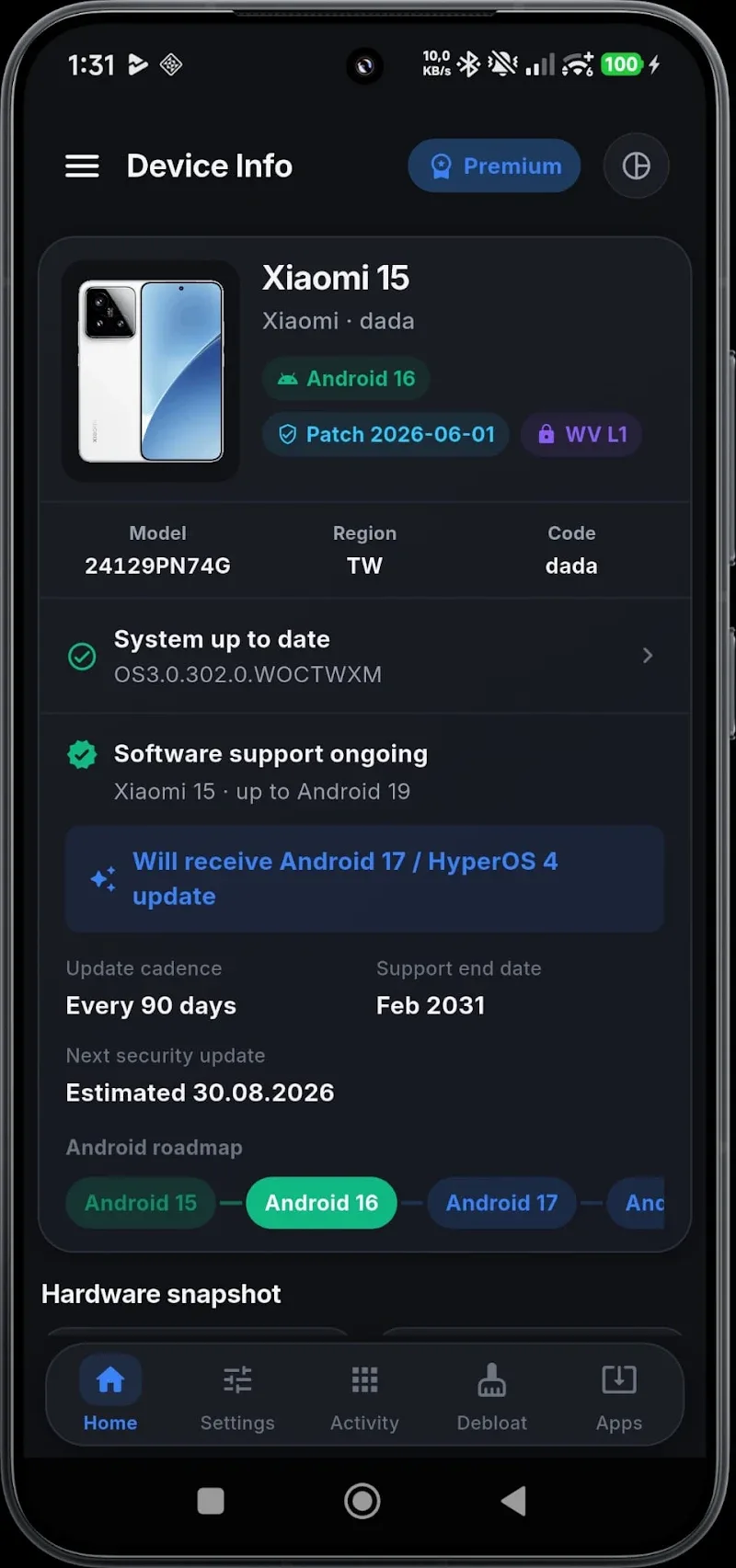
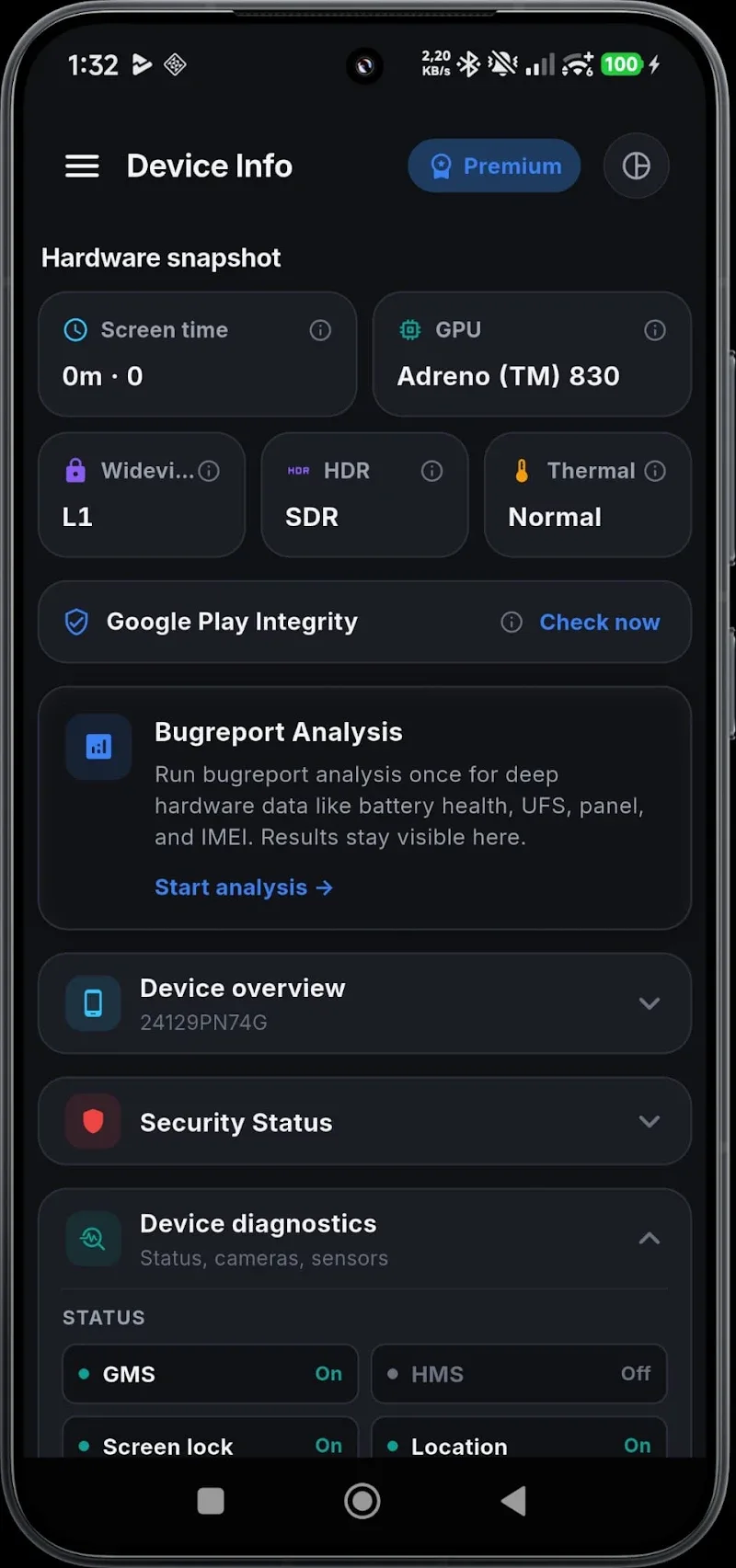
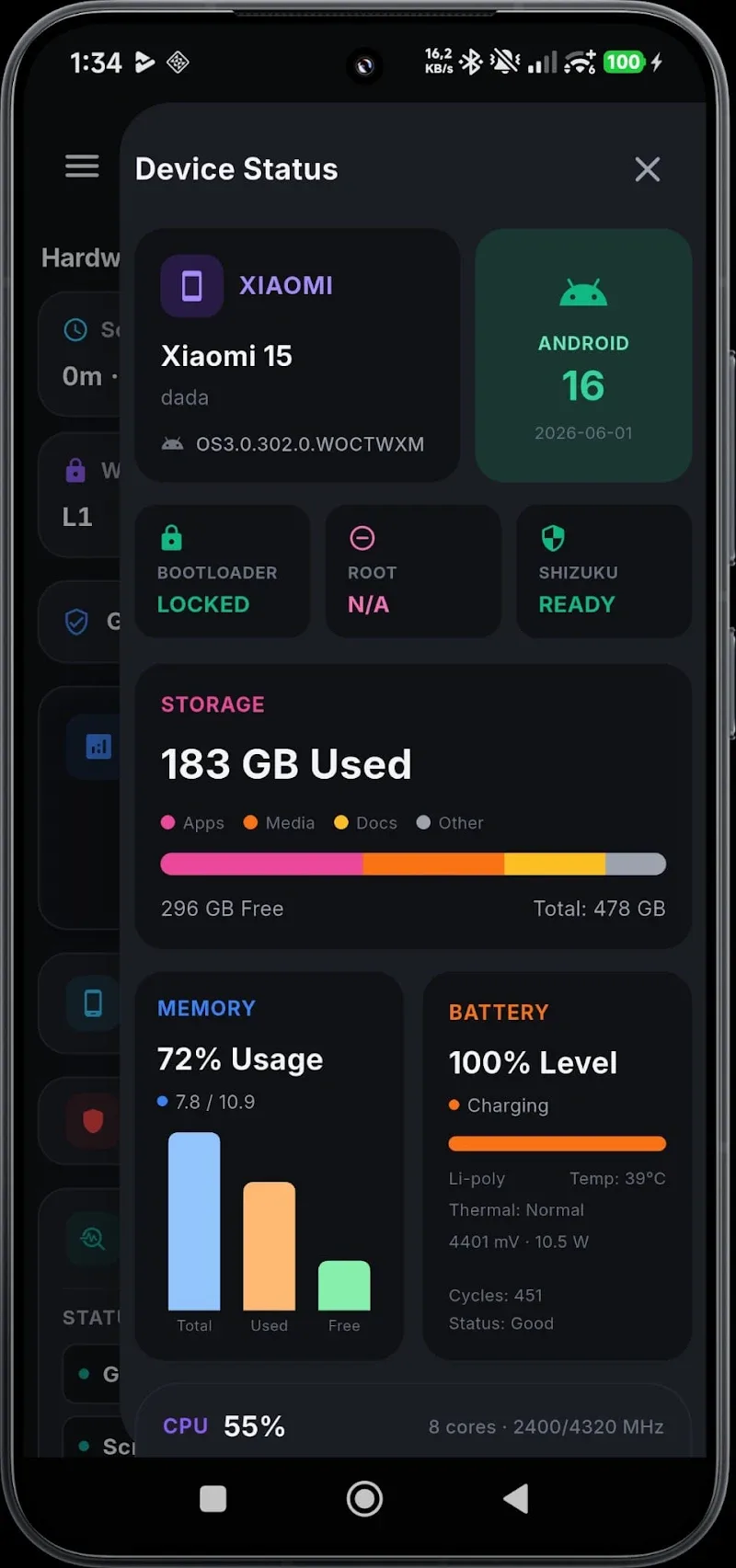
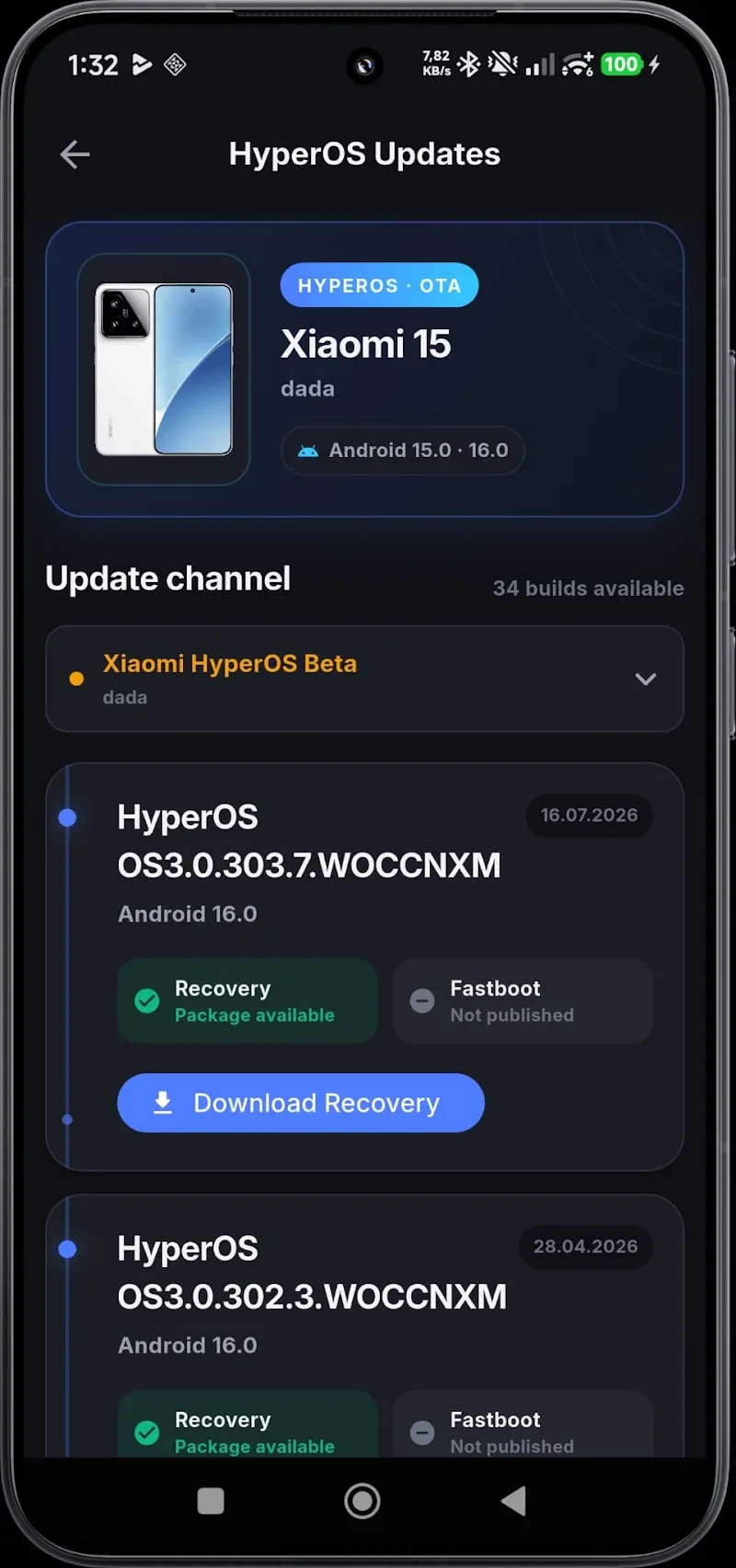
getConf - Hidden Settings is a compact Android utility that exposes advanced system and app configuration panels hidden by default. It streamlines access to developer and device-specific options, helping power users, technicians, and curious users tweak settings safely. The tool prioritizes clarity, quick navigation, and compatibility across many Android builds.
getConf - Hidden Settings gathers dozens of otherwise hard-to-reach Android menus into a single, searchable interface. Instead of digging through multiple system screens or issuing ADB commands, users can launch the exact hidden configuration panel they need. The app groups entries by category, highlights frequently used options, and provides contextual descriptions so you understand changes before applying them.
The interface focuses on speed and predictability. A clean main list shows categories such as System, Network, Audio, Display, and App. Tap a category to reveal available hidden panels, or use the integrated search bar to find specific screens. Visual indicators mark options confirmed to work on your model, and a simple history keeps recently opened panels a tap away.
Under the hood, getConf - Hidden Settings invokes Android intents and system activities already present on the device. It doesn’t modify system files or require root access to present these panels. When an option is not present on a particular ROM or build, the app either hides it or flags it as unavailable, avoiding confusion and potential errors.
Technicians and developers will find getConf - Hidden Settings useful for routine diagnostics and configuration tasks. Common workflows include toggling network debug panels, testing display calibration menus, and quickly accessing battery or thermal statistics. For administrators managing multiple devices, homescreen shortcuts and history speed up repetitive actions without extra tooling.
Performance is a priority: the app launches panels using existing system routines rather than rebuilding or emulating them. This approach keeps resource use low and reduces the chance of introducing instability. Compatibility notes are displayed when you open categories, so you can tell at a glance which entries are expected to function on Pixel, Samsung, Xiaomi, or other vendor devices.
While getConf - Hidden Settings makes hidden options easier to reach, many of these panels can affect device behavior. The app emphasizes safety by providing explanations and, when appropriate, offering a quick link to back up settings or advise on reverting changes. It also recommends avoiding experimental items unless you understand the consequences.
Begin by granting any one-time permissions the app requests and search for a common setting like "battery" or "developer options" to see how panels are listed. Create shortcuts for the screens you use frequently, and consult the compatibility flags if something doesn’t open. Because the app relies on standard Android activities, no root is needed—just a device with the relevant hidden menus present.
getConf - Hidden Settings is appreciated by enthusiasts for bringing order to obscure system features. It saves time, reduces the need for terminal commands or ADB, and surfaces useful diagnostics without altering system integrity. For anyone who regularly fine-tunes device behavior, the app acts as a practical bridge between visible settings and power-user panels.