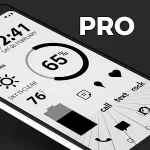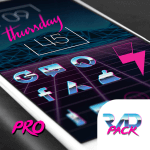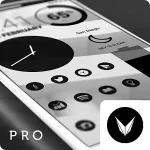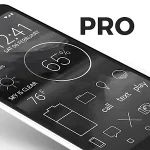
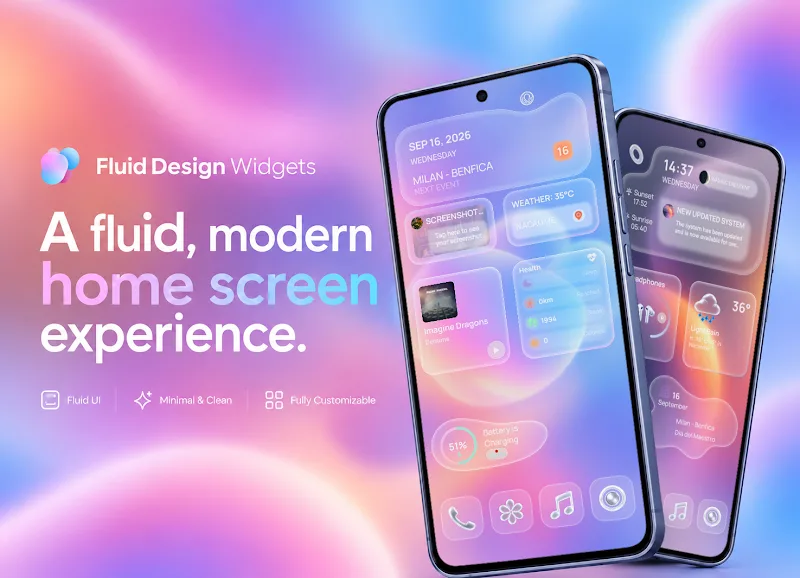
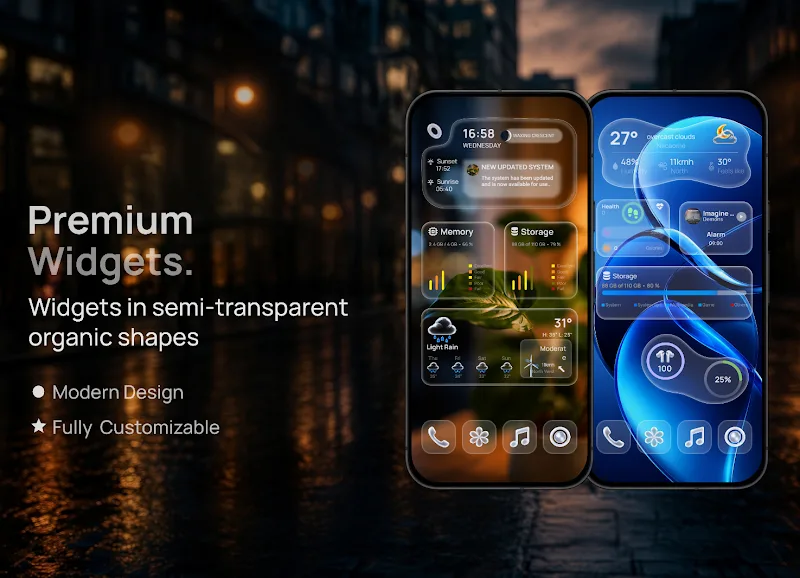
Fluid Design Widgets for KWGT brings a modern, minimal widget collection for Android users who customize their home screens with KWGT. This pack focuses on fluid shapes, clean typography, and adaptable layers to work across different screen sizes and themes, improving both style and utility.
Fluid Design Widgets for KWGT is a library of ready-made KWGT files designed to give home screens a cohesive, contemporary look. Rather than adding heavy animations or flashy colors, the pack emphasizes subtle motion, rounded geometry, and readable information layout. It targets users who want a polished appearance without spending hours building widgets from scratch.
The pack is built to be dropped directly into the KWGT app and used as templates. Each item exposes layers you can edit—text, color, touch actions, and shapes—so you can personalize behavior without rebuilding structure. Fluid Design Widgets for KWGT keeps layer naming consistent, making it easier to find the part you want to change and to copy elements between widgets.
After installing the files, add a KWGT widget to your home screen, open the editor, and load one of the pack presets. Resize the widget to match the layout, then tweak fonts, colors, or data sources. Many presets include alternate configurations for left-to-right and right-to-left layouts and support for common launchers that handle padding differently.
Design choices in Fluid Design Widgets for KWGT lean toward a neutral palette with optional accent layers. The pack provides grouped shapes so you can change the corner radius, shadow strength, or stroke widths globally. Typography pairs are chosen for legibility on small screens, with options to swap to condensed or monospaced styles for compact displays.
Several widgets detect the system theme and shift controls accordingly. You can manually override automatic theming if you prefer a fixed color scheme. There are also modular pieces meant to be combined: a clock block that pairs with a weather strip, or quick toggles that snap to a status panel.
The pack is optimized to avoid heavy scripting and multiple overlapping animations, which helps preserve battery life and keeps KWGT responsive. Fluid Design Widgets for KWGT has been tested on a range of devices and Android versions; however, results vary with launcher implementations and custom ROMs. If you notice lag, reduce animation layers or disable shadows in the widget editor.
Start by choosing a base preset that matches your preferred information density. Use the pack’s built-in spacing options rather than adding extra padding in the launcher; that preserves the intended proportions. For a unified look, apply the same accent color across time, weather, and system widgets.
Users appreciate Fluid Design Widgets for KWGT for its balance between aesthetics and practicality. The layered approach lets novices get an attractive result immediately, while experienced users can fine-tune interactions and values. The streamlined visuals work well on both phones and tablets, and the modular design encourages experimentation without breaking layout harmony.
To begin, install KWGT and KWGT Pro if you plan to edit templates. Import the widget files, place a KWGT container on your home screen, and load a preset from Fluid Design Widgets for KWGT. Allow a few minutes to explore options and to adapt widgets for your launcher’s quirks. With a little adjustment, the pack helps create a refined, functional home screen that feels personal and modern.