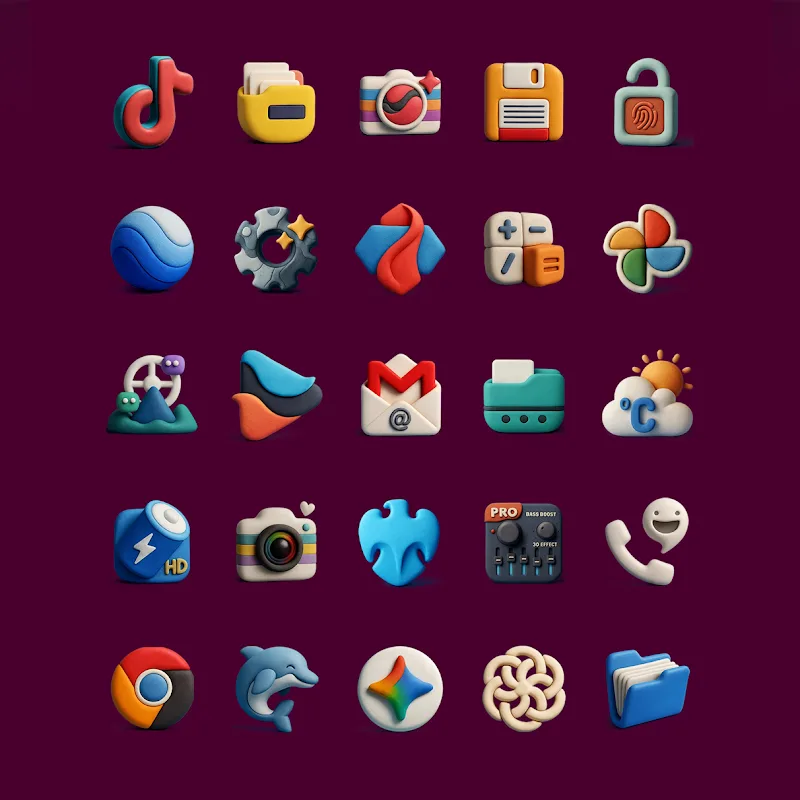
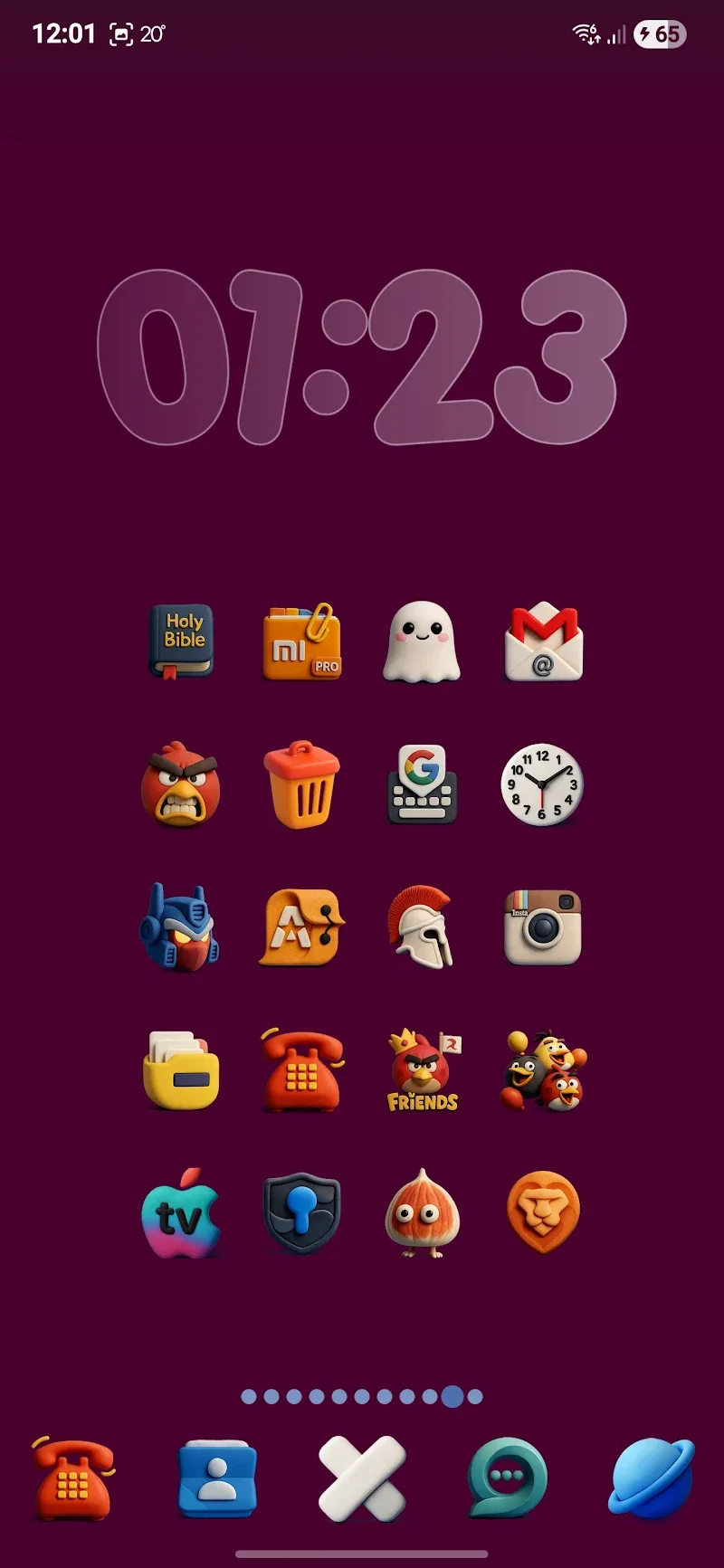
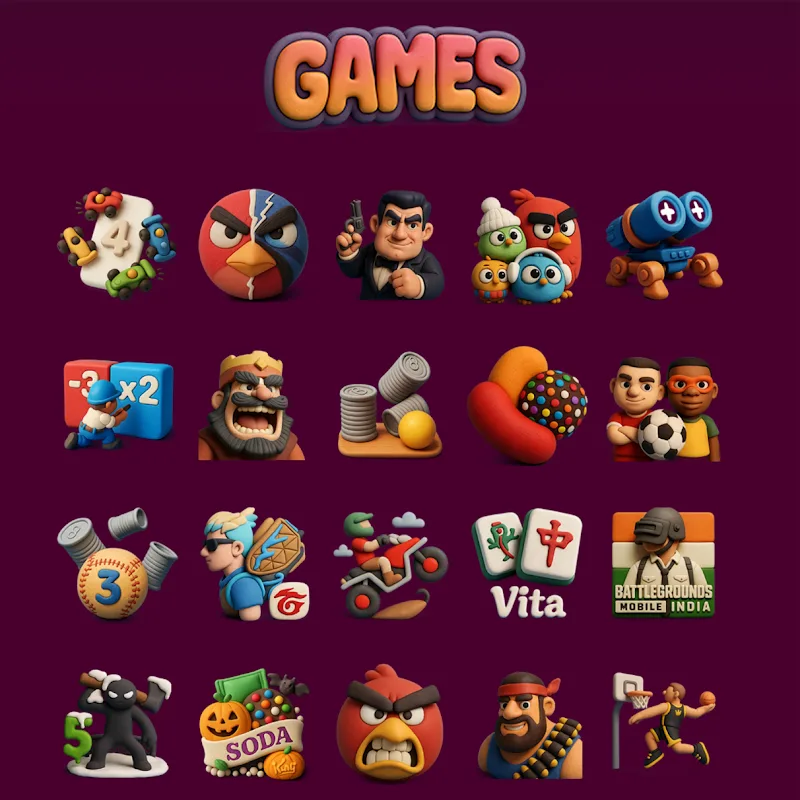
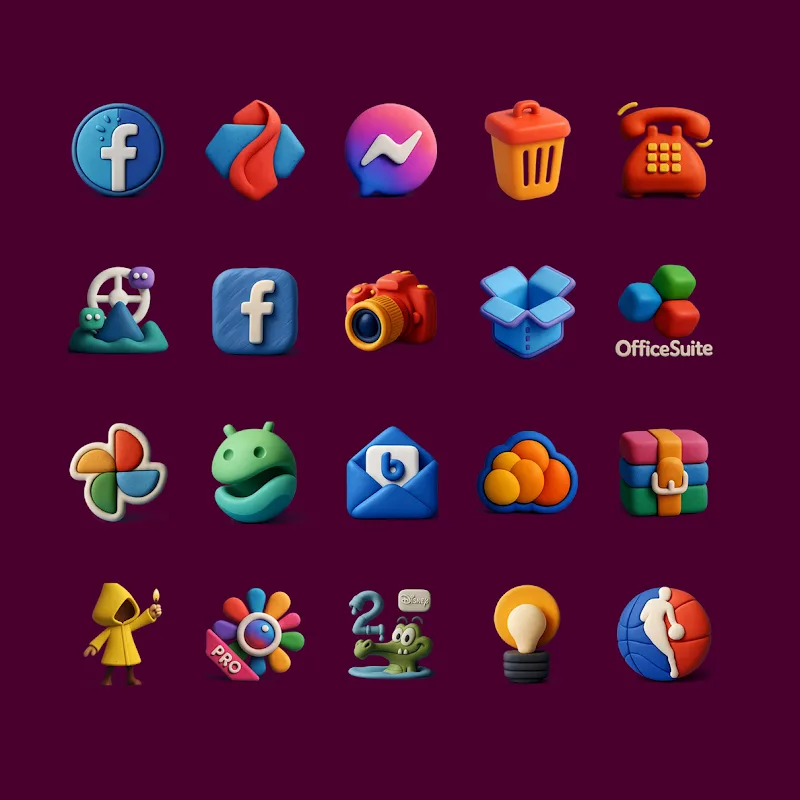
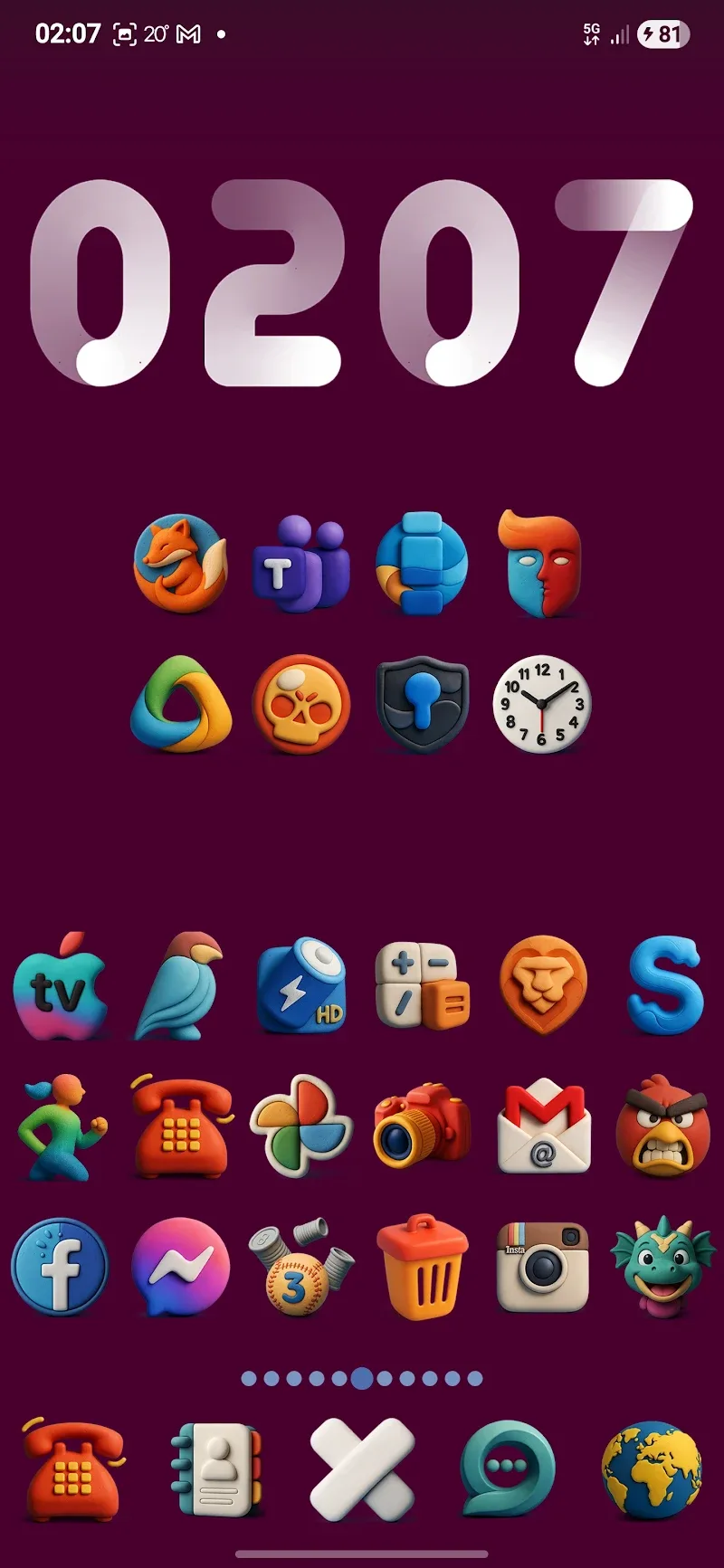
Funko - Icon Pack transforms your Android launcher with high-quality, stylized icons and consistent visual themes. It replaces default app icons with collectible-inspired designs, adds matching wallpapers, and supports multiple launchers. Lightweight and easy to apply, it gives devices a distinct, playful personality without sacrificing performance or clarity.
Funko - Icon Pack is a themed icon set designed for users who want a cohesive, character-driven look across their home screens. The collection focuses on bold shapes, simplified details, and a palette that balances vivid tones with muted backgrounds. Icons are optimized for readability at small sizes, and many include alternative artwork to suit different launcher styles.
Applying Funko - Icon Pack is straightforward: install the package, open the app, and choose your preferred launcher from the built-in list. The pack supports mainstream launchers such as Nova, Lawnchair, Action, and many OEM launchers that accept third-party icon themes. If an icon doesn’t automatically change, the app includes an icon request tool so you can ask the developer to add specific artwork.
Beyond replacing icons, the app offers customization tools to fine-tune the look. You can mix and match icon styles, apply alternate glyphs for select apps, and choose one of several wallpaper sets crafted to complement the icons’ color schemes. This flexibility makes it simple to create a minimalist arrangement or a vibrant home screen with consistent visual language.
The designers built Funko - Icon Pack with efficiency in mind. Icon files are compressed yet remain sharp on devices with high-density displays. The app itself has a small footprint and doesn't run heavy background services, so it won’t drain battery or slow down day-to-day performance. Visual consistency and legibility are prioritized to make sure icons remain identifiable at a glance.
To get the most out of the pack, follow a simple workflow: back up your current home screen layout, apply the icon pack, then tweak grid size and icon scale in the launcher to align spacing. If you switch launchers, export your preferences or take screenshots to recreate the arrangement quickly. These steps help preserve productivity while exploring a new look.
Many users select Funko - Icon Pack for its distinctive aesthetic and attention to detail. It offers a cohesive identity across apps, easy launcher integration, and steady updates that keep icon coverage current. For people who value both playful design and functional clarity, the pack strikes a good balance between personality and usability.
Download the package from a trusted store, open the app to explore available options, and follow on-screen prompts to apply the icons to your preferred launcher. If you encounter missing icons or minor alignment issues, use the built-in request and settings tools to resolve them quickly.