Widdle Reader is a lightweight reading app designed to simplify how you consume articles, PDFs, and saved webpages. It combines a distraction-free interface with powerful organization tools and adaptive typography, making it easy to read on the go, save content for later, and customize the experience to your preferences.
Widdle Reader turns scattered web content into a clean, readable format. The app strips away clutter like ads and sidebars, reflows text for small screens, and preserves images and links where they matter. It aims to bridge the gap between quick skimming and focused reading by providing tools that adapt to different reading contexts.
Using Widdle Reader is straightforward. When you find an article to read, share it to Widdle Reader or use the built-in browser. The app analyzes the page, extracts the readable text, and presents it in a minimal layout. From there you can adjust the layout, add highlights, and save the content into folders for future reference.
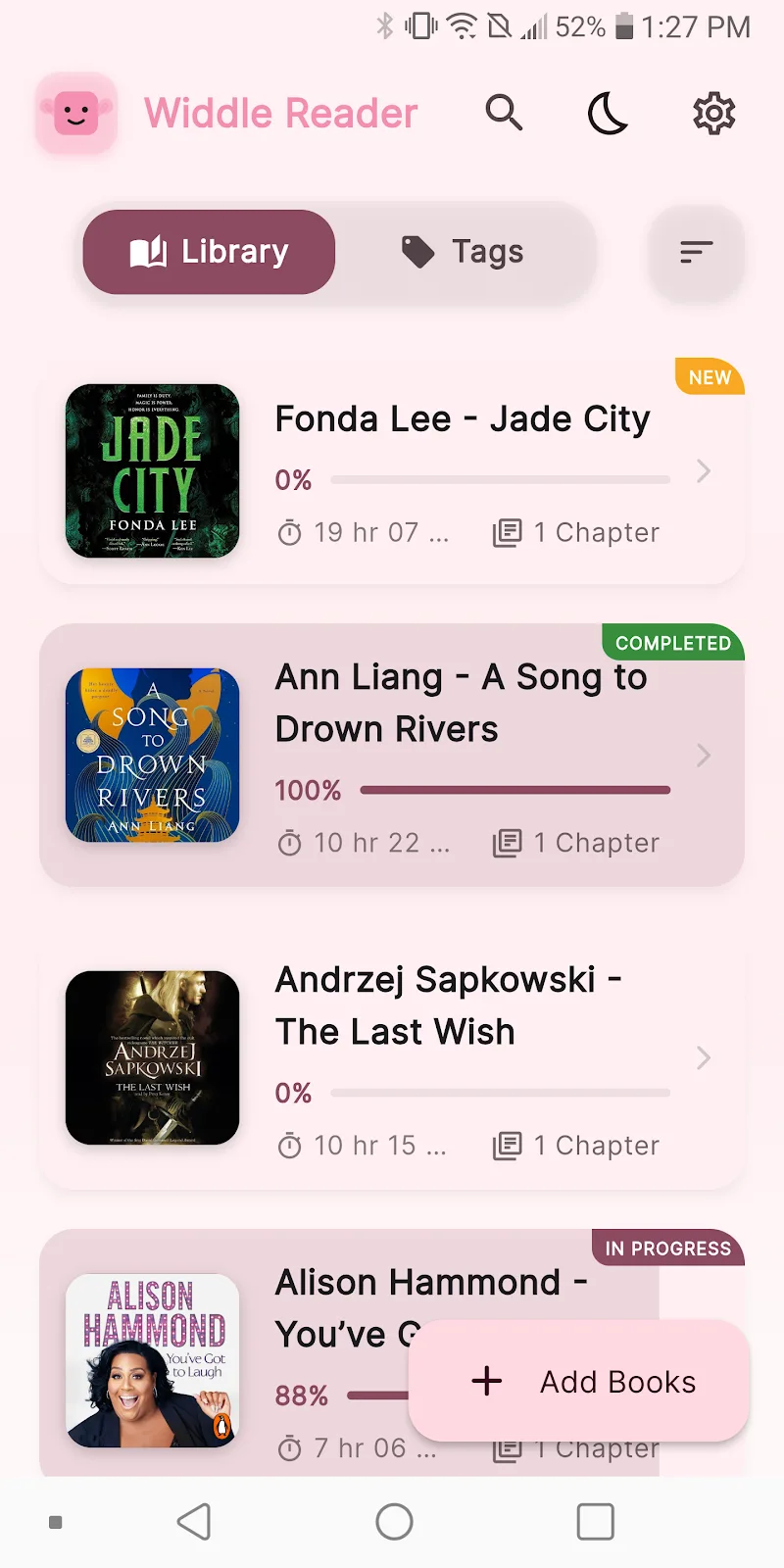
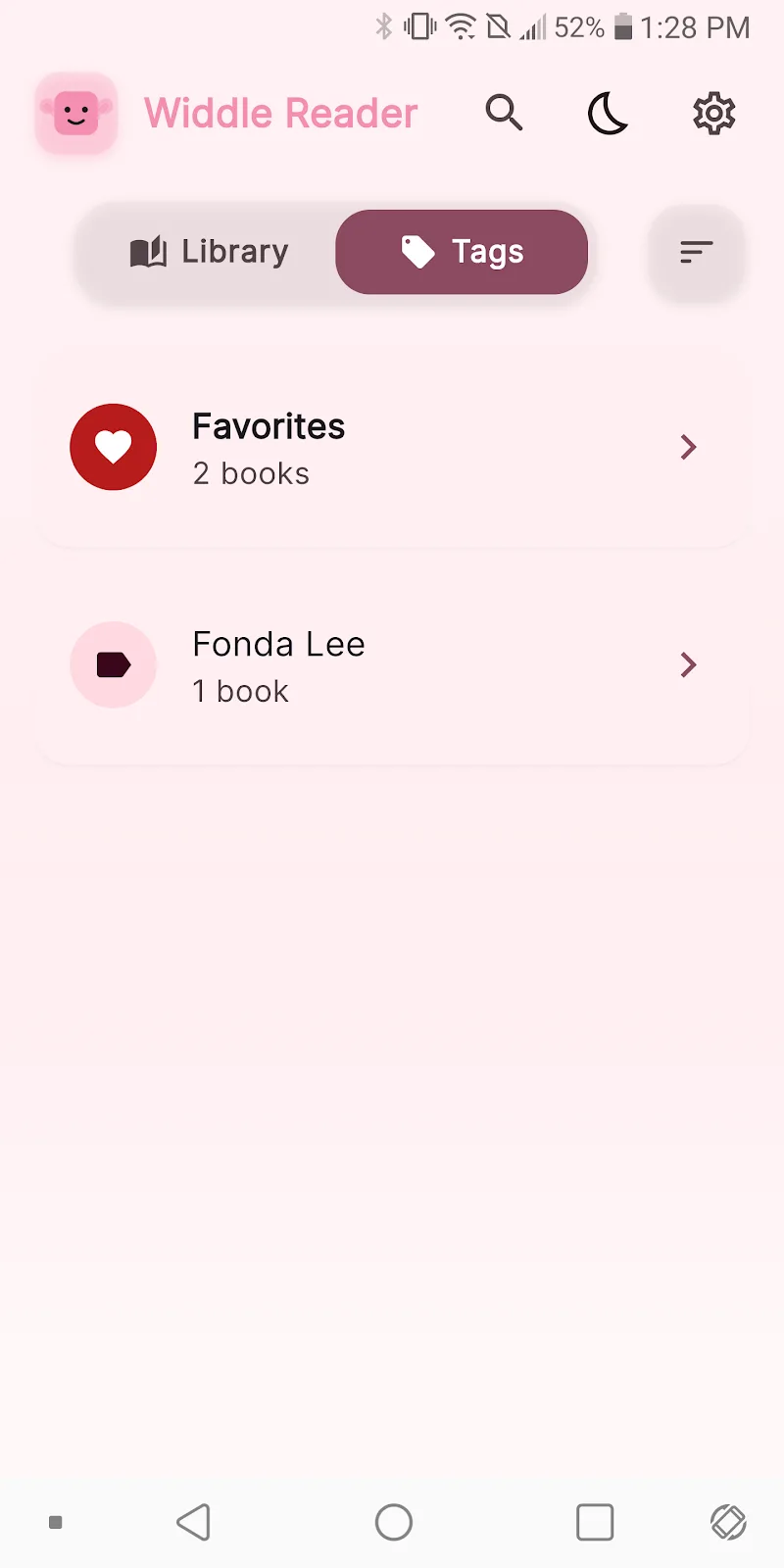
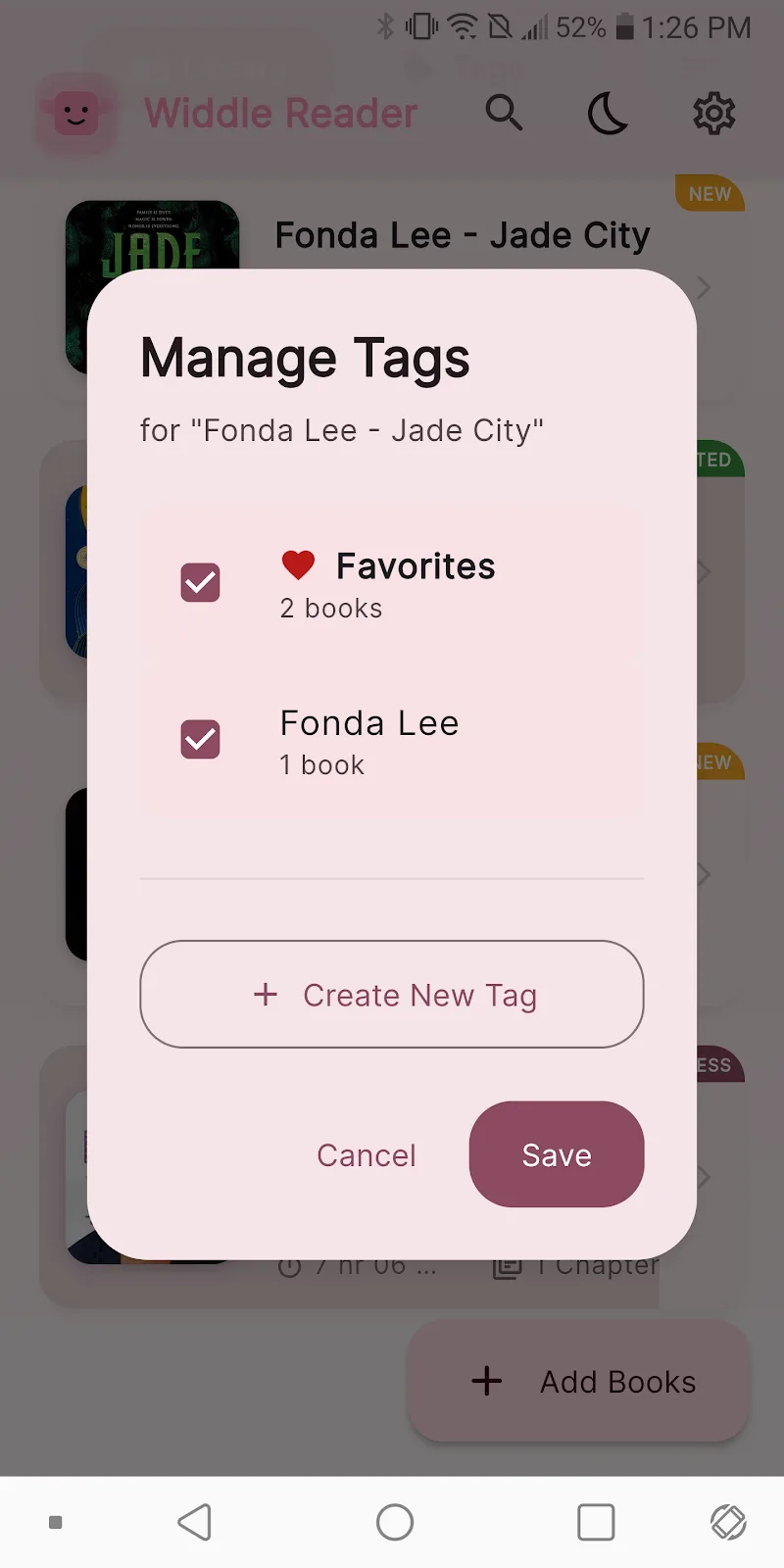
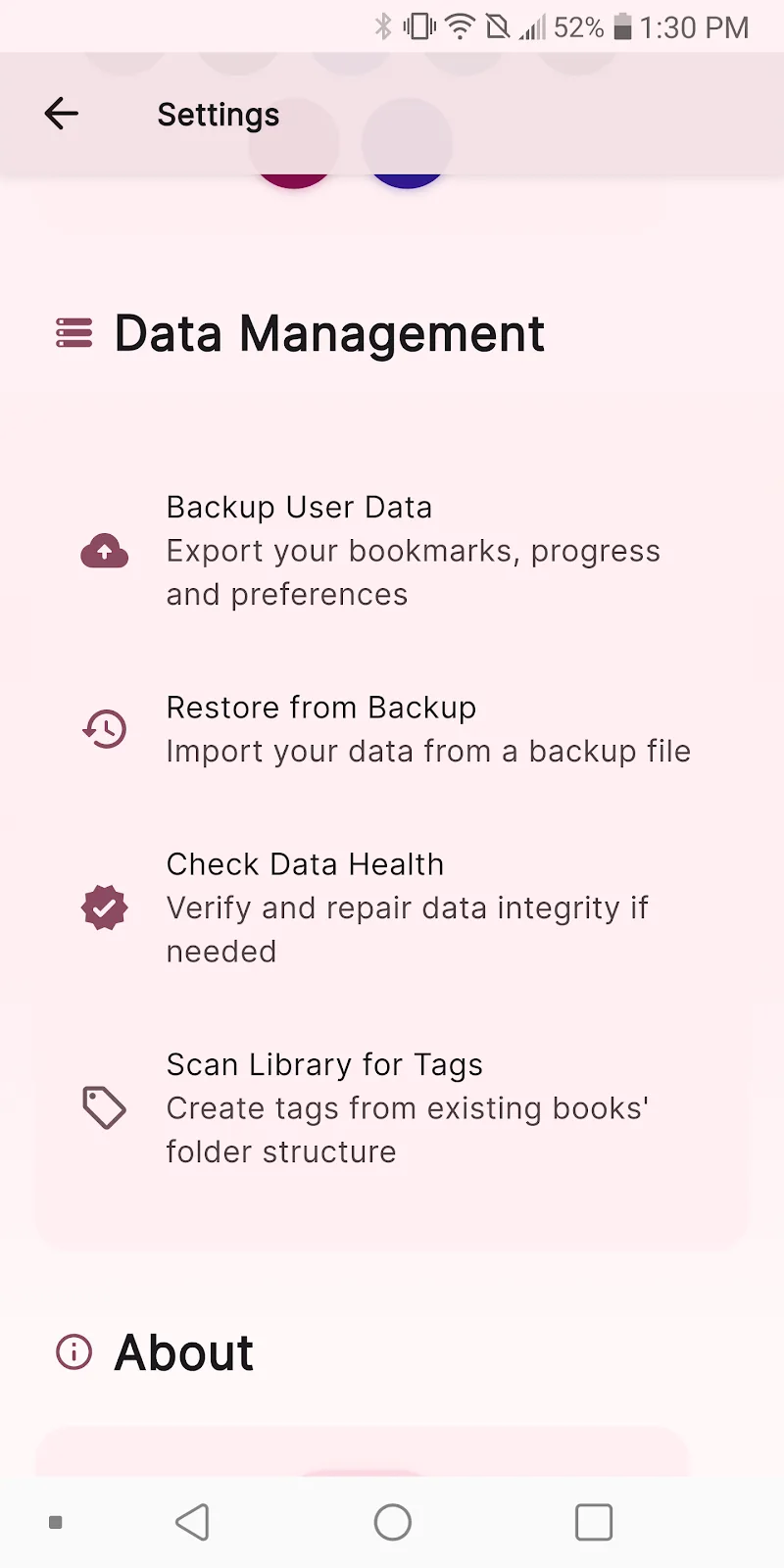
For people who collect articles, Widdle Reader offers a lightweight library system. Saved items can be tagged, sorted, and filtered. The app also supports collections or reading lists for projects, making it easy to return to a set of items grouped by topic. Integration with the system share sheet speeds up saving articles while you browse.
Customization is a strength. Typography settings let you select a preferred font and size, while spacing and justification options help control readability. Themes allow quick switching between contrast and color schemes for different lighting conditions. You can also customize the default article extraction behavior, for instance preserving or removing images and captions.
Widdle Reader prioritizes speed and simplicity. Pages load quickly because the app fetches just the necessary content instead of full web pages. The interface focuses on gesture-driven navigation: swipe to move between articles, pinch to change text size, and tap to reveal annotation tools. The layout is uncluttered, which keeps the reading experience centered and responsive even on budget devices.
Many users will appreciate the attention to accessibility. Widdle Reader supports adjustable text scaling and high-contrast themes, and it keeps interactions predictable for screen readers. The annotation tools are keyboard-accessible on tablets and support common shortcuts for power users who prefer minimal taps.
Readers choose Widdle Reader because it combines convenience with focus. The app strips away distractions, gives precise control over the reading layout, and supports a simple organization system without overwhelming menus. For anyone who reads regularly on mobile devices, it reduces friction between discovery and sustained reading.
Installing and configuring Widdle Reader takes only a few minutes. After installing, grant access needed for saving and syncing, then import a sample article to customize fonts and themes. With a short setup, the app becomes a practical hub for managing what you read every day.