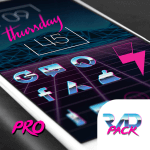
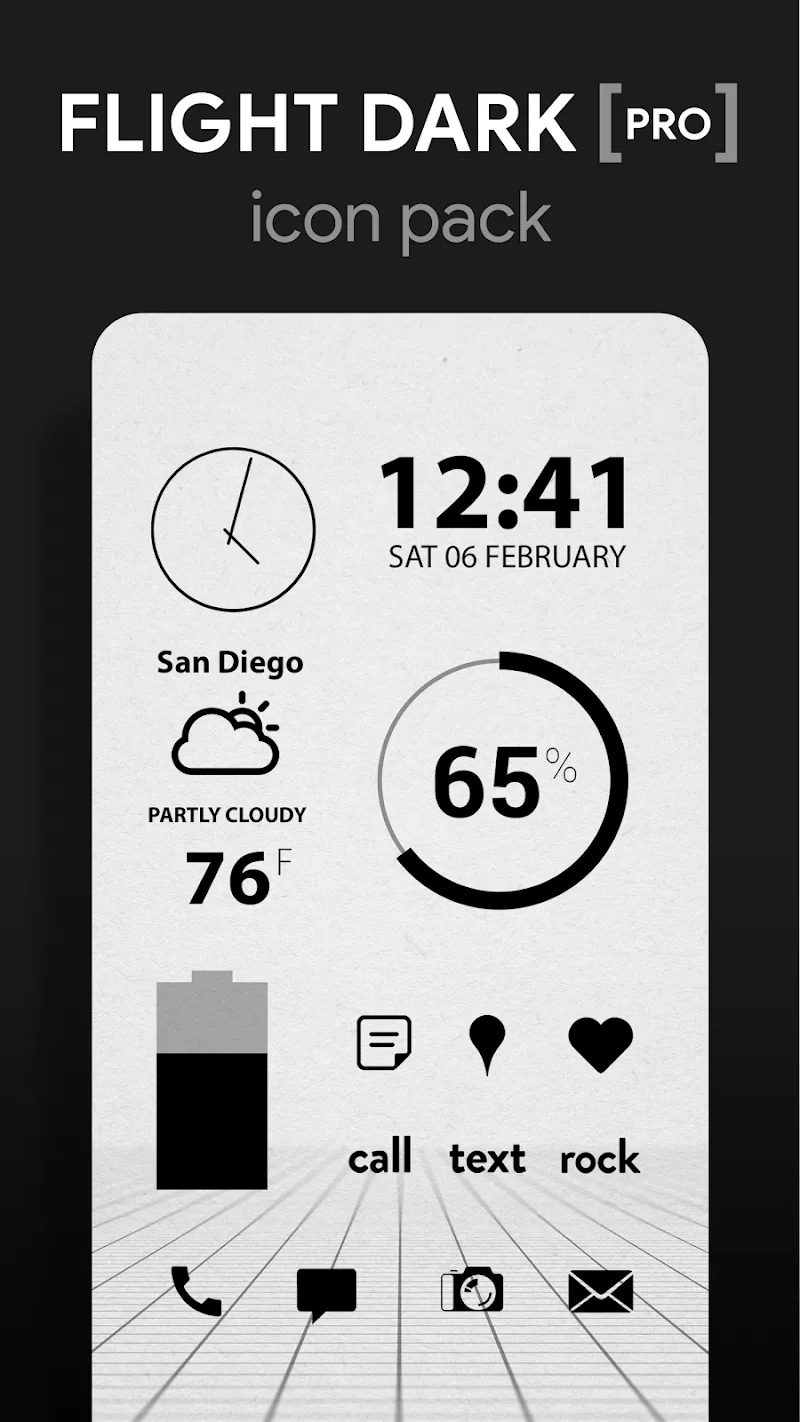
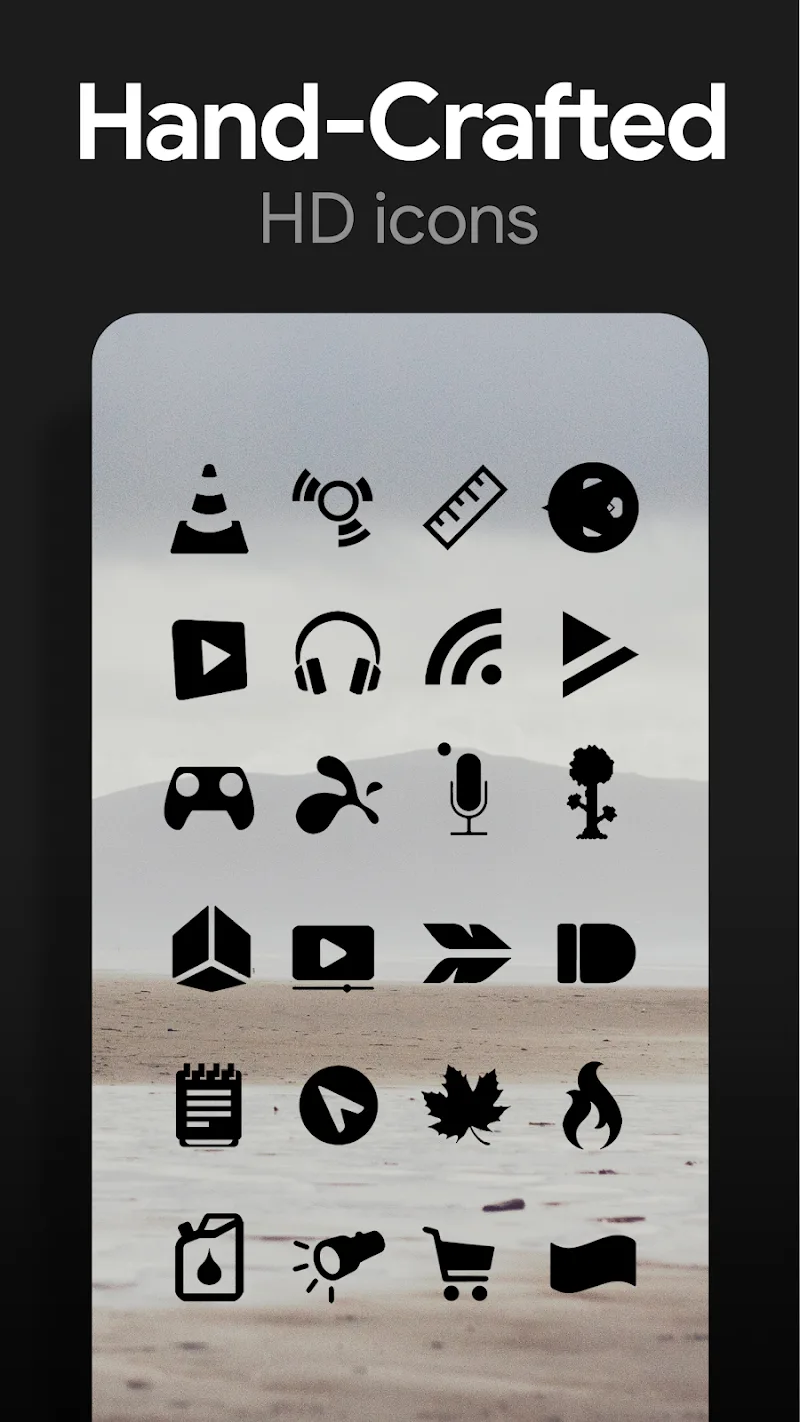
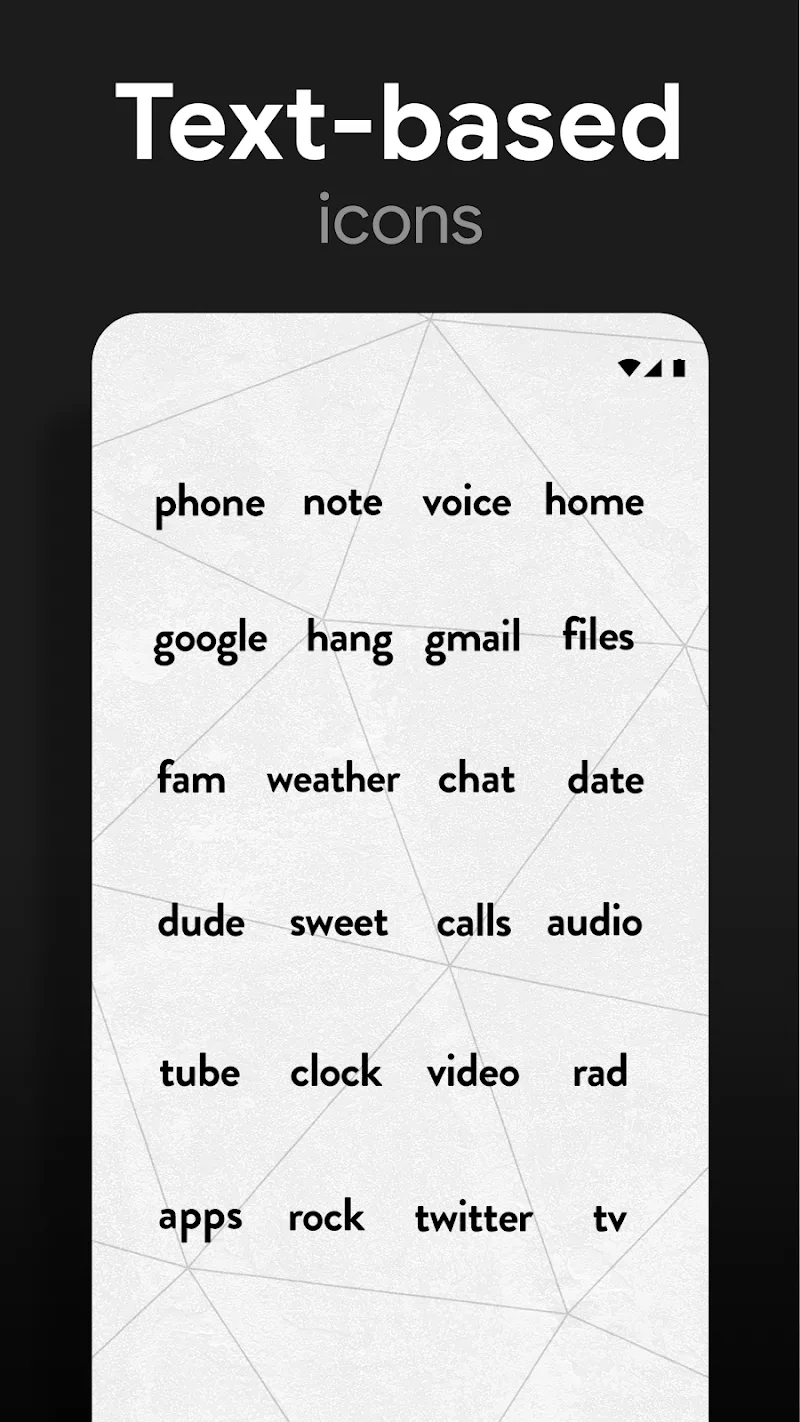
Flight Dark Pro - Icon Pack presents a carefully pared-back dark theme for Android devices, replacing standard app icons with a handcrafted black-and-white collection that gives any home screen a refined, minimalist appearance. Flight Dark Pro - Icon Pack emphasizes legibility and subtle luxury through high-contrast shapes and transparent elements that blend with wallpapers, while keeping the overall look uncluttered and consistent across the system.
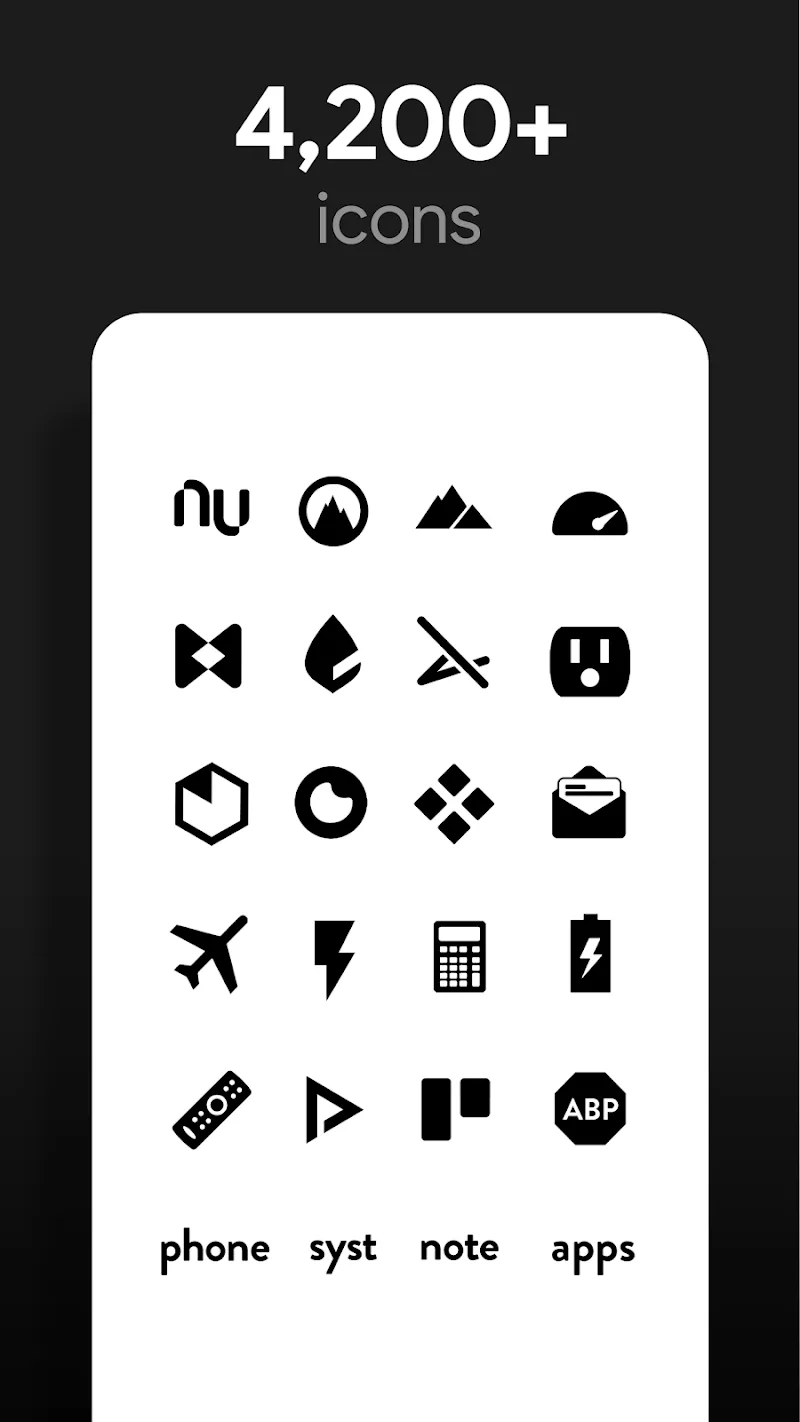
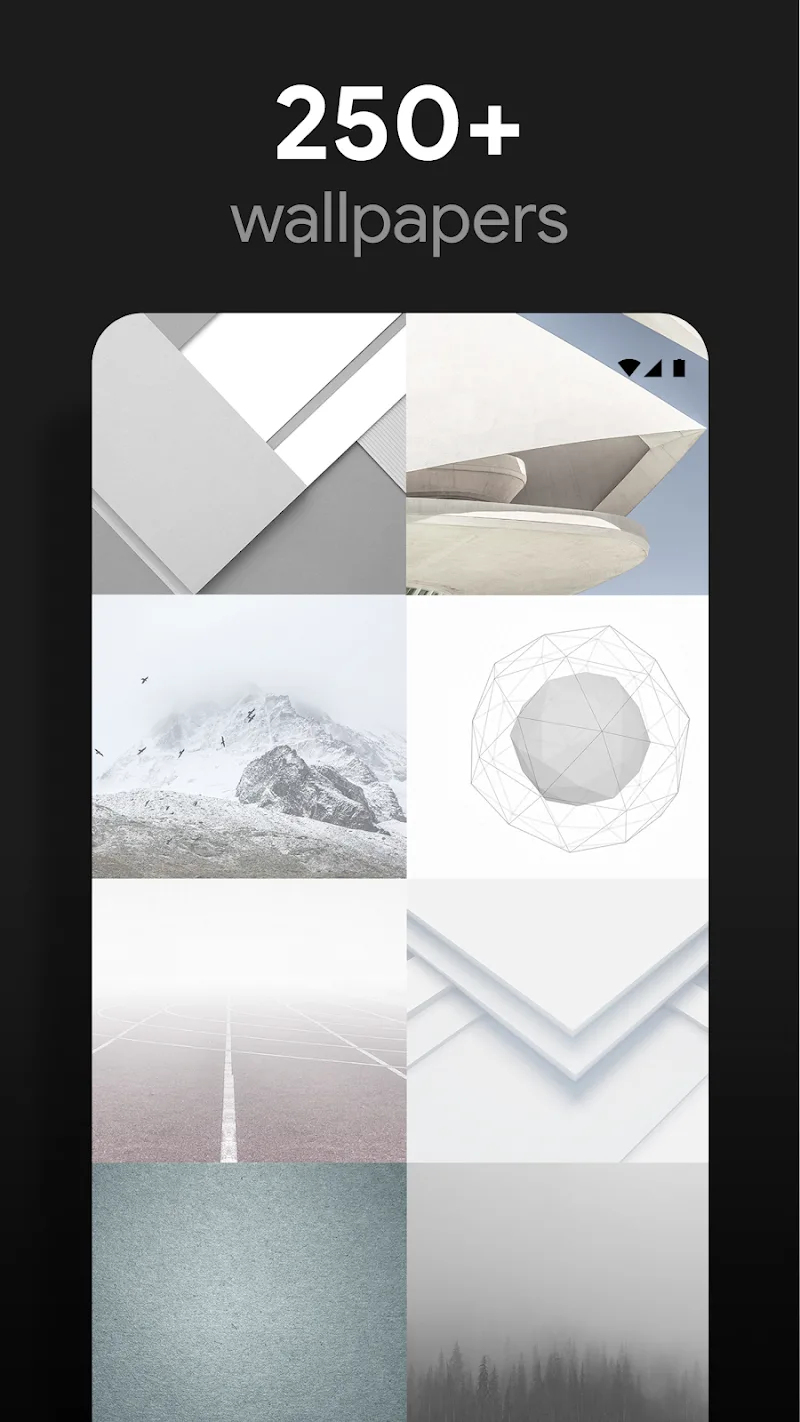
The pack focuses on a cohesive visual language: each icon is hand-drawn to maintain consistent stroke weight, spacing, and negative space so apps read clearly at a glance. The icon set uses a strict monochrome palette with transparent backgrounds so icons integrate naturally with varied wallpapers, especially darker or textured backdrops. High-resolution, scalable assets mean icons stay sharp on modern high-density screens without appearing blocky or soft. Included with the icon set is a curated wallpaper collection and matching widget styles to complete the aesthetic, plus cloud-synced updates that add new wallpapers and refinements over time.
Applying the theme follows the standard flow for Android icon packs: after installing the package you can apply icons through your launcher’s theme or icon settings. The design is compatible with most third-party Android launchers and many OEM custom launchers, and it works with launcher settings for grid size, icon scaling and label visibility so you can fine-tune spacing and layout. For launchers that do not support direct application, icons remain available in the icon picker for manual assignment on a per-app basis. Wallpapers and widget presets can be adjusted separately; the pack provides variations that work well with different home screen layouts and grid densities.
The visual approach leans on precision and restraint: clear glyphs, consistent corner radii and a limited contrast range ensure that icons do not fight with app content or widgets. Transparent elements are tuned to avoid jagged edges and to respect wallpaper tones beneath them, preserving a clean edge against both light and dark backgrounds. The assets are optimized to balance crispness with efficient memory use so they perform smoothly on recent devices. Where applicable, the monochrome styling also pairs well with OLED screens because predominantly dark backgrounds can contribute to reduced power draw on panels that dim individual pixels.
Readability is a key concern in the design: high-contrast glyphs and uncluttered silhouettes make it easier to identify apps at a glance, which benefits users with visual preference for higher contrast interfaces. Flight Dark Pro - Icon Pack is designed so icons remain available offline once the pack is installed; the local assets provide immediate access to the look and feel even when no connection is present. Wallpaper updates and cloud-synced additions require an internet connection, so feature availability for new backgrounds depends on online access. Runtime performance is kept lean; the pack uses compressed, high-resolution assets to minimize storage overhead while preserving visual detail across screen sizes.
Expect periodic visual refinements and additional wallpapers delivered through the cloud sync system so the theme evolves without forcing full reinstallation. The author typically issues compatibility adjustments to accommodate launcher updates and new screen resolutions, focusing on pixel-perfect rendering and consistent icon alignment. Because the pack adheres to a restrained palette and consistent geometry, it remains useful across long-term setups where users change wallpapers, add widgets, or tweak layout settings — the minimalist base helps the home screen adapt without visual friction.
As a deliberate aesthetic choice, the strict black-and-white palette may not suit users who prefer vibrant, colorful themes or highly detailed icons. Wallpaper additions are cloud-dependent, so users without reliable internet access might not receive the latest curated backgrounds immediately. Finally, while Flight Dark Pro - Icon Pack is compatible with many launchers and OEM theme engines, exact behavior for grid adjustments, icon masking and widget styling can vary by launcher and device; for the tightest control, use it with a launcher that exposes icon scaling and label visibility settings.