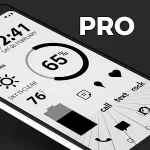
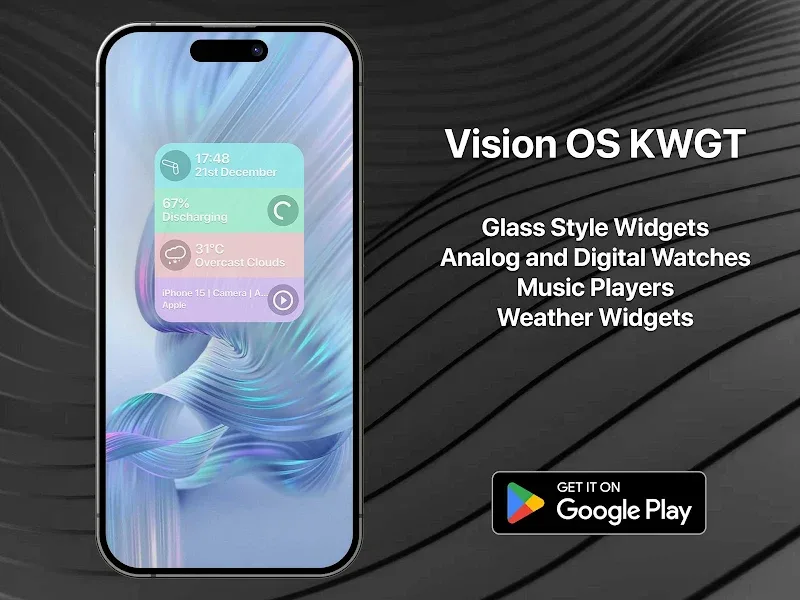
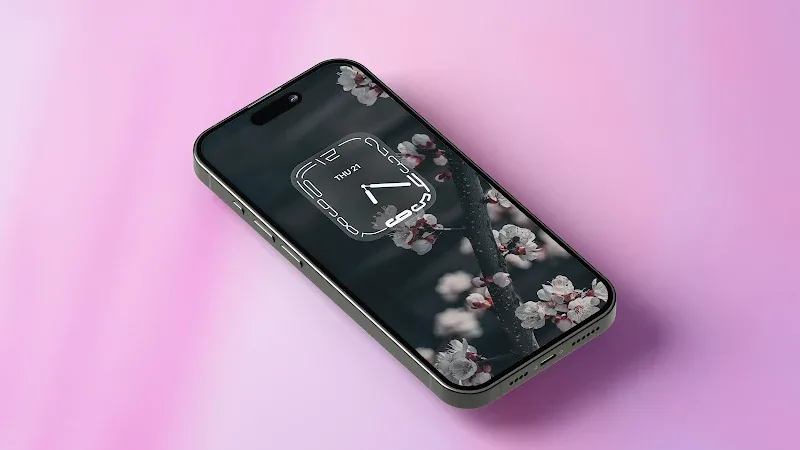
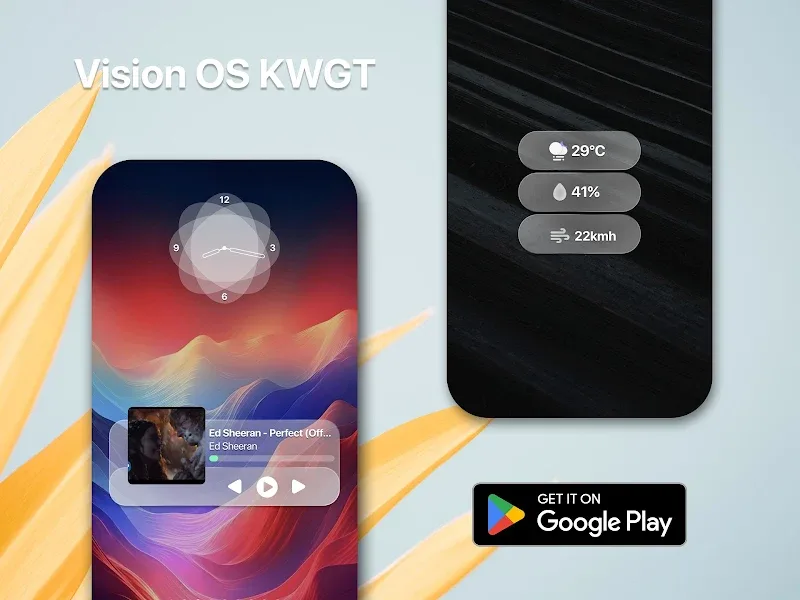
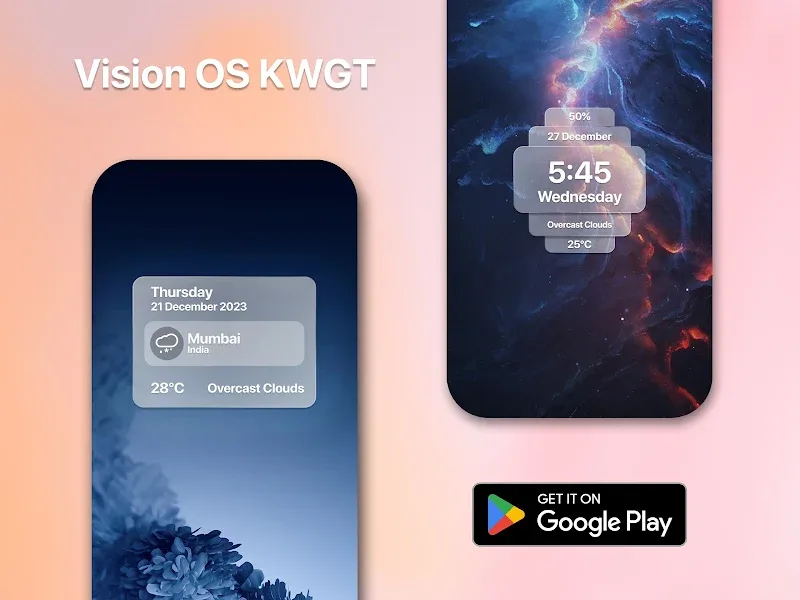
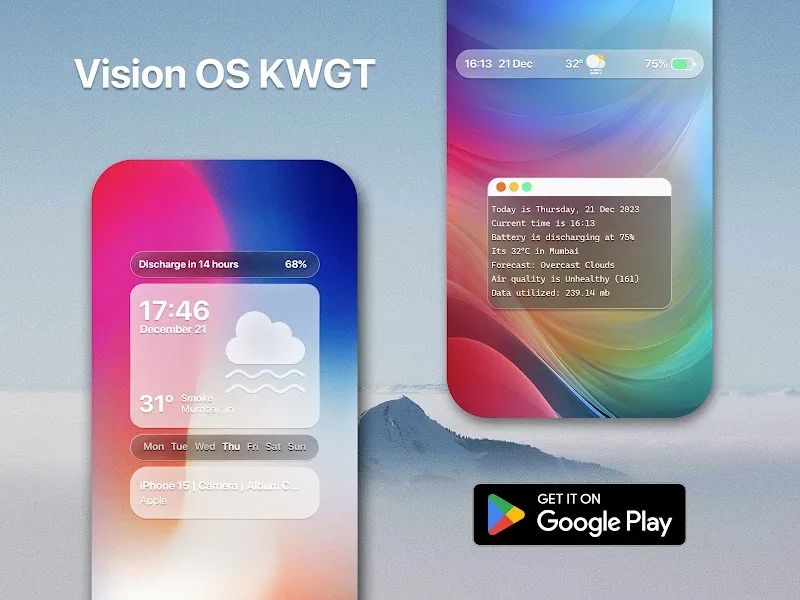
Waiting for a meeting to start and want to tidy your home screen? Vision Pro KWGT brings a focused set of tools for reshaping your Android interface so it looks cleaner and works smarter. The app bundles widget templates, scale controls and launcher-friendly options that help you swap layouts or tweak sizes in minutes. Whether you like a minimalist dock, an info-rich widget cluster, or a theme-based setup, Vision Pro KWGT gives you the elements to make the home screen match your routine and taste.
Install and grant permissions: After installing, allow the app the usual widget access so it can place and update KWGT widgets on your launchers.
Choose a template: Pick a preset widget or blank canvas inside Vision Pro KWGT as a starting point for color, font and layout adjustments.
Connect to your launcher: Use the app alongside your preferred launcher; Vision Pro KWGT works with most popular third-party launchers and adapts to custom grids.
Apply and fine-tune: Drop the widget onto a screen, then use the in-app editor to change sizes, alignment and visible data.
Flexible scaling: Resize icons and widgets precisely so everything lines up on different screen sizes and resolutions.
Preset collections: A set of ready-made styles speeds up setup when you want a fresh look without building from scratch.
Launcher compatibility: Designed to work smoothly with custom launchers, Vision Pro KWGT adapts to varied home screen grids and docks.
Simple previews: Live previews show how changes affect the layout before you finalize them, making experimentation low-risk.
Start small: Change one widget or icon pack at a time so you can revert easily if the layout feels off.
Use templates as learning tools: Open a preset and reverse-engineer its spacing and font choices to build your own polished designs.
Save variations: Keep a couple of saved configurations for different contexts, like a work mode with productivity widgets and a weekend mode with media shortcuts.
Vision Pro KWGT is a practical choice if you want control over widget sizing and layout while keeping setup simple; it shines in making small but visible improvements to your phone's interface. Bear in mind it focuses on home screen and widget customization rather than full-system theming, so if you need an all-in-one skin solution you may want additional apps alongside it.