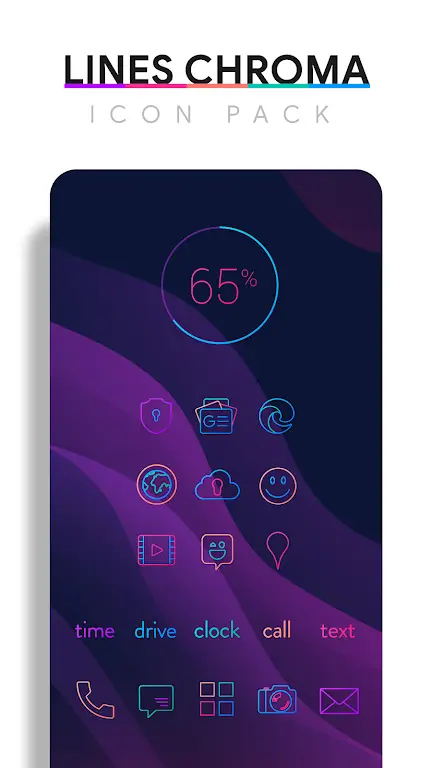
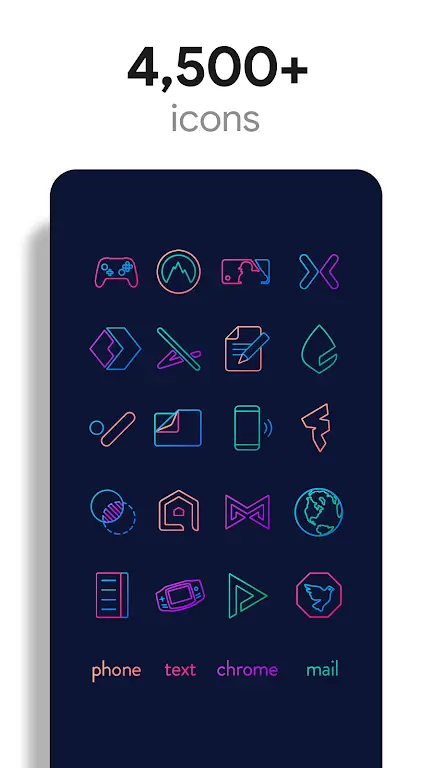
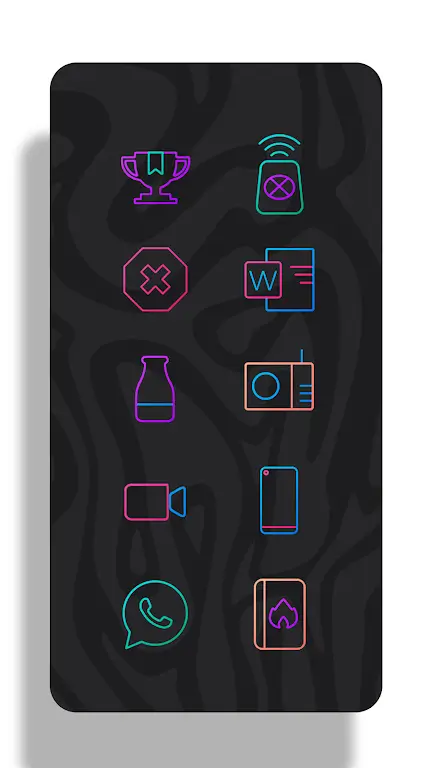
Lines Chroma - Icon Pack brings a restrained, minimalist identity to Android devices by replacing mismatched shortcuts with a cohesive, line-based icon set. Lines Chroma - Icon Pack pairs a curated color palette with thin, handcrafted glyphs and matching backgrounds so folders, home screens and app drawers read as a single designed surface rather than a jumble of styles. The package also includes a small collection of functional widgets and a built-in wallpaper chooser so you can restyle your device quickly and keep a consistent look across system elements.
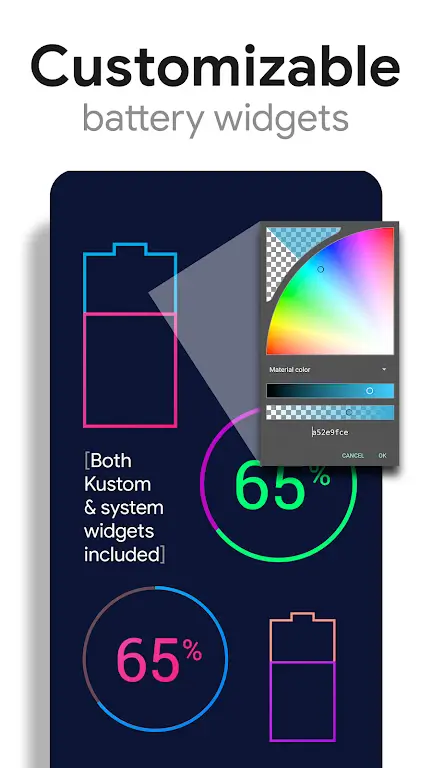
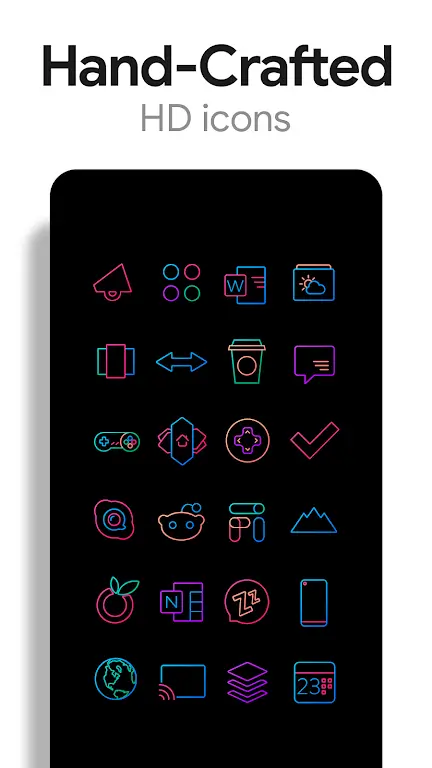
The icon pack contains thousands of individual icons drawn with a flat, linear aesthetic that works well on modern launchers and high-density displays. Included wallpapers are designed to sit behind semi-transparent icons so accents and tones carry through the layout rather than competing with it. A set of simple clock, battery and weather widgets preserve the same visual language for frequently used information, and the wallpaper chooser supports rotation or scheduled background changes when used with compatible wallpaper apps.
Lines Chroma - Icon Pack emphasizes legibility and subtle color harmony. Icons are intentionally minimal: single-weight lines, limited fills and selective transparency allow the wallpaper to influence perceived color without losing symbol clarity. Where necessary, color-balanced variants improve contrast for small glyphs on brighter backdrops. You can mix the included backgrounds with your own photos and the semi-transparent areas will let original textures show through for a tailored appearance.
Applying the pack is handled either through the app’s apply menu or directly from your launcher’s theme settings. Most mainstream launchers offer one-tap application; if your launcher requires manual setup, follow the step-by-step guidance provided in the app. Widgets are added through the standard Android widget picker: place the widget on the home screen, then select from the small set included to keep functional elements consistent with the icon visuals.
The pack is designed for broad launcher compatibility and provides high-resolution PNG assets so icons remain crisp on large and high-density screens. Selected icons use partial transparency rather than solid blocks to blend with patterned or live wallpapers. Because the assets are local resources, the icon pack works offline after installation and does not require a constant connection to display icons or wallpapers.
The collection is intended to grow over time: missing icons can be reported using the in-app request option and developers typically include widely requested glyphs in periodic updates. This creates a simple progression system where the visual coverage of uncommon apps improves with user feedback, reducing manual replacements and improving the overall theme completeness across updates.
Part of the lasting value of Lines Chroma - Icon Pack is the ability to experiment with different wallpapers and the included rotation features to keep your home screen feeling fresh without reinstalling themes. Because widgets and icons share a single aesthetic, small changes to background choices produce noticeable shifts in the overall feel of the device, offering repeated opportunities to customize and refine your setup over time.
Design choices prioritize clarity: high-resolution glyphs, color-balanced variants and minimal shapes help icons remain identifiable at small sizes. The pack avoids overly intricate details that can be lost on smaller displays and supports standard Android scaling behaviors, so users can adjust icon size through their launcher or system settings. Because the pack relies on local assets, there are no forced online components, which can be important for users who prefer offline customization.
Will Lines Chroma - Icon Pack work with my launcher? Most popular launchers support custom icon packs; check the app’s apply tab for a list and use the provided instructions if your launcher needs manual configuration. Do widgets require extra plugins? The bundled widgets run using standard Android widget support; for deeper widget editing you may choose a compatible widget engine but it is not required. How do I request a missing icon? Use the request option inside the app to submit a missing app icon and the developer will consider it for upcoming updates.
Install Lines Chroma - Icon Pack, open the app and use the apply menu to switch your current theme or follow your launcher’s manual steps. Try one of the included wallpapers to see how semi-transparent icons interact with different tones, then experiment with the wallpaper rotation setting to keep the look dynamic. If you run into compatibility questions, consult the apply tab or reach out through the request feature to report icons that need to be added.