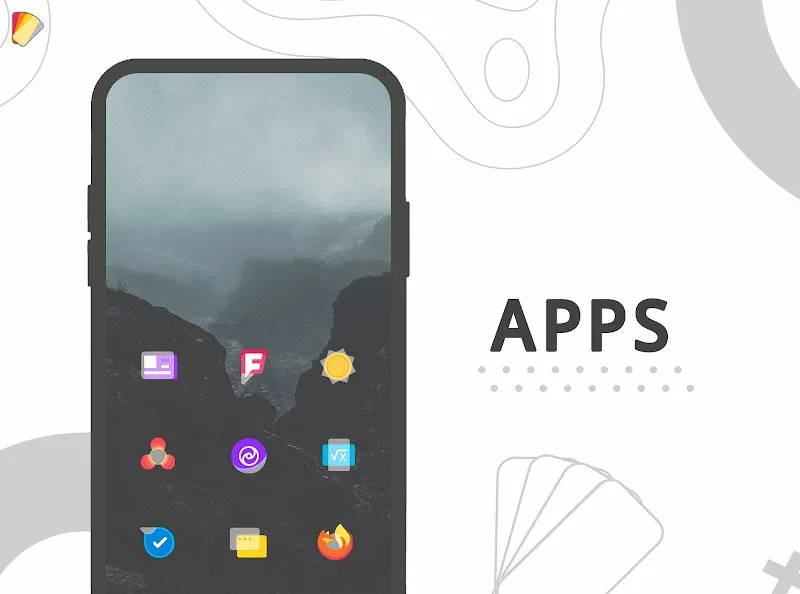
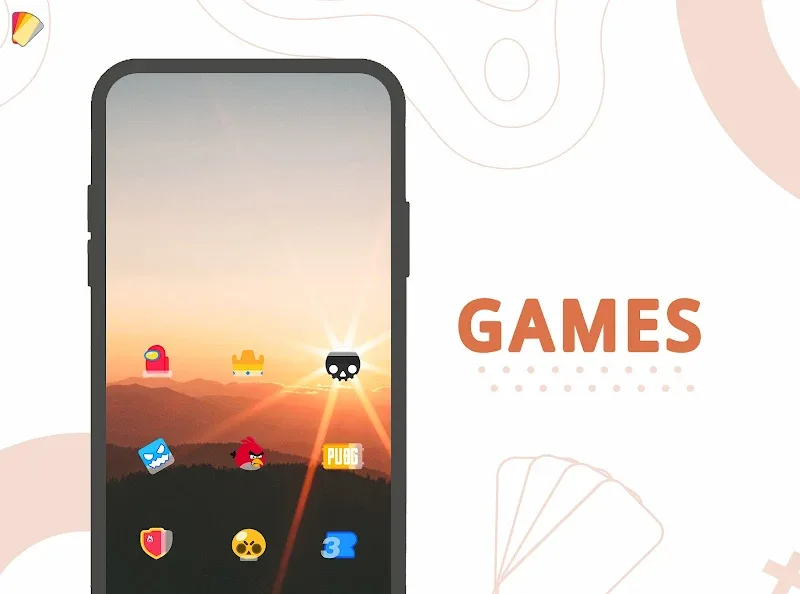
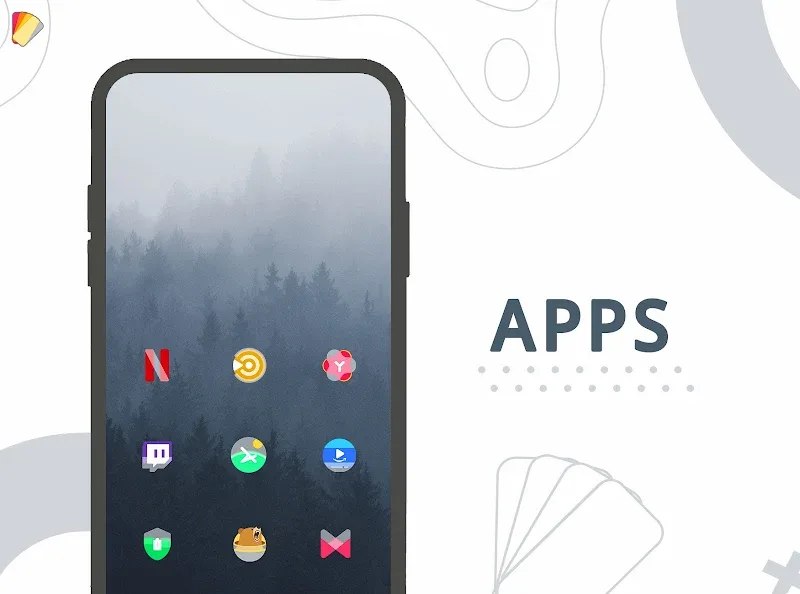
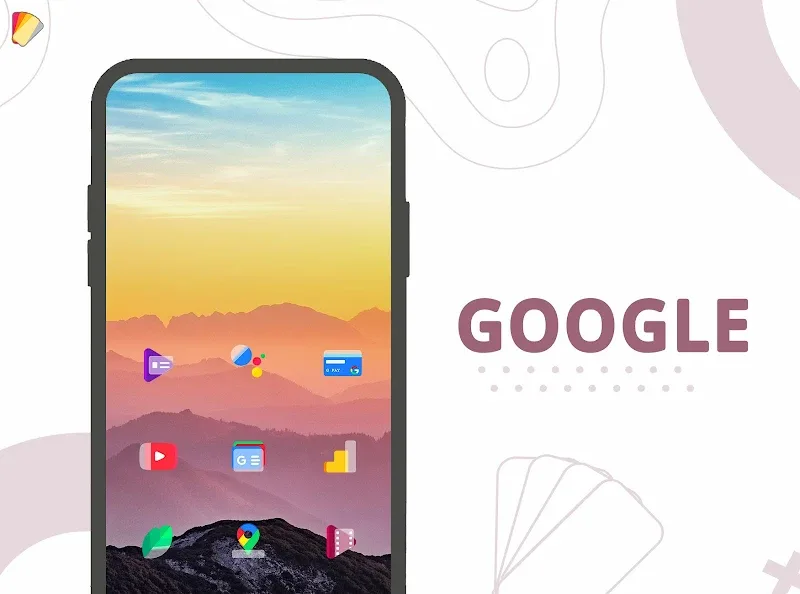
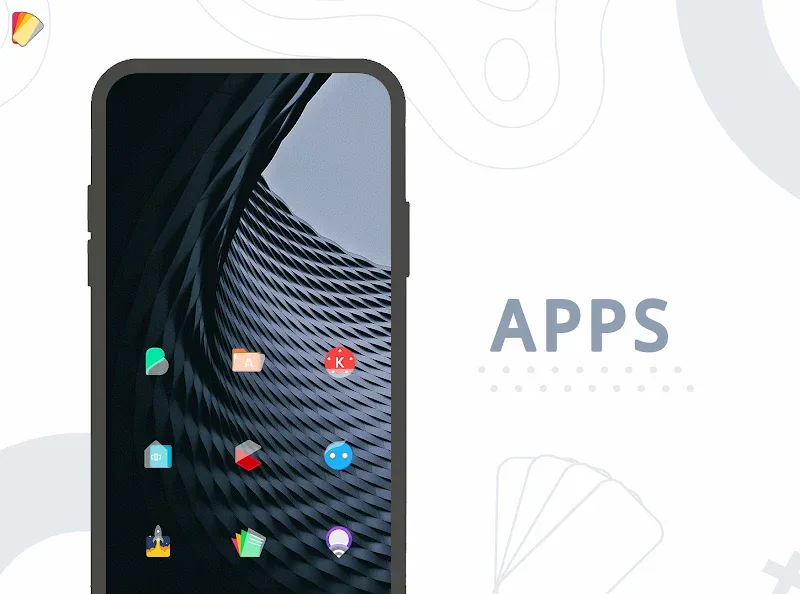
Layers - Glass Icon Pack offers a curated set of translucent, glass-like icons that give Android home screens a clean, modern appearance. With adaptive masking, subtle shadows, and alternate glyphs, the pack maintains consistency across apps while letting you personalize themes and wallpapers for a refined, minimalist look.
Layers - Glass Icon Pack focuses on delivering a consistent visual language that blends translucency with gentle depth. Instead of bright, saturated colors, icons use muted tones and frosted glass effects to create a calm, elegant environment. Each icon is handcrafted to preserve recognizability while aligning with the overall aesthetic.
The app presents a clean, intuitive interface that keeps customization quick and approachable. A search bar helps find icons instantly, while categorical browsing groups apps into sensible buckets. Applying the icon pack to a supported launcher takes only a couple of taps — a preview shows how icons will look before you commit changes.
Layers - Glass Icon Pack is optimized for popular Android launchers such as Nova, Lawnchair, Smart Launcher, and many others that support third-party icon themes. The pack avoids heavy resource use by relying on vector and well-compressed assets, which keeps memory footprint and battery impact low. Regular updates also ensure compatibility with launcher API changes.
To use the icon pack, open it and select your launcher from the provided list. The app guides you through applying the theme, backing up your current layout, and restoring icons if needed. For launchers that do not support direct application, Layers - Glass Icon Pack includes a manual apply option and clear instructions to set icons individually.
Beyond simple theming, the pack allows fine-grained adjustments. Choose alternate glyph sets to match system fonts, toggle shadow intensity to suit darker or lighter wallpapers, and mix icon shapes using the adaptive mask options. The integrated wallpaper collection is designed to work with translucency effects, ensuring icons remain legible across backgrounds.
The visual approach centers on subtlety. Instead of dramatic gradients or heavy outlines, the design emphasizes semi-transparent layers and polished edges. This produces a cohesive home screen where third-party icons feel native and well-integrated. The restrained palette also helps make app labels easier to read and reduces visual clutter.
Users consistently note the simplicity of the setup and the quality of the icon artwork. The app includes a request form and an email contact for reporting missing icons or bugs, enabling a responsive update cycle. Documentation within the app explains how to request icons and troubleshoot common application issues.
For users seeking a minimalist, upscale look without overbearing color or complexity, Layers - Glass Icon Pack offers a thoughtful balance of aesthetics and practicality. Its attention to detail, steady updates, and broad launcher support make it a reliable option for anyone wanting a polished, uniform home screen appearance.