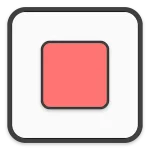
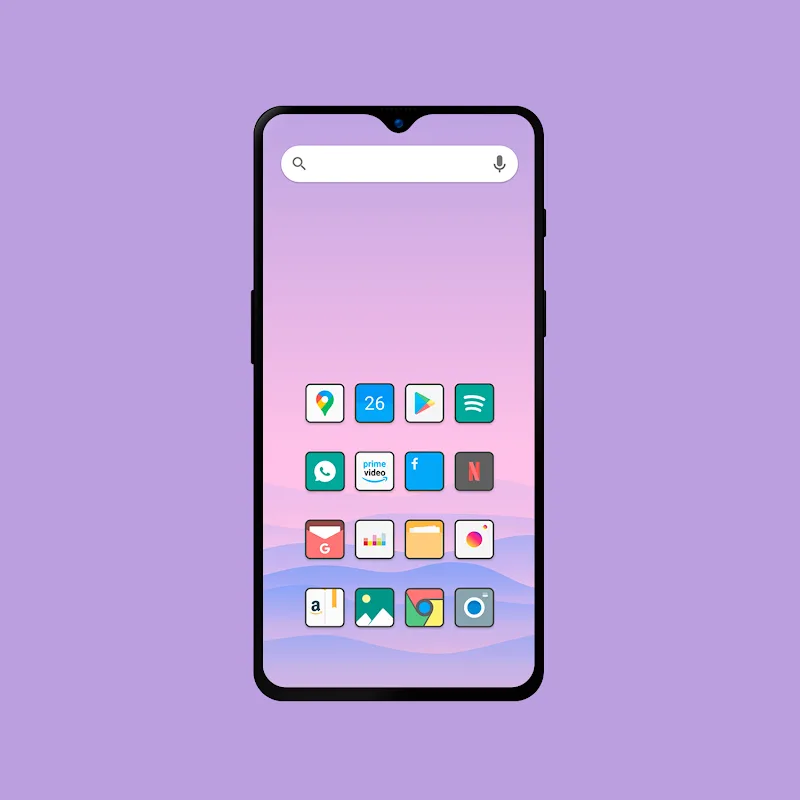
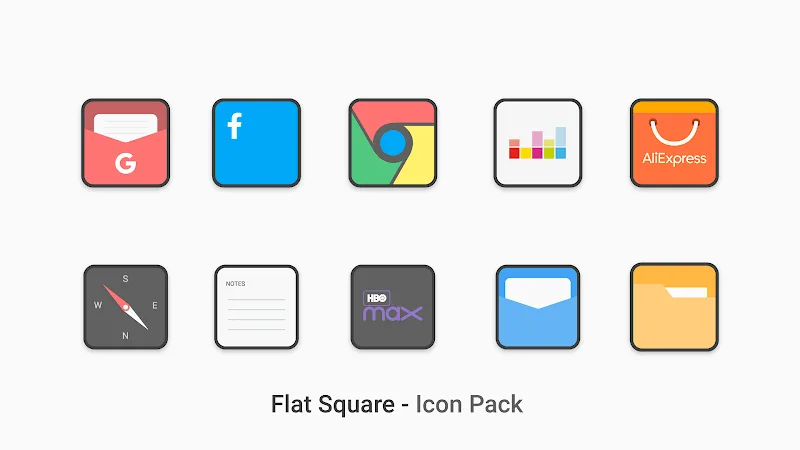
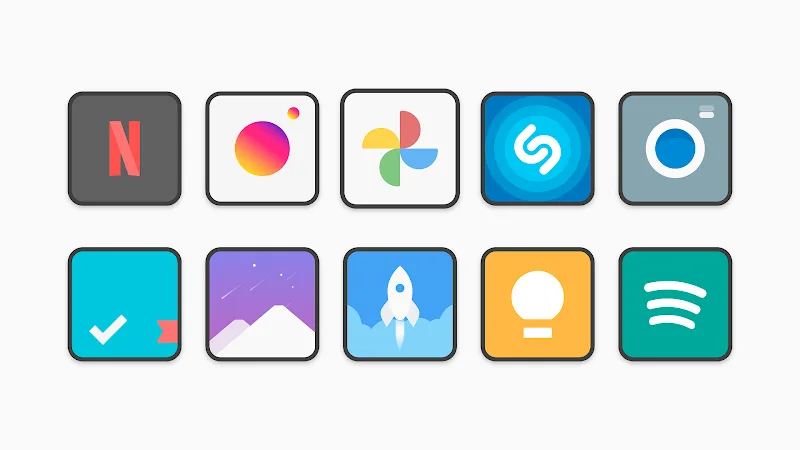
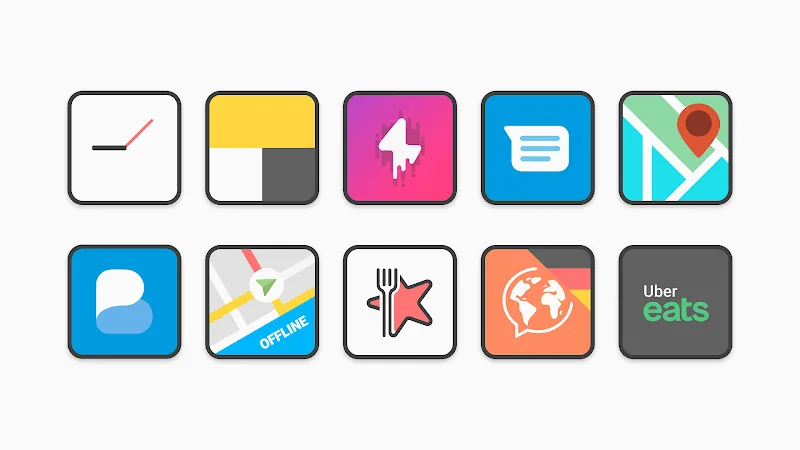
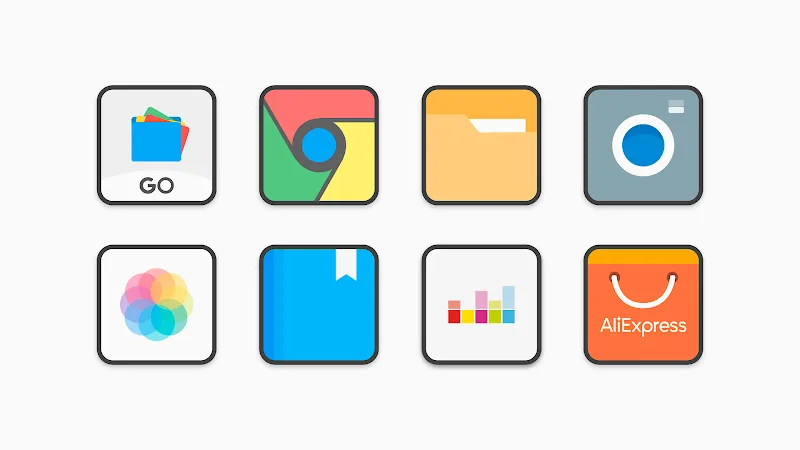
Flat Square - Icon Pack delivers a minimalist, geometric look for Android launchers, combining bold colors with clean square outlines to create a consistent home screen aesthetic. The pack focuses on clarity and uniformity, letting users apply thousands of icons and matching wallpapers to achieve a modern, organized appearance in minutes.
Designed for users who prefer flat design and tidy layouts, Flat Square - Icon Pack emphasizes uniform shapes, vibrant palettes, and legible glyphs. It supports popular launchers and includes adaptive icons where possible, making it straightforward to refresh the visual language of most Android devices without deep theming knowledge.
The icons adopt a square canvas with slightly rounded corners, producing a cohesive grid when arranged on a home screen. Rather than realistic or skeuomorphic visuals, the pack uses simplified symbols and high-contrast color blocks so app icons are instantly recognizable at a glance, improving usability for busy or minimalist setups.
Applying Flat Square - Icon Pack is quick: pick a supporting launcher, select the pack from the launcher’s theme menu, and choose whether to apply icons system-wide or to specific home screens. The consistent icon shapes help users scan and open apps faster, which subtly improves day-to-day navigation and reduces visual clutter.
The pack provides several customization levers. Users can mix and match icons with third-party widgets, change grid spacing in the launcher to emphasize the square motif, or pair icons with one-click wallpapers that complement the chosen palette. A backup option preserves your layout and makes switching devices less tedious.
Lightweight by design, the icon pack has minimal impact on battery life and system performance because it mainly replaces resource pointers rather than running persistent services. The app interface is simple—typically a preview screen, request form, and wallpaper gallery—so browsing and applying icons requires no steep learning curve.
Before applying Flat Square - Icon Pack, check launcher compatibility in the app description. Most modern launchers offer native integration; some system launchers may require third-party tools to change icons. The pack supports adaptive icons where launchers expose that functionality.
Users who value order, legibility, and a contemporary visual language gravitate toward this style. The square silhouette reduces visual noise and creates a polished, professional home screen suited for personal, creative, and business setups alike. Regular updates and an active icon request channel keep the collection relevant as new apps appear.
If you want a clean, modern overhaul of your device’s interface, Flat Square - Icon Pack provides a reliable, easy-to-use solution that balances aesthetics with practical usability.