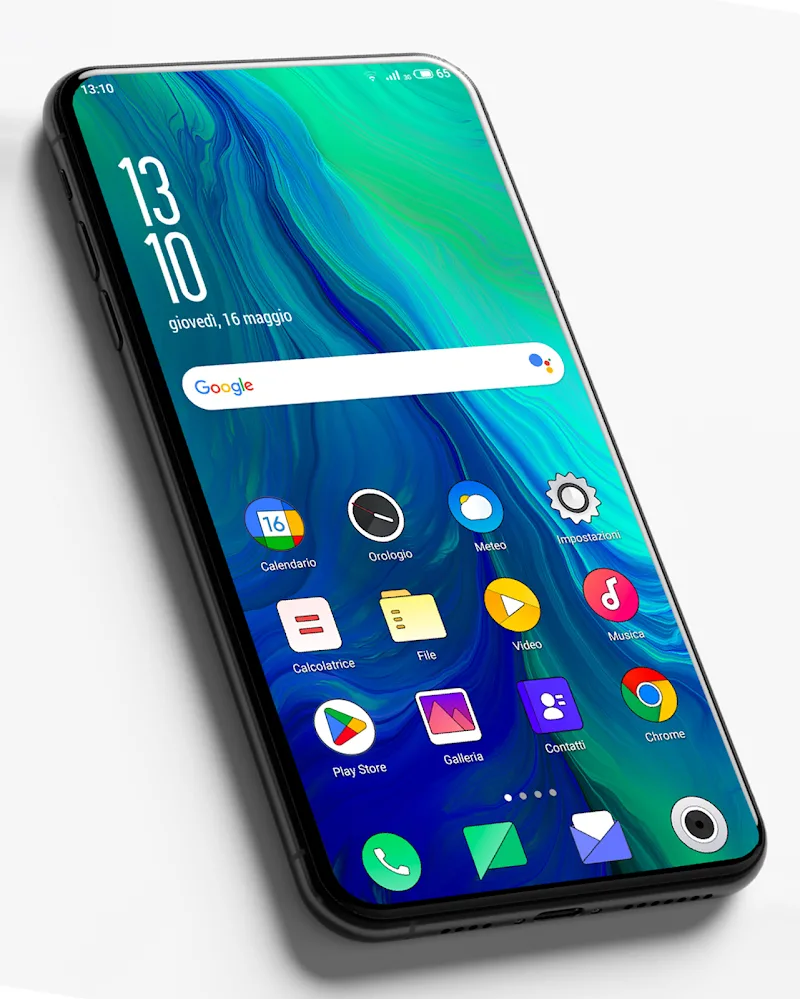
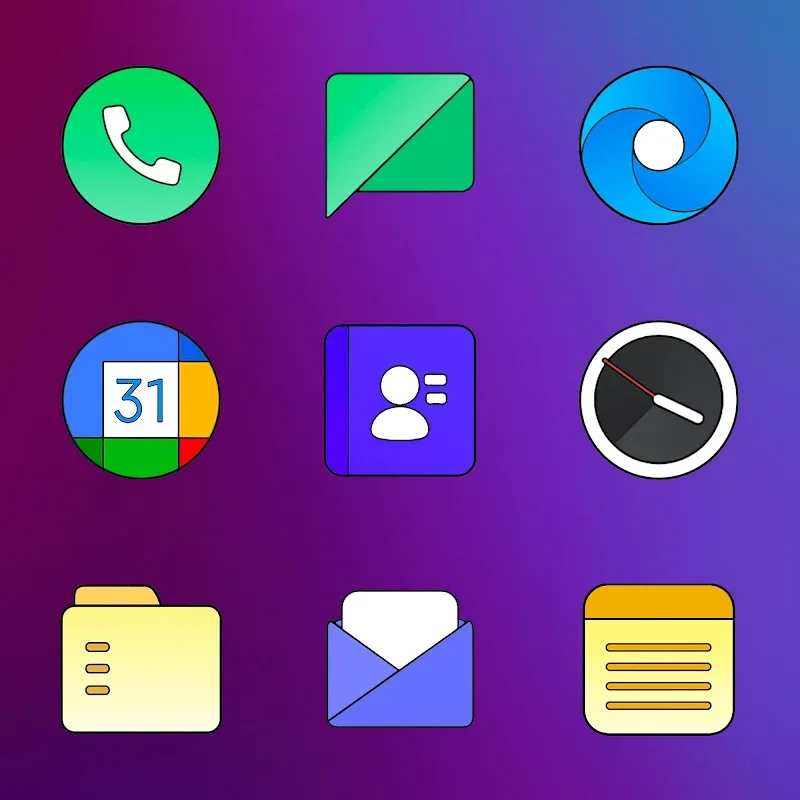
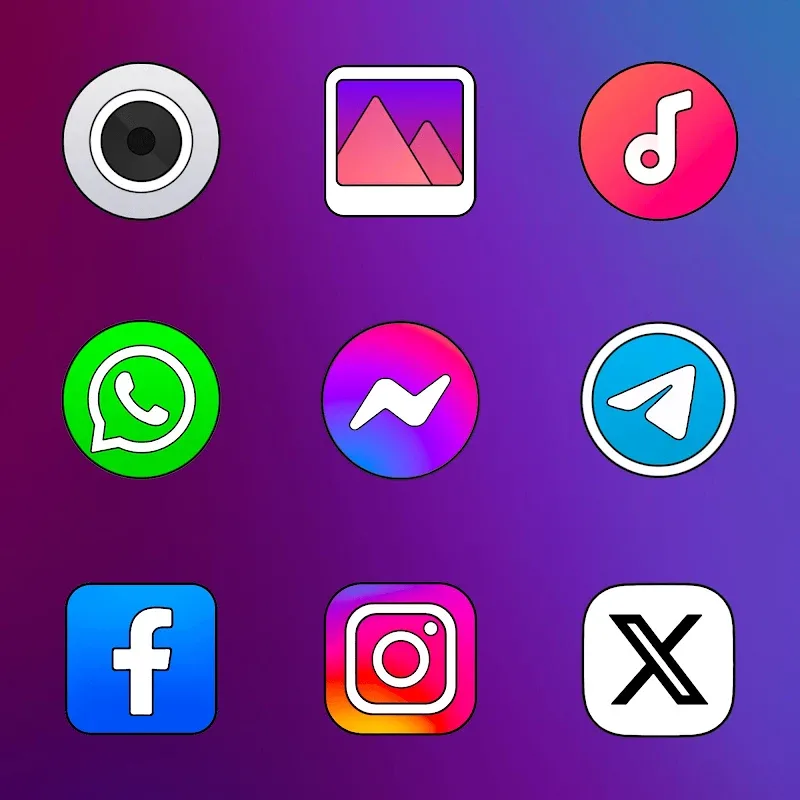
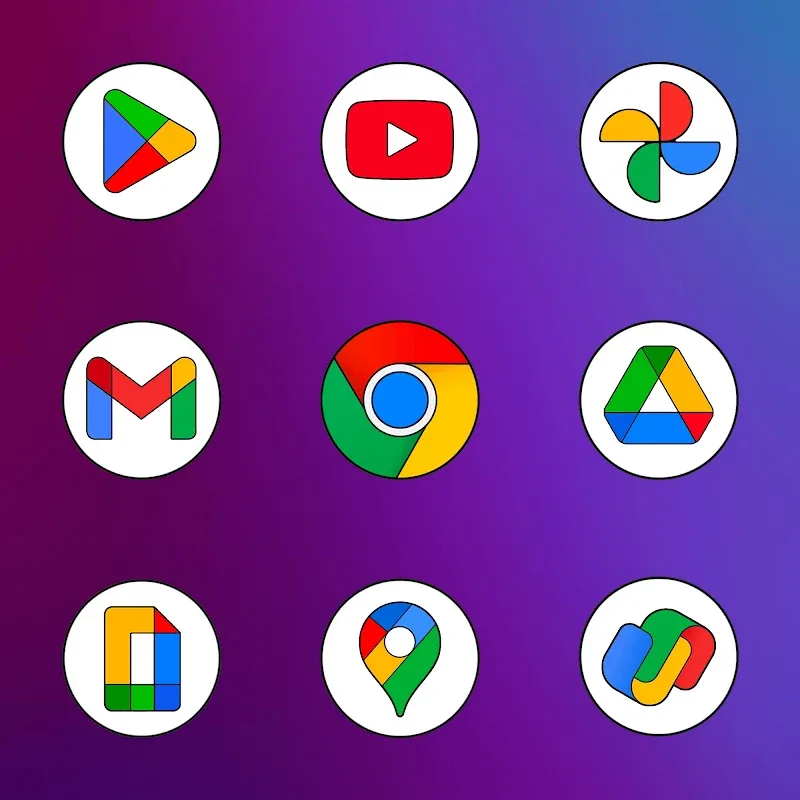
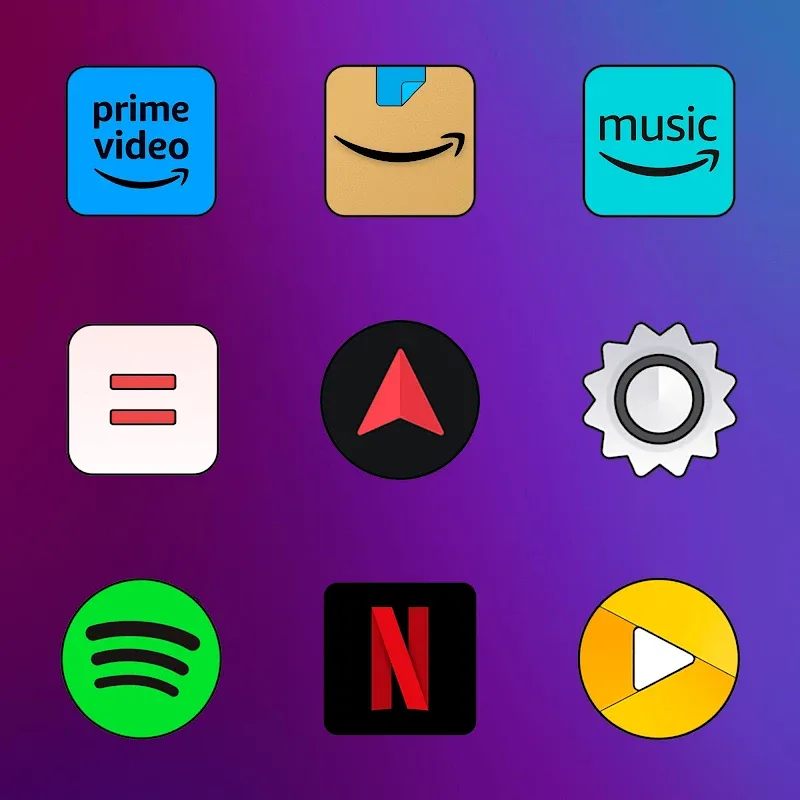
Color OS - Icon Pack delivers a fresh, modern visual update for Android devices by replacing standard app icons with a cohesive, colorful set. This icon pack focuses on clarity, consistency, and a lightweight approach that works across launchers, offering an easy way to unify your home screen aesthetic without sacrificing performance.
Designed for users who want a polished and uniform look, Color OS - Icon Pack provides hundreds of handcrafted icons, matching wallpapers, and adaptive support for many popular apps. Icons are optimized for readability at different sizes and maintain a balanced color palette so folders and widgets blend smoothly with your theme.
The app interface emphasizes simplicity: a grid of icons, a preview area, and quick-access buttons for applying themes and accessing settings. Color OS - Icon Pack integrates smoothly with most third-party launchers, so the workflow is straightforward—select a launcher from the list, hit apply, and the icons refresh across your home screens instantly.
Performance is a priority; the icon pack is built to remain lightweight and efficient. It is compatible with a wide range of launchers such as Nova, Apex, Lawnchair, Action, and others. Because the icons are vector-based or high-resolution PNGs, they scale cleanly and have minimal impact on battery usage or system memory.
Beyond applying a full theme, Color OS - Icon Pack lets you individually swap icons to create bespoke arrangements. Use the custom icon picker to assign alternative designs for specific apps, or apply collections to folders for a coordinated look. Some launchers also allow icon size and label adjustments, which pair well with this pack.
Installation is designed to be user-friendly. After downloading, open the Color OS - Icon Pack app, browse the icon sets or wallpapers, then choose your preferred launcher from the apply menu. For launchers without direct integration, the app offers manual instructions to help you set icons via launcher settings or third-party tools.
Color OS - Icon Pack is a solid choice for users who value a consistent and attractive interface without complicated setup. The balance of a broad icon range, adaptive support, and a minimal footprint makes it suitable for both older devices and the latest flagships. Regular updates and responsive support make it easy to keep your device’s look current as new apps appear.
Developers typically provide update notes within the app, including added icons and bug fixes. If a particular app icon is missing, the request process is straightforward inside the package, allowing you to suggest additions. This responsive approach helps ensure the icon library stays relevant as the app ecosystem evolves.
Color OS - Icon Pack streamlines the customization process while preserving system performance, making it simple to create a refined, unified home screen that reflects your style.