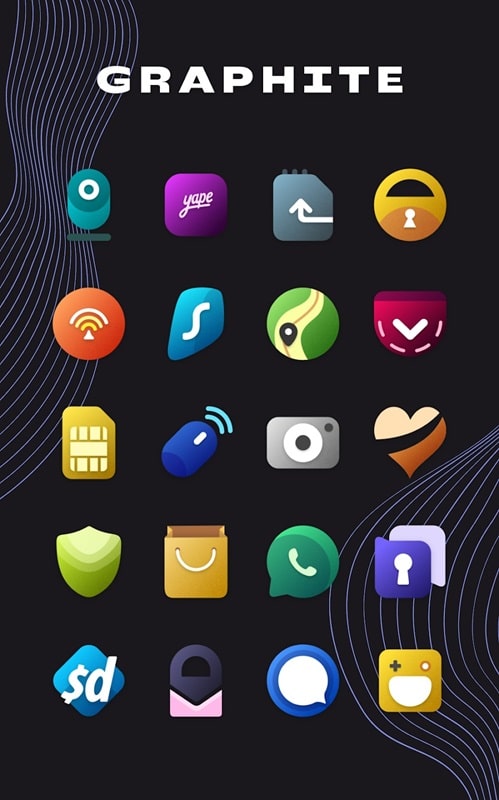
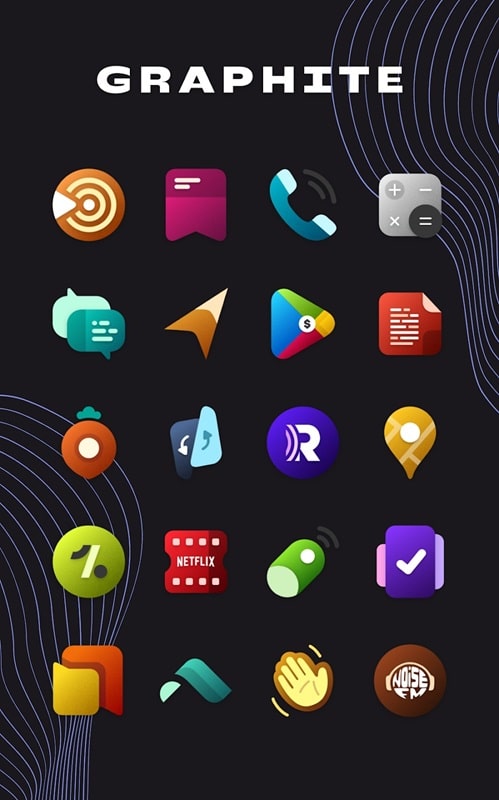
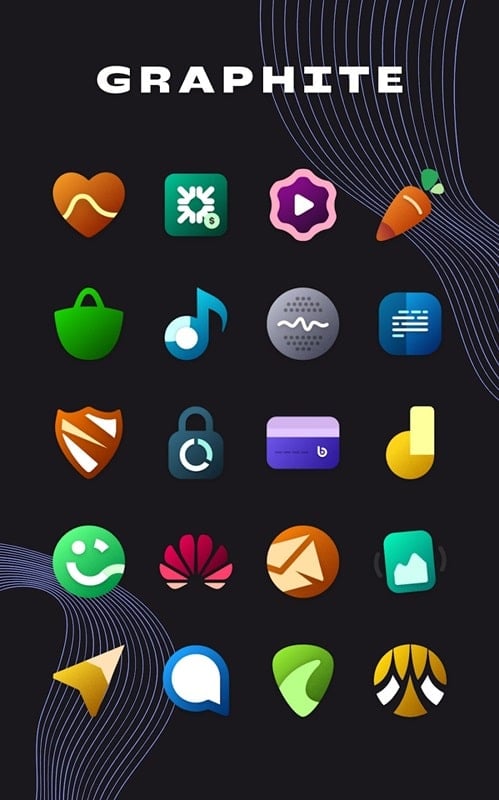
During a long commute while staring at a repetitive home screen, a fast visual refresh can make the trip feel fresher. Graphite Icon Pack offers a curated collection of minimalist icons and wallpapers designed to update your phone's look without a deep customization session. The pack blends muted tones and clear shapes so icons stay readable, and it bundles themes and wallpapers that let you create a coherent aesthetic in minutes.
Install and grant permissions: Download the APK and allow the basic permissions the app requests so it can detect installed apps and apply icons properly.
Select a compatible launcher: Open the app and choose your launcher from the list. Some launchers apply icons automatically while others require manual theming.
Apply icons and wallpapers: Use the apply buttons to swap icon shapes and pick one of the included wallpapers for a matched look.
Request missing icons: If an app isn’t themed, use the icon request tool inside the pack to ask the developer for a custom icon entry.
Large icon library: The pack includes over 1700 handcrafted icons, covering common system and third-party apps for a consistent appearance.
Minimal wallpaper collection: More than 50 subtle wallpapers are provided, designed to make icons pop while keeping the overall look calm and low-contrast.
Regular updates: New icons and expansions arrive periodically so the set grows alongside app updates on your device.
Detailed craftsmanship: Each icon is hand-tuned, keeping consistent line weights and palettes so mixed icon sets feel unified.
Combine icon shapes and wallpaper: Match a muted background with the graphite-style icons to emphasize app art and reduce visual clutter on busy screens.
Create profiles for work and personal use: Build two themed layouts — one with productivity-focused icons and one for leisure — then switch wallpapers or launchers depending on context.
Use launcher widgets sparingly: When pairing with Graphite Icon Pack, simple widgets maintain the minimalist vibe; avoid colorful widgets that clash with the graphite palette.
Manual apply for unsupported launchers: If your launcher isn’t on the automatic list, apply icons individually from the launcher’s edit menu for a tailored result.
Graphite Icon Pack is a strong choice when you want a clean, unified home screen without spending hours designing each shortcut; it’s ideal for users who like minimalist style and steady updates. Keep in mind you may need a compatible third-party launcher or occasional manual tweaks to apply every icon, but for straightforward theming and a large icon set, this pack delivers reliable visual results.